AI-Powered Smart Waste Sorting and Management System

ESP32 Hardware Controller: Servo Sorting, Ultrasonic Fill-Level Sensing, SIM800L GSM Alerts, and UART Bridge to Raspberry Pi 5 AI Engine
Category: Embedded Systems, AI/ML, IoT, Smart Environment
Tools & Technologies: ESP32, Arduino IDE (C++), 3× HC-SR04 Ultrasonic Sensors, 2× Servo Motors, SIM800L GSM Module, 20×4 I2C LCD Display, Buzzer, LEDs, Push Button, UART (115200 baud)

Status: Completed  |  Phase 11, May 2026

AI-Powered Smart Waste Sorting and Management System
This page covers the ESP32 hardware controller. The AI inference engine (YOLO11n NCNN on Raspberry Pi 5, model training pipeline, per-class accuracy metrics, and Python detection script) is documented on the Single-Board Computer companion page.

Project Overview

This project automates household or institutional waste segregation using a two-processor architecture: a Raspberry Pi 5 handles AI-based camera classification using a YOLO11n NCNN model, while the ESP32 manages all real-time hardware control: servo actuation, ultrasonic bin sensing, GSM alerts, and LCD feedback. The two processors communicate over a UART serial link at 115200 baud.

When a user drops an item into the deposit compartment, an ultrasonic sensor detects the object and triggers a 5-second settle window. After settlement, the ESP32 sends a SCAN command to the Pi. The Pi captures a frame, runs YOLO11n inference, votes across multiple frames over 5 seconds, then replies with R (Recyclable) or N (Non-Recyclable). The ESP32 opens the cover hatch and pivots the sorting platform to direct the item into the correct bin. Fill levels are monitored continuously, and an SMS is sent when either bin is full.

3
Ultrasonic Sensors
2
Servo Motors
5 s
Deposit Settle Window
10 s
Post-Sort Cooldown
4.5 s
Bin-Full Confirm Delay
115200
UART Baud Rate

Key Features

  • Deposit sensor state machine: object detected → 5 s settle → SCAN sent to Pi → sort → 10 s cooldown; prevents false triggers.
  • Anti-jitter servo control: moveAndDetach() holds position with blocking delay() then detaches PWM signal, eliminating servo buzz in the resting position.
  • Cover hatch management: the cover servo is permanently attached and opens at boot (and again when the Pi sends READY\n). It stays open during normal sorting operation. It closes only when a bin is confirmed full, preventing any deposit into a full bin. The push-button reset re-opens the cover after the bin has been emptied and the alert acknowledged.
  • Dual bin-fill monitoring: each fill-level reading is confirmed over 4.5 s to avoid transient false positives caused by the item passing in front of the sensor during sorting.
  • GSM SMS alerts: SIM800L sends a formatted SMS when either bin is detected as full; a push button acknowledges the alert and re-enables the system after emptying.
  • Continuous warning buzzer: 3-beep cycle repeats while a bin is full; silenced immediately on reset.
  • Boot-time full-check: both bin sensors are read at power-on; if full, the cover stays closed and the full-bin alert fires immediately without requiring a deposit attempt.
  • 20×4 LCD live dashboard: displays system state, classification result, bin fill status, and UART/WiFi handshake results in real time.
  • Non-blocking main loop: deposit state machine and bin-full polling run on millis() timers; the loop never calls delay() except inside servo actuation.

System Architecture

The two processors divide responsibilities cleanly along a hardware/software boundary:

Raspberry Pi 5, Camera + YOLO11n NCNN Inference Engine
↕ UART 115200 baud (GPIO 14/15 ↔ ESP32 GPIO 16/17)
ESP32: Real-Time Hardware Controller (this page)
Deposit Ultrasonic (US3) · Sorting Servo · Cover Servo
Bin Fill Ultrasonics (US1 · US2) · Buzzer · LEDs
SIM800L GSM → SMS Alert · 20×4 I2C LCD · Push Button Reset

The full classification pipeline from deposit to sorted waste takes approximately 12–18 seconds: 5 s settle + 5 s Pi voting + ~2 s servo actuation + 10 s cooldown before the next deposit is accepted.


Hardware Components

Component Quantity Role
ESP32 DevKit Main microcontroller, all real-time hardware control
Raspberry Pi 5 (4 GB) AI inference engine: YOLO11n NCNN (see SBC page)
Pi Camera Module v2 Image capture for waste classification
HC-SR04 Ultrasonic Sensor US1: left bin fill, US2: right bin fill, US3: deposit detection
Servo Motor (SG90 / MG90S) Sorting platform pivot + cover hatch open/close
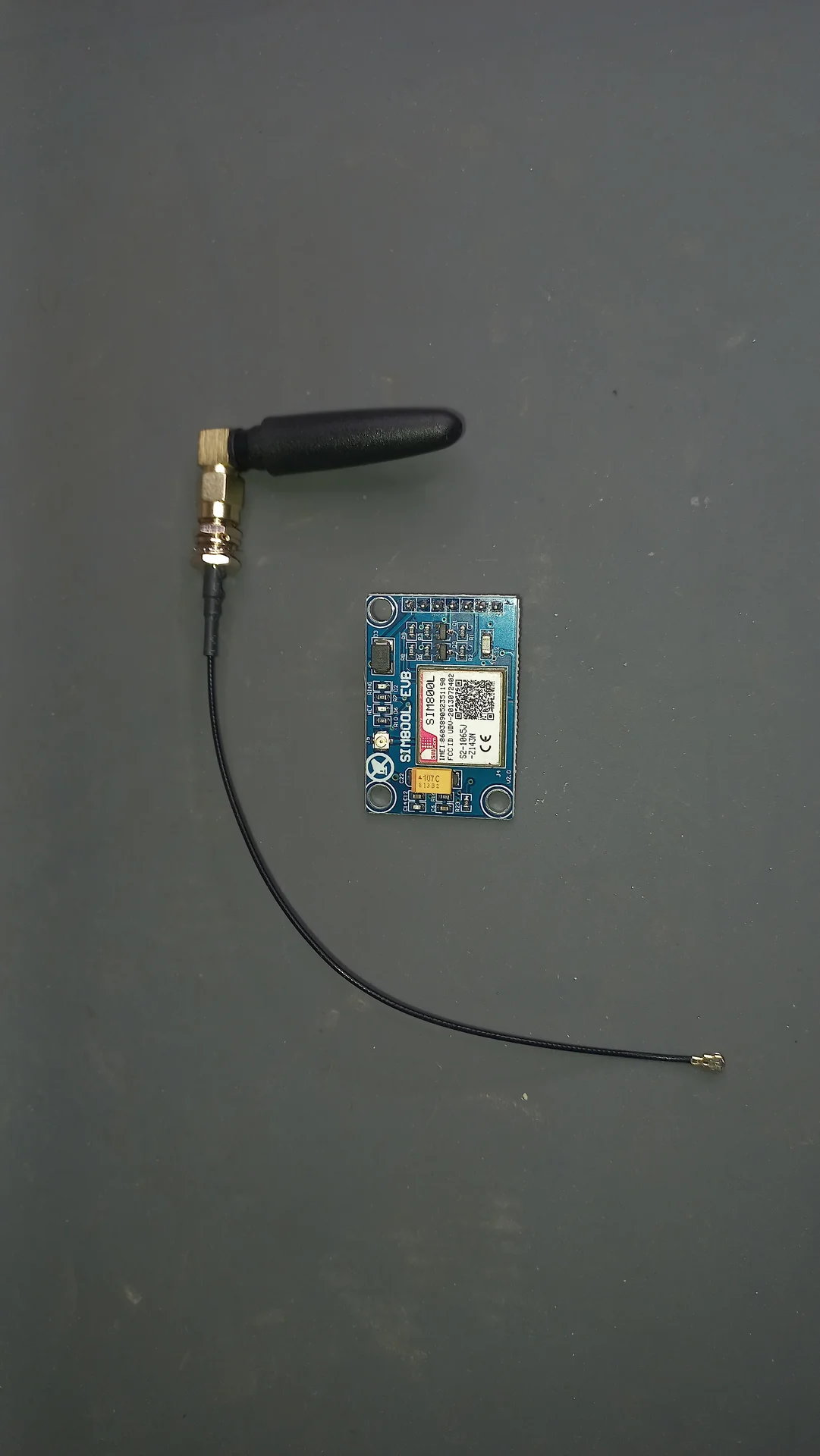
SIM800L GSM Module Sends SMS when bin full
20×4 I2C LCD (0x27) Live system dashboard
Passive Buzzer Bin-full warning alarm
LED (Red × 2, Yellow × 1) Left bin full, right bin full, system-ready indicator
Push Button Bin-emptied reset / alert acknowledge

Pin Assignments & Wiring

Ultrasonic Sensors (HC-SR04)

Sensor Role TRIG Pin ECHO Pin
US1 Left bin (Recyclable) fill level GPIO 19 GPIO 18
US2 Right bin (Non-Recyclable) fill level GPIO 0 GPIO 4
US3 Deposit compartment, triggers SCAN GPIO 26 GPIO 32

Servos

Servo ESP32 Pin Recyclable Position Non-Recyclable Position
Sorting platform (sortServo) GPIO 14 180°
Cover hatch (coverServo) GPIO 27 Open: 0° ← centre; Close: 90° (default at boot)

UART Link to Raspberry Pi 5

Pi 5 Pin GPIO Function Wire Colour → ESP32 Pin
Pin 8 GPIO 14 (TX) Yellow GPIO 16 (RX)
Pin 10 GPIO 15 (RX) Orange GPIO 17 (TX)
Pin 6 GND Black GND

Other Peripherals

Component ESP32 Pin(s)
SIM800L GSM (RX / TX) GPIO 25 / GPIO 33
20×4 I2C LCD (SDA / SCL) GPIO 21 / GPIO 22
LED, Left bin full (Green) GPIO 15
LED, Right bin full (Green) GPIO 23
LED, System / WiFi (Blue) GPIO 2
Passive Buzzer GPIO 12
Reset Push Button GPIO 13

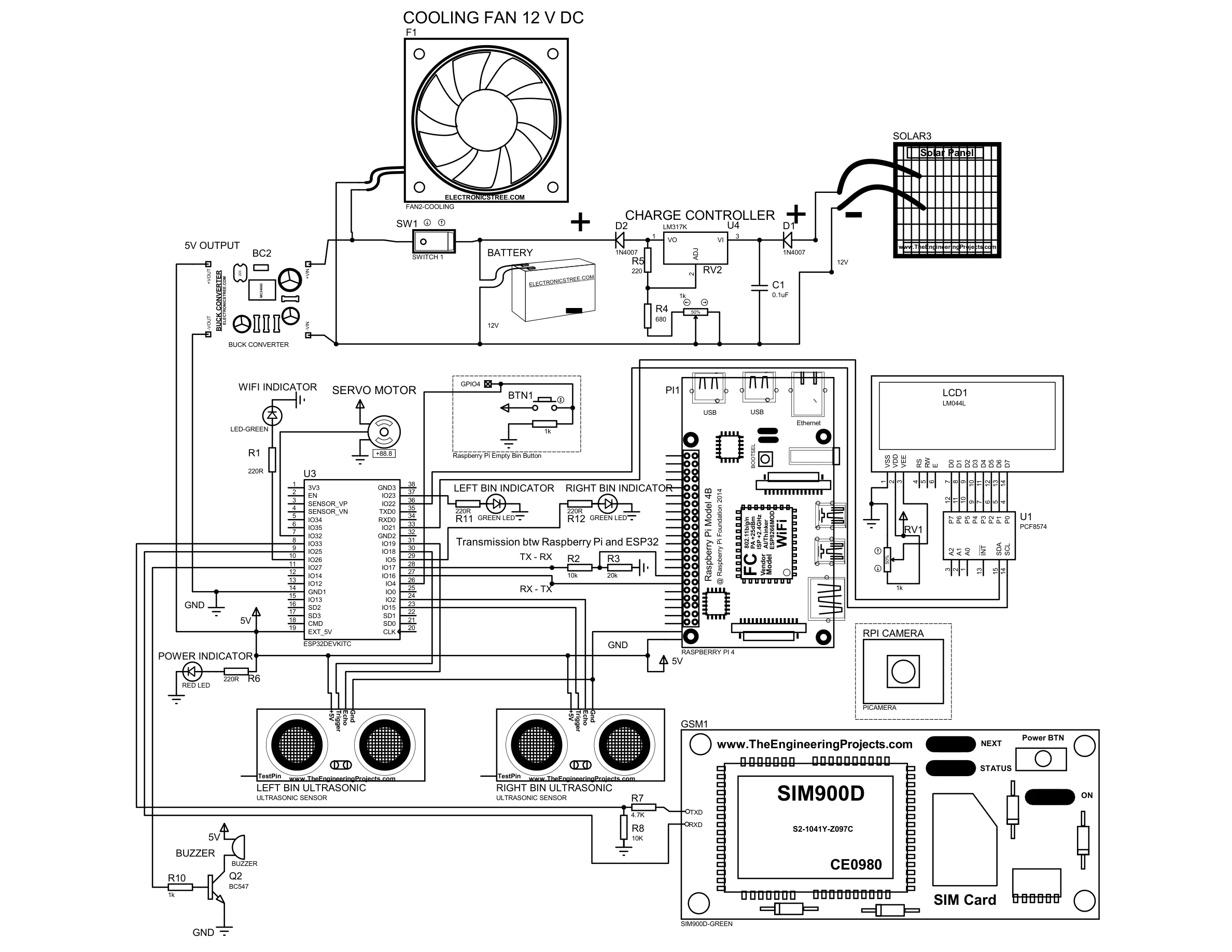
Circuit Diagram

Full Proteus circuit diagram showing the complete wiring of the ESP32, Raspberry Pi 5, HC-SR04 ultrasonic sensors, servo motor, SIM800L GSM module, 20×4 LCD, LEDs, buzzer, XL4016 300W DC-DC buck converter, solar charge controller, and VINTAGE battery.
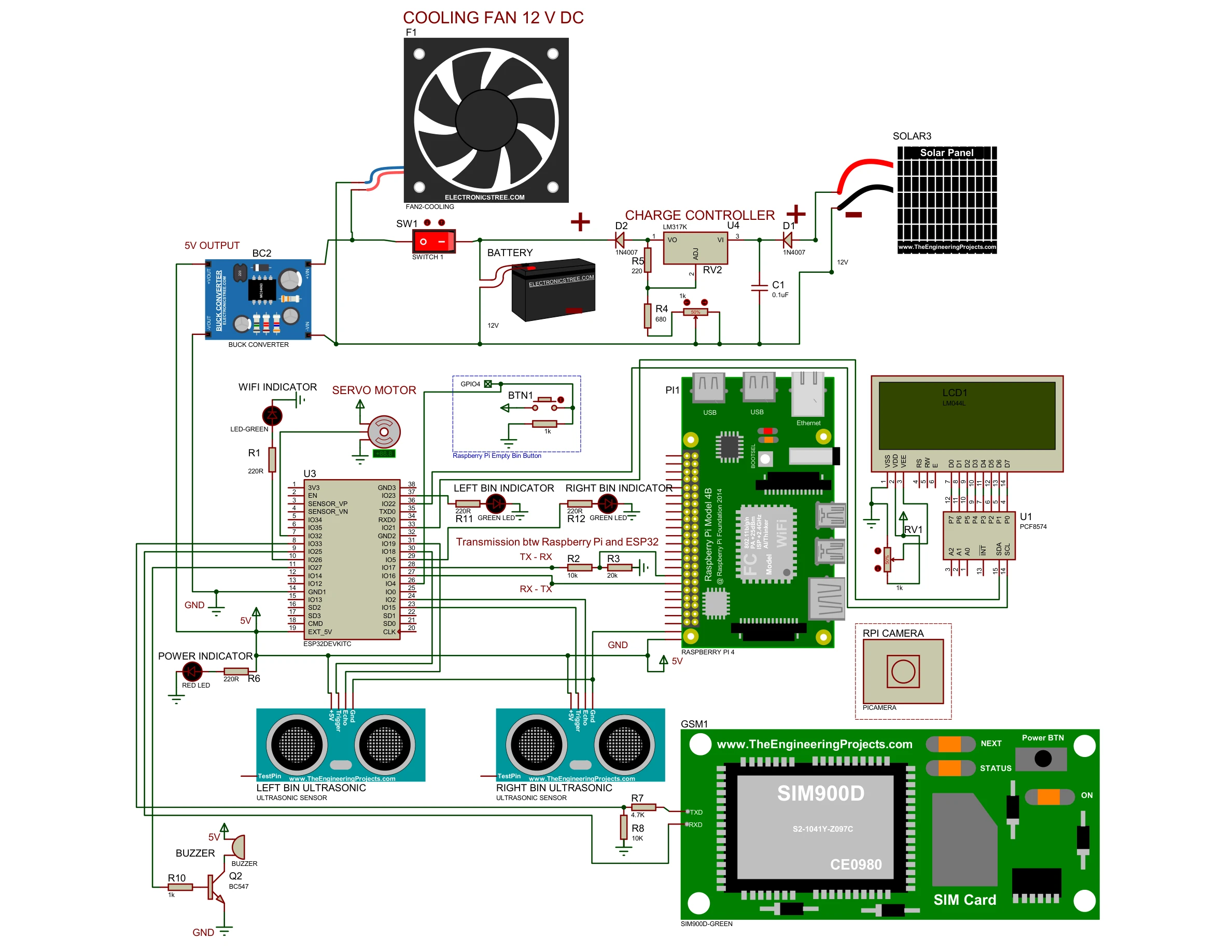
Full colour Proteus circuit diagram showing all components and wiring for the Smart Waste Management System
Black-and-white Proteus circuit diagram, alternative view with clearer trace routing

Deposit Sensor State Machine

The deposit compartment uses a dedicated state machine to prevent false triggers and ensure the item has fully settled before a camera scan is requested. The machine has three states. The sort result from the Pi is handled separately in handleSerial() when UART data arrives, keeping the deposit states clean and non-blocking.

States: DEP_IDLEDEP_TRIGGEREDDEP_COOLDOWNDEP_IDLE

  • DEP_IDLE: Continuously polls US3 (TRIG=GPIO 26, ECHO=GPIO 32). If distance < 25 cm, records a millis() timestamp and transitions to DEP_TRIGGERED.
  • DEP_TRIGGERED: Waits 5 seconds for the item to settle. When the timer elapses, sends SCAN\n to the Raspberry Pi over Serial2 (UART). The deposit machine then remains in DEP_TRIGGERED; it does not advance further on its own. Advancement happens inside handleSerial() when the Pi replies with R\n or N\n.
  • DEP_COOLDOWN: Set by handleSerial() after processWaste() completes. A 10-second millis() timer runs. Any object detected during this window is ignored. When the timer expires, transitions back to DEP_IDLE.

The UART handler handleSerial() runs every main-loop iteration. When the deposit machine is in DEP_TRIGGERED and the Pi sends R\n or N\n, handleSerial() calls processWaste(isRecyclable), records the cooldown timestamp, and advances the deposit state to DEP_COOLDOWN.


UART Communication Protocol

All messages are newline-terminated ASCII strings at 115200 baud.

Direction Message Meaning
ESP32 → Pi SCAN\n Item settled in deposit; request classification
Pi → ESP32 R\n Classify as Recyclable, sort left
Pi → ESP32 N\n Classify as Non-Recyclable, sort right
Pi → ESP32 READY\n Pi boot complete; system handshake
Pi → ESP32 WIFI_OK\n Pi has internet connectivity
Pi → ESP32 WIFI_NO\n Pi has no internet (non-critical; NCNN runs offline)

ESP32 Firmware: Key Code Excerpts

The full sketch is available on GitHub. Below are the three most architecturally significant routines from the Arduino sketch.

1. Anti-Jitter Servo: moveAndDetach() and Cover Management

The sort servo uses moveAndDetach(): it attaches, sweeps from startPos to endPos one degree at a time, then detaches the PWM signal. Detaching eliminates the constant buzz and heat generated when a servo is commanded to hold a position against mechanical resistance with an active PWM signal. The cover servo is permanently attached and uses incremental writes (slower for opening, faster for closing) to move smoothly; it holds its position via the kept-alive PWM signal.

// Sort servo: sweep from startPos to endPos, then detach PWM.
void moveAndDetach(Servo &s, int pin, int startPos, int endPos, int stepDelay) {
    s.attach(pin);
    if (startPos < endPos) {
        for (int pos = startPos; pos <= endPos; pos++) { s.write(pos); delay(stepDelay); }
    } else {
        for (int pos = startPos; pos >= endPos; pos--) { s.write(pos); delay(stepDelay); }
    }
    delay(200);
    s.detach();   // cut PWM signal — servo is now silent and cool at rest
}

// Cover servo: stays attached; incremental writes for smooth travel.
void openTopCover() {
    if (!isCoverOpen) {
        for (int pos = 90; pos >= 0; pos--) { coverServo.write(pos); delay(15); }
        isCoverOpen = true;
    }
}
void closeTopCover() {
    if (isCoverOpen) {
        for (int pos = 0; pos <= 90; pos++) { coverServo.write(pos); delay(5); }
        isCoverOpen = false;
    }
}

void processWaste(bool isRecyclable) {
    if (leftBinLocked || rightBinLocked) {
        currentActionMsg = "FULL! DO NOT DUMP!";
        return;
    }
    if (isRecyclable) {
        currentActionMsg = "Sorting Recyclable!";
        moveAndDetach(sortServo, sortServoPin, 90, 0, 0);    // pivot left (0°)
        delay(1500);
        moveAndDetach(sortServo, sortServoPin, 0, 90, 0);    // return to centre
    } else {
        currentActionMsg = "Sorting Non-Recyc..";
        moveAndDetach(sortServo, sortServoPin, 90, 180, 0);  // pivot right (180°)
        delay(1500);
        moveAndDetach(sortServo, sortServoPin, 180, 90, 0);  // return to centre
    }
}

2. Deposit Sensor State Machine: readDepositSensor()

Runs every loop iteration. Uses millis()-based timers so the main loop never blocks during the 5-second settle or 10-second cooldown windows. Result handling is in handleSerial(), keeping the deposit states clean.

const float DEPOSIT_THRESHOLD   = 25.0;   // cm — object closer than this triggers a scan
const long  DEPOSIT_SETTLE_MS   = 5000;   // ms — settle window before SCAN is sent
const long  DEPOSIT_COOLDOWN_MS = 10000;  // ms — lockout after sort completes

void readDepositSensor() {
    float dist = getDistance(TRIG3, ECHO3);   // US3: TRIG=GPIO 26, ECHO=GPIO 32

    switch (depositState) {
        case DEP_IDLE:
            if (dist > 0 && dist < DEPOSIT_THRESHOLD) {
                depositTriggerTime = millis();
                depositState = DEP_TRIGGERED;
            }
            break;

        case DEP_TRIGGERED:
            if (millis() - depositTriggerTime >= DEPOSIT_SETTLE_MS) {
                Serial2.println("SCAN");    // request Pi classification
                // remain here until handleSerial() receives R or N
            }
            break;

        case DEP_COOLDOWN:
            if (millis() - depositCooldownStart >= DEPOSIT_COOLDOWN_MS) {
                depositState = DEP_IDLE;    // ready for next deposit
            }
            break;
    }
}

// Called every loop iteration; advances deposit machine on Pi reply
void handleSerial() {
    if (Serial2.available()) {
        String incoming = Serial2.readStringUntil('\n');
        incoming.trim();

        if (depositState == DEP_TRIGGERED) {
            if (incoming == "R" || incoming == "N") {
                processWaste(incoming == "R");
                depositCooldownStart = millis();
                depositState = DEP_COOLDOWN;
            }
        }
        if (incoming == "READY") {
            // Pi boot handshake; open cover if bins are not full
            if (!leftBinLocked && !rightBinLocked) { openTopCover(); }
            updateLCD();
        } else if (incoming == "WIFI_OK") {
            wifiStatus = "WiFi: OK";  updateLCD();
        } else if (incoming == "WIFI_NO") {
            wifiStatus = "WiFi: --";  updateLCD();
        }
    }
}

3. Bin Fill Level Check: checkBinLevels()

Bin readings are confirmed over a 4.5-second window to prevent the sorting platform itself from triggering a false "full" reading as waste passes in front of the sensor during sorting.

#define FULL_THRESHOLD   10   // cm — bin is full below this distance
#define CONFIRM_DELAY  4500   // ms — reading must persist to count as full

void checkBinLevels() {
    float distL = getDistance(TRIG1, ECHO1);   // Left  (Recyclable)
    float distR = getDistance(TRIG2, ECHO2);   // Right (Non-Recyclable)
    unsigned long now = millis();

    // ── Left bin ────────────────────────────────────────────────────────
    if (distL > 0 && distL < FULL_THRESHOLD && !leftBinFull) {
        if (!leftConfirmStart) leftConfirmStart = now;
        else if (now - leftConfirmStart >= CONFIRM_DELAY) {
            leftBinFull = true;
            sendGSMAlert("LEFT");           // SMS to operator
            digitalWrite(LED_L, HIGH);
        }
    } else {
        leftConfirmStart = 0;               // reset timer on clear reading
    }
    // ── Right bin (same logic) ──────────────────────────────────────────
    // ...
}
Two distinct servo control strategies
The sort servo uses moveAndDetach(): attach → sweep one degree at a time to target → detach PWM. Detaching eliminates the constant buzz and heat that occur when a servo holds a position against mechanical resistance with an active PWM signal indefinitely.

The cover servo stays permanently attached from setup() onward. It uses slower incremental writes for opening (15 ms per degree) and faster writes for closing (5 ms per degree). The continuous PWM signal is intentional: the cover must hold firm against gravity, so keeping the signal active is correct. Both servos default to 90° (closed / centred) at startup before setup() opens the cover if the bins are not already full.

Engineering Challenges & Solutions

Ten real hardware and software engineering challenges were solved during development. Each solution directly shaped the final system architecture.

View all 10 engineering challenges & solutions

Challenge 1: Ultrasonic False Positives ("Falling Dirt")

A piece of waste falling through the air momentarily reflects sound waves, making the bin appear full before it lands. The fix was an Obstruction Verification Delay: the ESP32 sets a flag and starts a millis() timer. Only if the reading stays below FULL_THRESHOLD continuously for 4.5 seconds is the bin officially locked. Transient reflections clear themselves.

Challenge 2: Horizontal "Tripwire" Sensor Orientation

Downward-pointing sensors produce inaccurate fill levels because waste piles unevenly (a bottle standing upright in the centre triggers a false "full" while 90% of the space is empty). Mounting sensors horizontally across the brim turns them into a tripwire: any reading below 16 cm means the horizontal beam is physically blocked, which only happens when the bin is actually full.

Challenge 3: AI Serial Spamming and Buffer Overloads

At 30 fps, the Pi would send 30 classification signals per second, flooding the ESP32 serial buffer and causing the servo to repeat its sweep until the system crashed. The solution was a Handshake & Cooldown Protocol: after sending one R\n or N\n, the Pi enters a 5-second STATE_RESTING. On the ESP32 side, immediately after executing the mechanical sweep, a buffer flush loop reads and discards any stale serial bytes before accepting the next command.

Challenge 4: Raspberry Pi 5 Power Throttling

The Pi 5 displayed a lightning-bolt low-voltage warning; vcgencmd get_throttled returned 0xd0000, confirming active CPU throttling. The fix involved three steps: replacing thin jumper wires with high-gauge copper wire to lower resistance; tuning the XL4016 300W DC-DC buck converter to output 5.39–5.40 V (a deliberate over-voltage to compensate for remaining wire drop under load); and turning the current potentiometer to maximum to keep the module in Constant Voltage (green LED) mode. Stress-tested with stress -c 4 -t 60 achieving throttled=0x0.

Challenge 5: Servo Jitter and "Hunting"

The sorting servo buzzed and shook continuously when holding the centre position because the ESP32's PWM signal made the servo motor micro-correct against gravity indefinitely. A "Quiet Mode" (Detach Logic) was implemented: moveAndDetach() attaches the servo, sweeps it to the target angle, waits 200 ms for physical arrival, then calls sortServo.detach() to cut the PWM signal entirely. The top-cover servo intentionally retains continuous attachment to maintain holding torque.

Challenge 6: Top Cover Directional Mismatch

Due to how the servo horn was physically mounted, the expected open/close directions were reversed and the original per-trash-item actuation was slow and awkward. The redesign redefined 0° = OPEN, 90° = CLOSED and repurposed the cover as a System Lockout Hatch: permanently open during normal operation, closing only when a bin is full. Smooth actuation functions (openTopCover() / closeTopCover()) use 15 ms per-degree delays to prevent violent jerks.

Challenge 7: Phantom AI Detections and CPU Heat

Running YOLO continuously at 30 fps while the bin was idle caused the Pi to run hot and risk "phantom" detections (e.g., a blue shirt triggering "Plastic"). A third ultrasonic sensor in the deposit compartment solved this: when a user's hand is detected (<25 cm), the ESP32 waits 4 seconds for the hand to leave and the item to stop wobbling, then sends a single SCAN\n UART command. The Pi's 5-state machine keeps YOLO completely bypassed in WAITING and RESTING states, running inference only during SCANNING and STABILIZING.

Challenge 8: Non-Blocking ESP32 Serial Reads

Serial2.readStringUntil('\n') is a blocking call: a malformed message without a newline would freeze the entire ESP32 loop() for 1,000 ms, causing sensor misses and an unresponsive button. The fix was a single line in setup(): Serial2.setTimeout(50);. This caps the blocking wait at 50 ms, keeping the main loop effectively real-time.

Challenge 9: Boot-Time Handshake and Screen Synchronisation

The ESP32 boots in ~1 second; the Pi takes ~30 seconds to load the OS, Python, the NCNN model, and the camera. Without synchronisation, the ESP32 had no way to know when the AI was actually ready. The Pi script sends READY\n the moment initialisation completes, followed by WIFI_OK\n or WIFI_NO\n after pinging Google DNS. The ESP32 catches these signals and advances the LCD through a multi-stage splash screen, finally settling on "Waiting for waste..".

Challenge 10: Bin-Reset State Management (The Push Button)

Even after a janitor empties a full bin, the sensor instantly reads clear. If the code unlocked automatically, any debris falling over could trigger infinite lock/unlock loops. The design requires manual acknowledgment: leftBinLocked stays true until the janitor presses the physical push button (Pin 13). A 50 ms debounce filter ensures clean presses. On press, all lock booleans and SMS flags are reset, the buzzer beeps once to confirm, and the top cover sweeps open.


Project Photos

Documentation of the full build from day one procurement through to the completed, powered-on system.
Components and Procurement

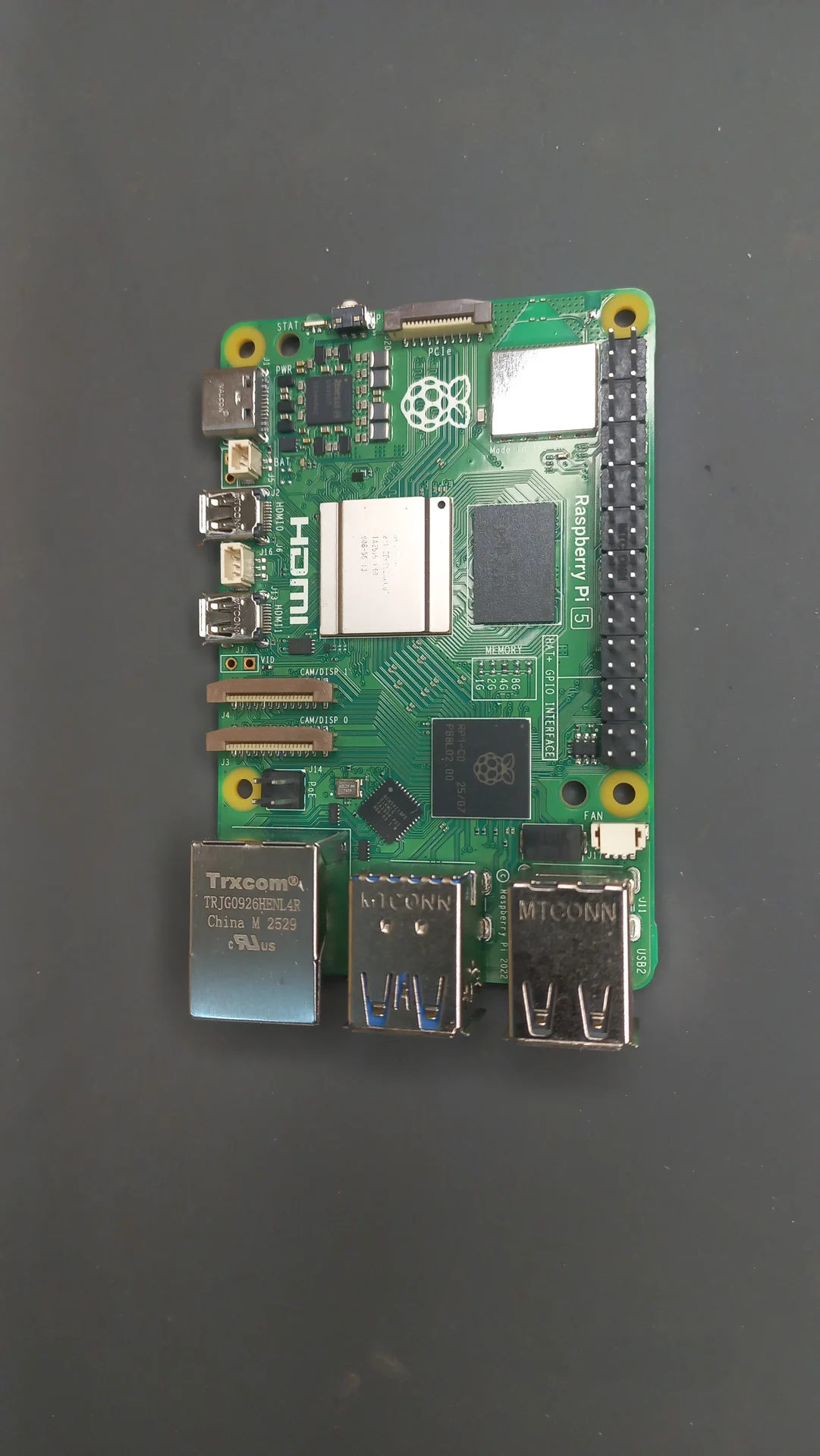
Raspberry Pi 5 (4 GB) board laid flat, showing the BCM2712 chip, GPIO header, USB ports and the Raspberry Pi logo
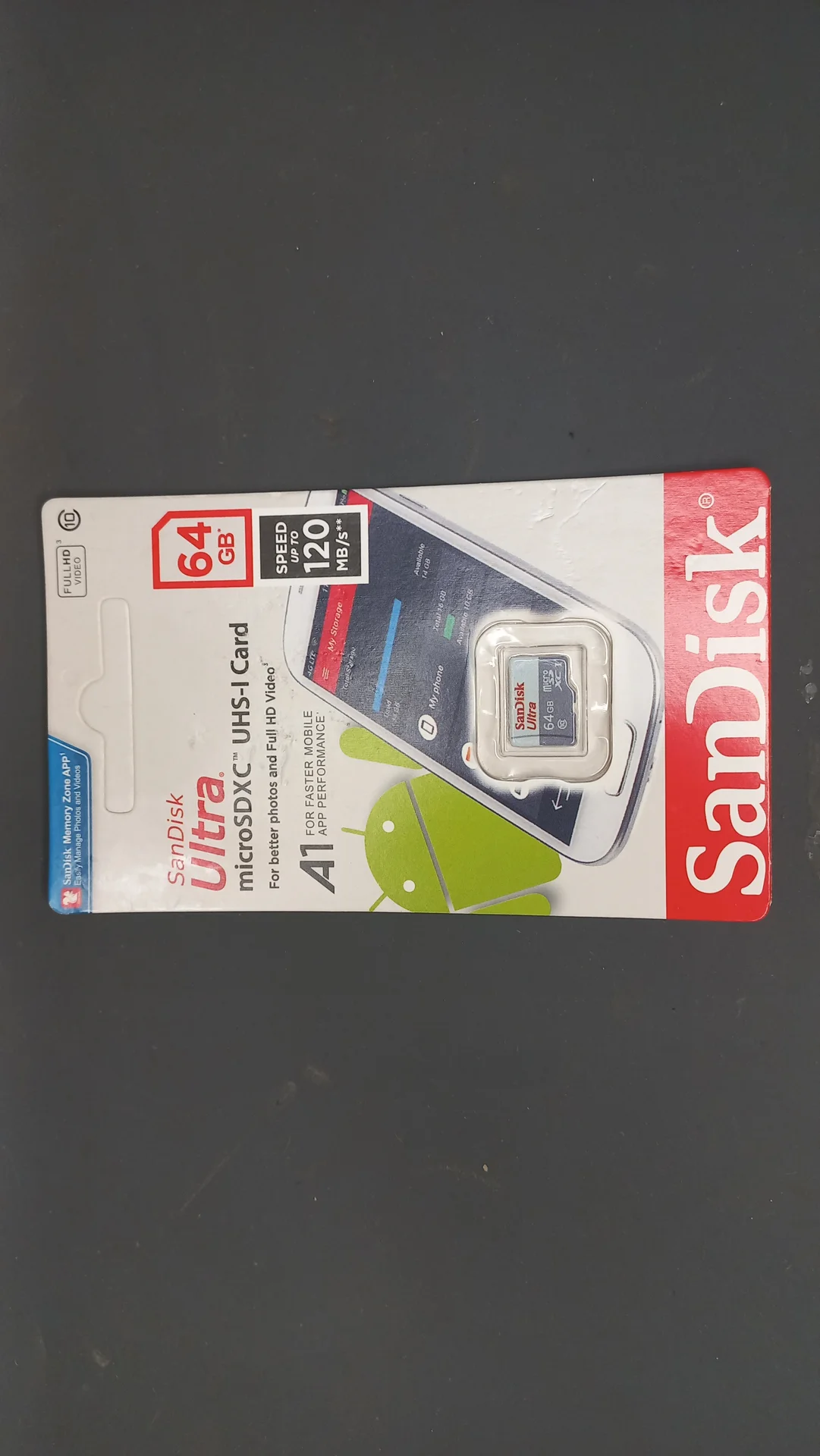
SanDisk 64 GB microSD card still in its packaging, the storage medium for the Pi's operating system
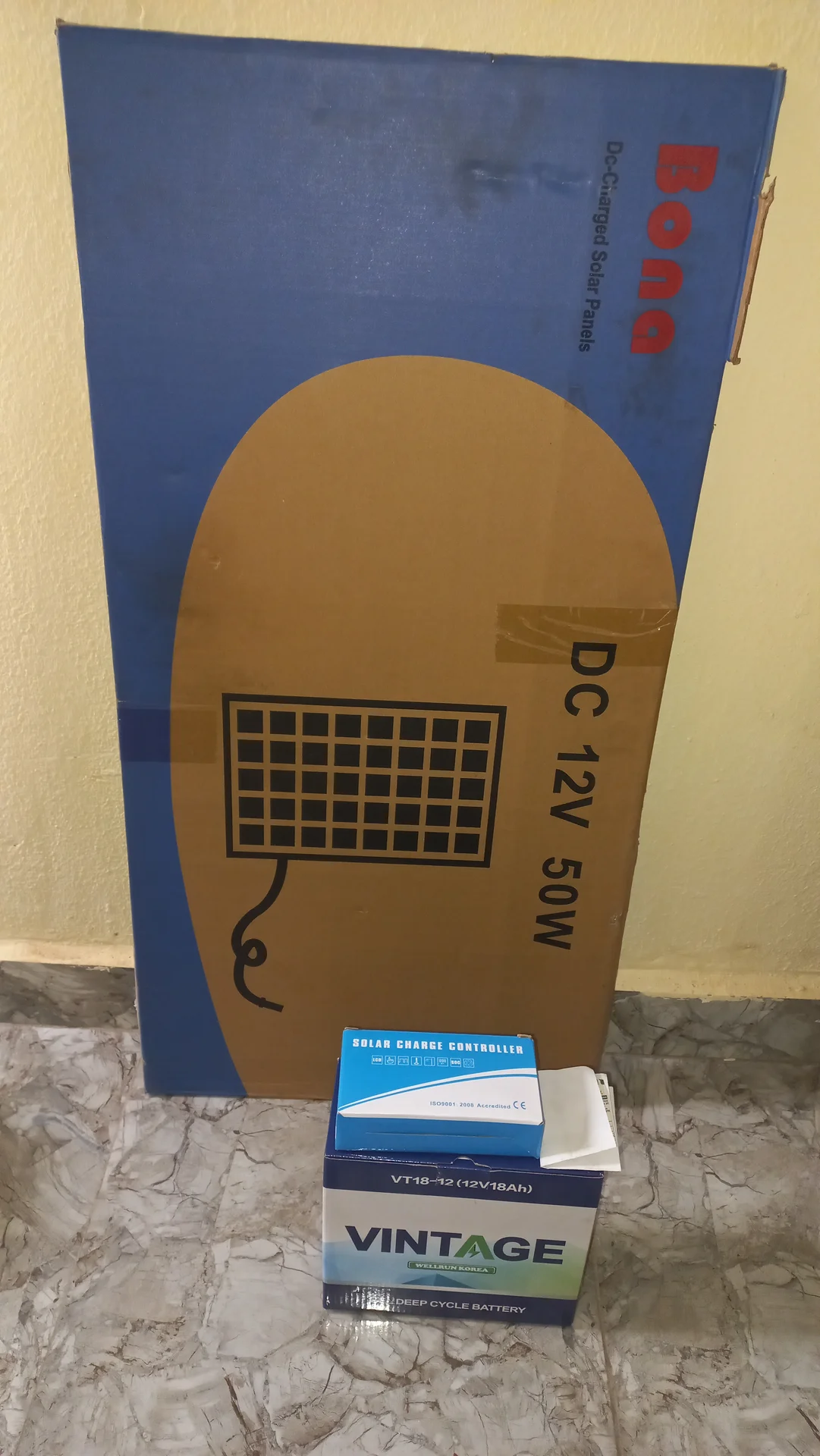
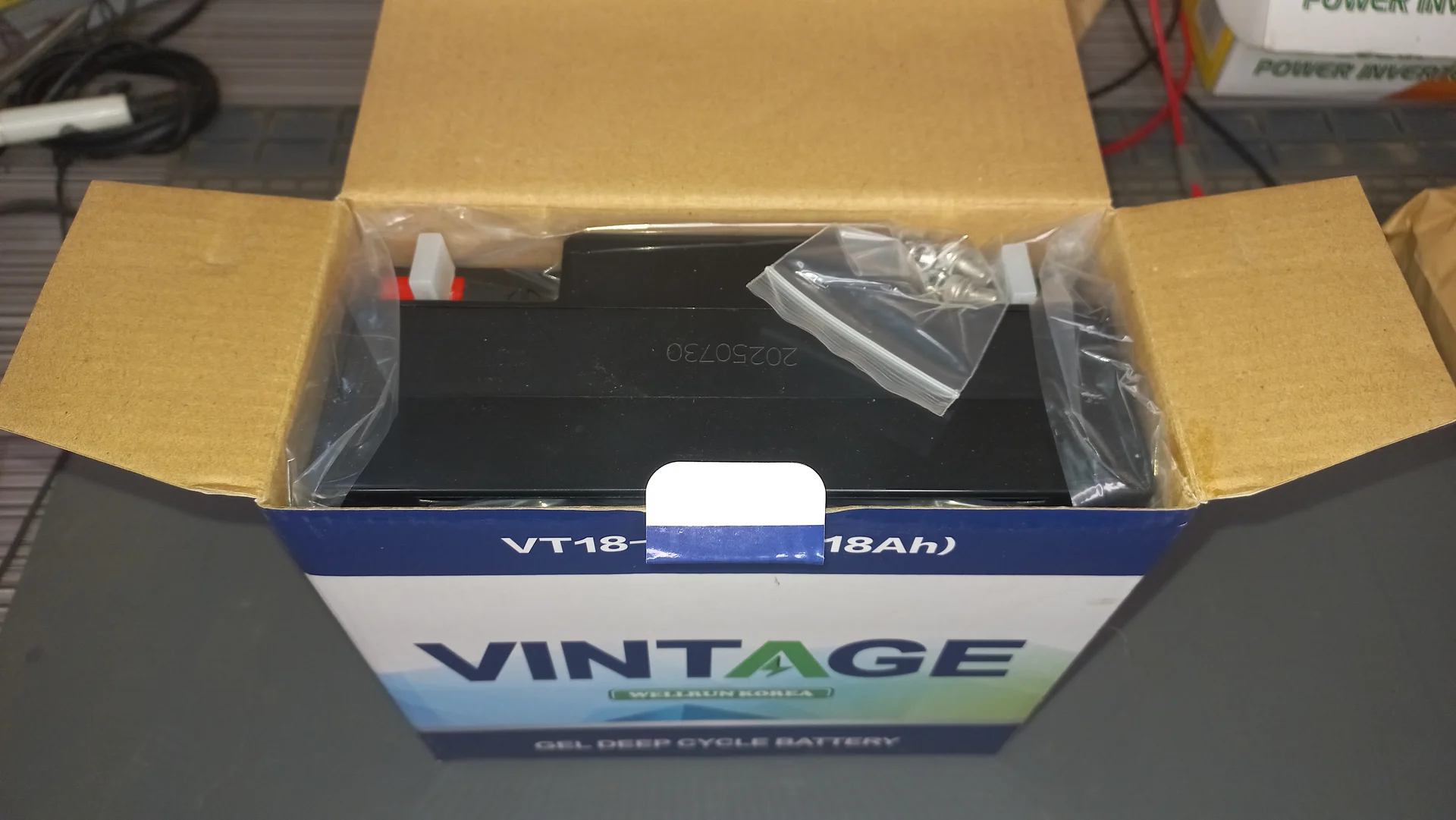
Overview of delivered components: the Bona DC 12V 50W solar panel box, the solar charge controller box and the VINTAGE battery box, before unpacking
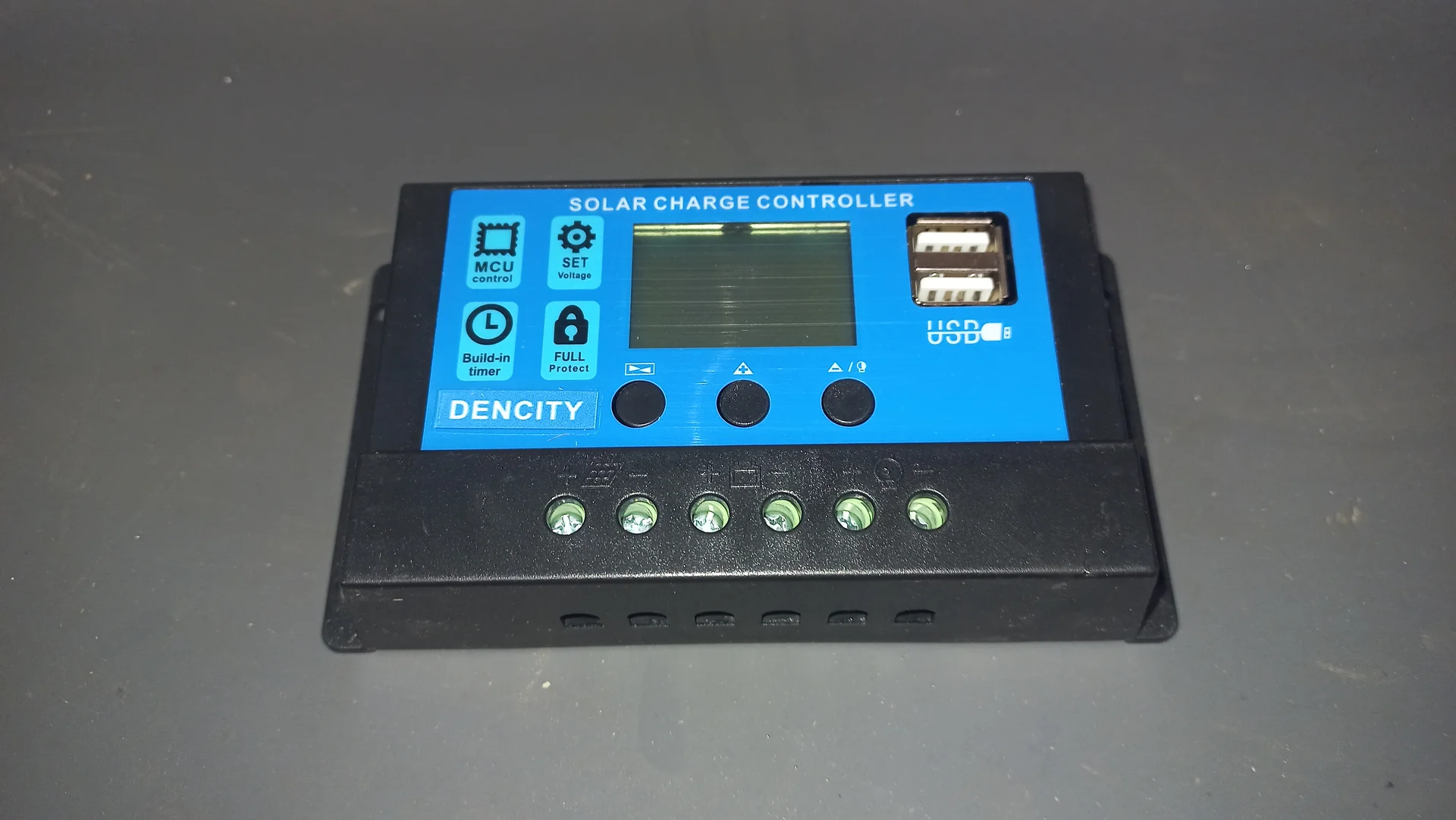
Dencity Solar Charge Controller with LCD display, MCU control buttons, USB output ports and six screw terminals
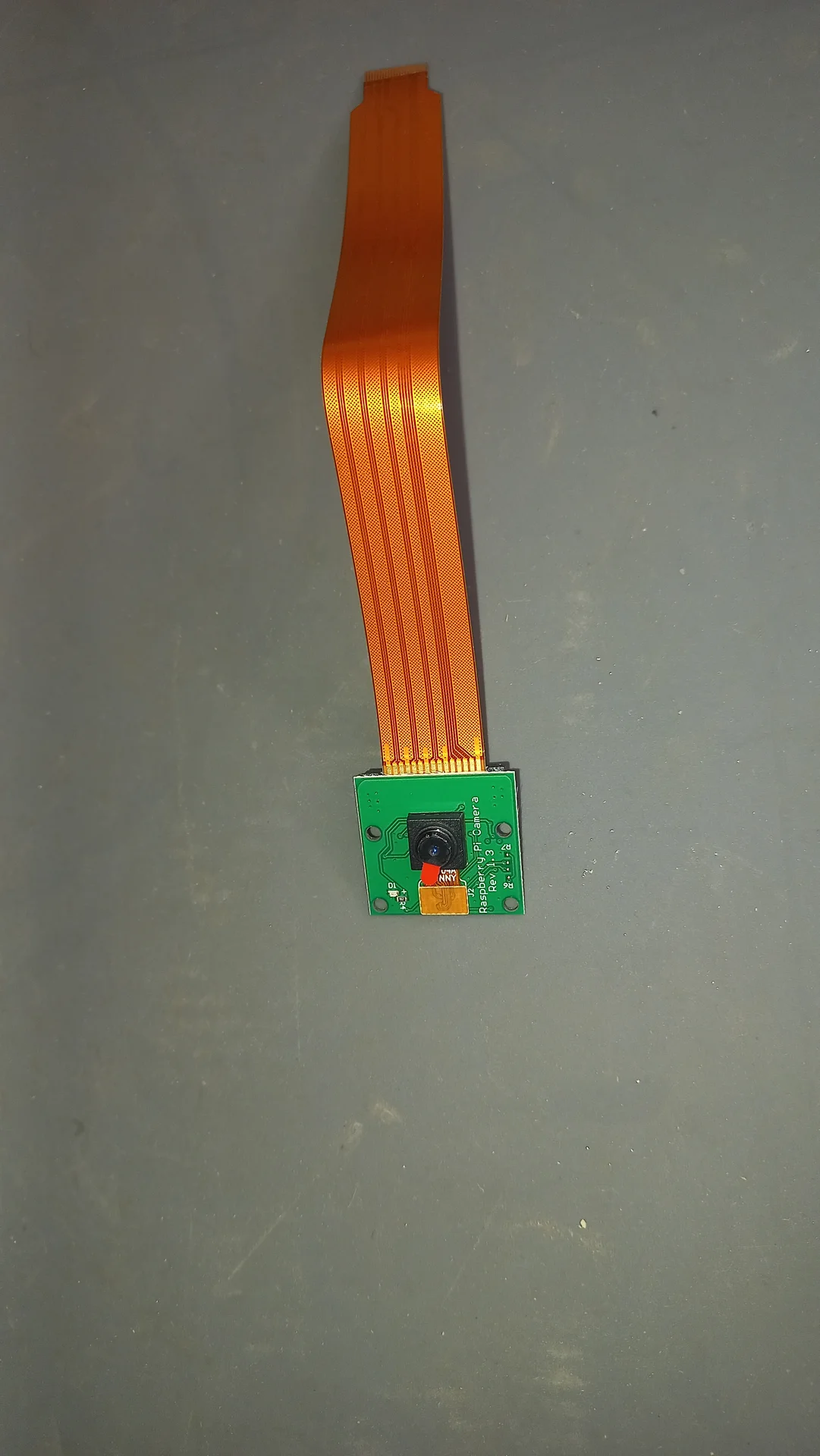
Pi Camera Module v2 lying flat with its orange CSI ribbon cable attached, showing the lens, red LED and PCB labeling
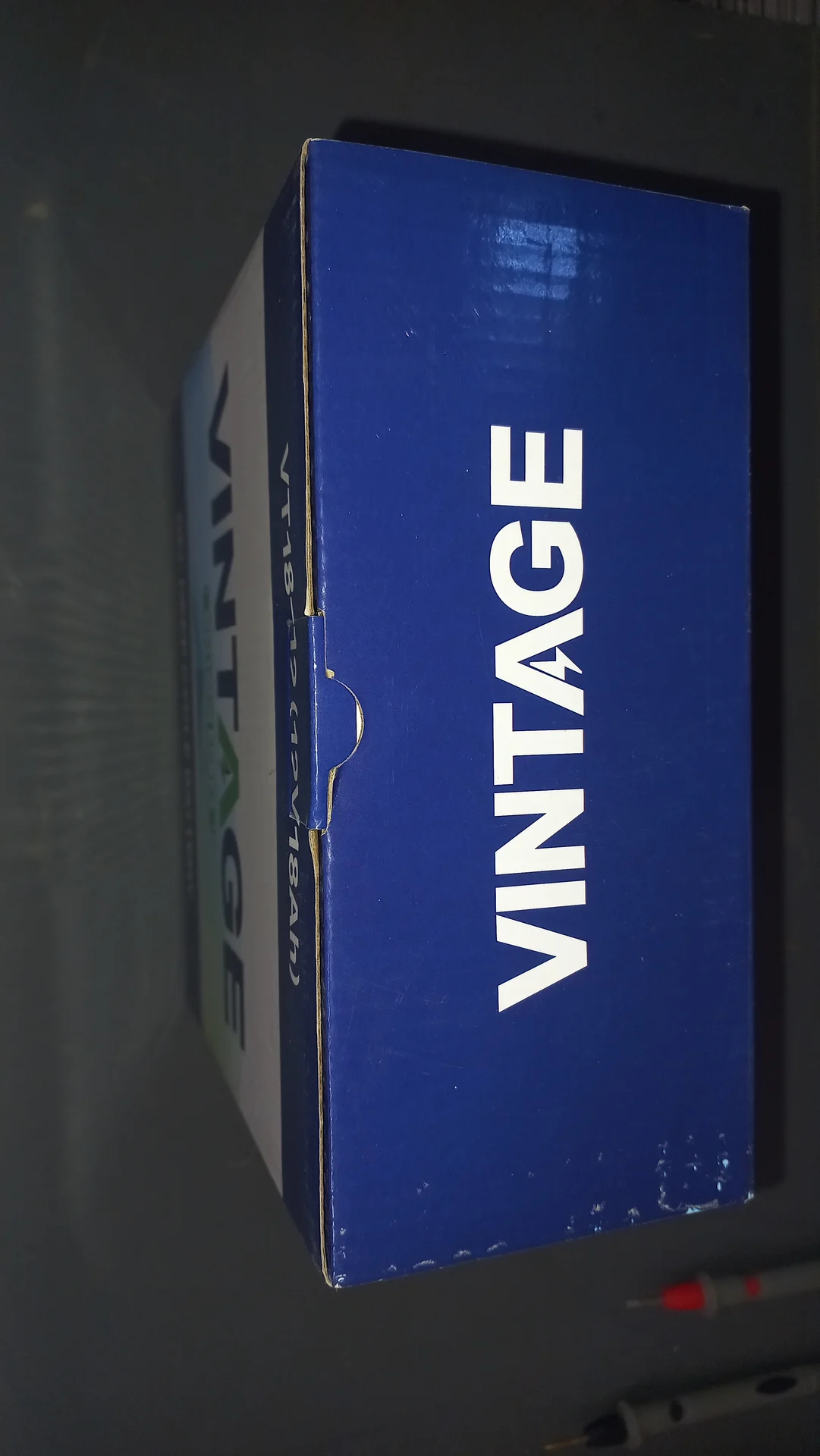
Side view of the VINTAGE VT18-12 battery box showing the blue VINTAGE branding on the top face
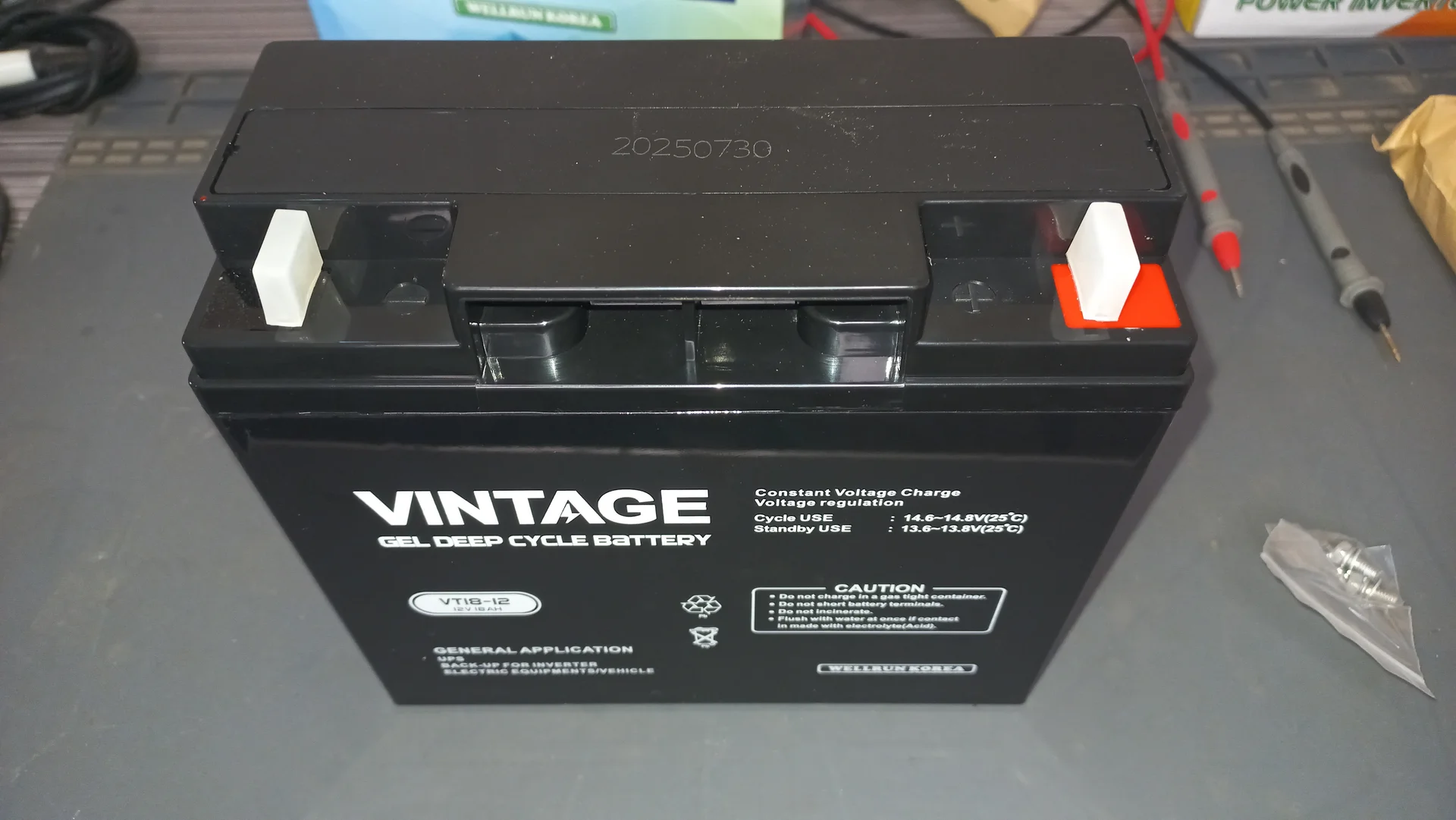
VINTAGE VT18-12 Gel Deep Cycle Battery in its opened box, the 12 V 18 Ah battery that powers the whole system
VINTAGE VT18-12 Gel Deep Cycle Battery out of its box showing the front face with all spec labels including 12 V, 18 Ah and voltage ratings
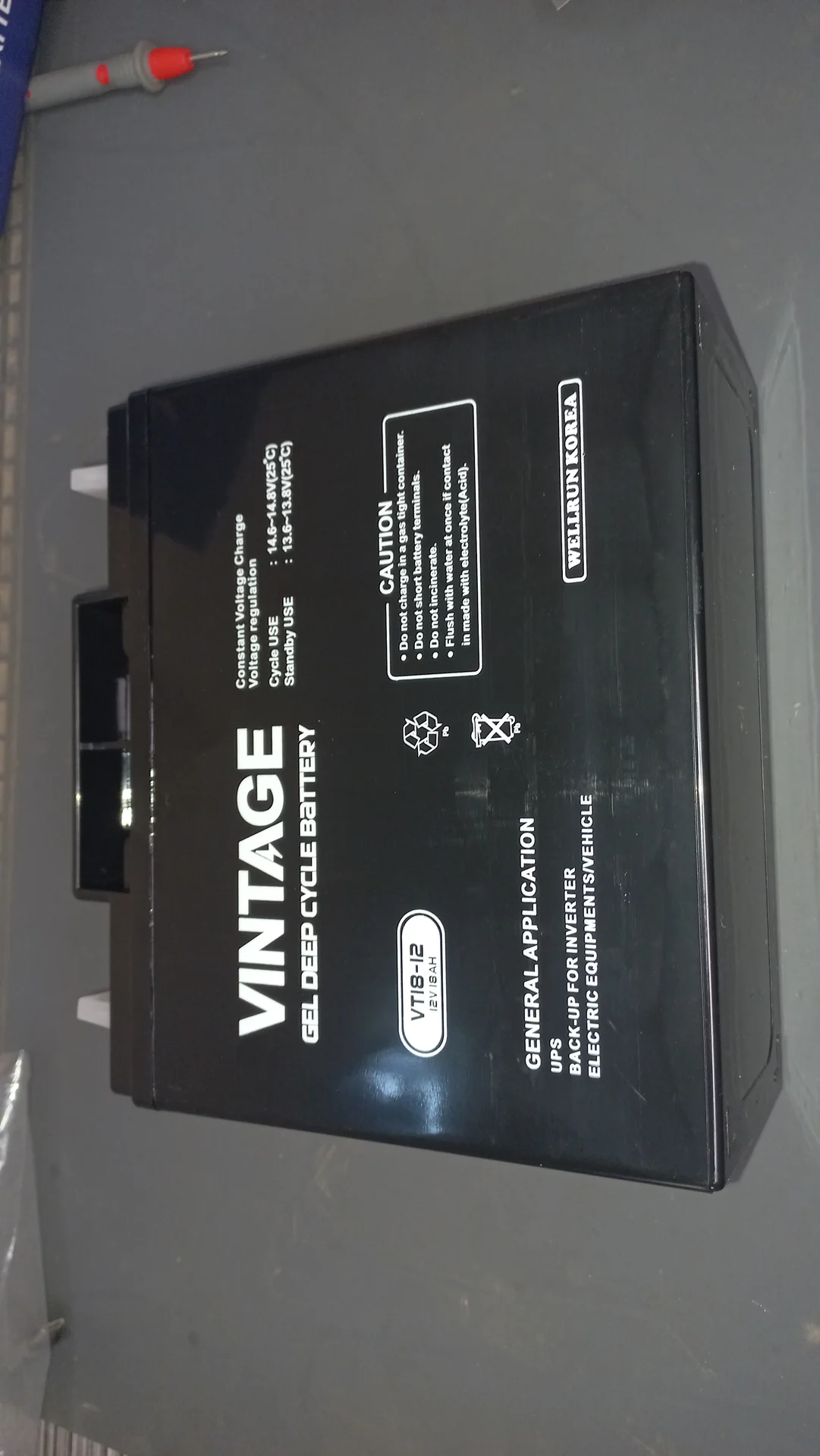
VINTAGE VT18-12 battery from a side angle showing the spec label, caution notice and Wellbun Korea branding
SIM800L GSM module (blue EVB board) with its external whip antenna connected via a u.FL coaxial pigtail, the component that sends SMS alerts
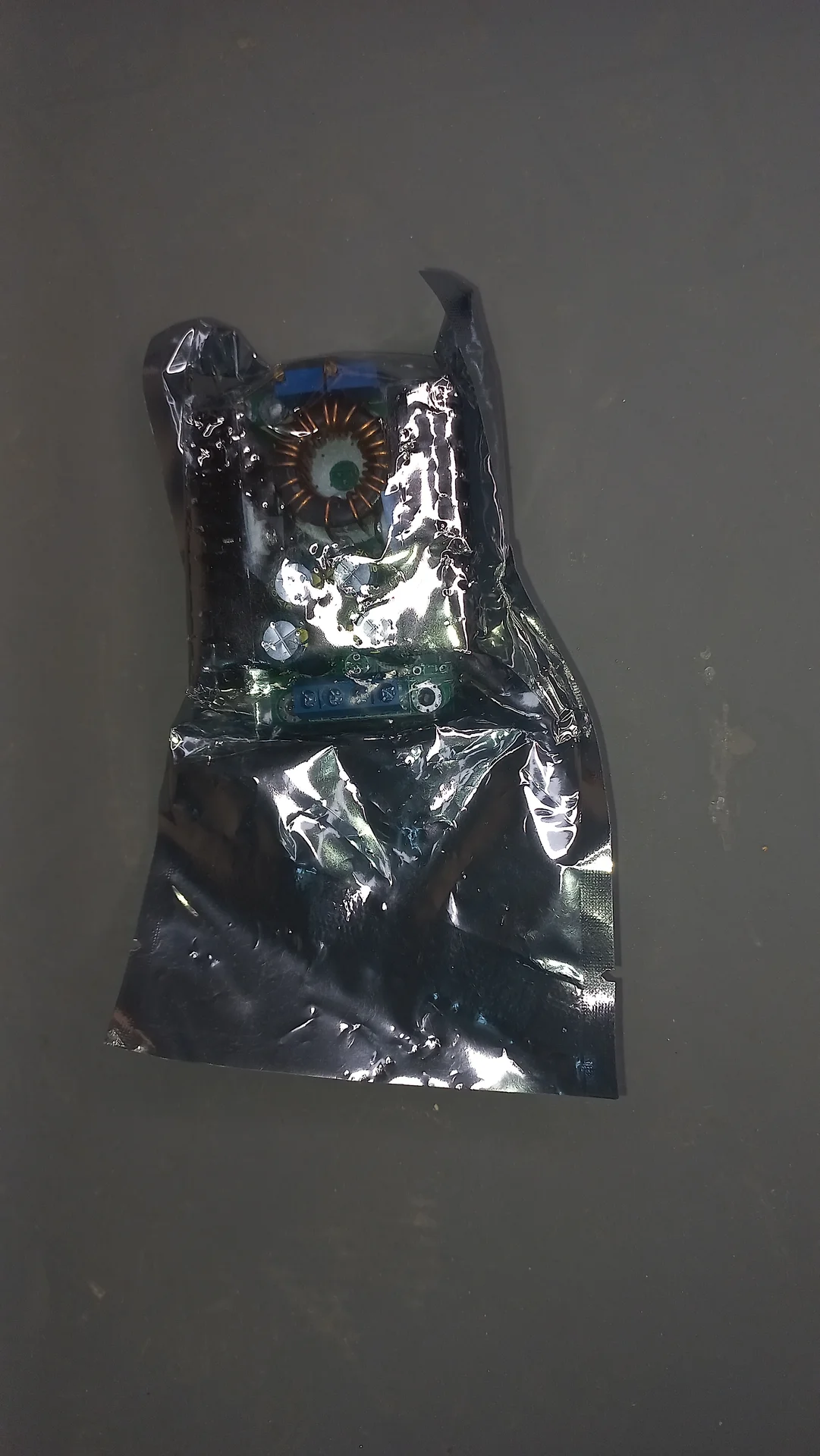
DC-DC buck converter module inside an anti-static protective bag as received during delivery
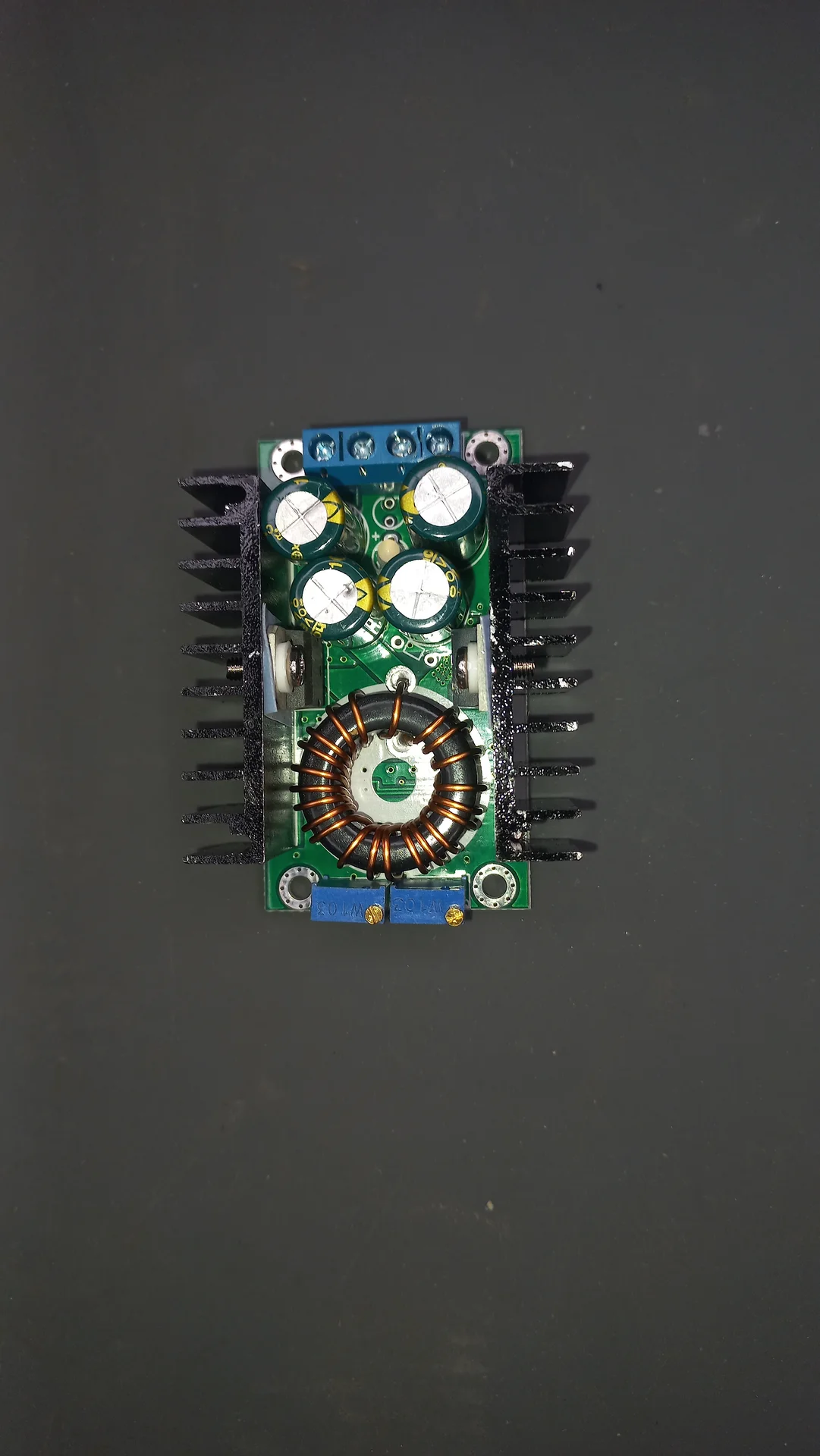
DC-DC buck converter with large toroidal inductor, multiple capacitors, blue screw terminal blocks and heatsink fins on both sides
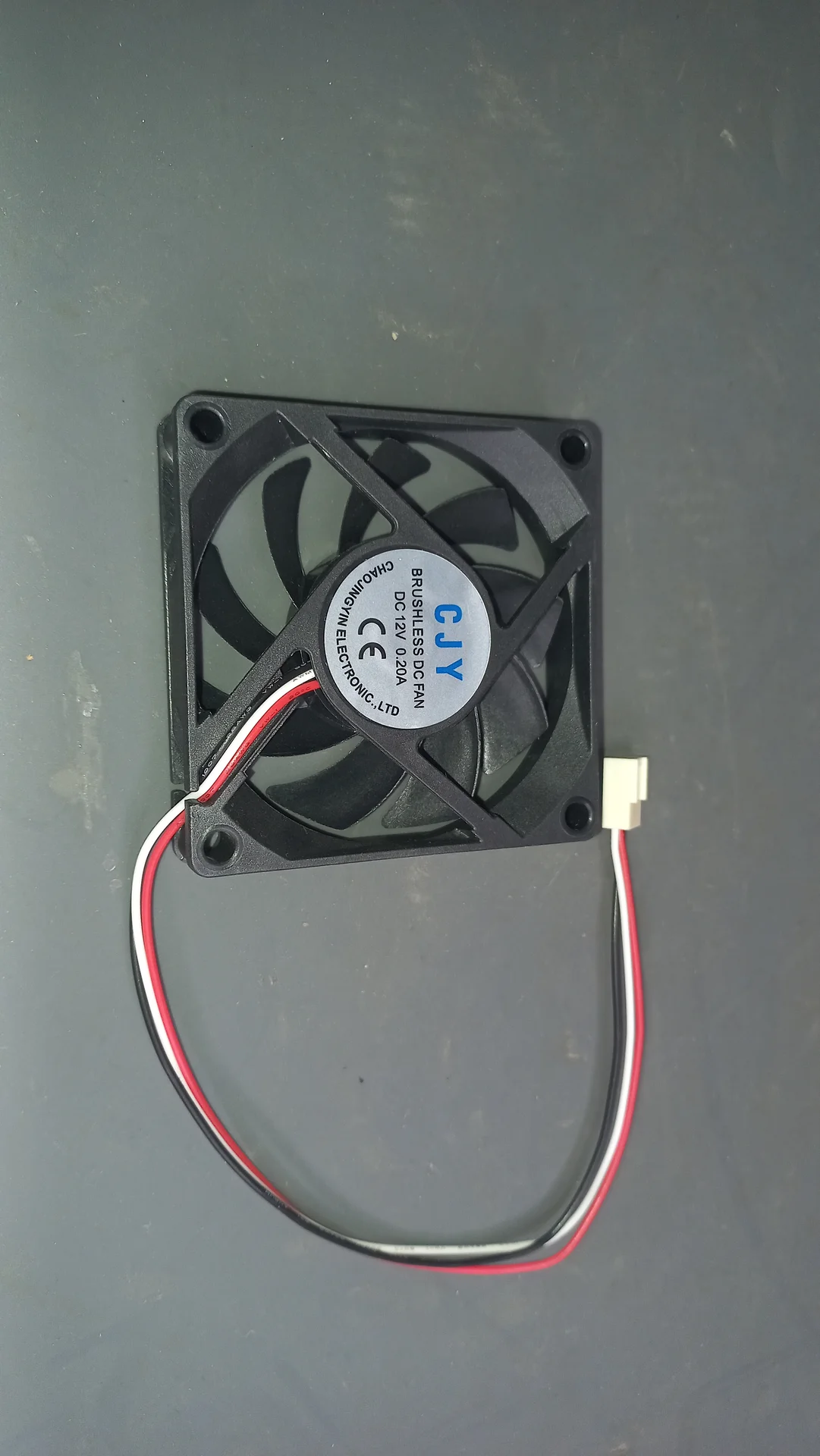
CJY brushless DC cooling fan, 12 V 0.20 A, with two-wire connector, used for enclosure ventilation
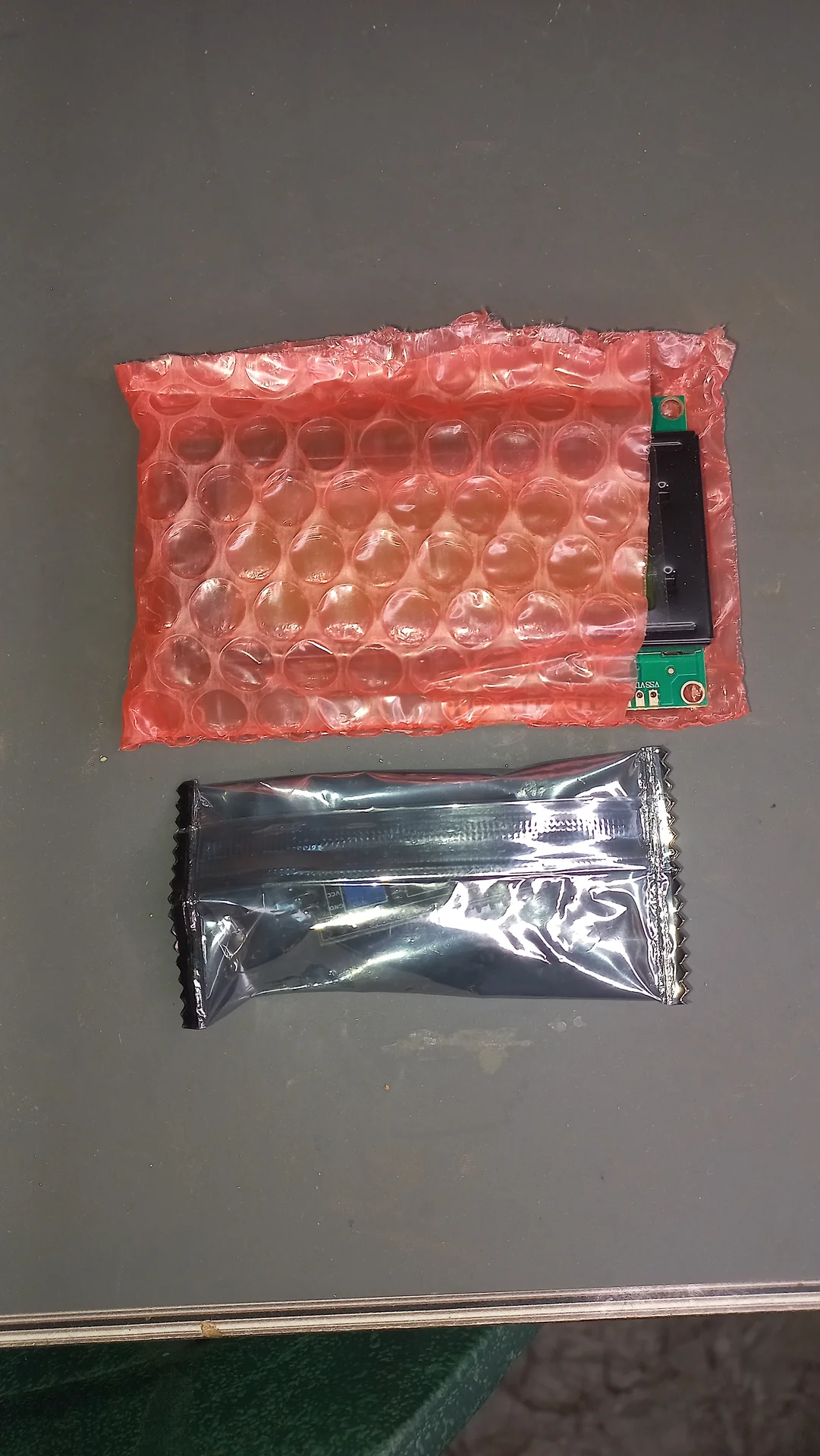
Two electronic modules in their delivery packaging: one in a red bubble-wrap protective pouch and one in a silver anti-static bag
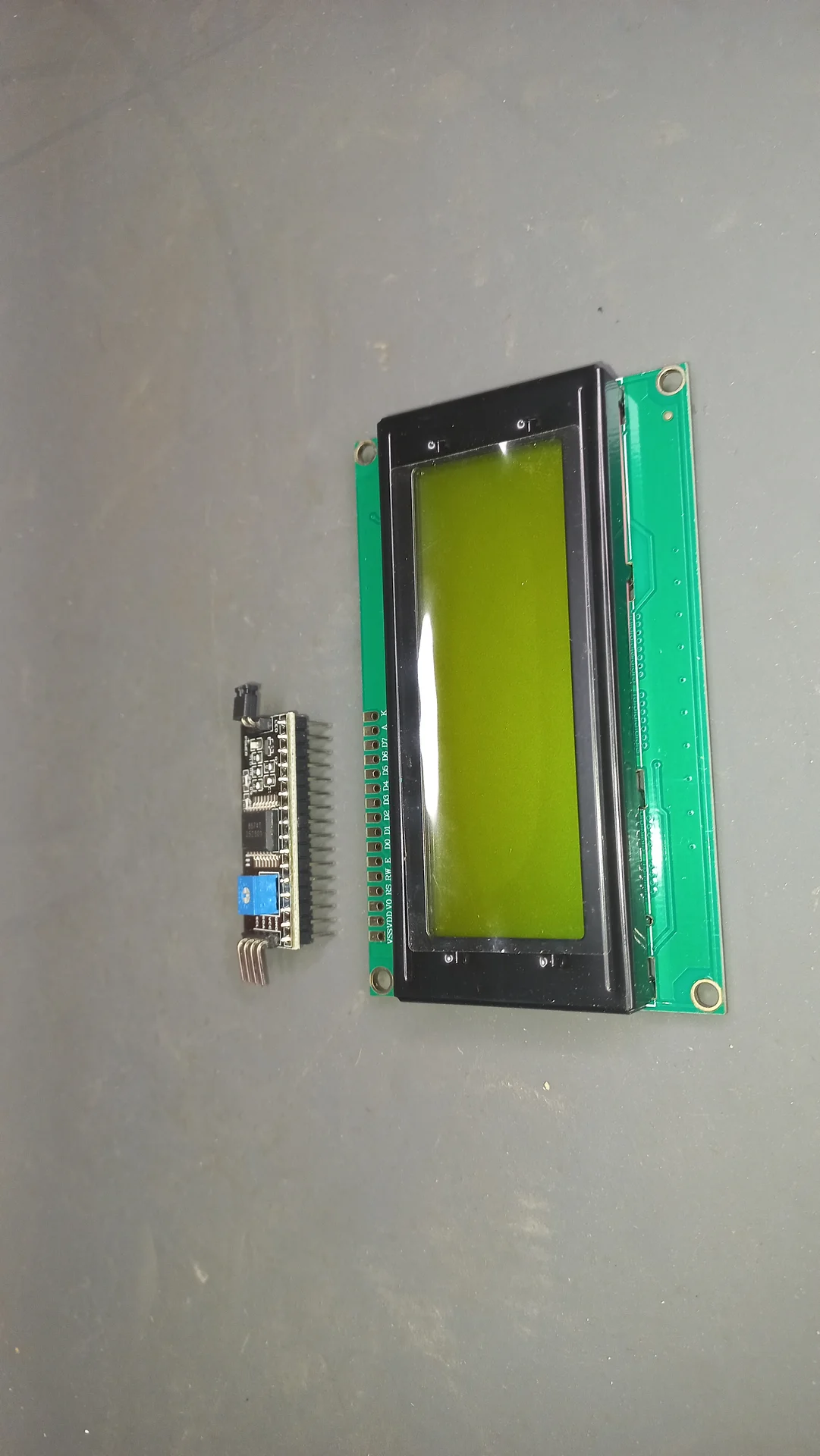
20x4 character LCD display with yellow-green backlight alongside its separate I2C backpack module, before soldering
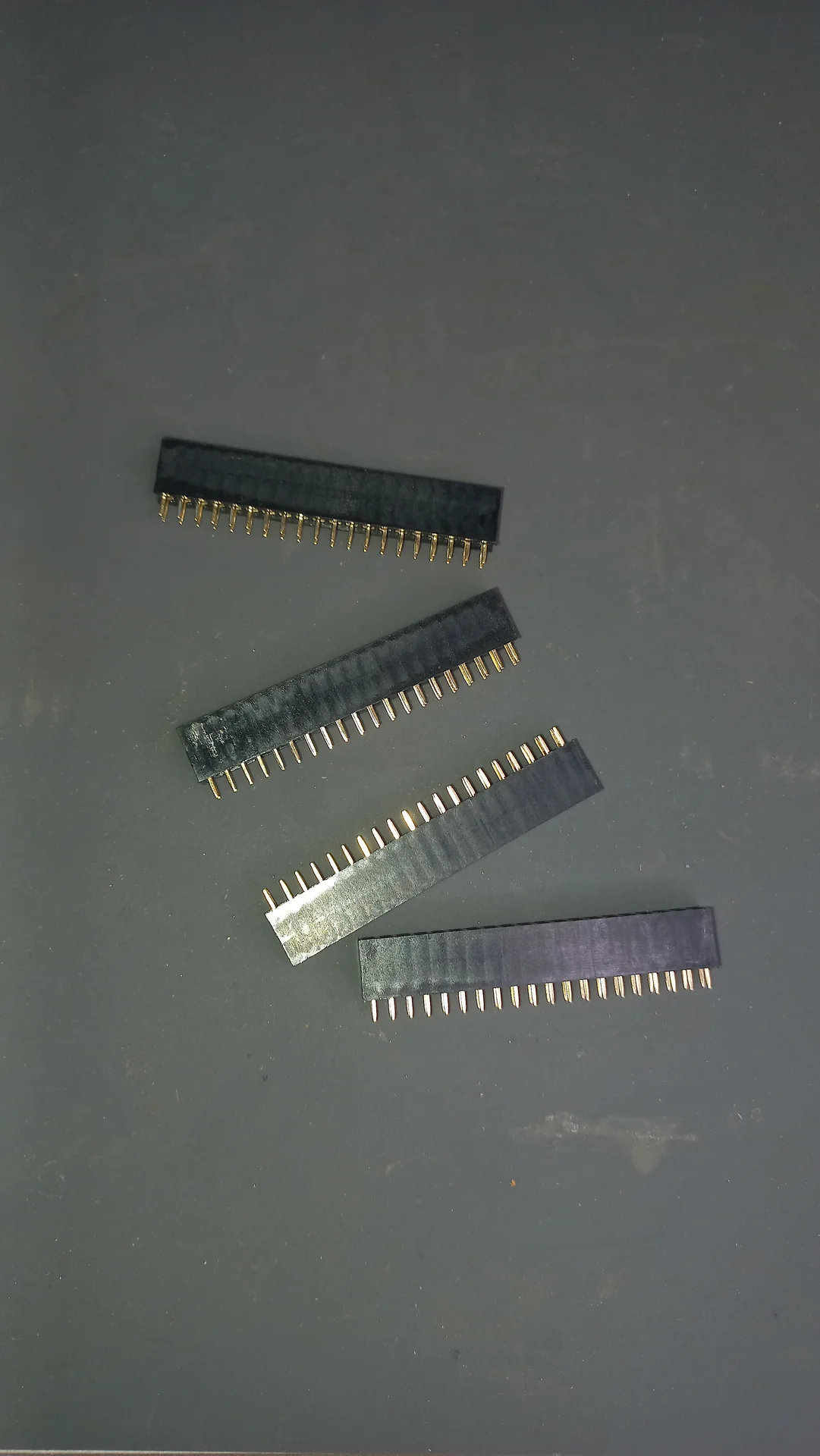
Four female GPIO pin-header socket strips laid out, used for socketed connections on the circuit board
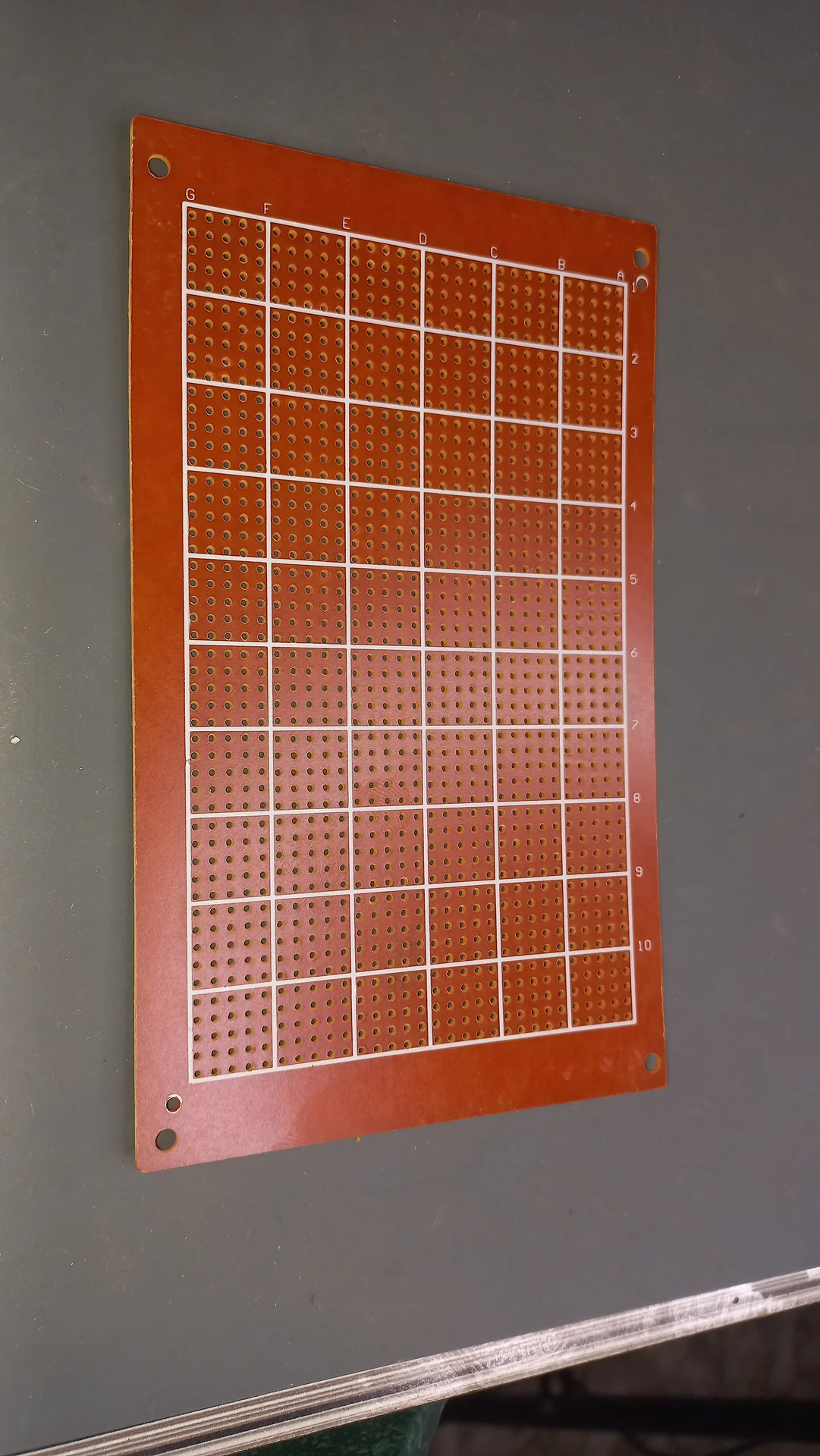
Large perfboard showing the grid of drilled holes, used as the base for the circuit assembly
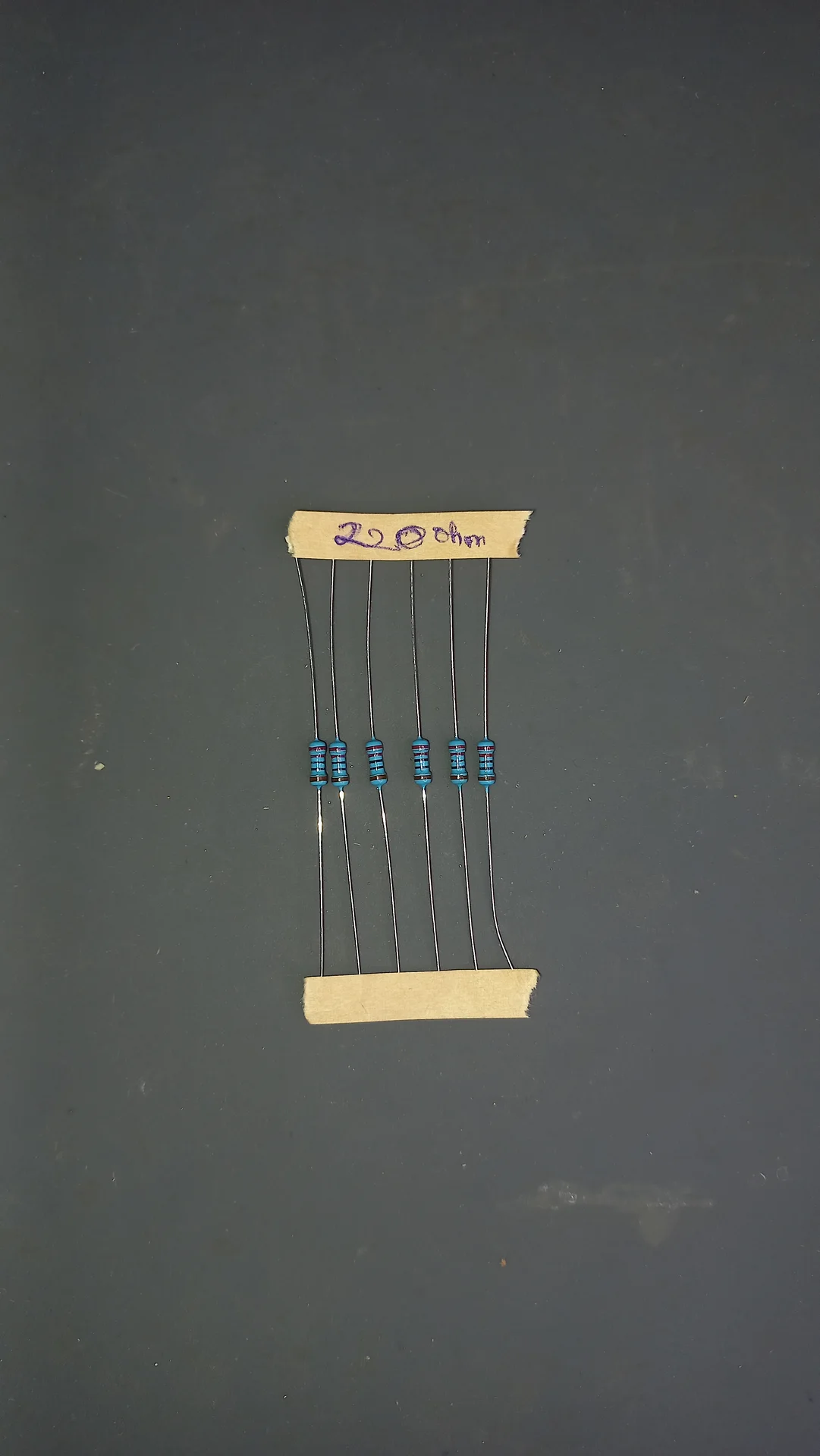
Five 220 ohm metal-film resistors held between two cardboard strips with the value handwritten as 220 ohm, used as LED current limiters
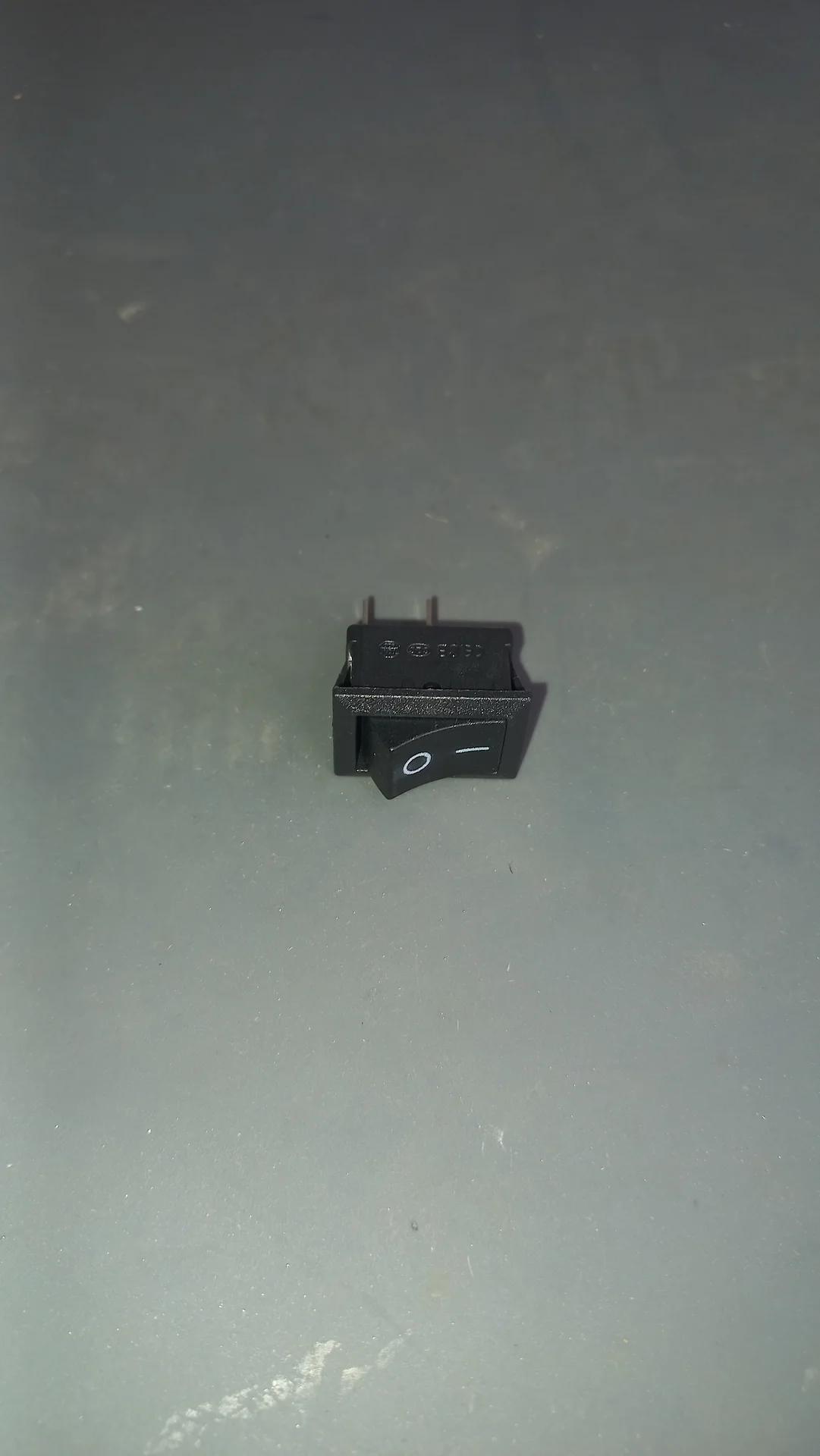
Mini rocker switch from the front showing the O/— on-off symbols and two connection pins
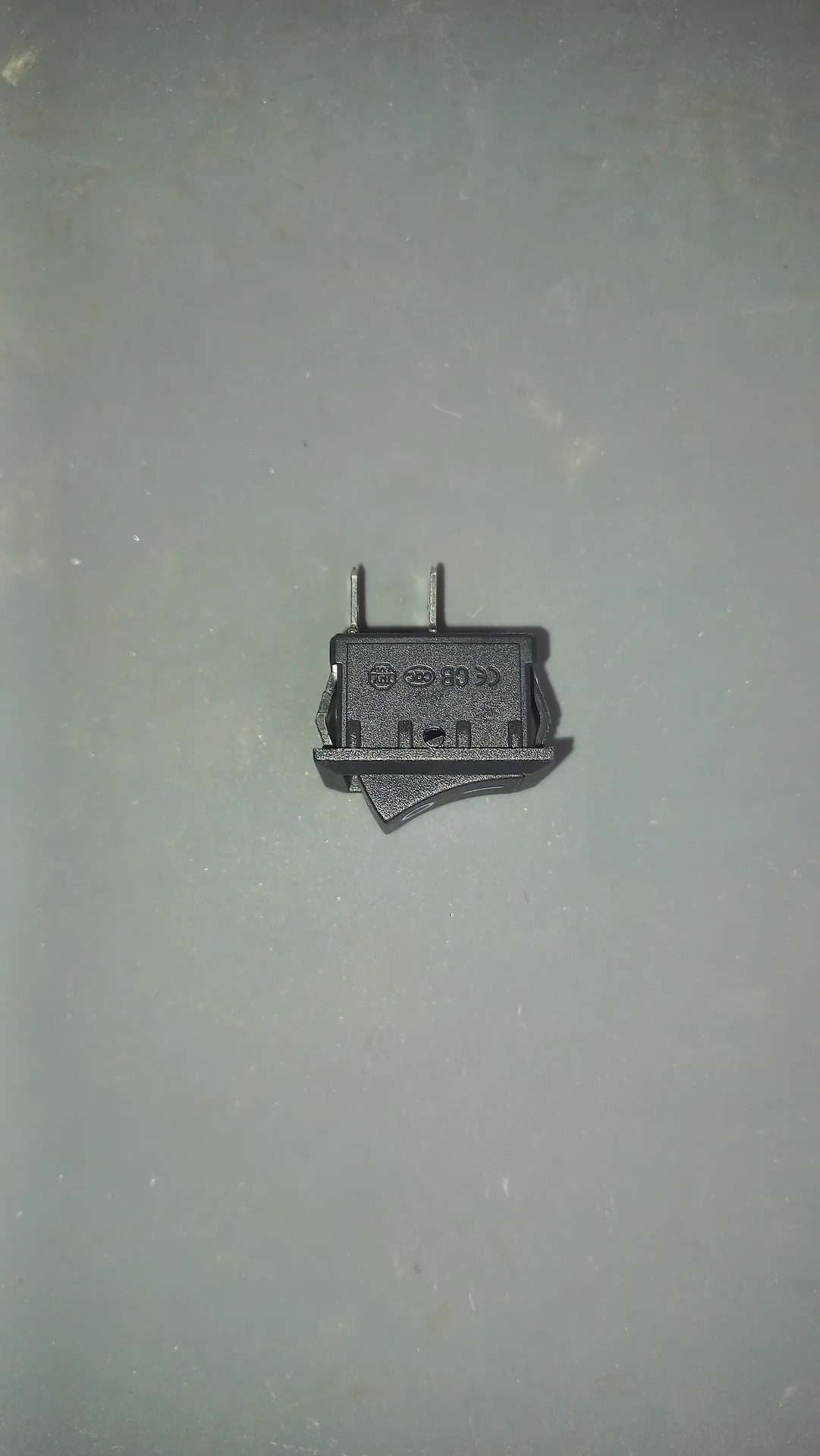
The same mini rocker switch from the back showing the CE and CCC certification marks and the two wiring pins
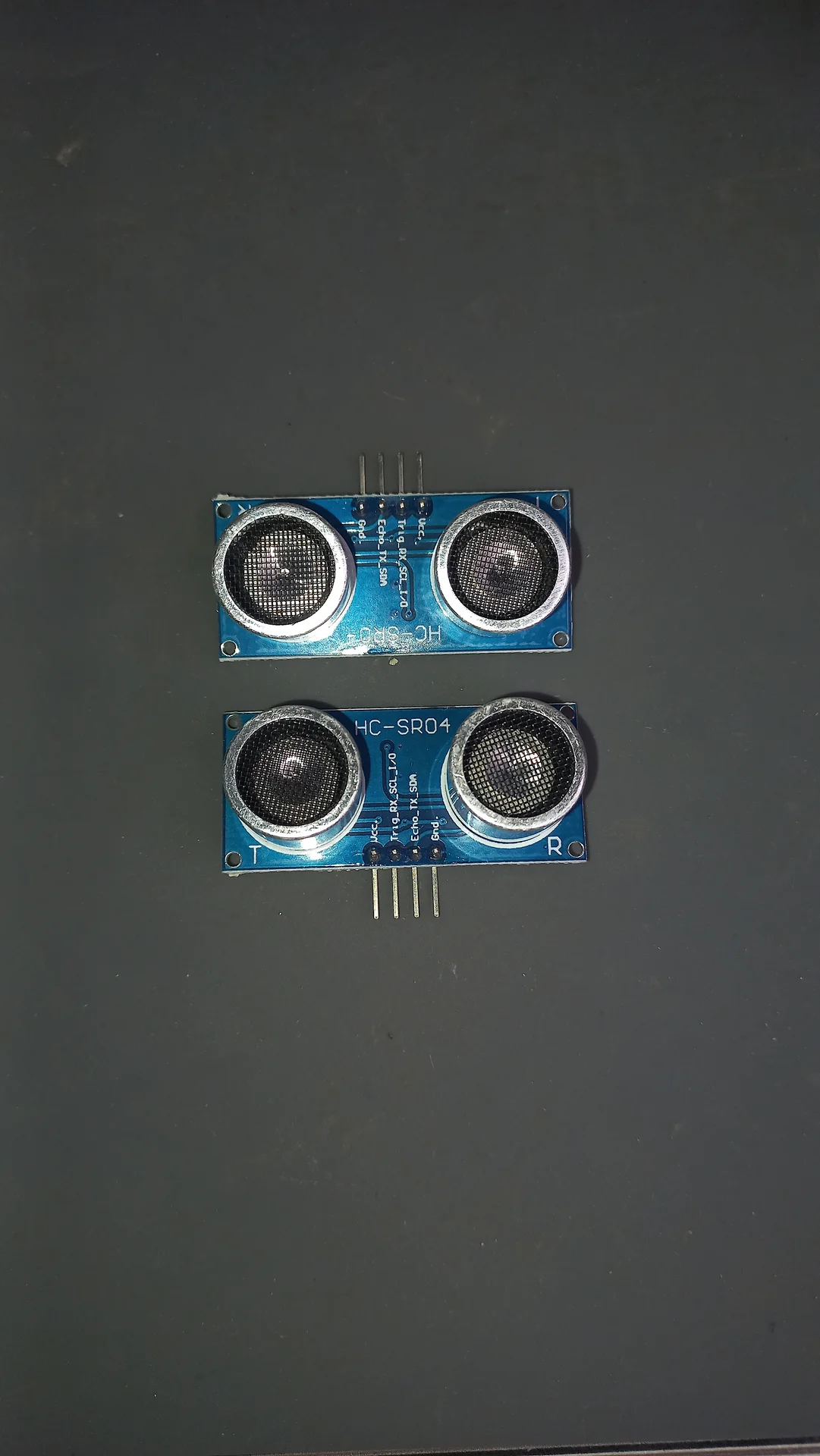
Two HC-SR04 ultrasonic distance sensors stacked one above the other, both showing the twin transducer eyes and HC-SR04 label
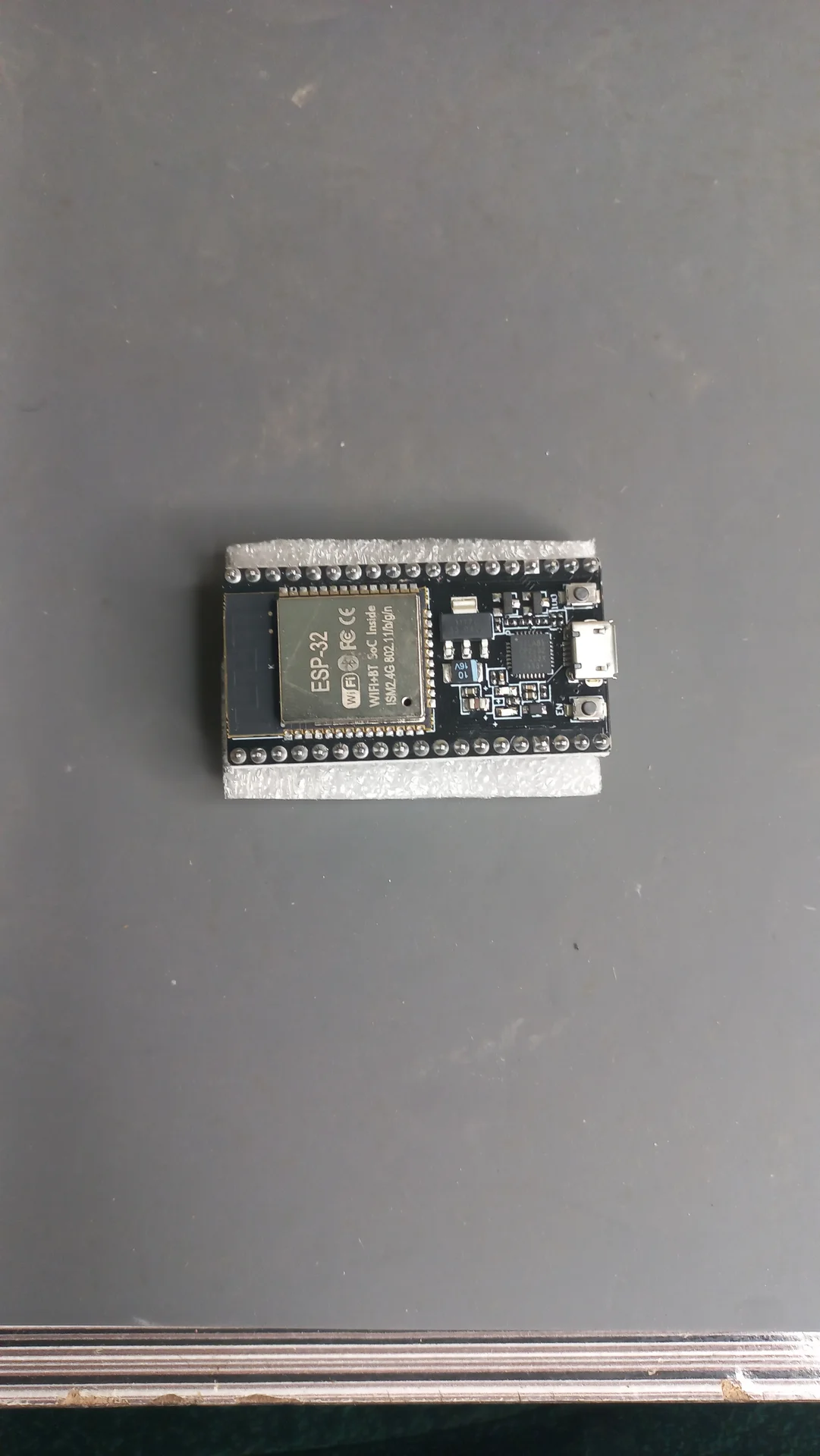
ESP32 DevKit board on a flat surface, showing the antenna, USB port and row of GPIO pins
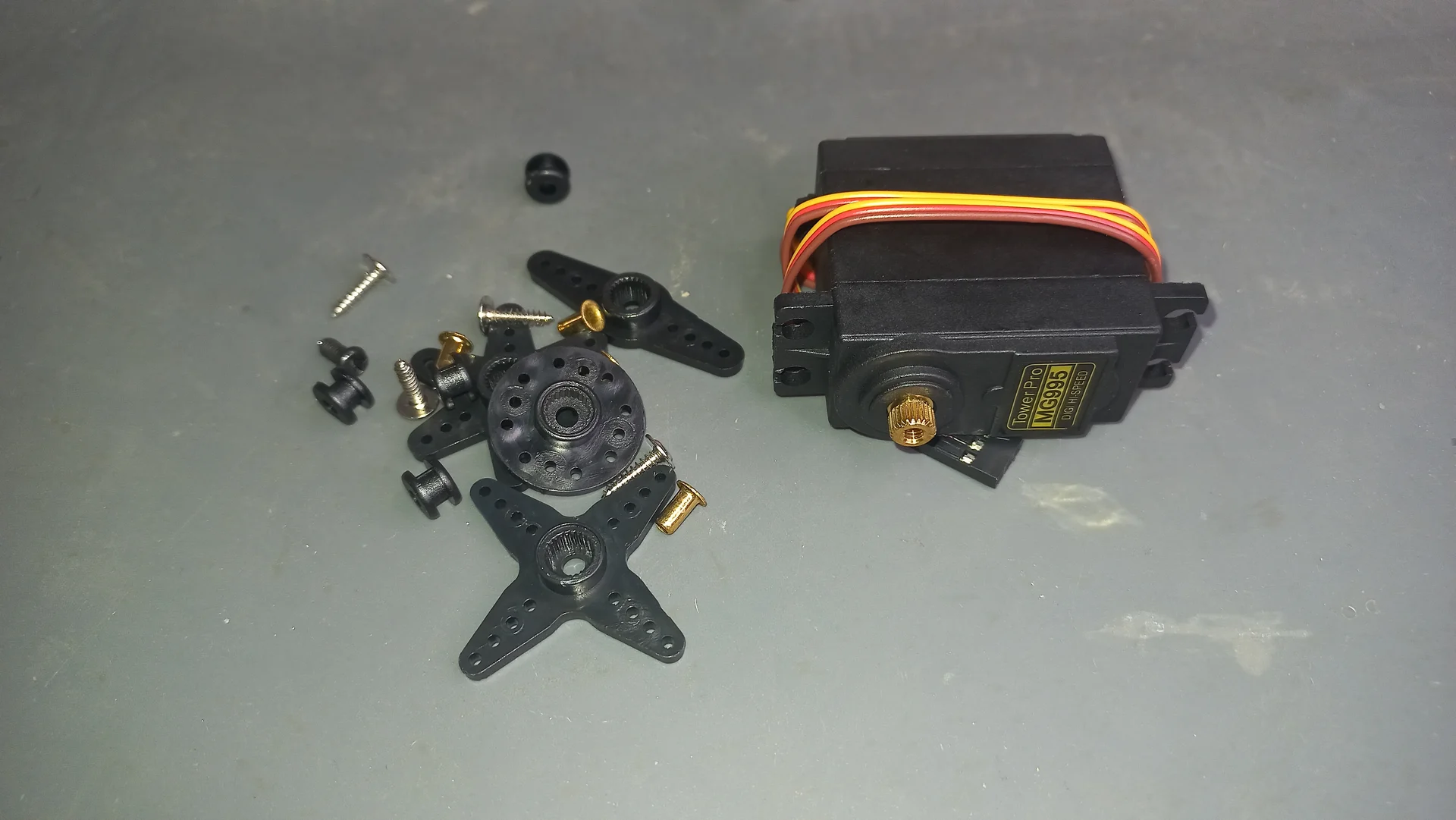
MG995 metal-gear servo motor with its complete set of servo horn accessories (cross disc, round disc, single arm, screws and grommets)
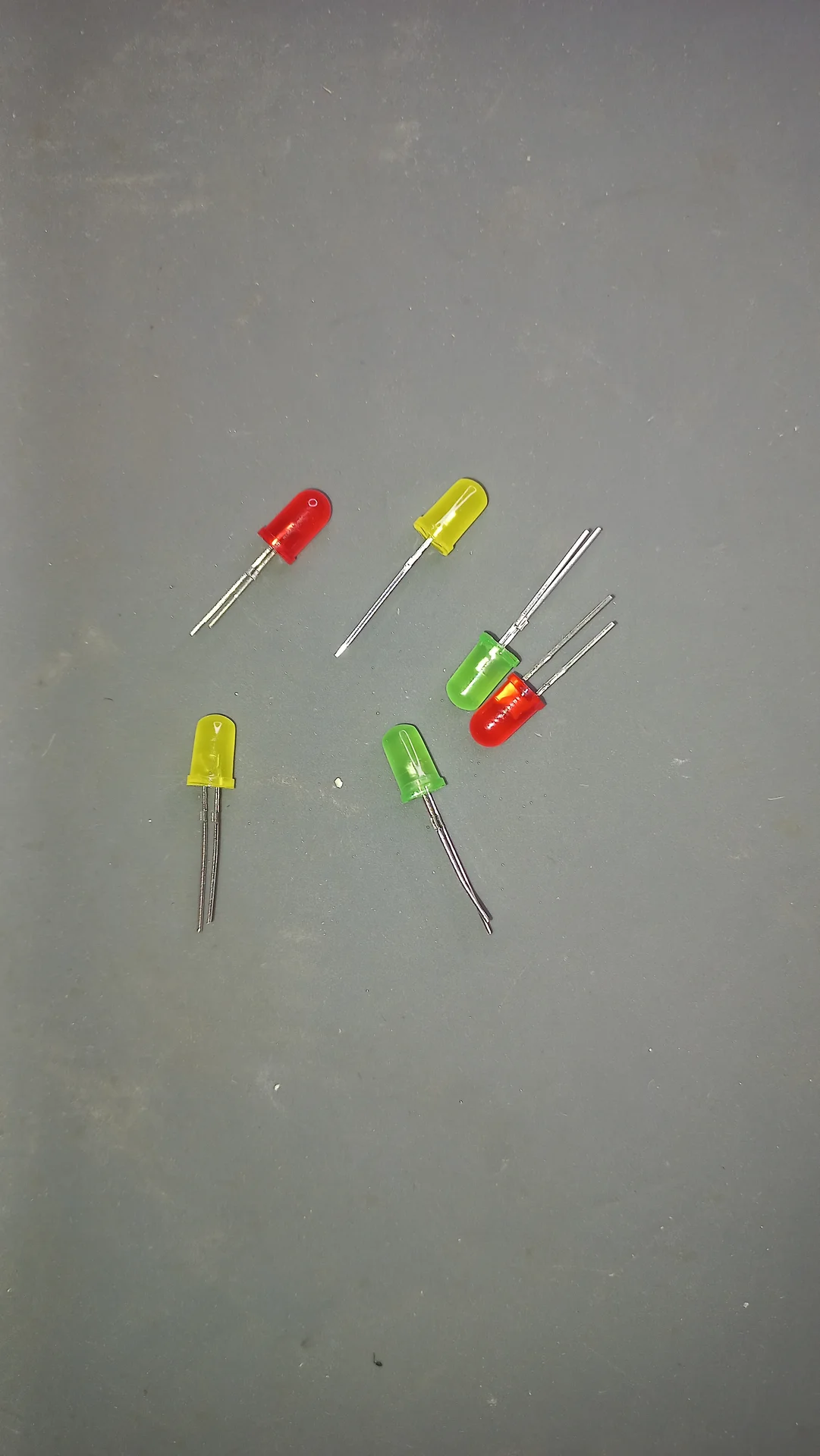
Six through-hole LEDs laid out: two red, two yellow and two green, used as status indicator lights
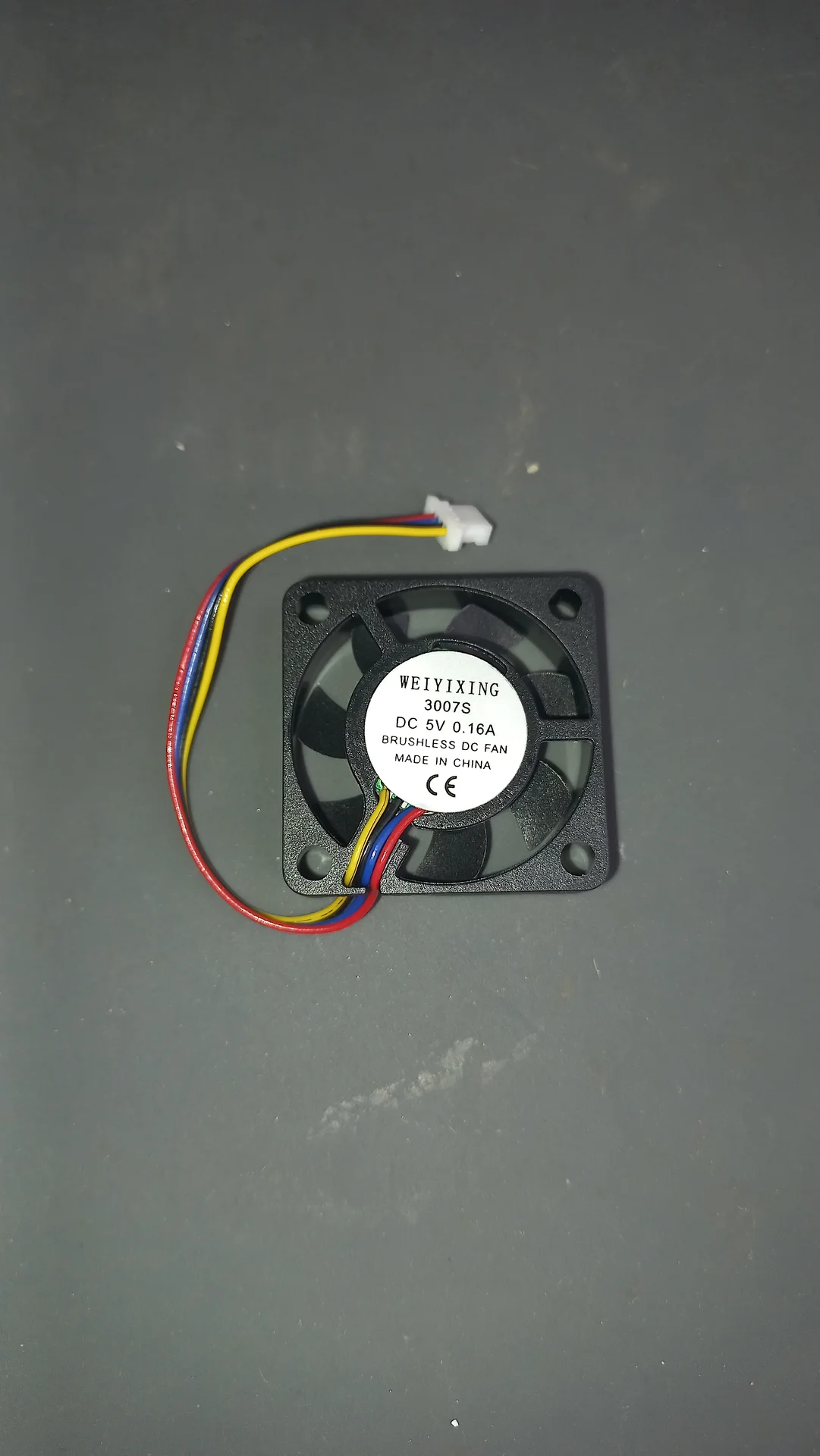
WEIYIXING 3007S brushless DC fan, 5 V 0.16 A, with three-wire connector, used for electronics cooling
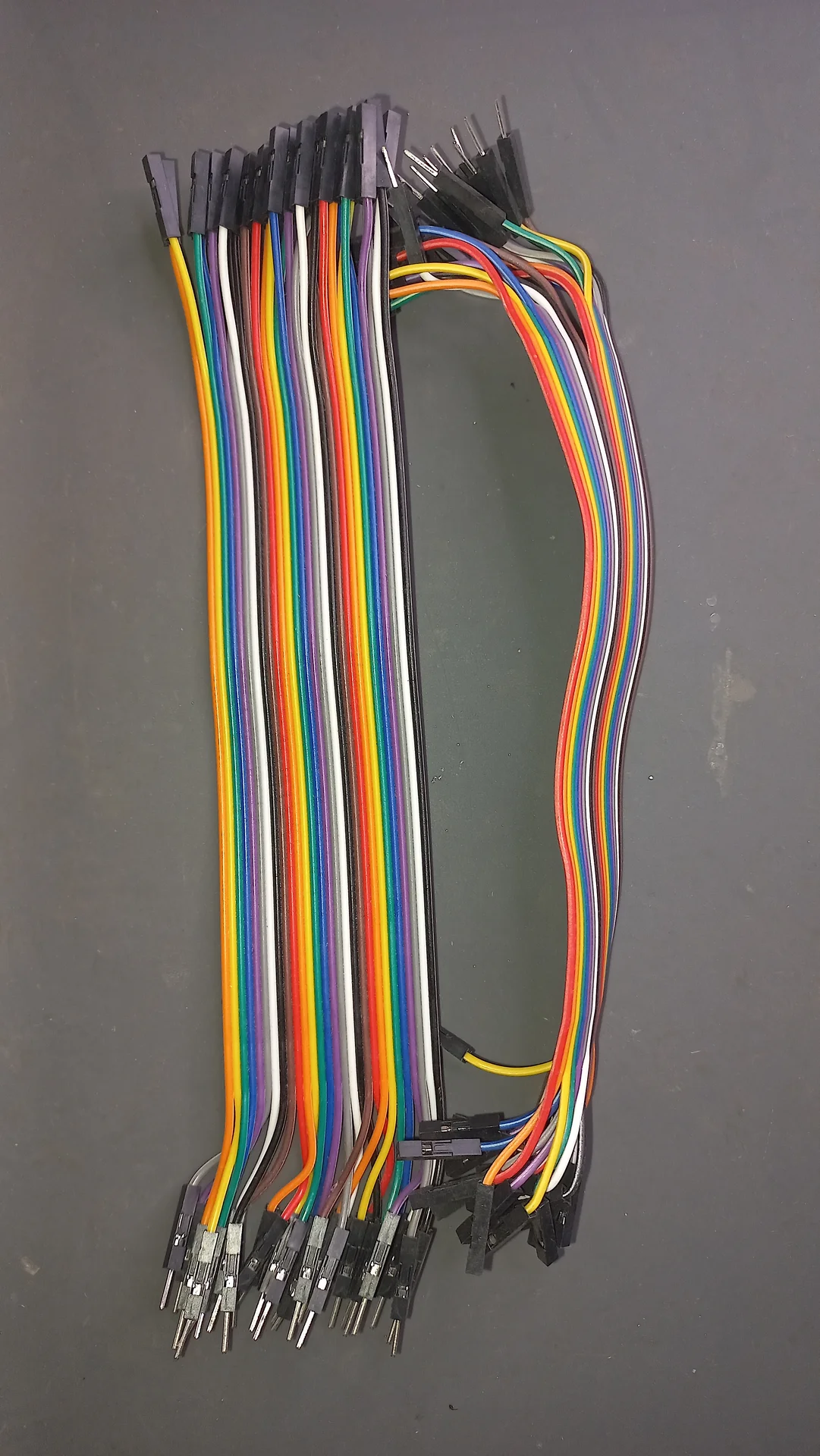
Bundle of multicolour male-to-female jumper wires (Dupont cables) used for prototyping connections
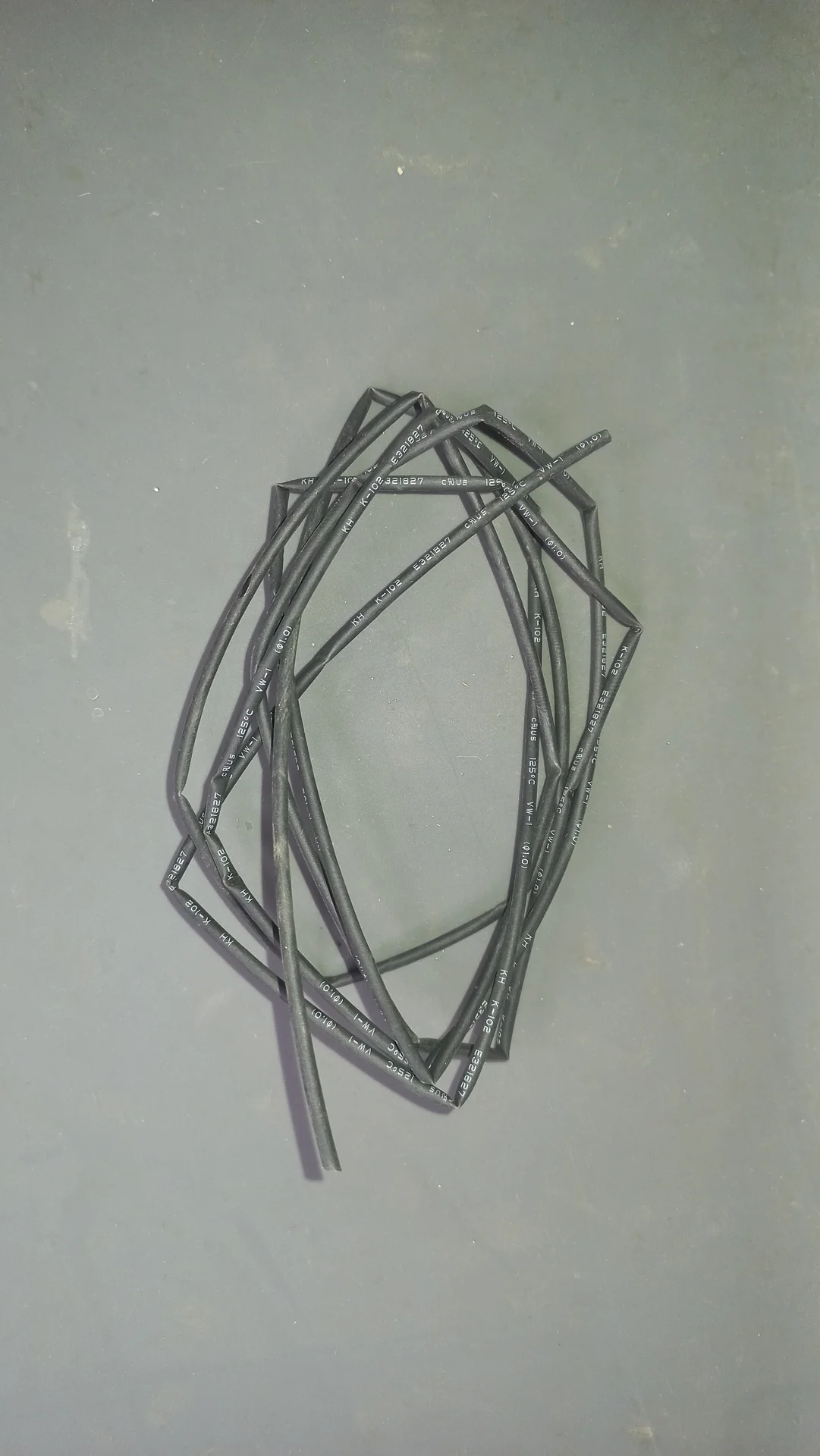
A coil of black heat shrink tubing used to insulate and protect wire connections throughout the build
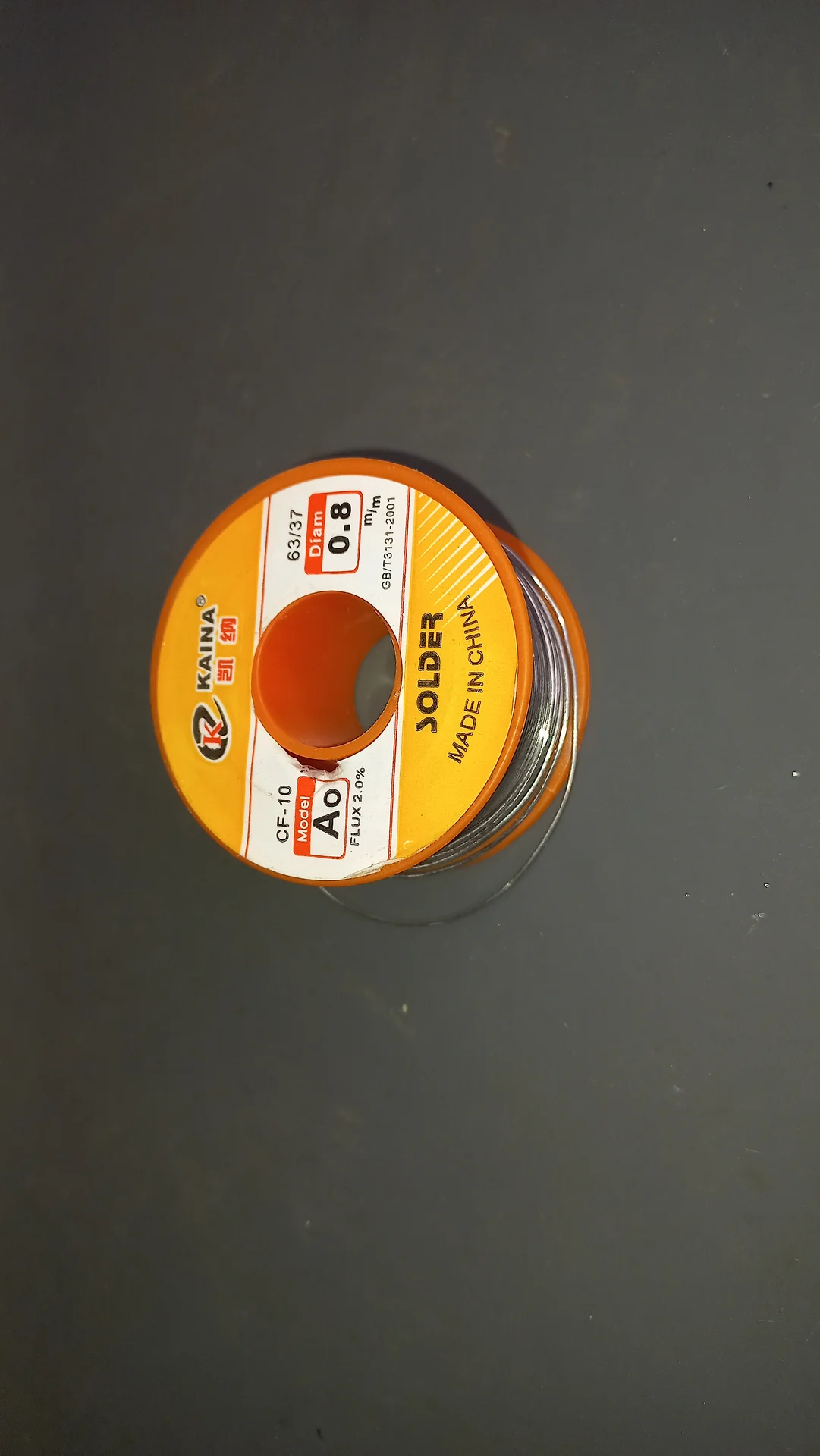
Kaina solder wire reel, 63/37 tin-lead alloy, 0.8 mm diameter, CF-10 flux 2.0%, used for all the soldering work on the project
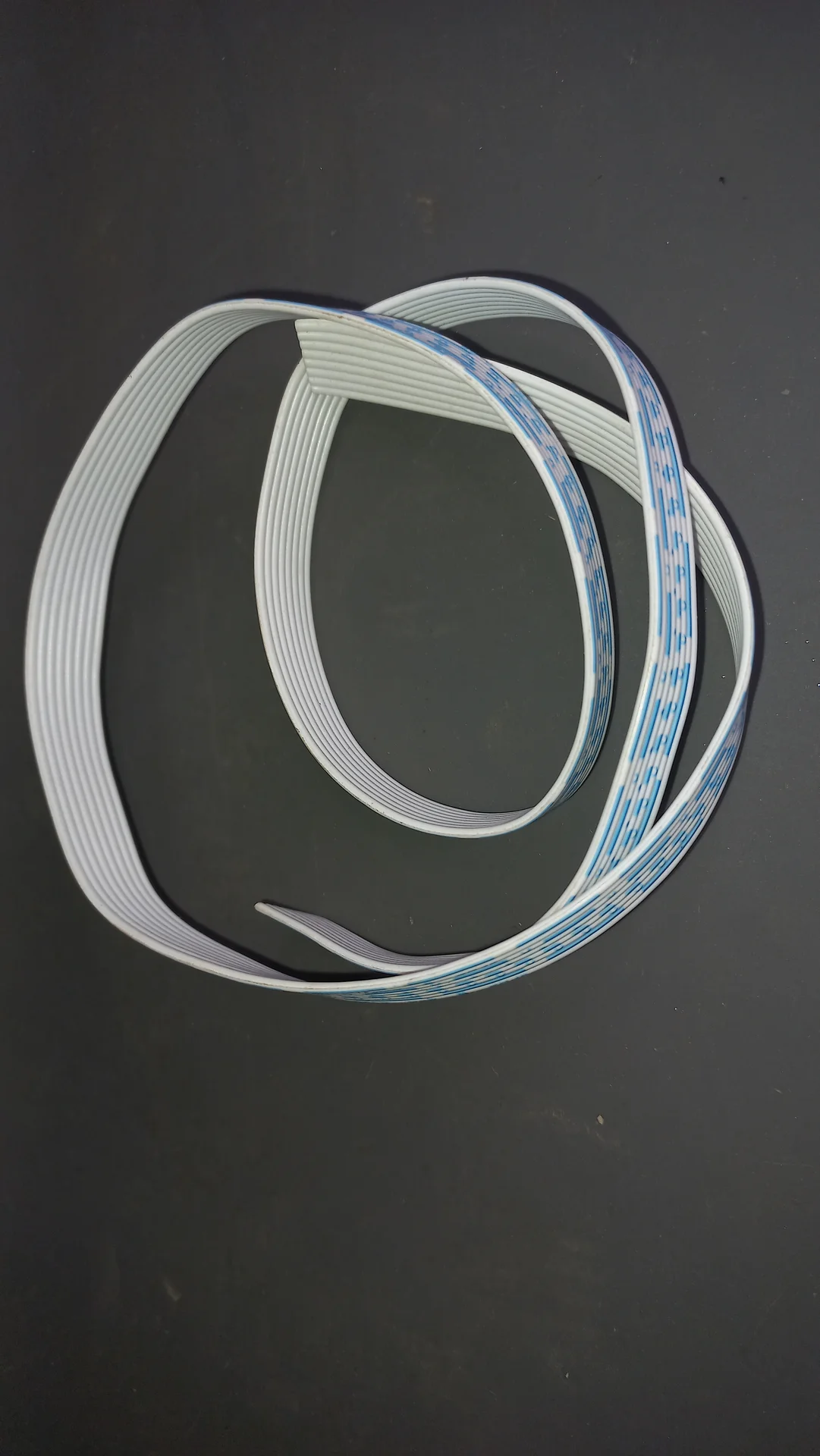
Flat ribbon cable coiled loosely, white with a blue stripe, used for internal signal wiring connections
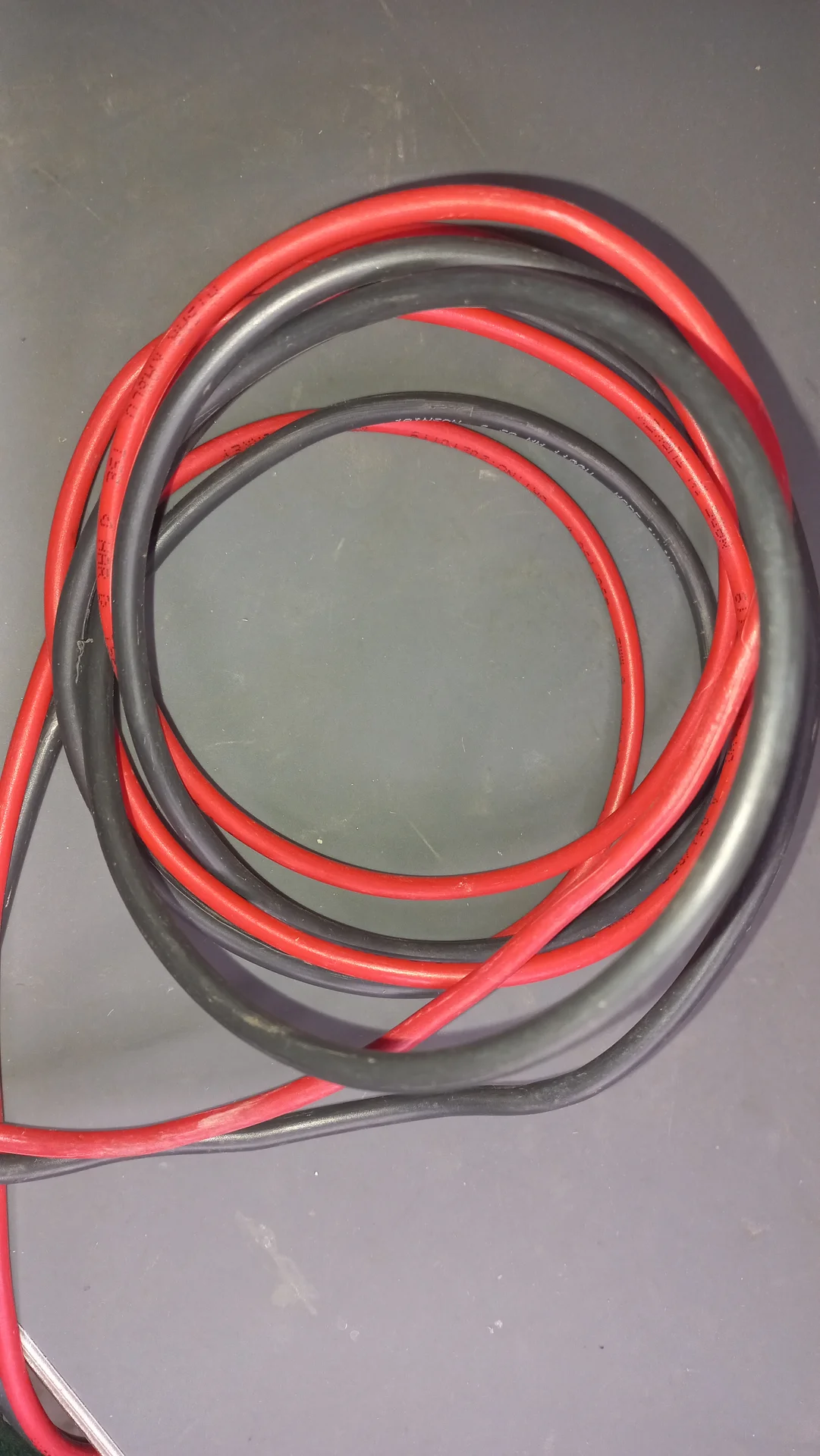
A coil of thick red and black silicone power wires, used for the high-current battery connections
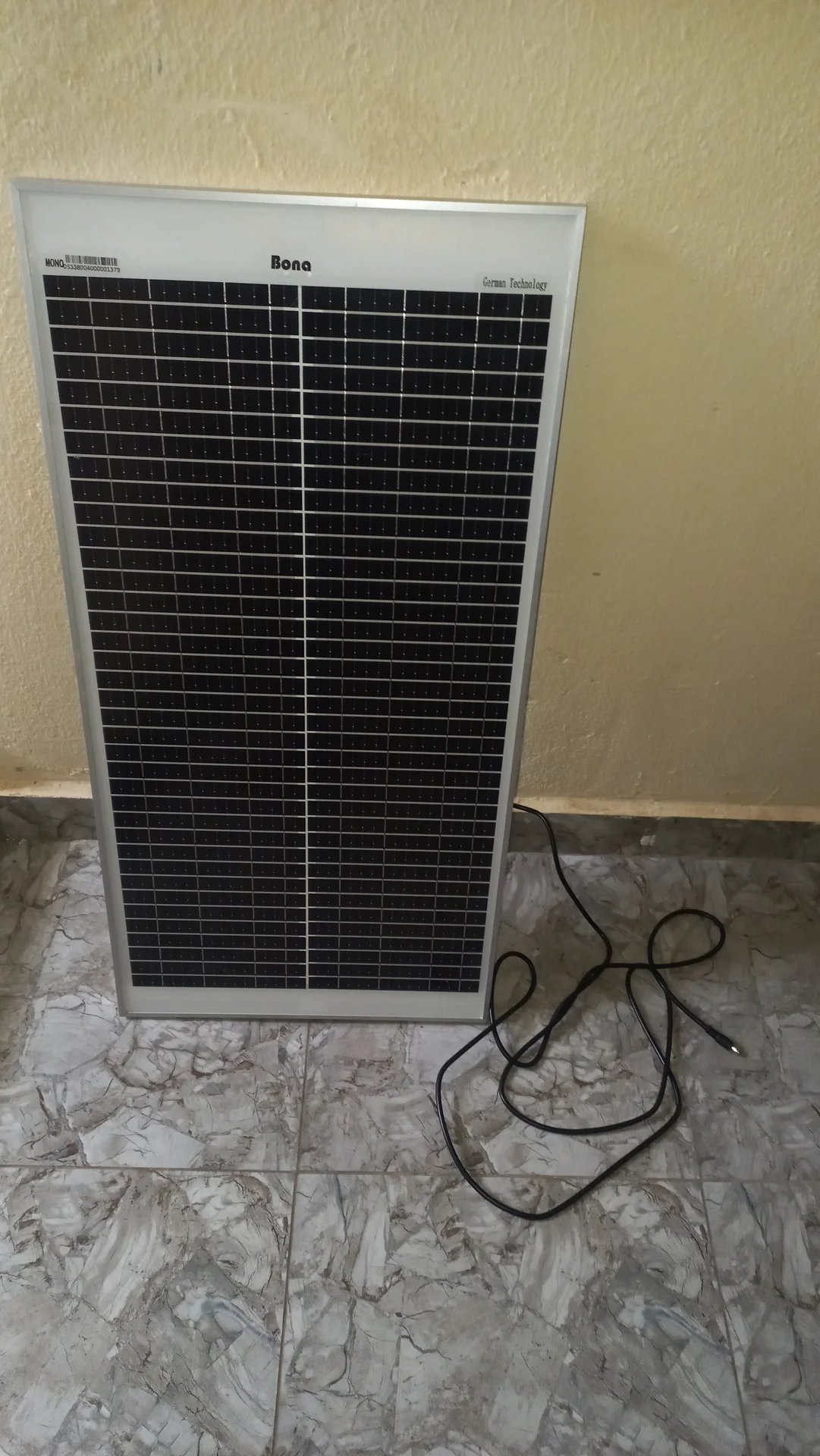
The 50 W Bona solar panel propped upright against a wall, showing its full face and the cable coiled at the base
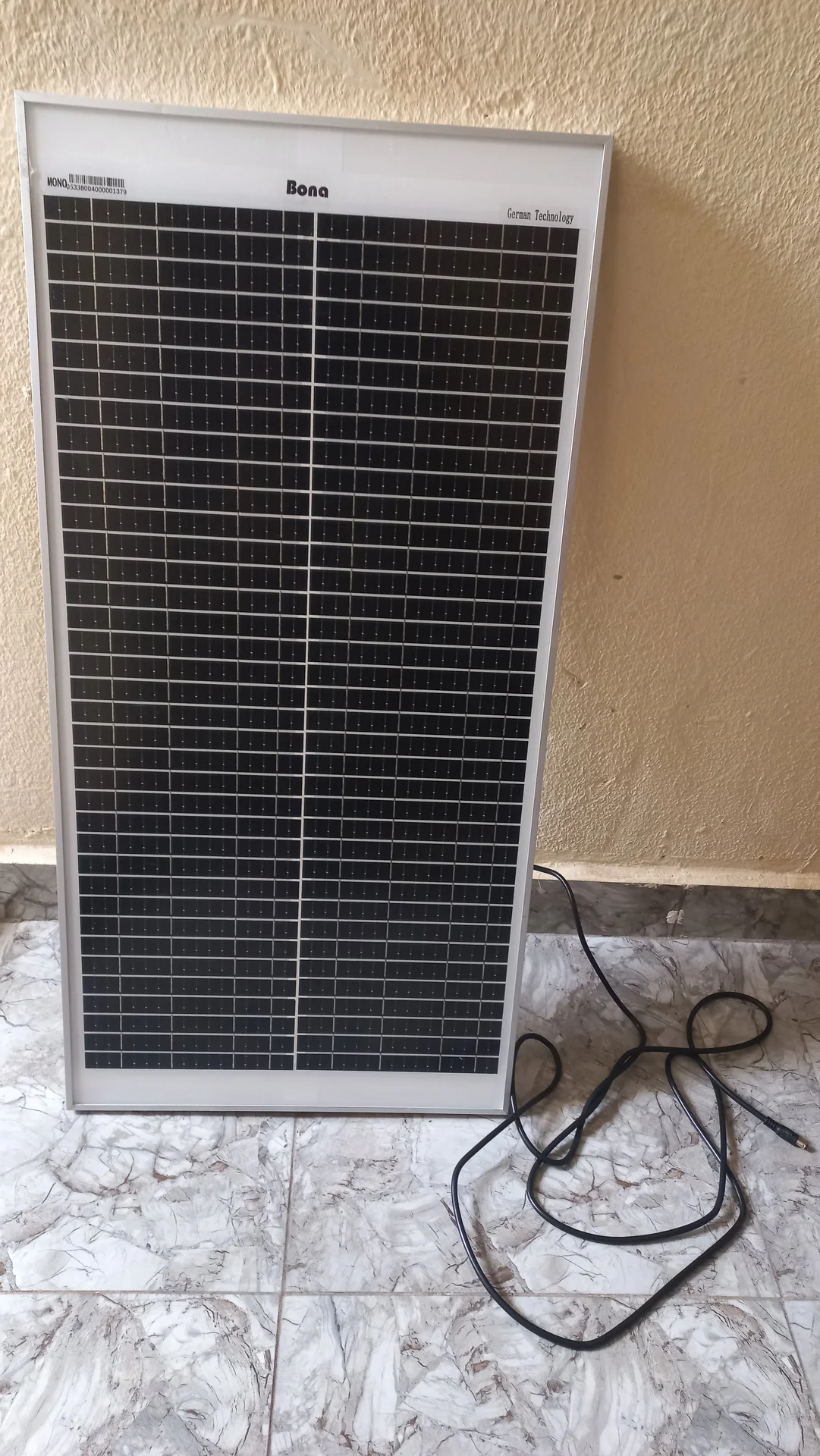
50 W Bona solar panel standing upright against a wall, front face showing the cell grid and aluminium frame, with cable on the floor
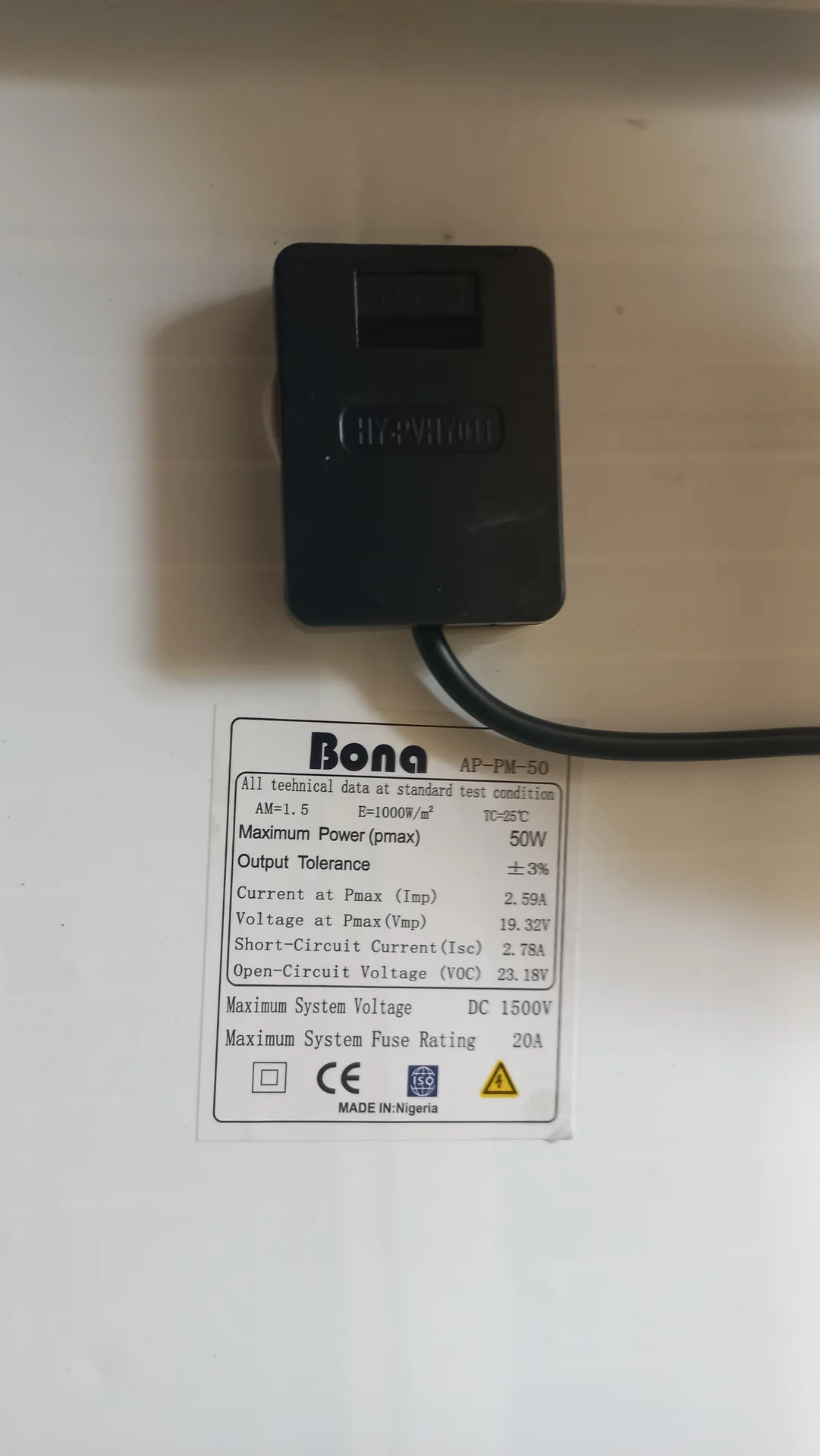
Close-up of the Bona AP-PM-50 solar panel spec label: 50 W maximum power, Vmp 19.32 V, Voc 23.18 V, Isc 2.78 A, with junction box connector above

Early Electronics Prototyping

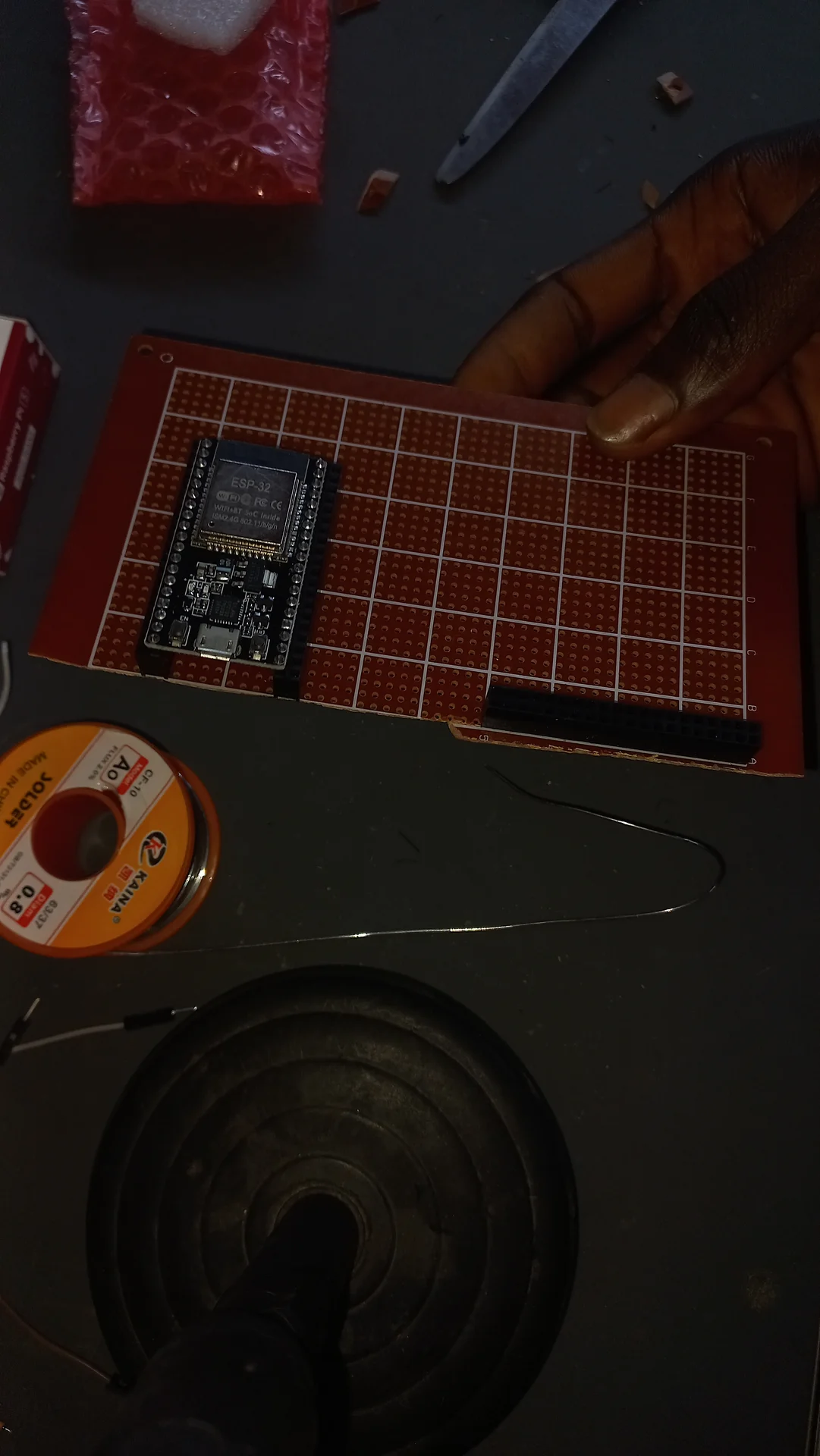
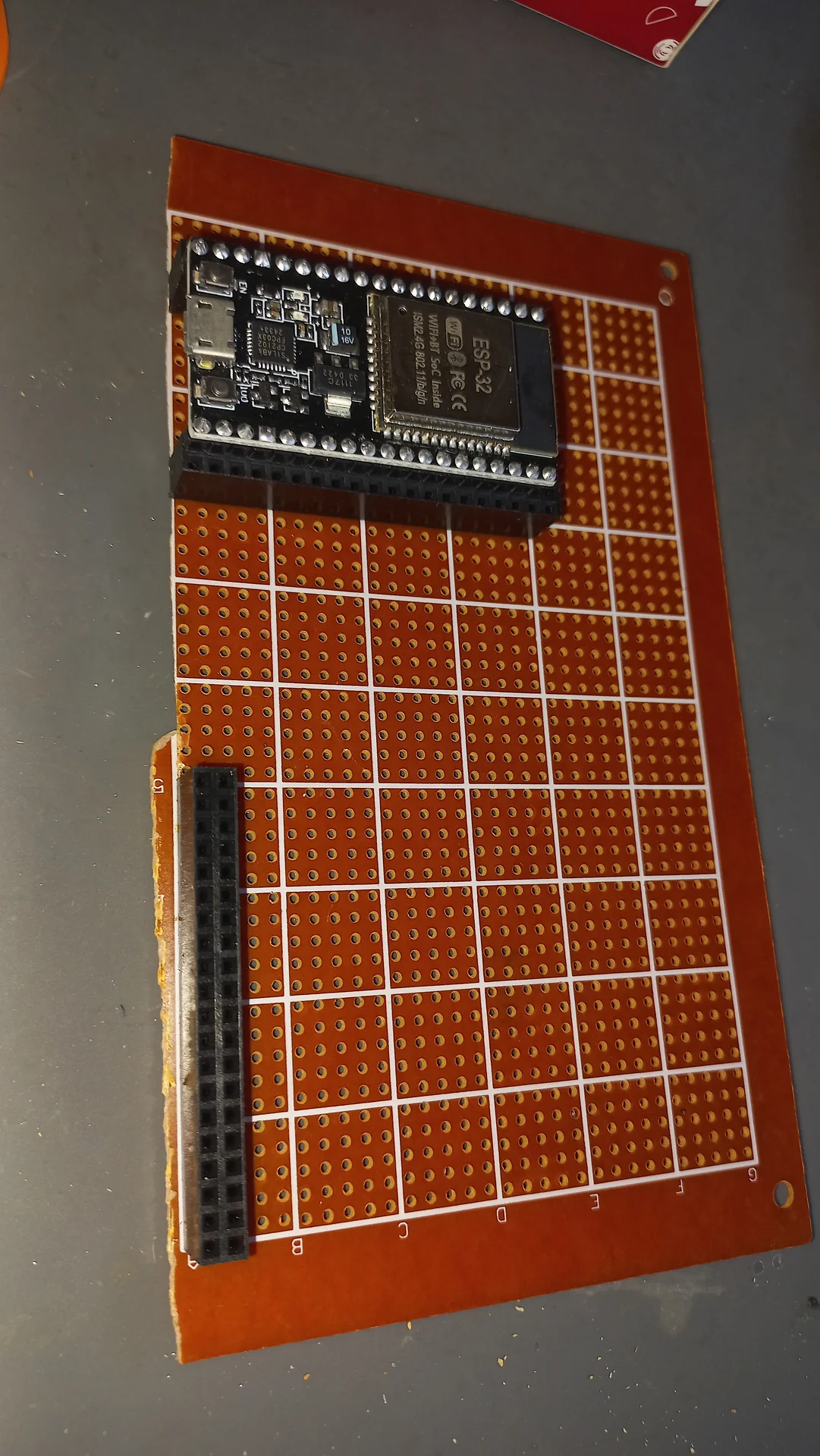
ESP32 placed on a perfboard at the very start of prototyping, with solder wire nearby but no connections yet made
Wider view of the perfboard with the ESP32 positioned at the top and a pin header strip along the left edge, before any wiring
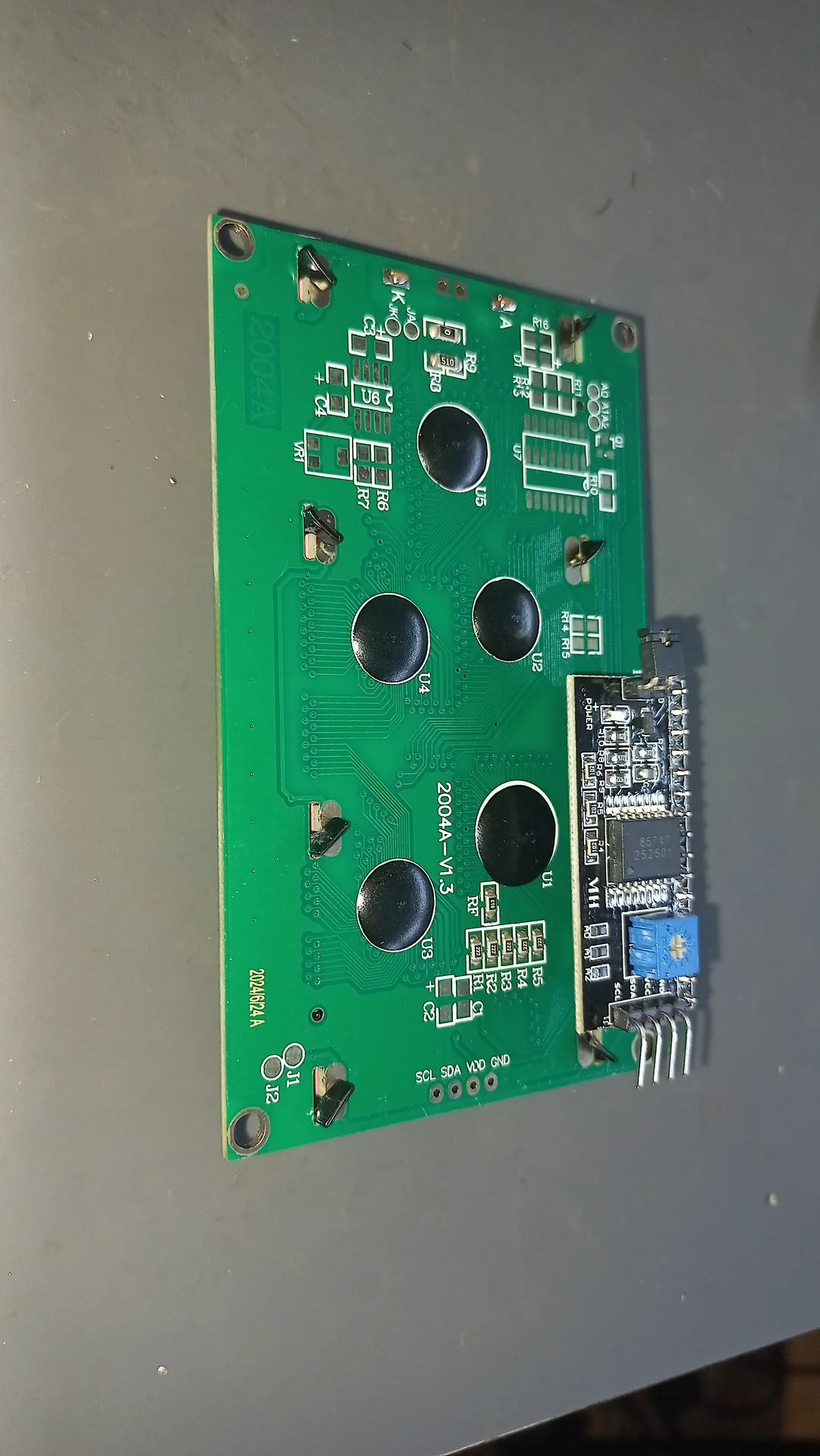
The back of the 20x4 LCD showing the I2C PCB module soldered on and the four-wire connector pigtail
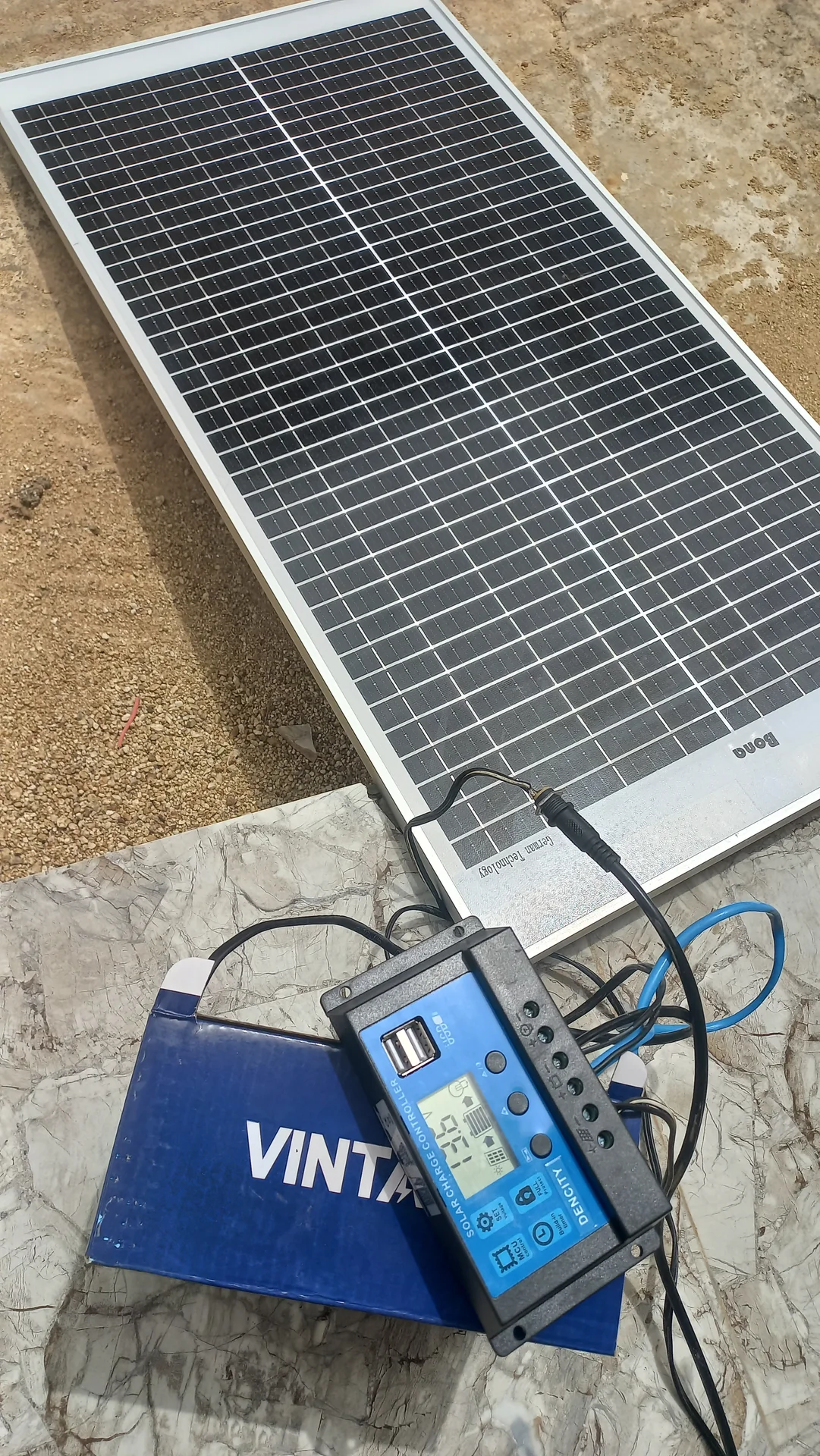
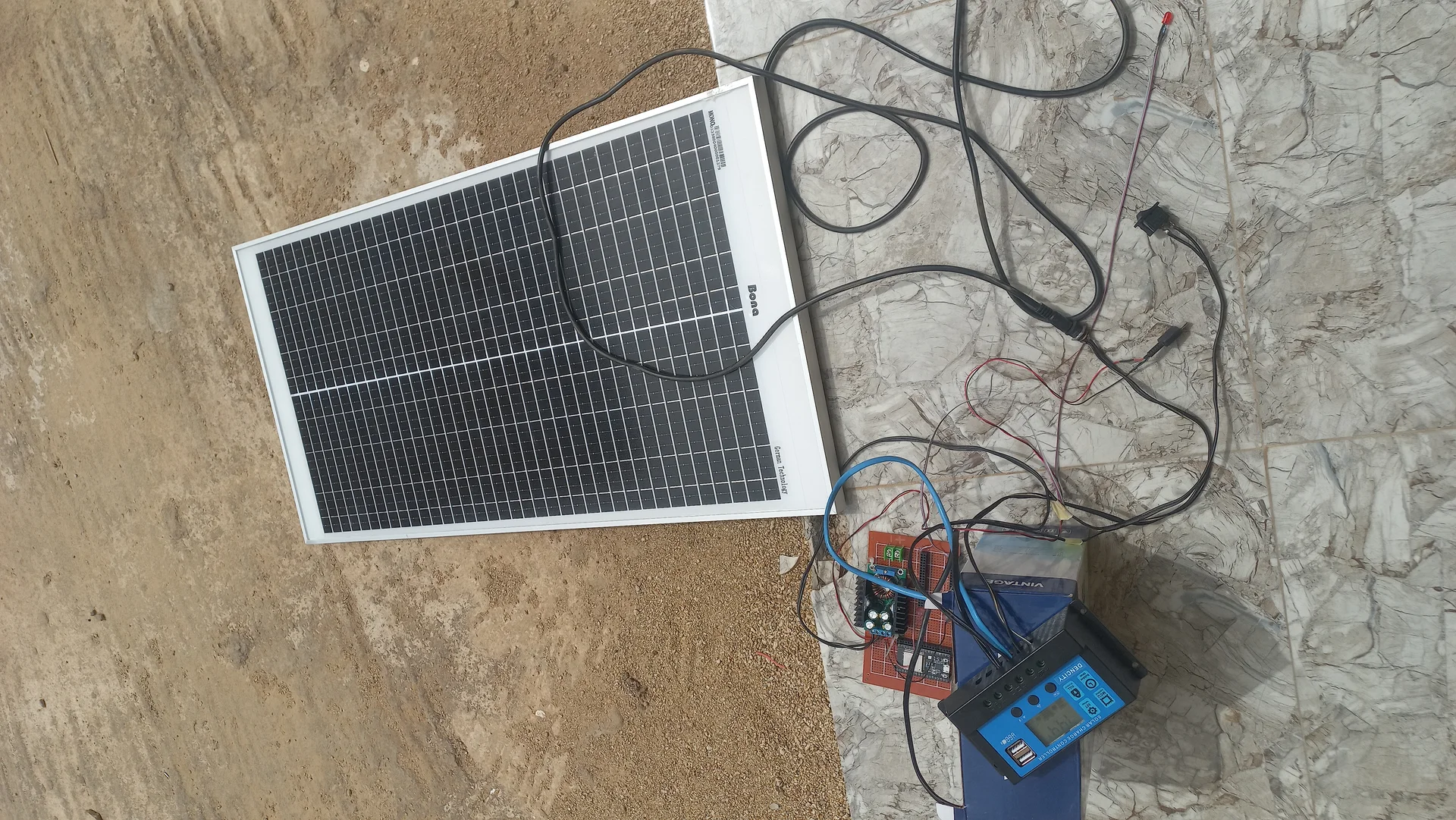
Solar panel, 12 V battery and the charge controller connected together outdoors for a first power test
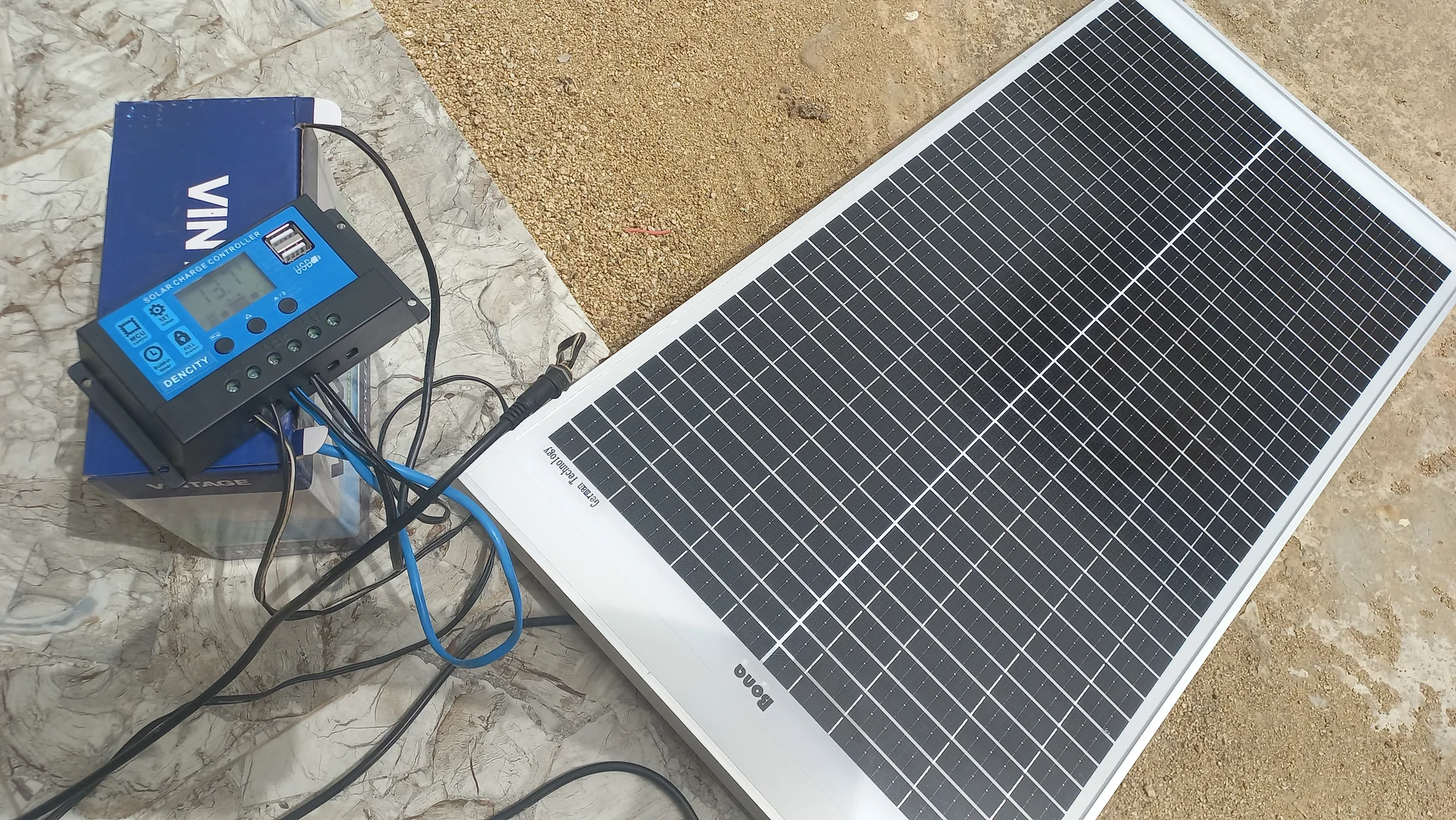
Wider shot of the same outdoor power-system test showing the panel, battery and controller wired up on the ground
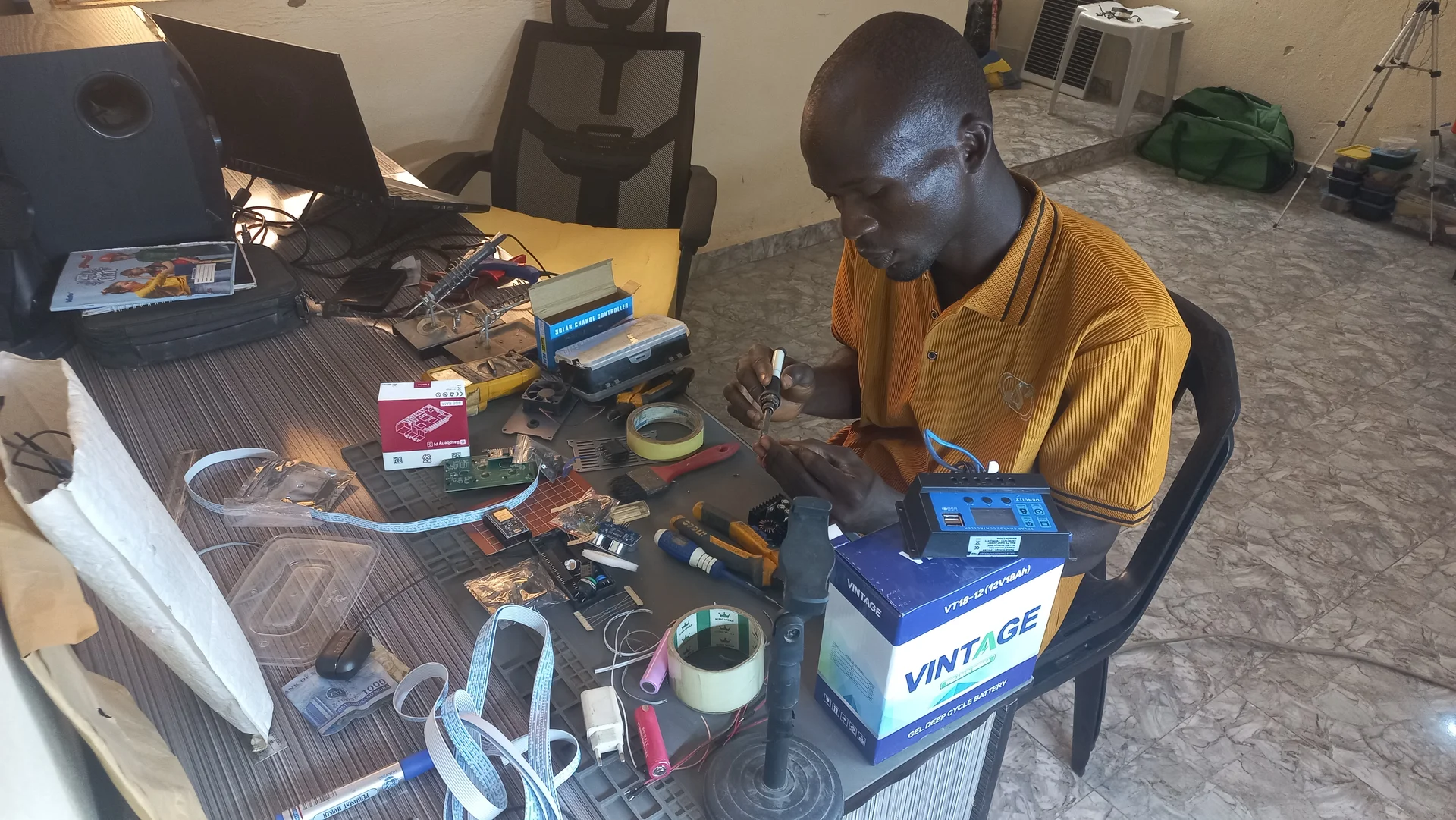
Builder at the work desk with components spread across the surface, in the middle of an early wiring session
Top-down view of the outdoor power-system test with the solar panel, battery, charge controller and additional electronics on the ground
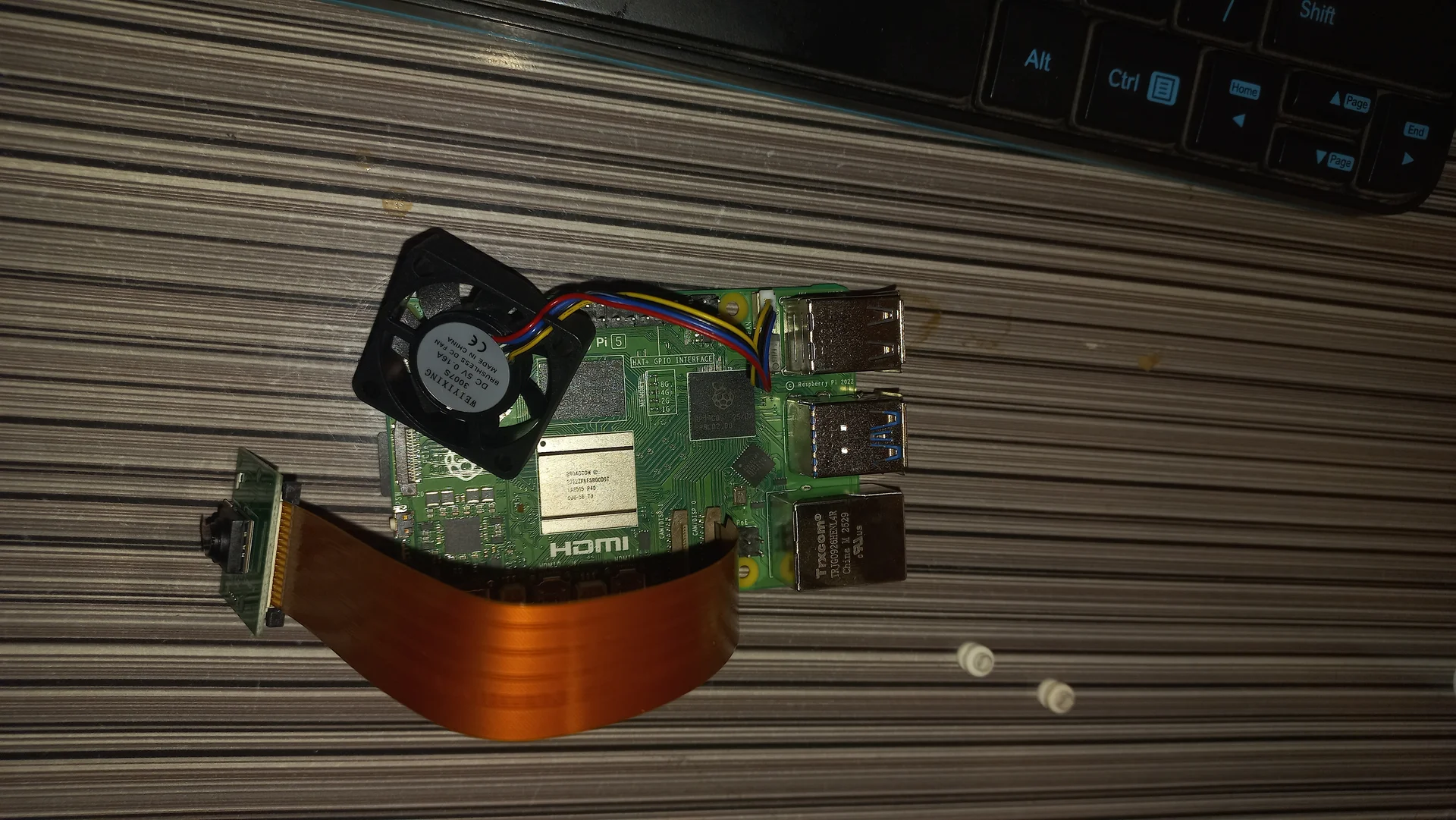
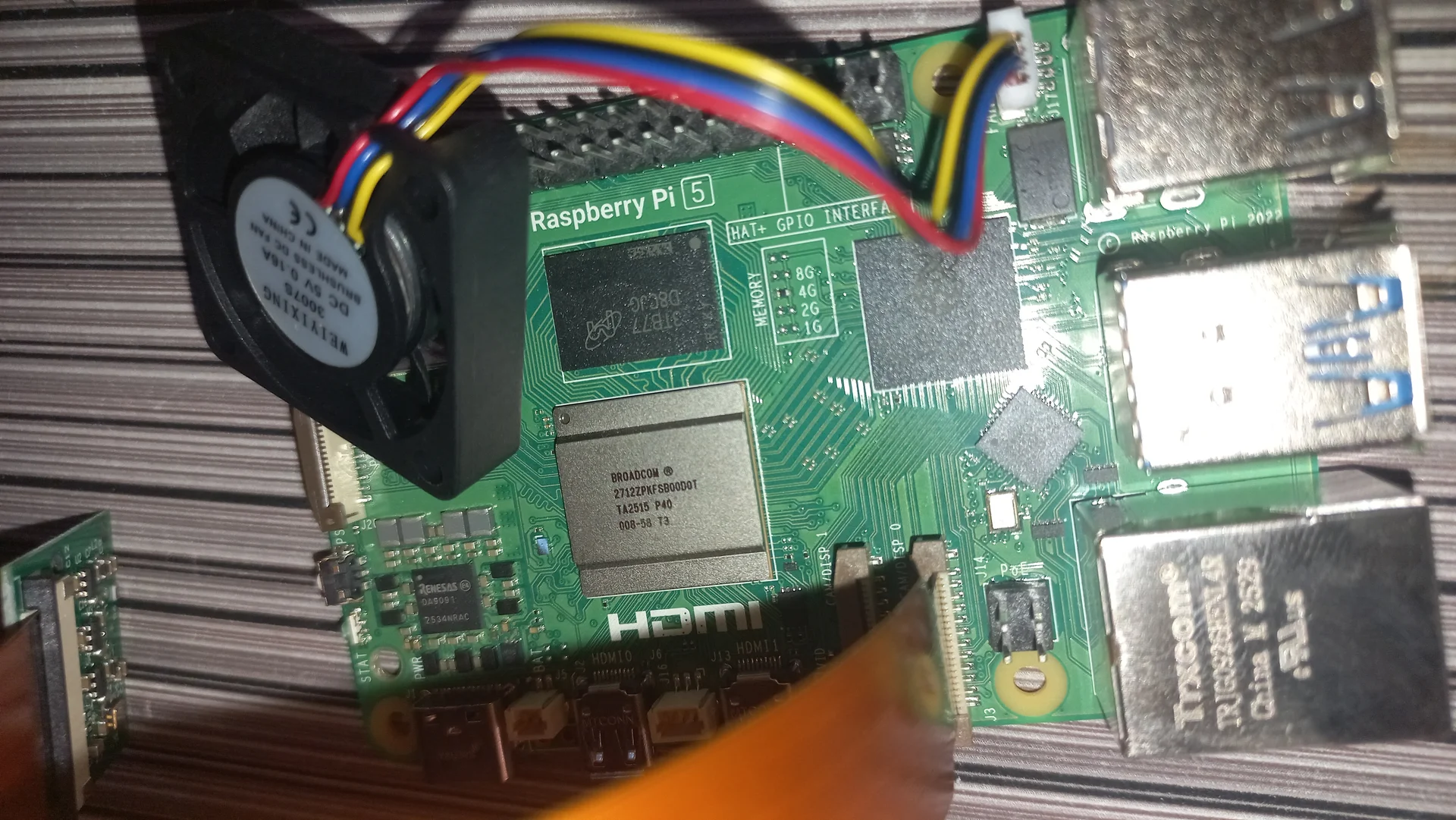
Raspberry Pi 5 with a small blower fan placed on the processor and the Pi Camera Module with ribbon cable laid alongside, before final assembly
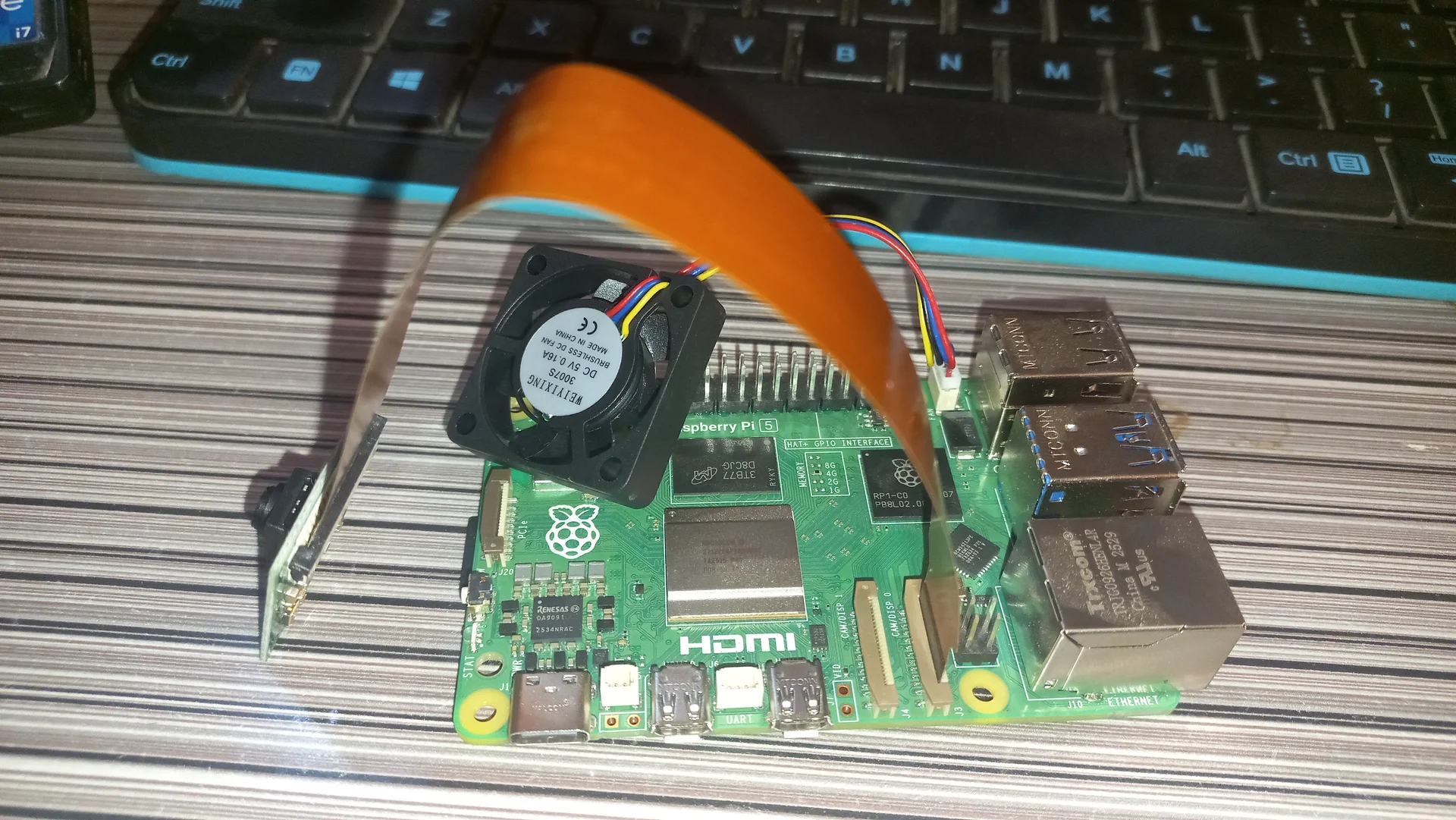
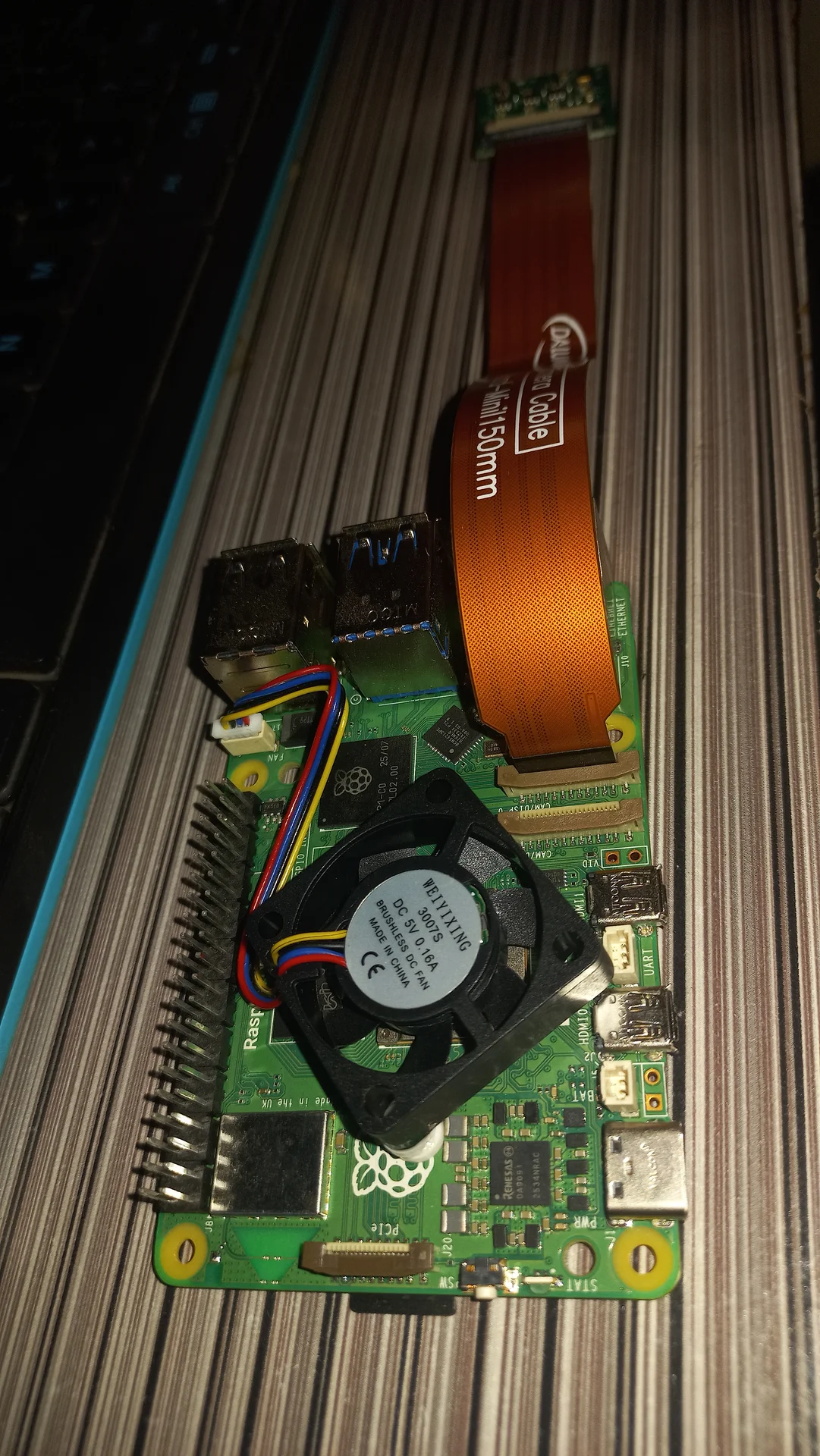
Angled front view of the Pi 5 with the blower fan and the camera ribbon cable arching over the board, showing the HDMI port and GPIO header
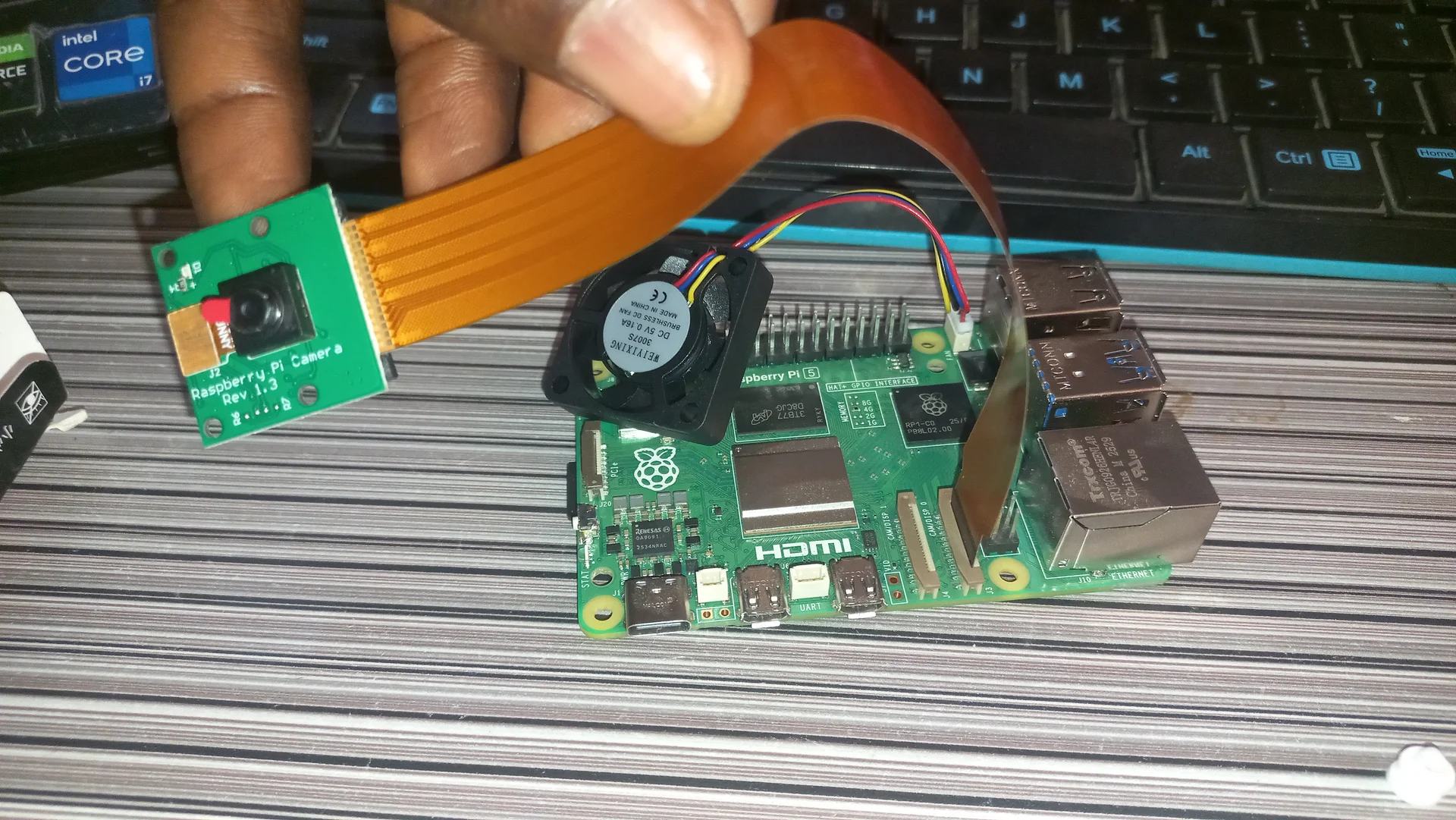
Pi Camera Module held up in a hand connected via ribbon cable to the Pi 5 below, showing the lens and the assembled system together
Angled top view of the Pi 5 board showing the blower fan, chip area, GPIO header and the Raspberry Pi 5 label, with the camera ribbon visible at the edge
Pi 5 with the camera ribbon cable plugged into the CSI port, confirming the physical connection before software testing

Enclosure Construction

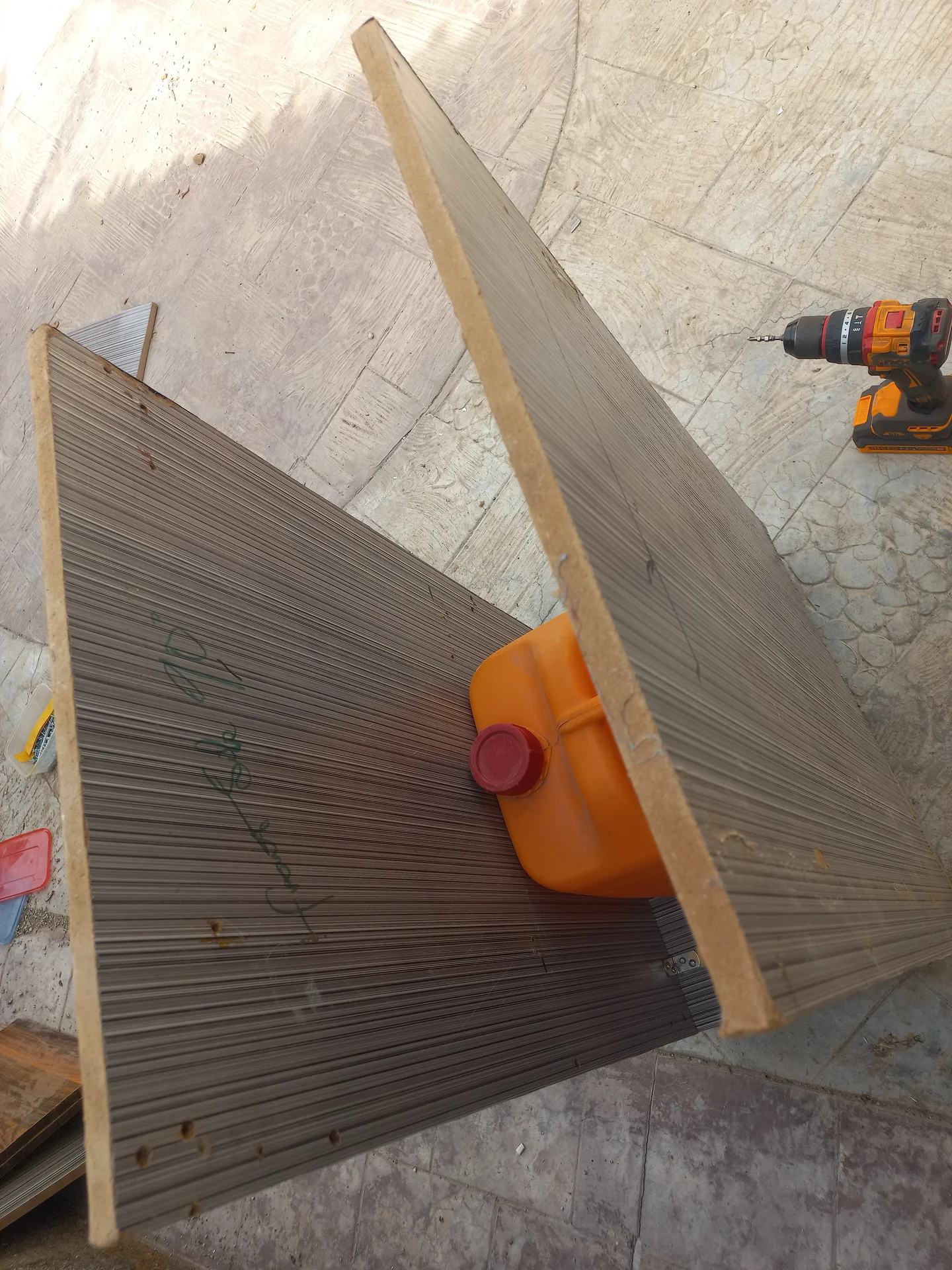
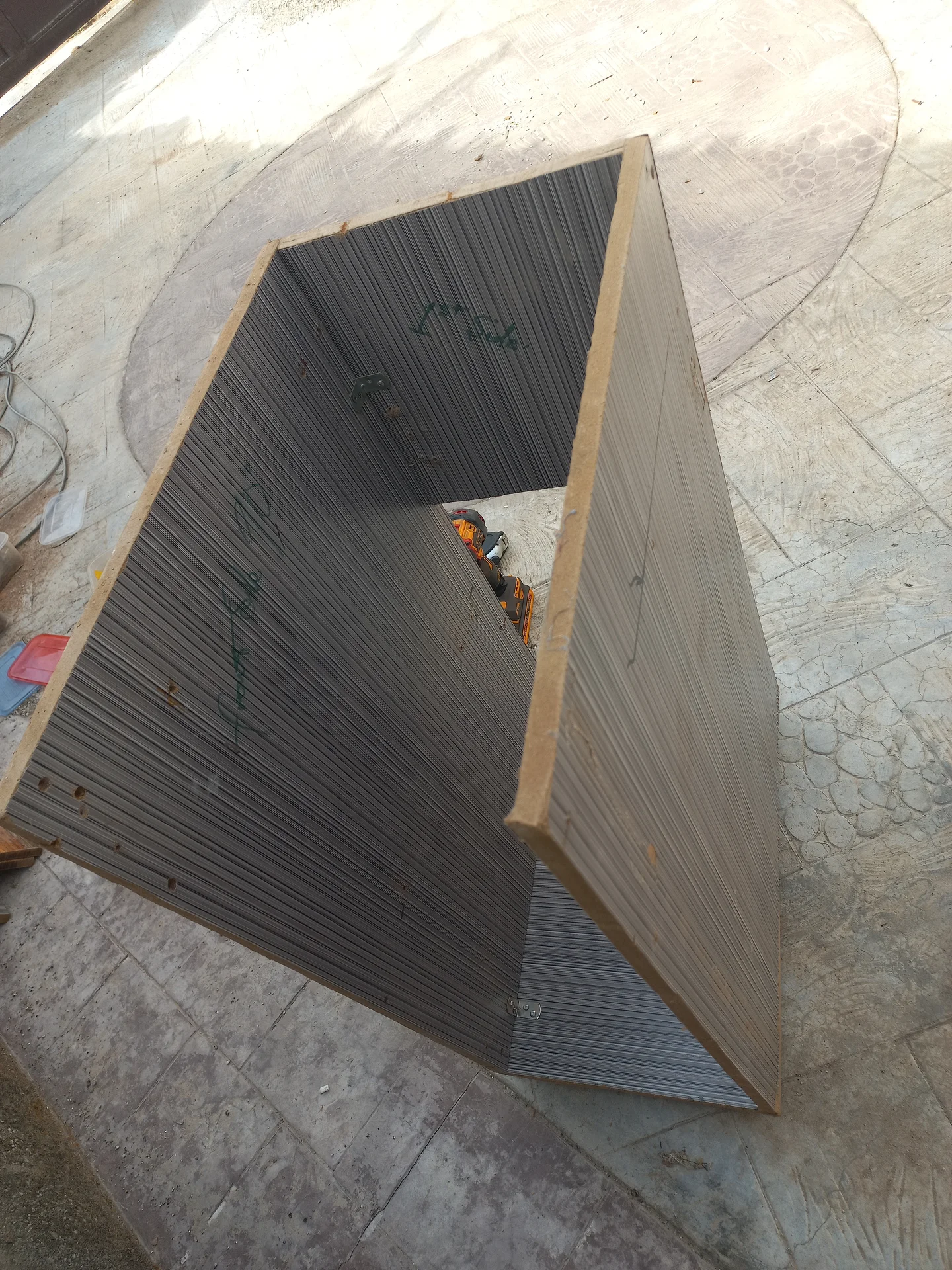
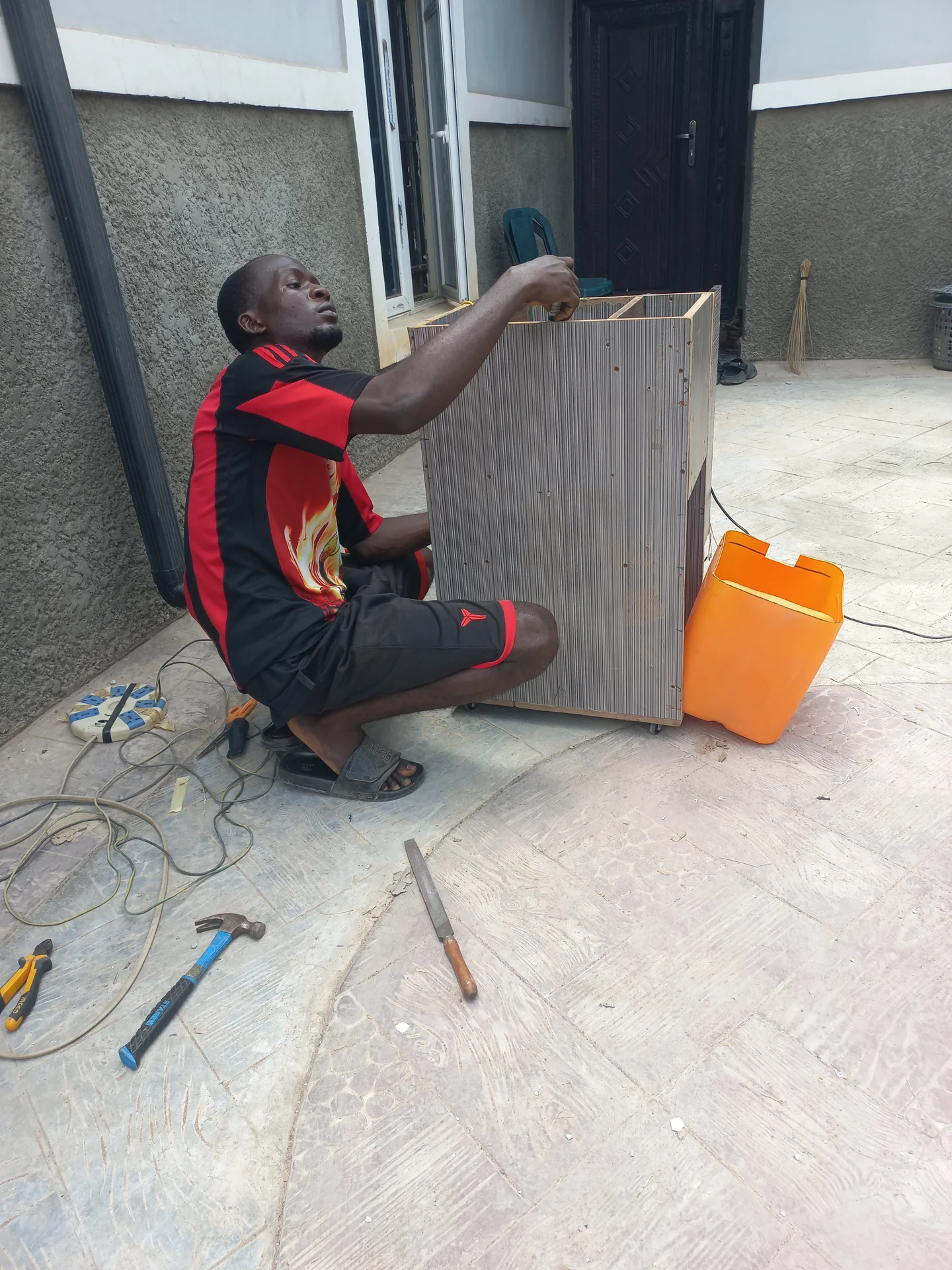
Two corrugated side panels propped together on the ground during construction, with a jerry can used as a weight and a power drill nearby
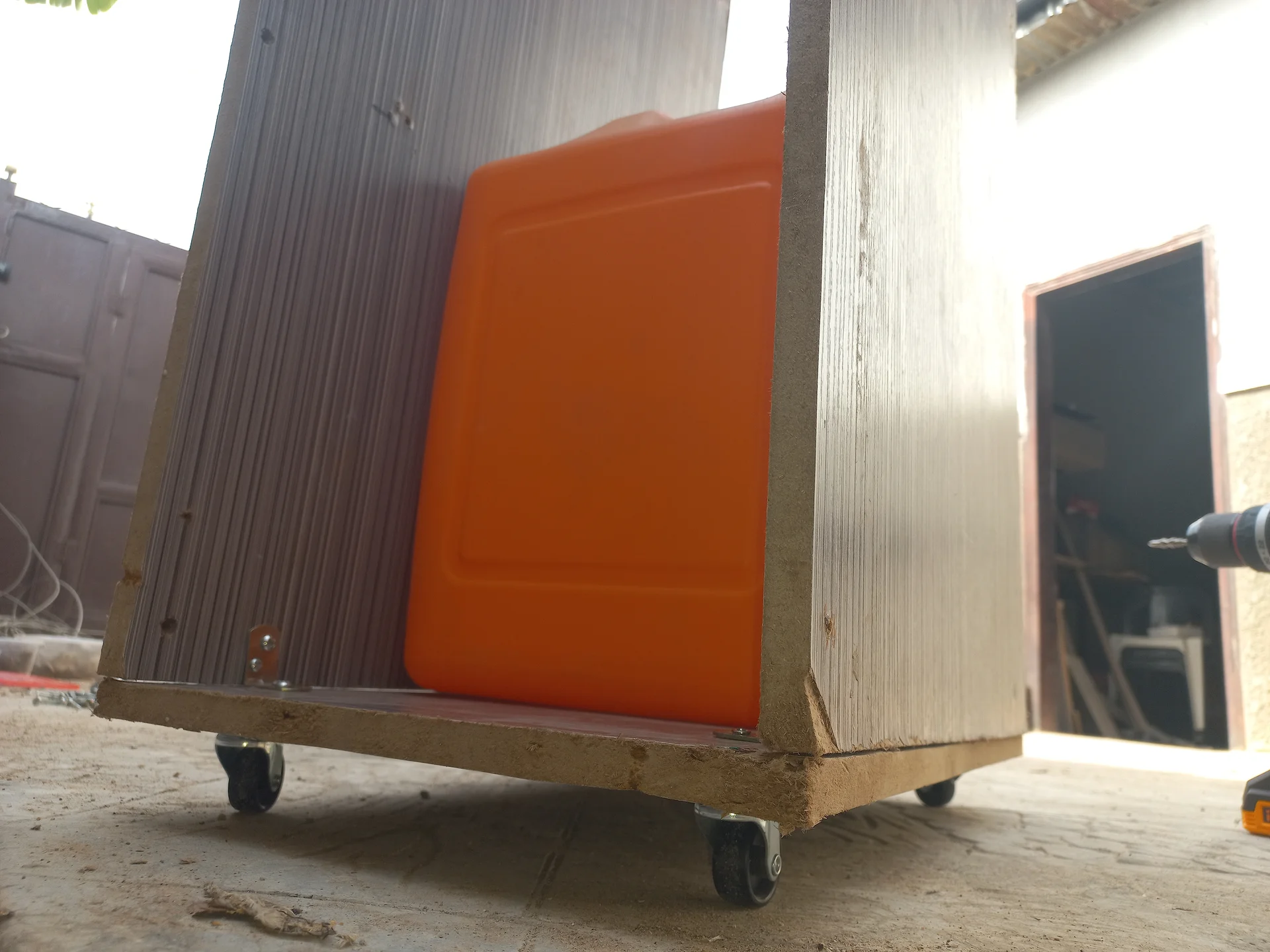
The bin frame on four castor wheels with corrugated side panels and an orange front panel already fitted, photographed from a low angle outdoors
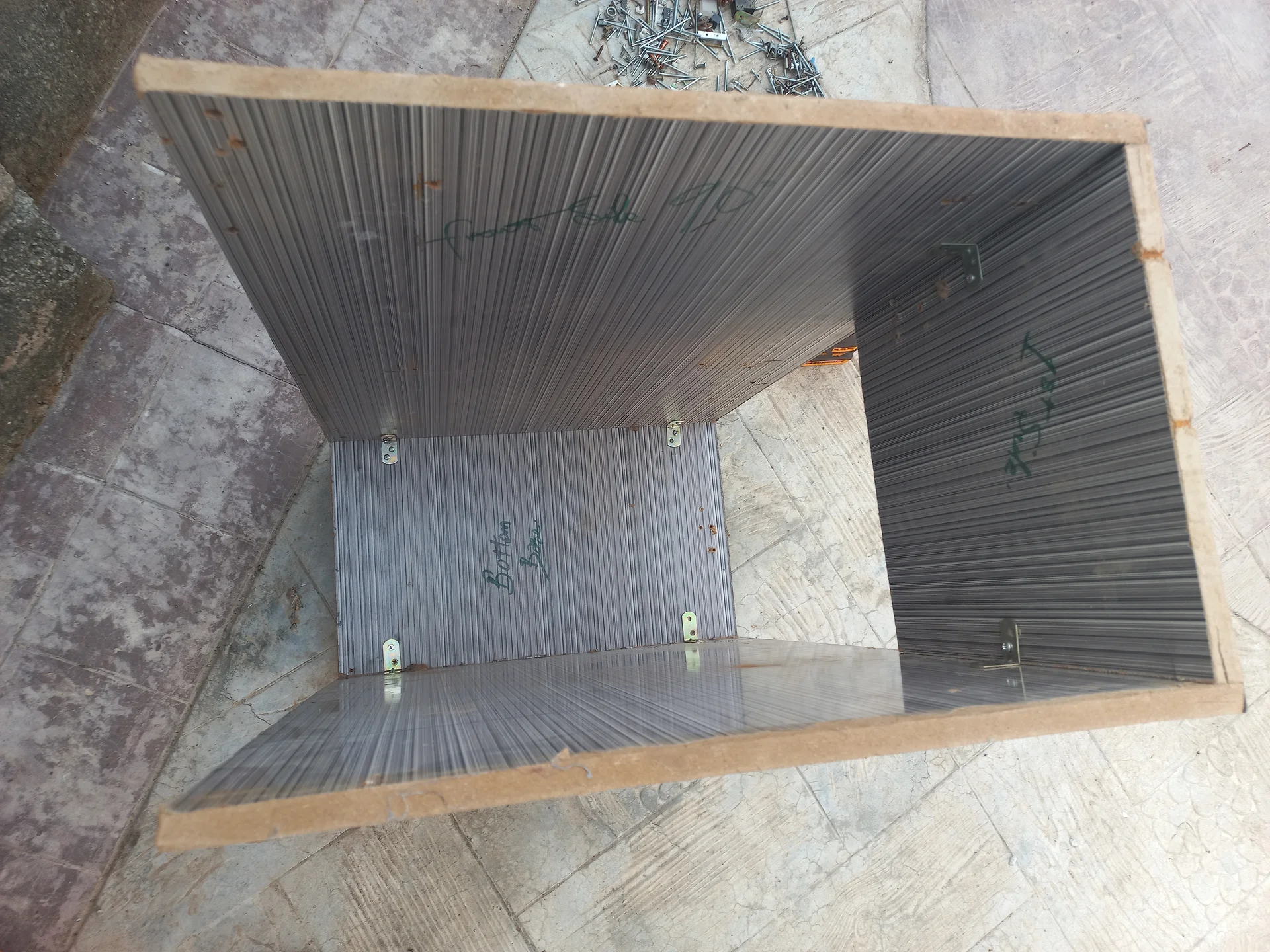
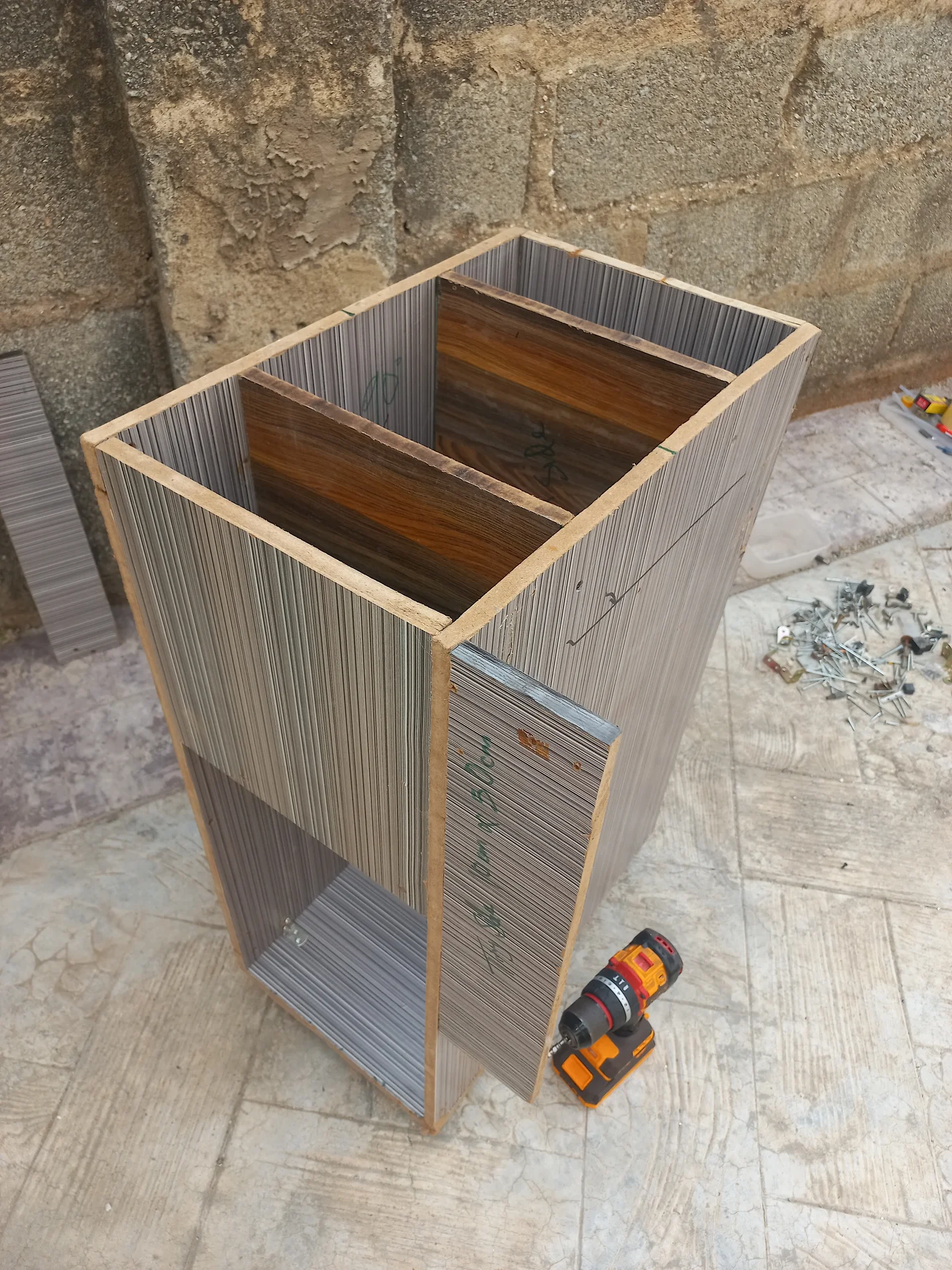
The bin body shell under construction showing the corrugated side and back panels joined with wooden framing, with a drill inside, photographed from above
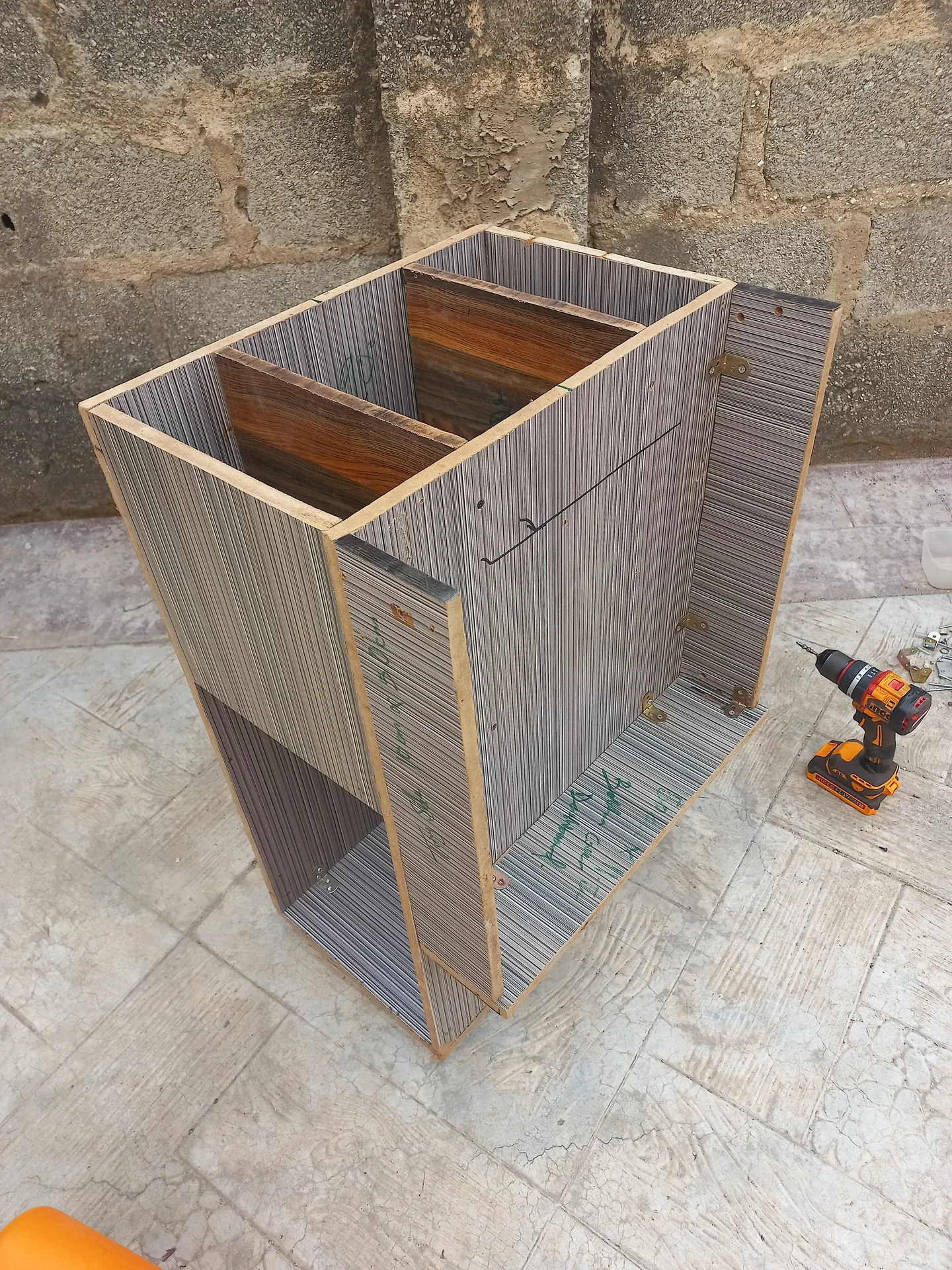
Top-down view into the open bin showing the central divider panel creating two compartments, with metal mounting brackets on the interior walls
Three-quarter angled view of the bin with the front panel not yet fitted, revealing the interior compartment divider and a lower opening, with tools on the ground
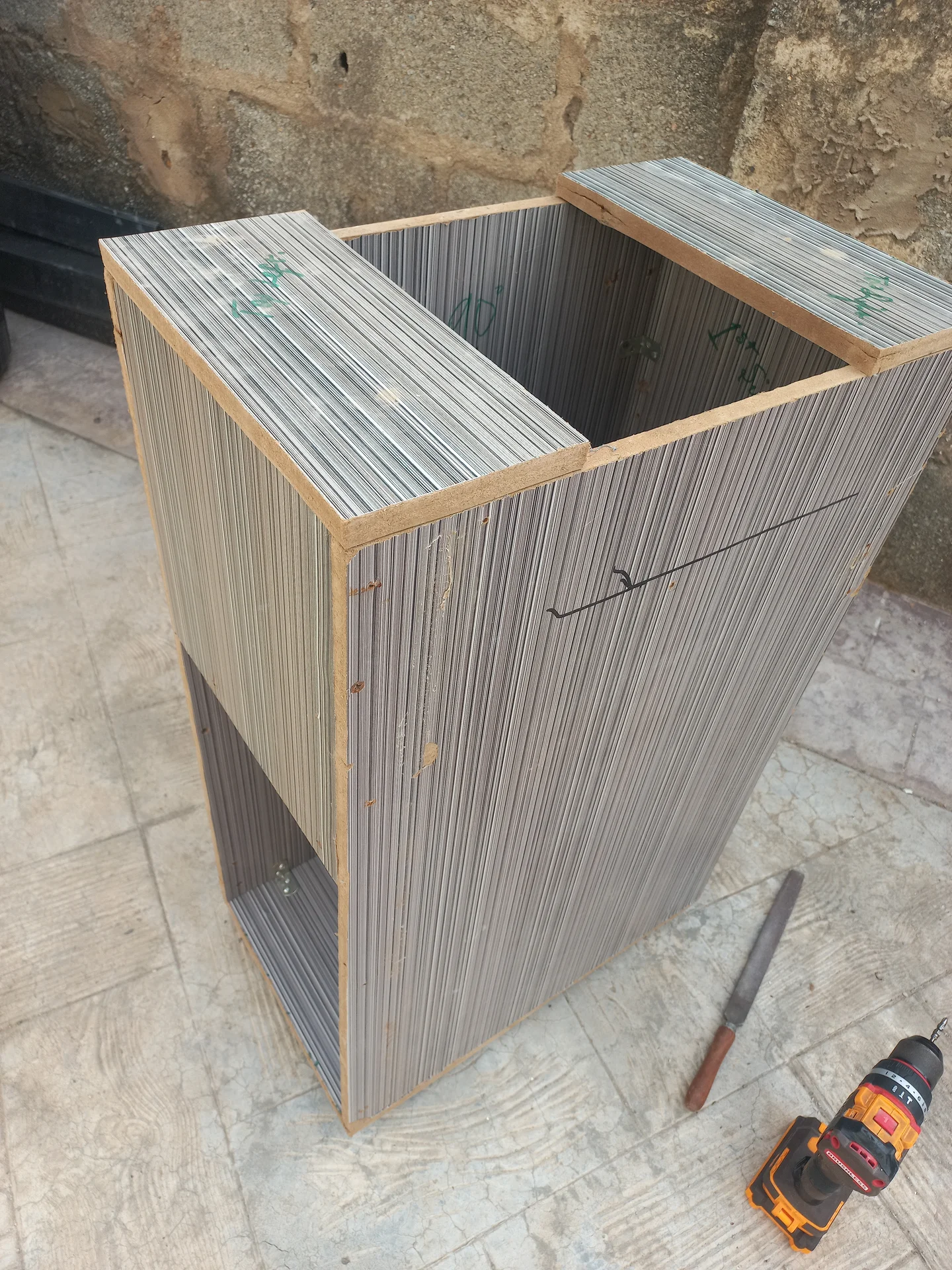
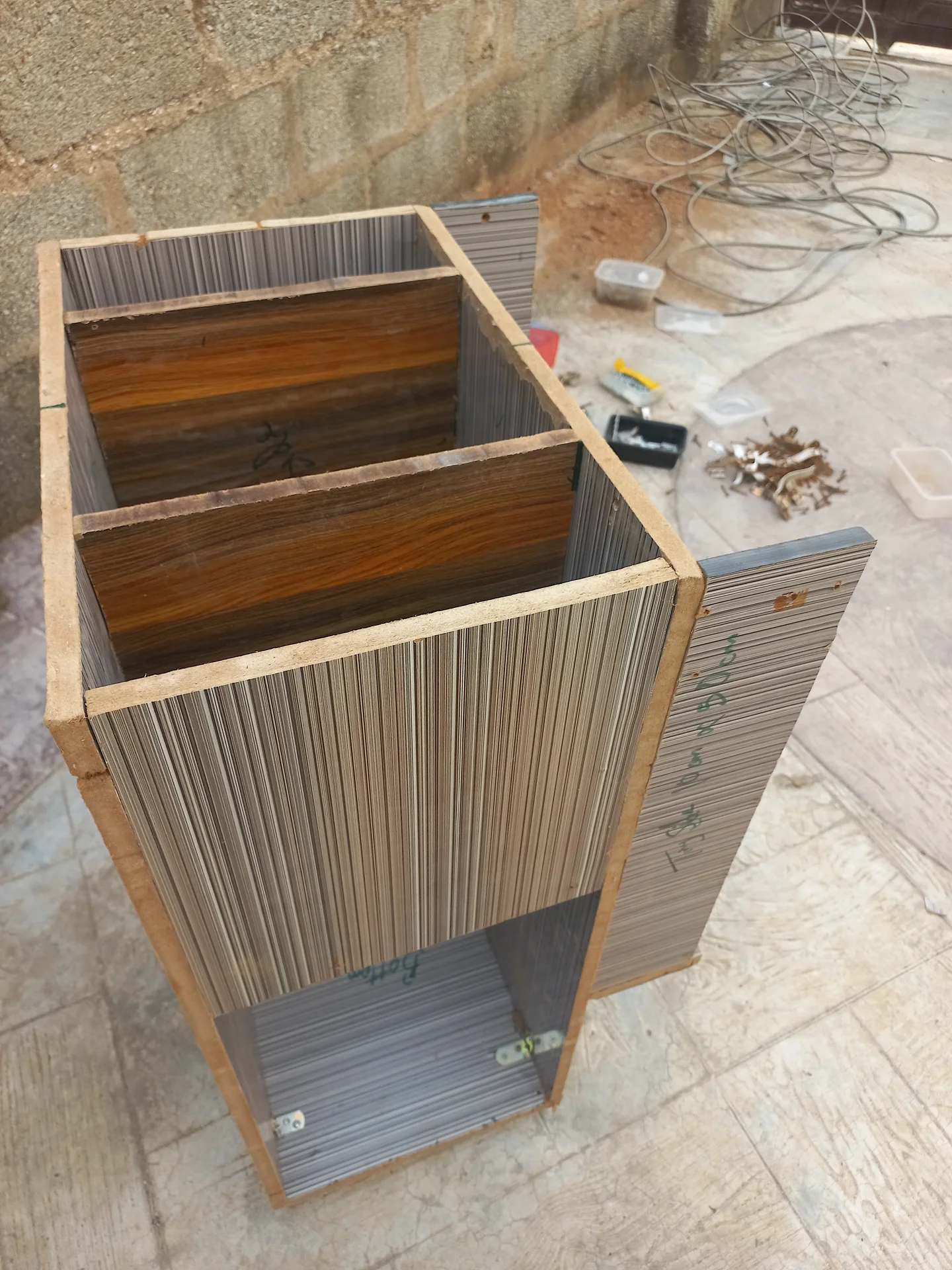
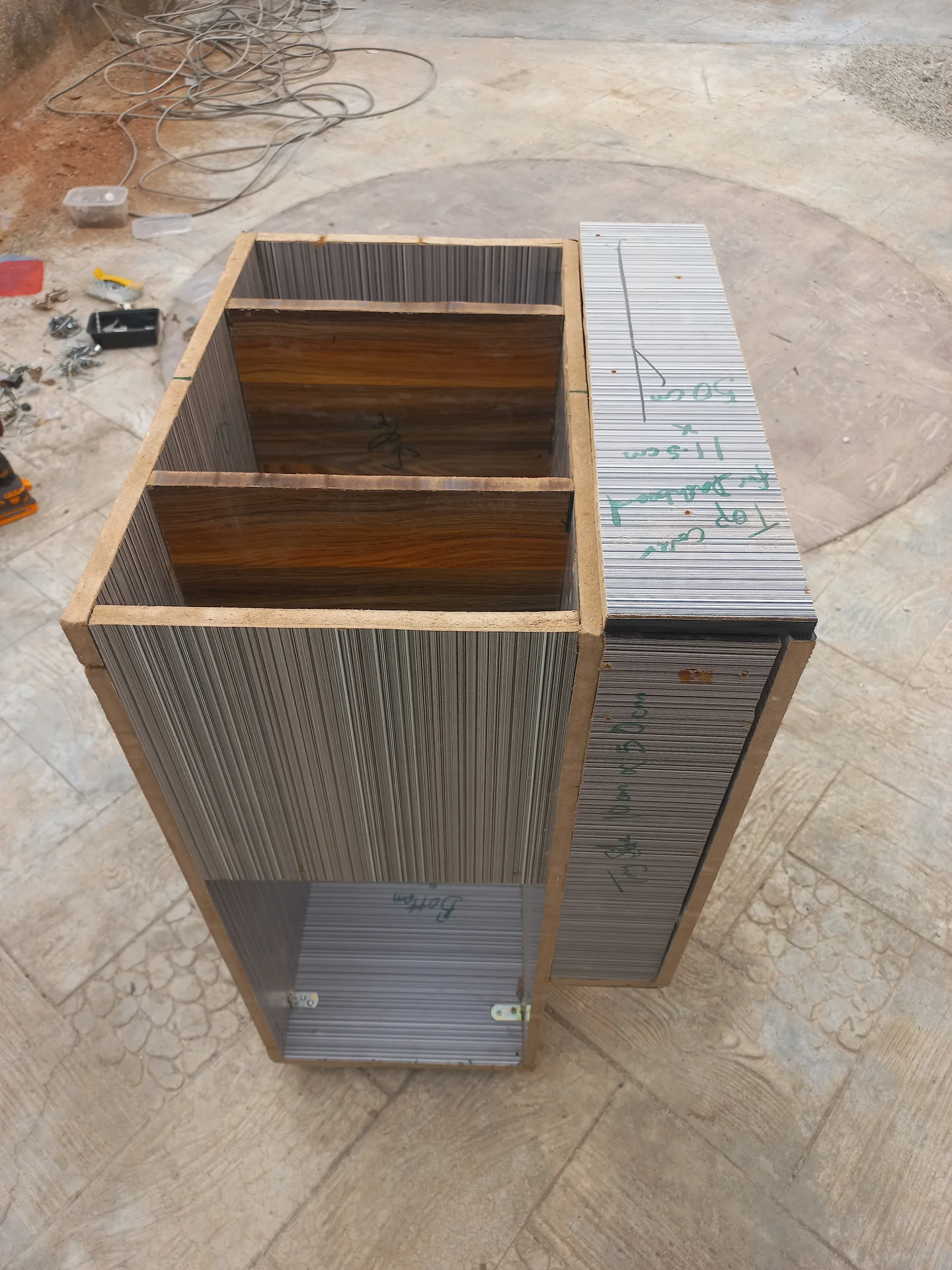
Elevated angled view of the bin showing the two upper sorting compartments open at the top and the structural framing at the front, with a drill on the ground
Three-quarter angled view of the bin showing the upper sorting section and the lower open storage bay, with corrugated panel walls and wooden framing
Elevated front view of the bin under construction without its top panel, showing the two upper sorting compartments and the lower open bay
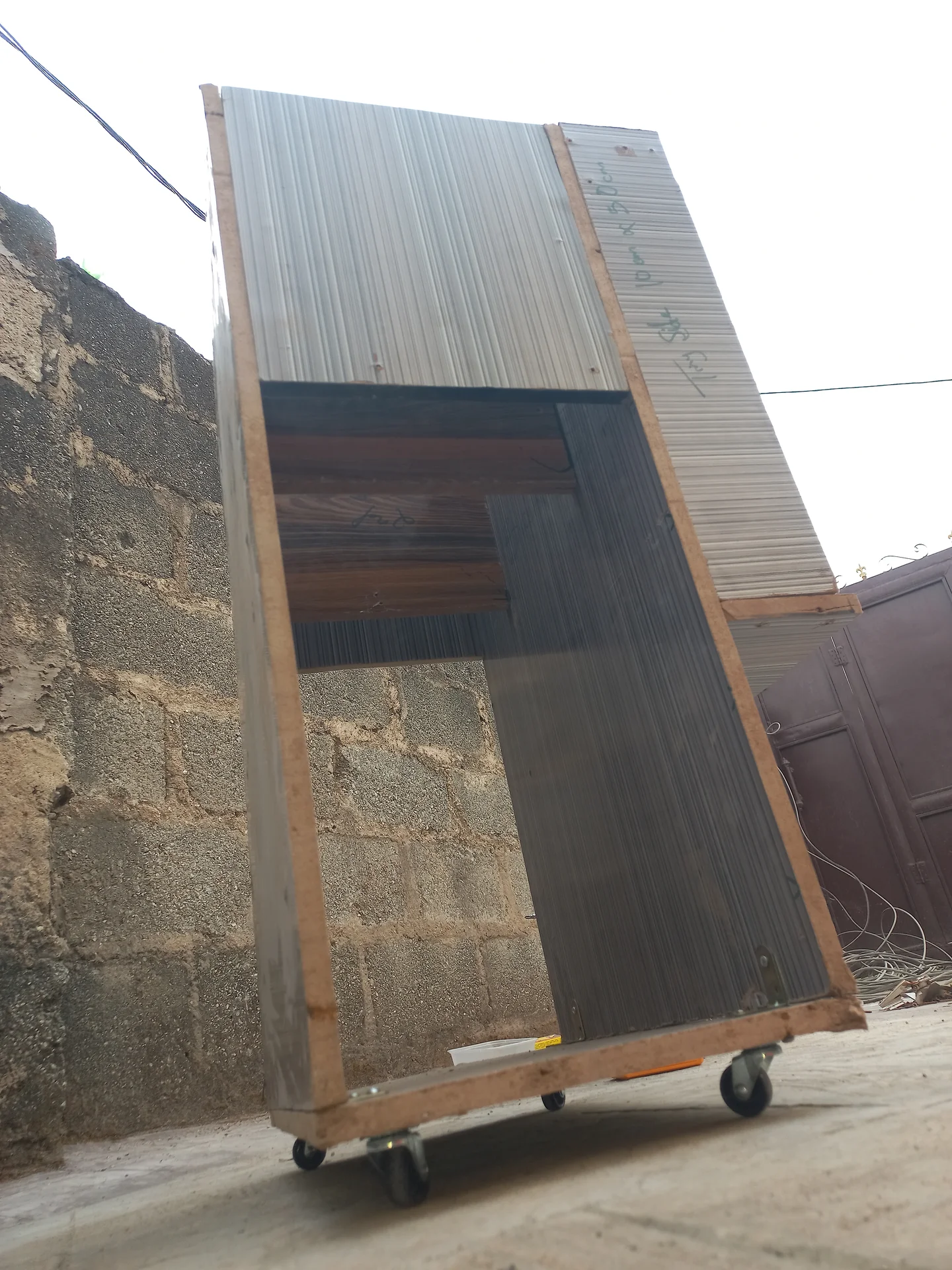
The bin frame tipped at a steep angle outdoors on its caster wheels, showing the corrugated side panels and the open interior from the side
Angled front view of the bin showing the two upper sorting compartments with plywood floors and the lower open bay, with the right side panel partially open
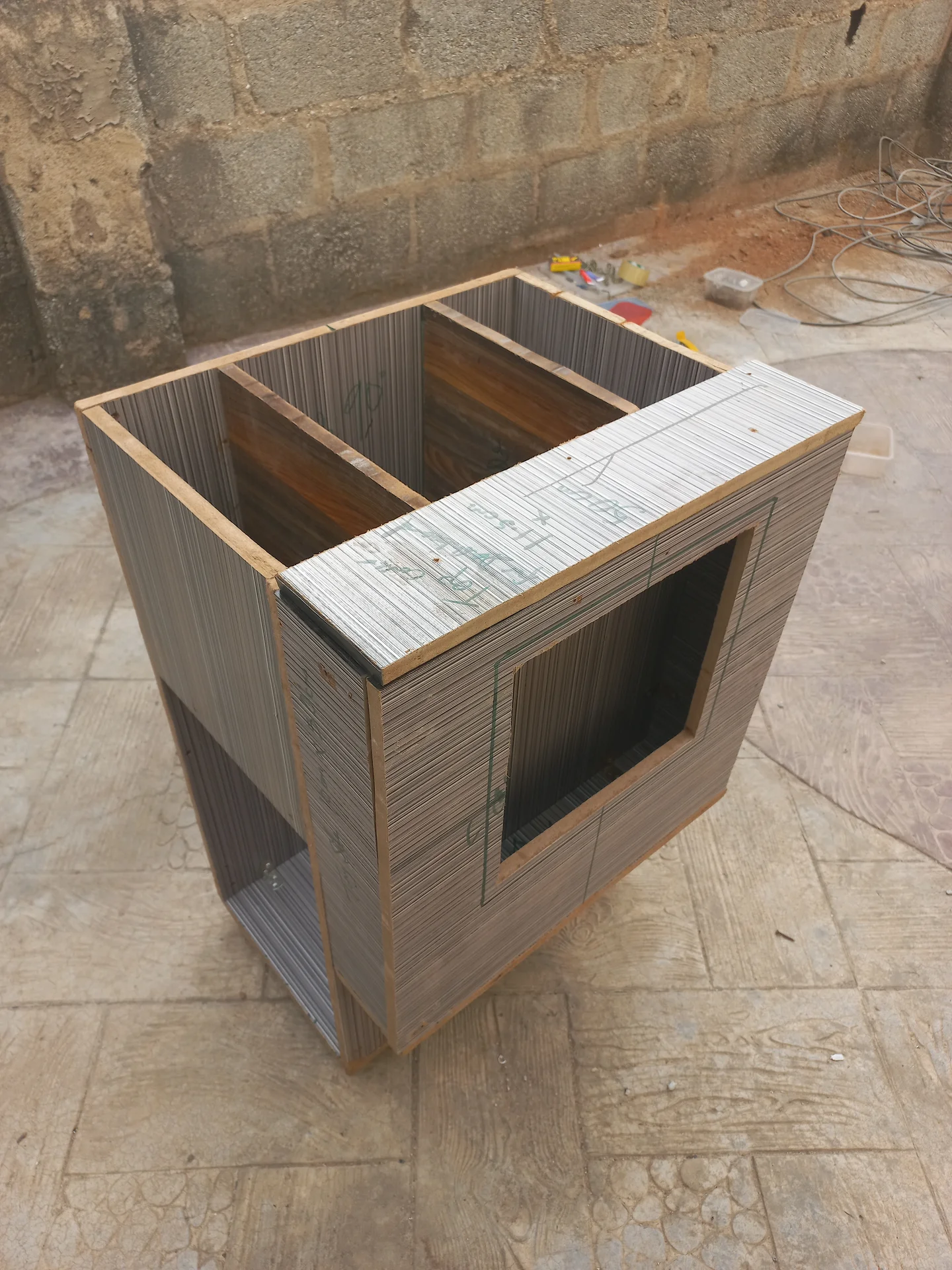
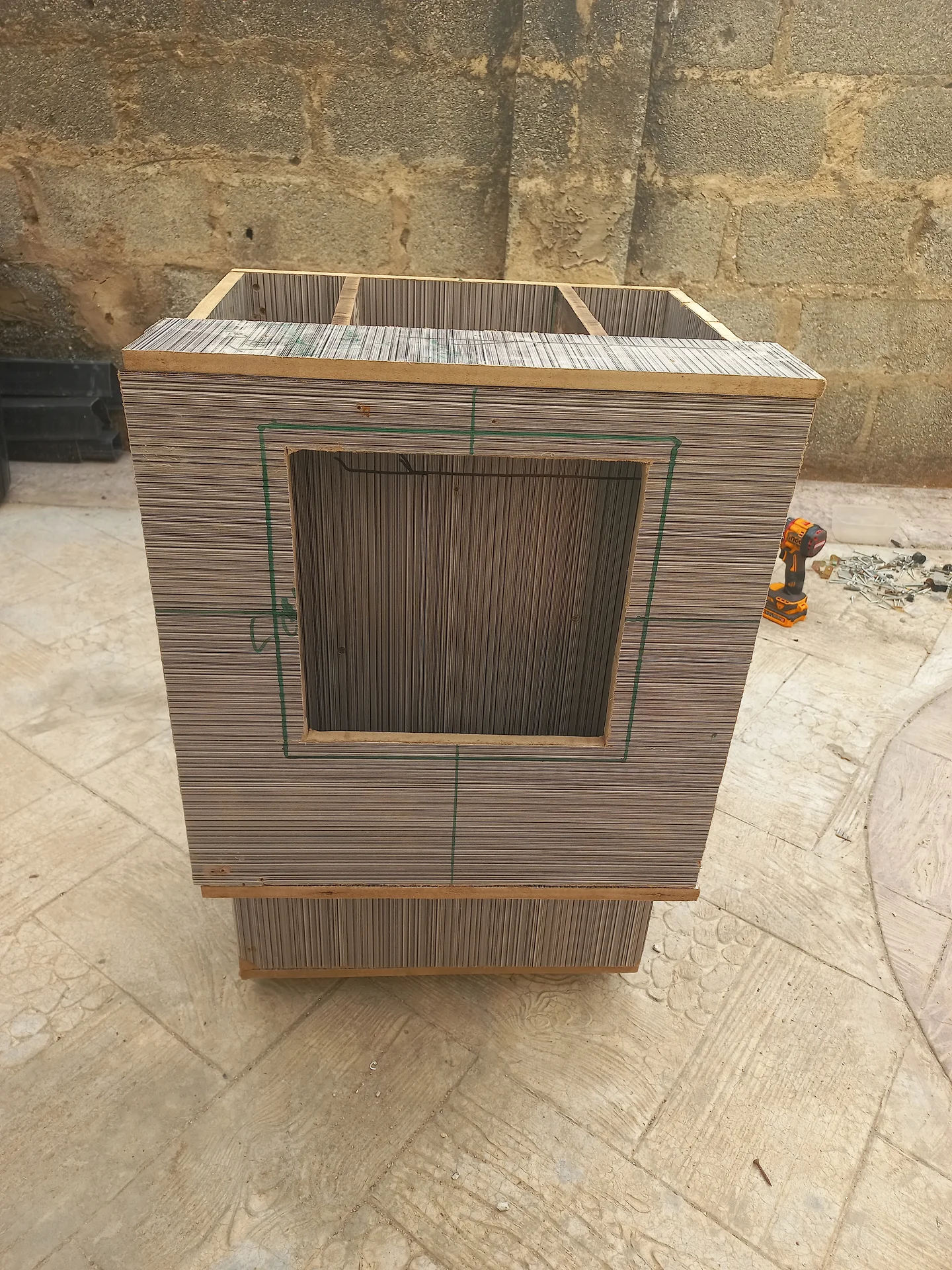
Elevated view of the bin with a rectangular opening cut into the front upper panel, marked with green measurement annotations, and the two sorting compartments visible at the top
Angled exterior view of the bin showing the two upper compartments open at the top, the rectangular front opening, and the lower bay
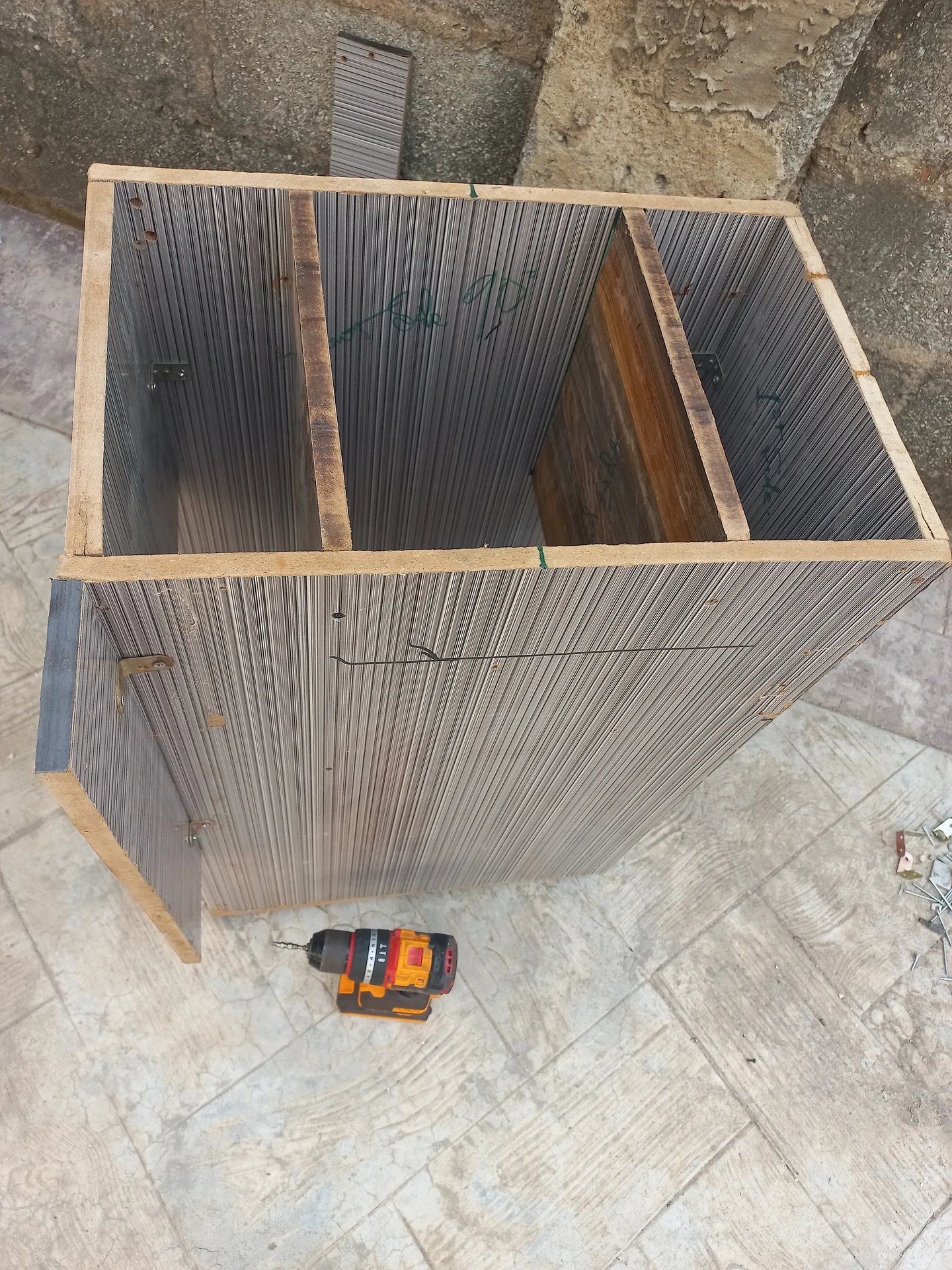
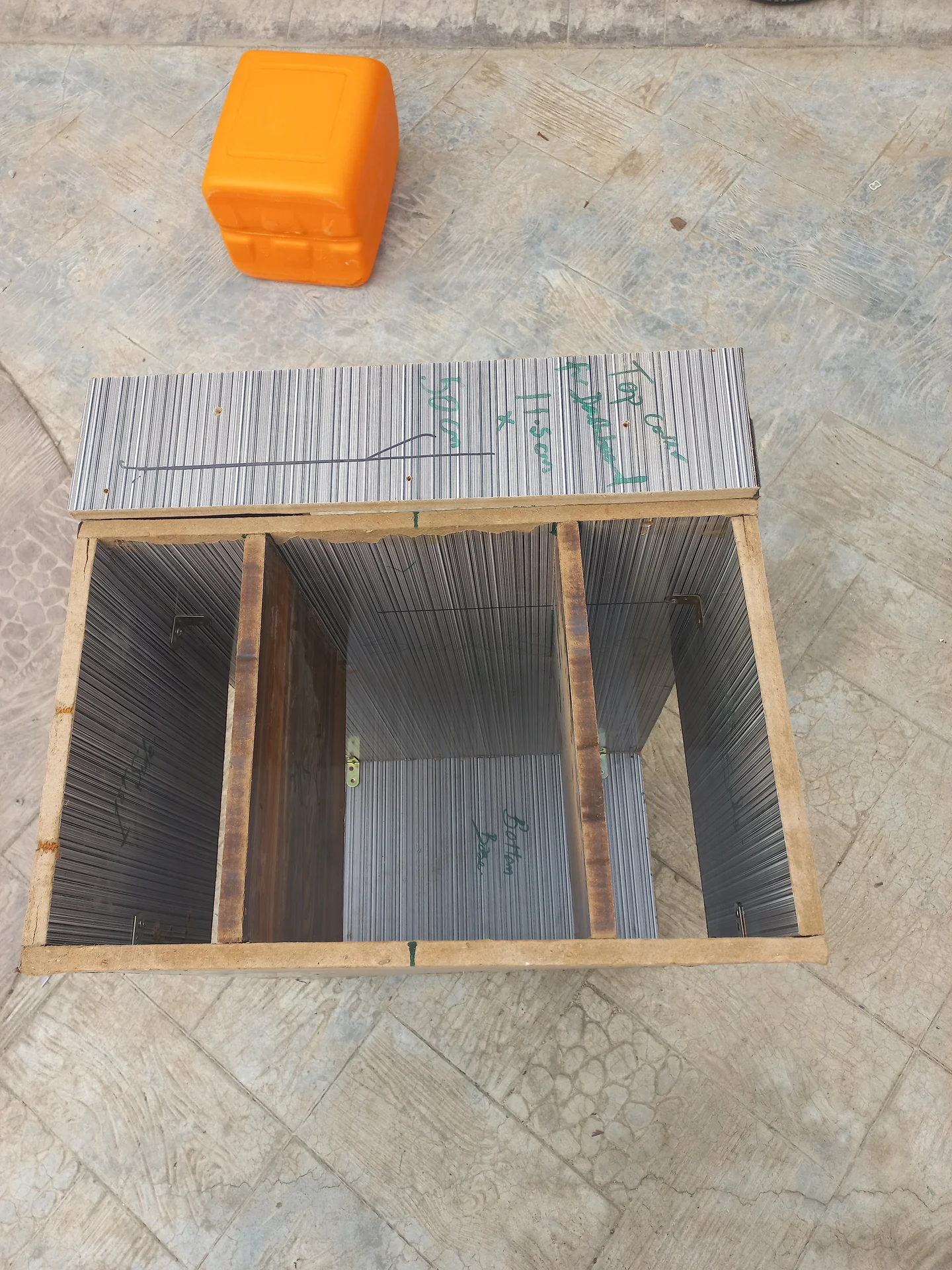
Top-down view into the open bin showing three side-by-side sorting compartments separated by two internal dividers
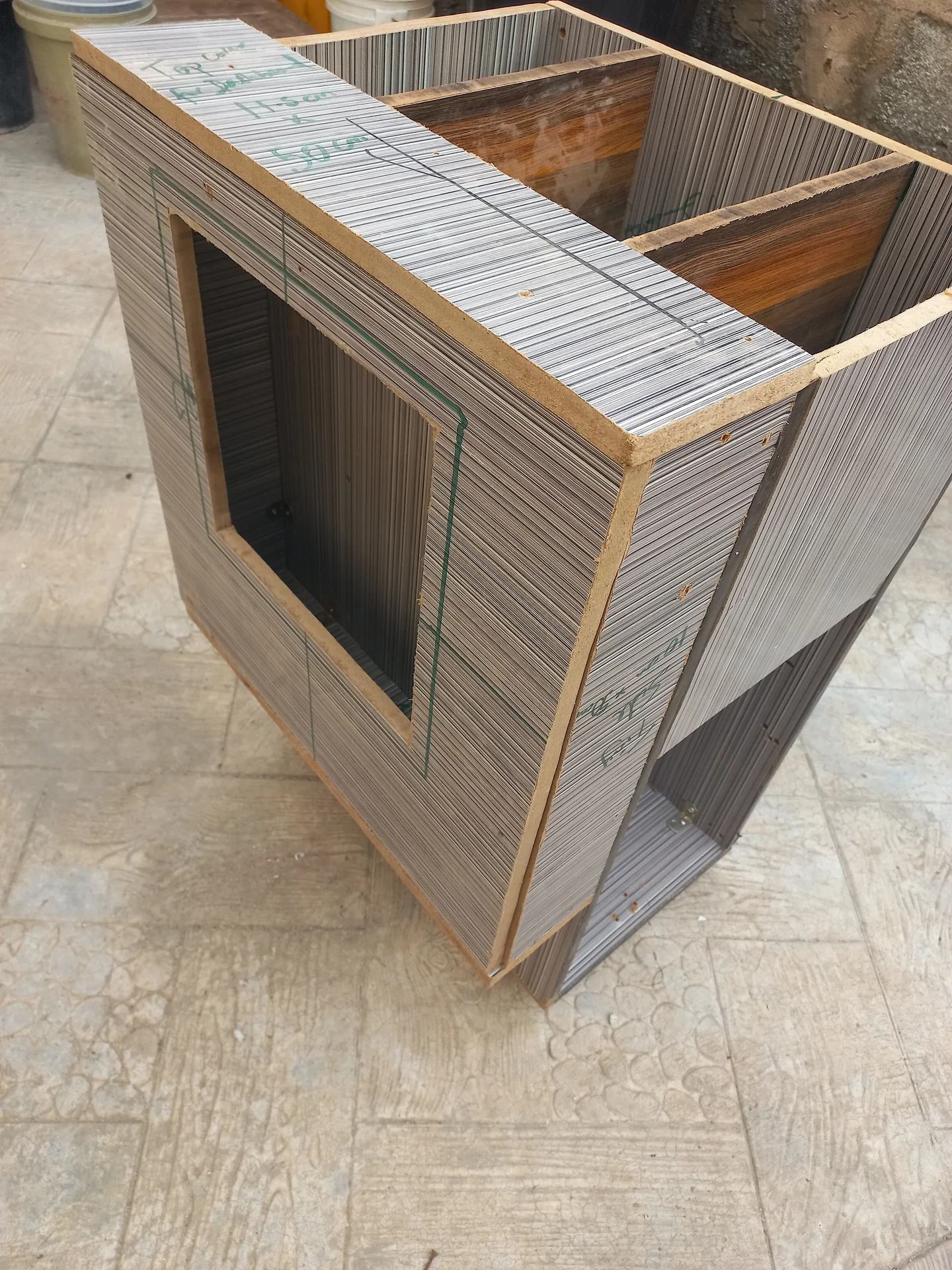
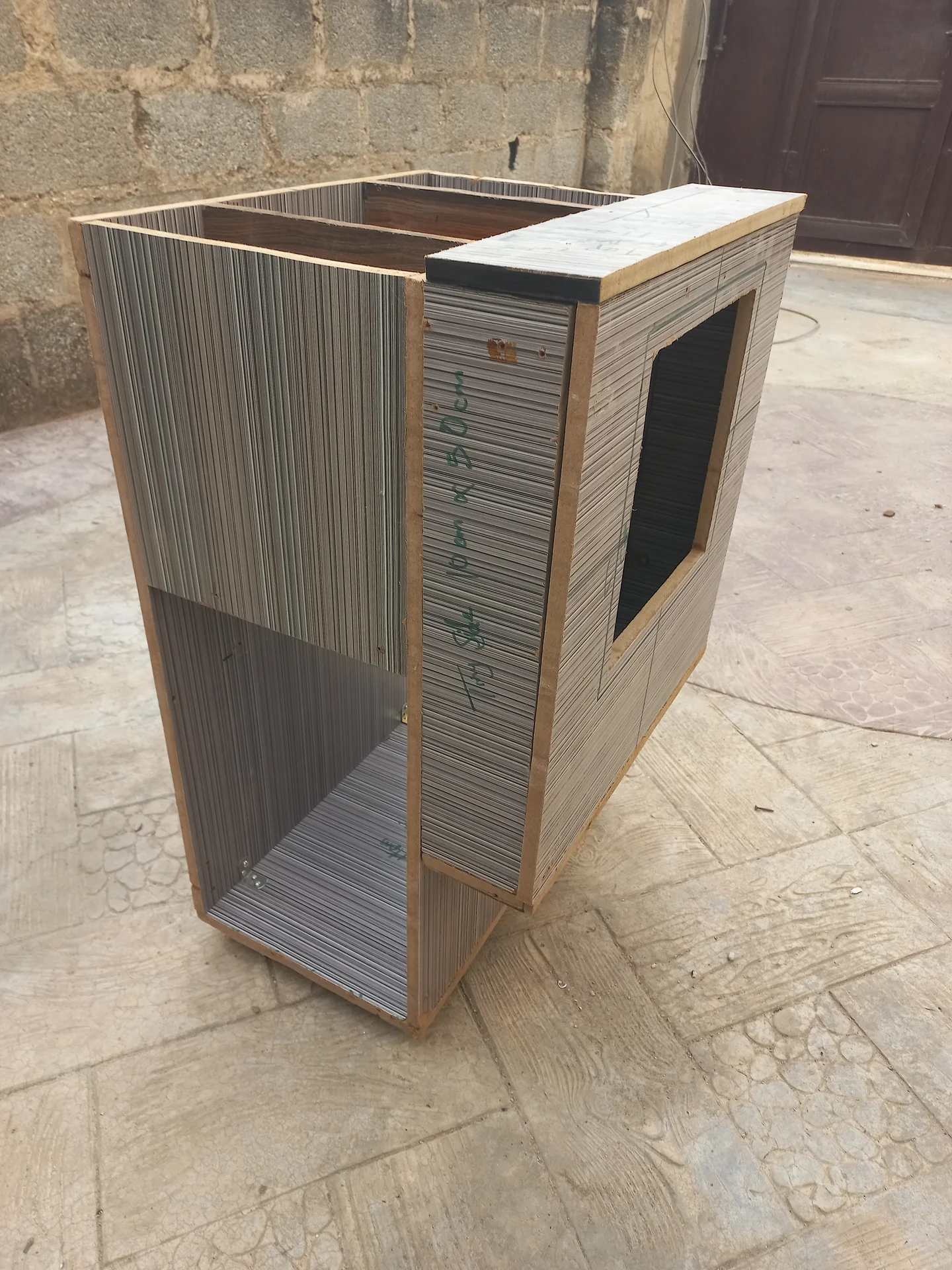
Angled view of the bin front face showing the large rectangular camera cutout opening, with the two upper compartments visible at the top
Front view of the bin exterior showing the large rectangular cutout on the front panel marked with green measurement lines, with the open top compartments visible above
Three-quarter angled exterior view of the bin showing the rectangular cutout on the front panel and a black-painted panel beginning to appear at the top
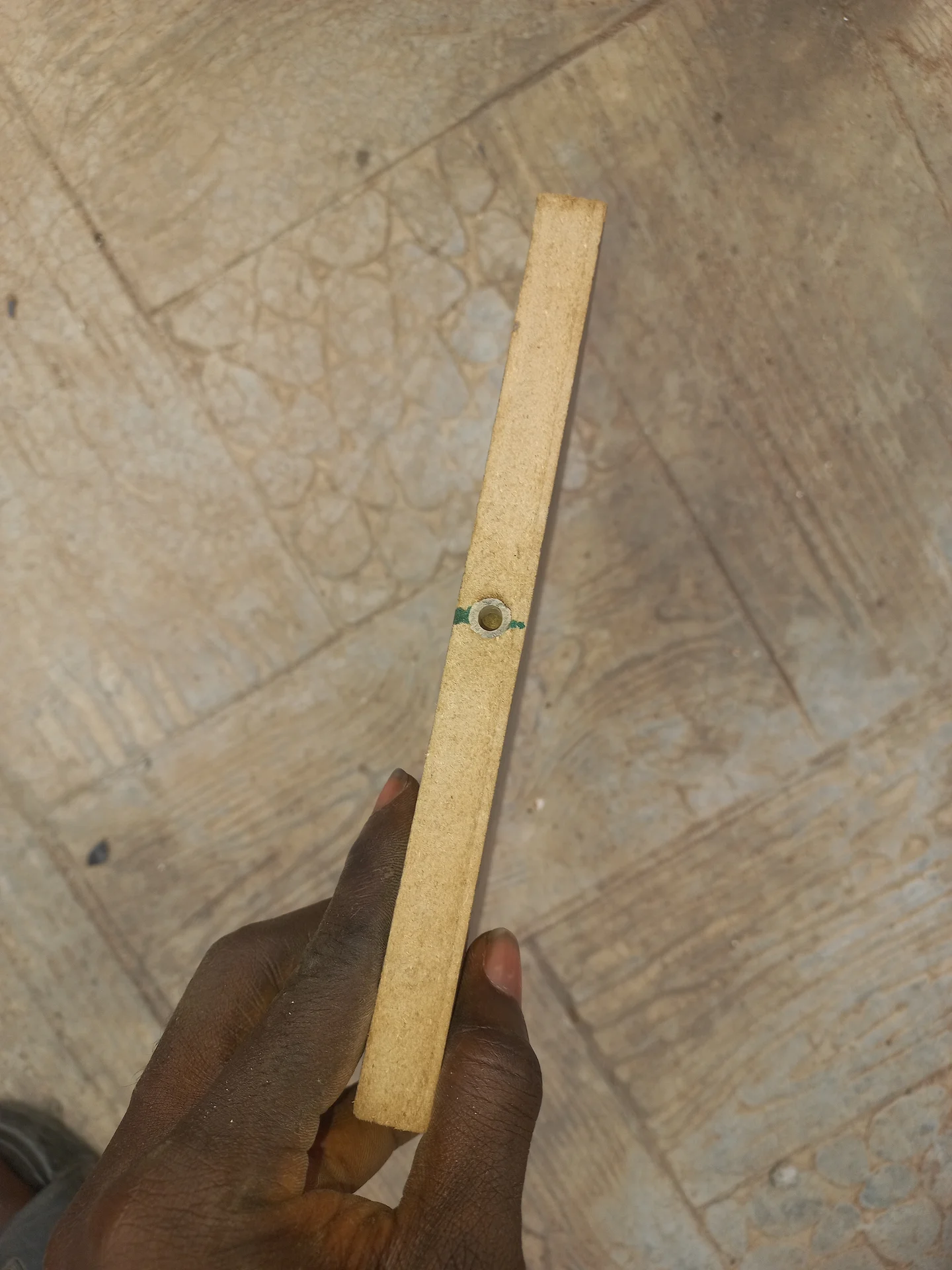
A narrow wooden strip held in a hand showing a small hole drilled through it, used as a bracket or mounting piece for a sensor
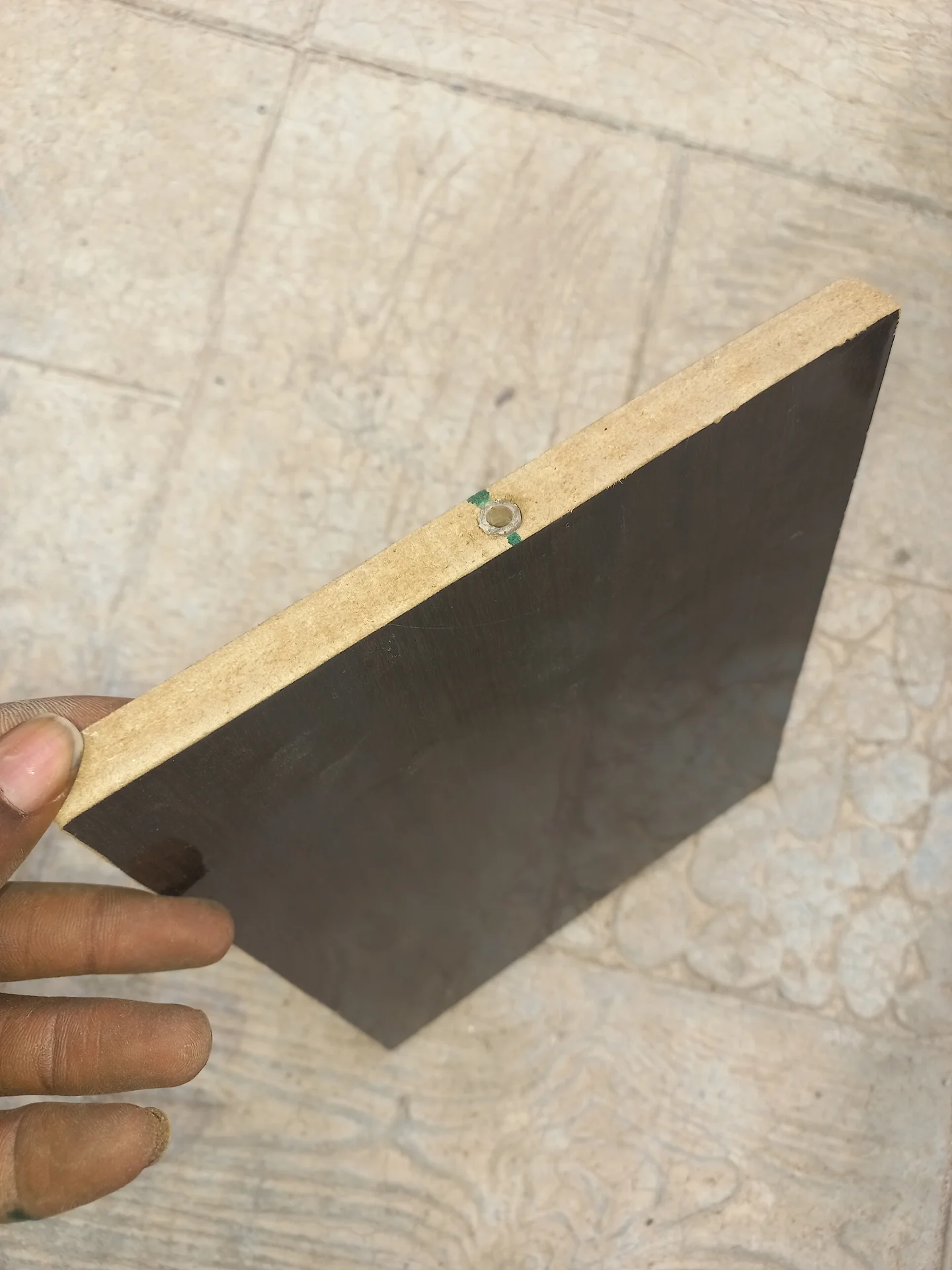
The sorting divider flap painted black, the surface that the servo will pivot left and right to direct waste
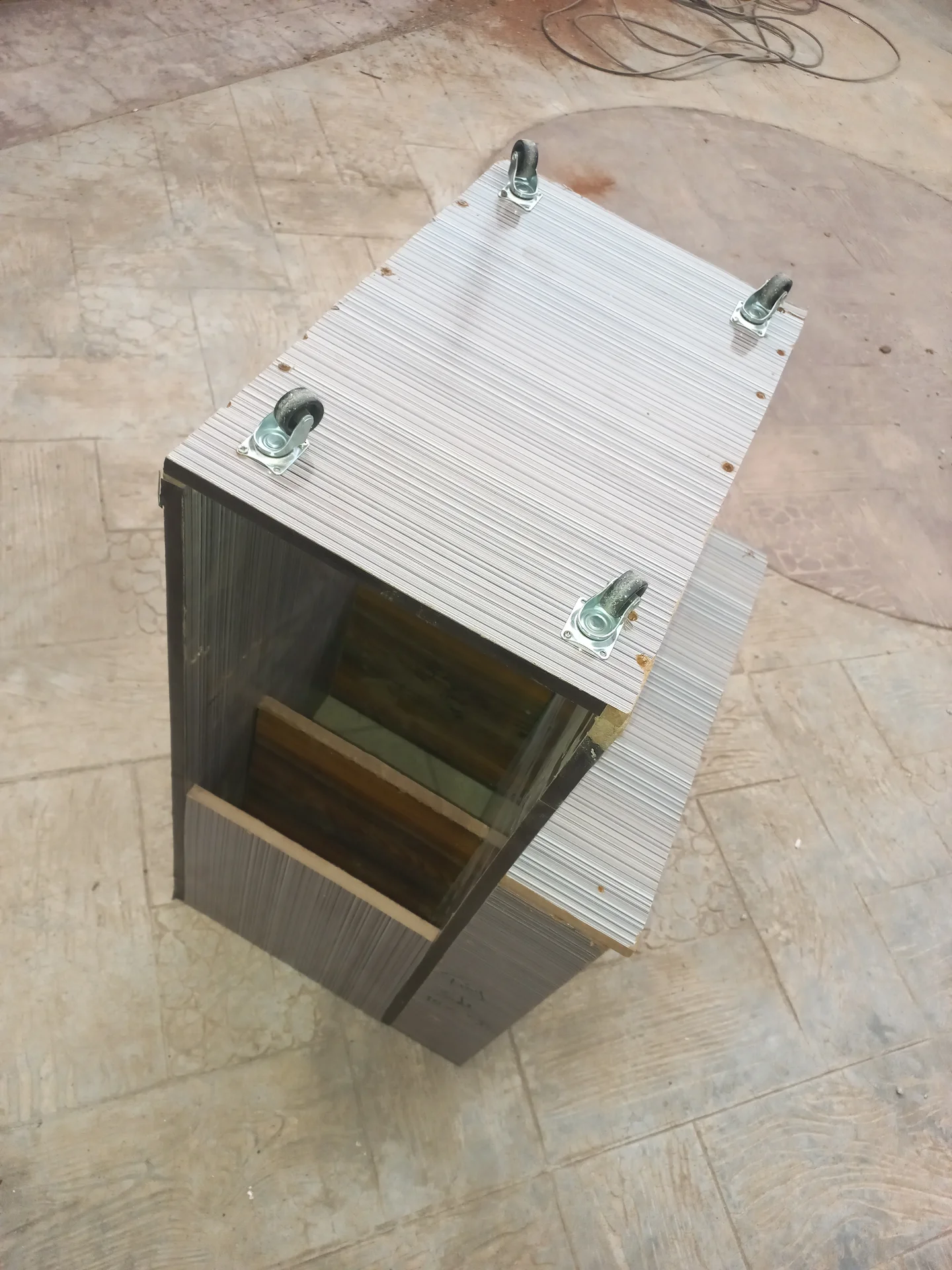
Elevated view of the bin flipped upside down, showing the four castor wheel brackets mounted on the base panel, with the interior visible through the open front

Control Panel Fabrication

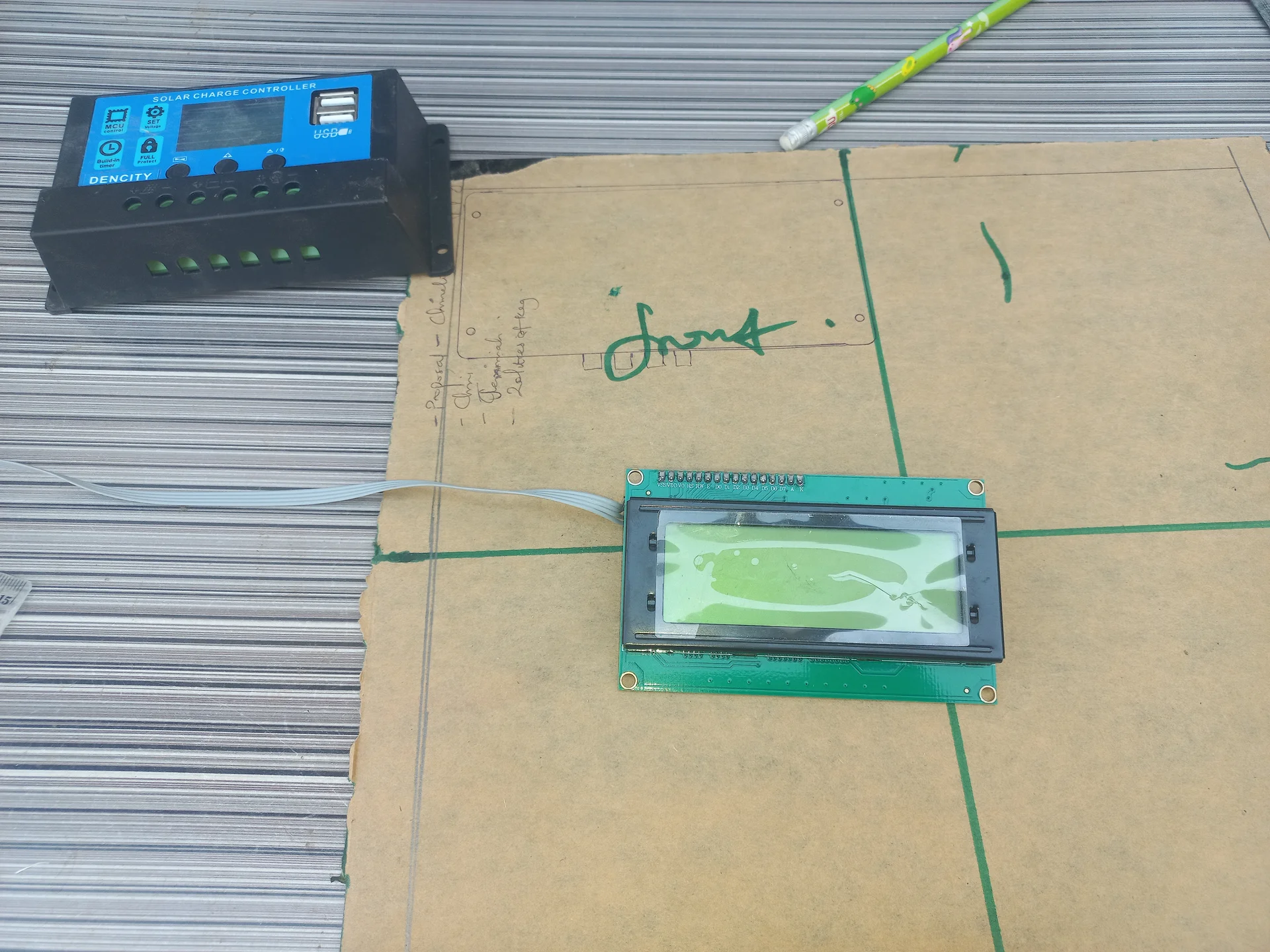
Charge controller and the LCD placed on a cardboard surface during a bench test before panel installation
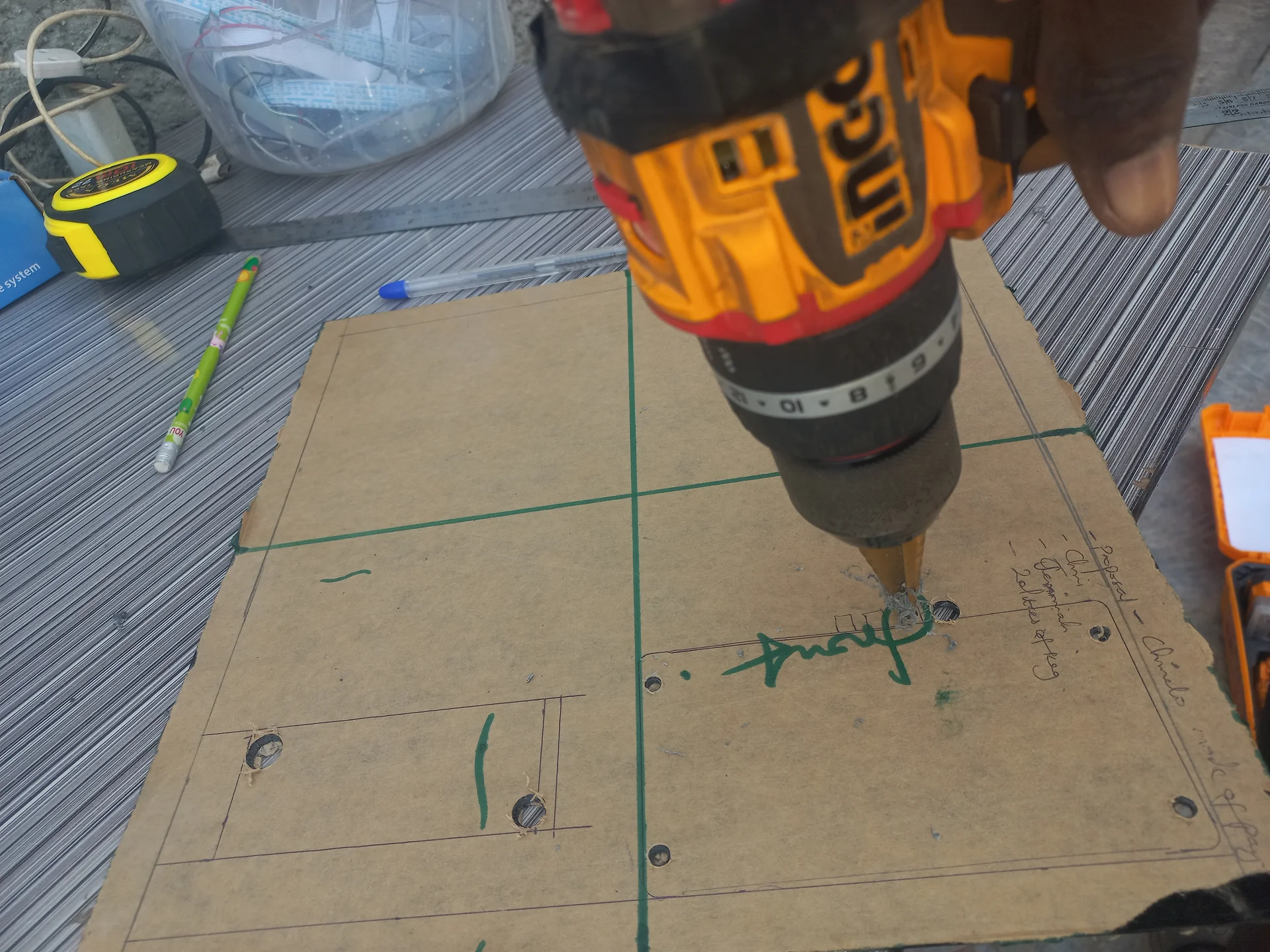
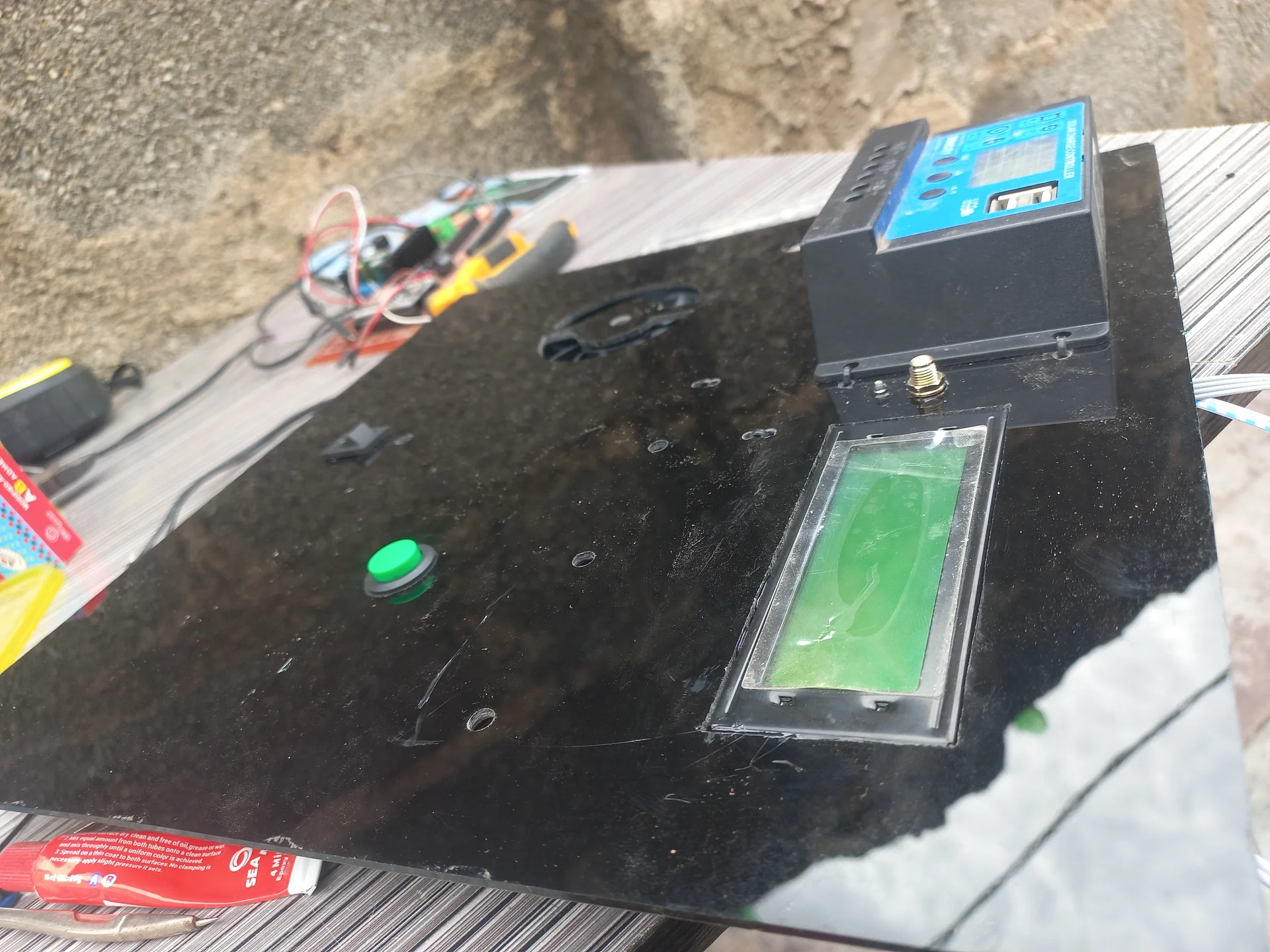
Drilling holes into the panel board for the LCD, LEDs and button cutouts
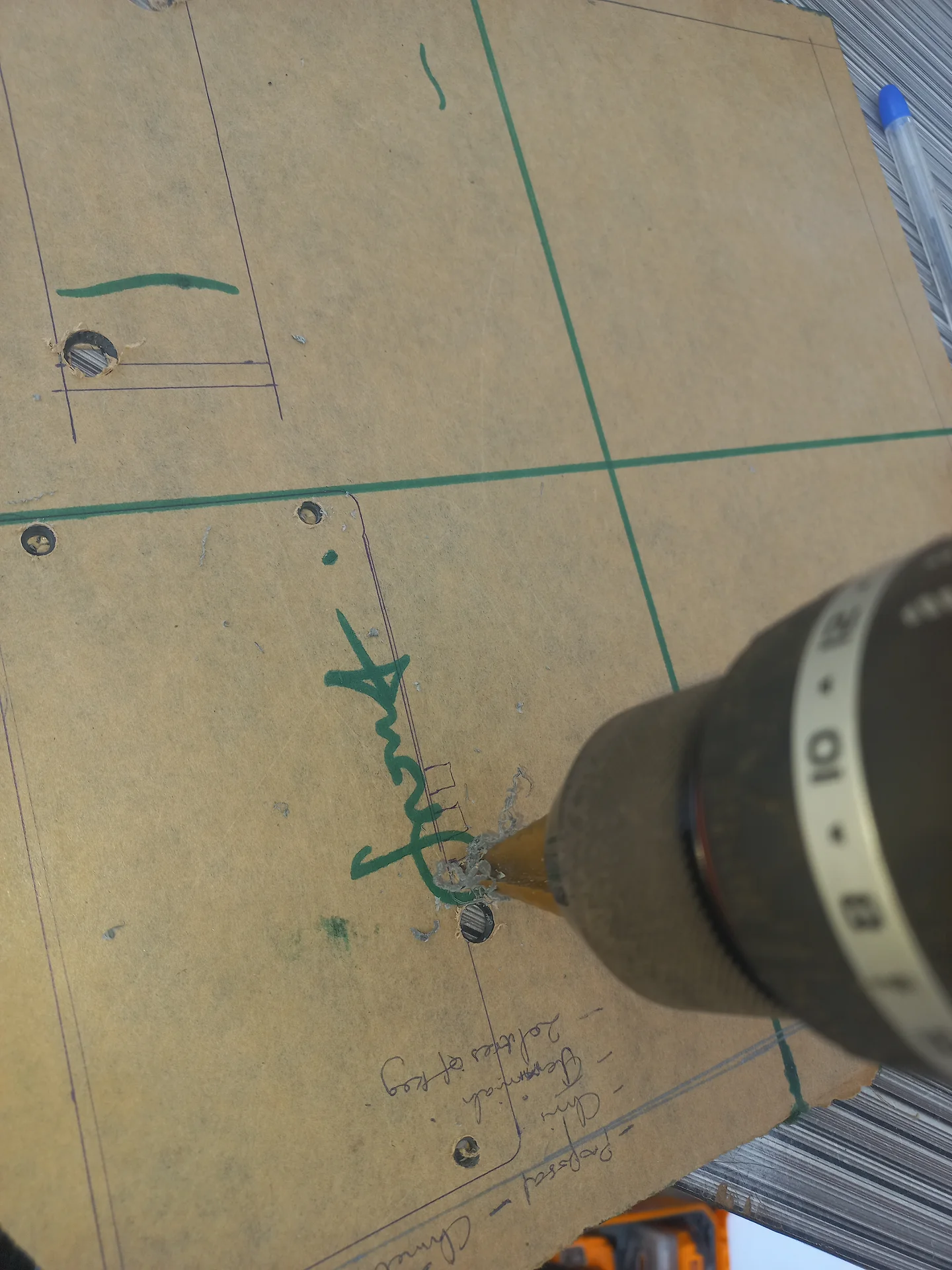
Another angle of the panel drilling process, showing the drill bit going through the panel board
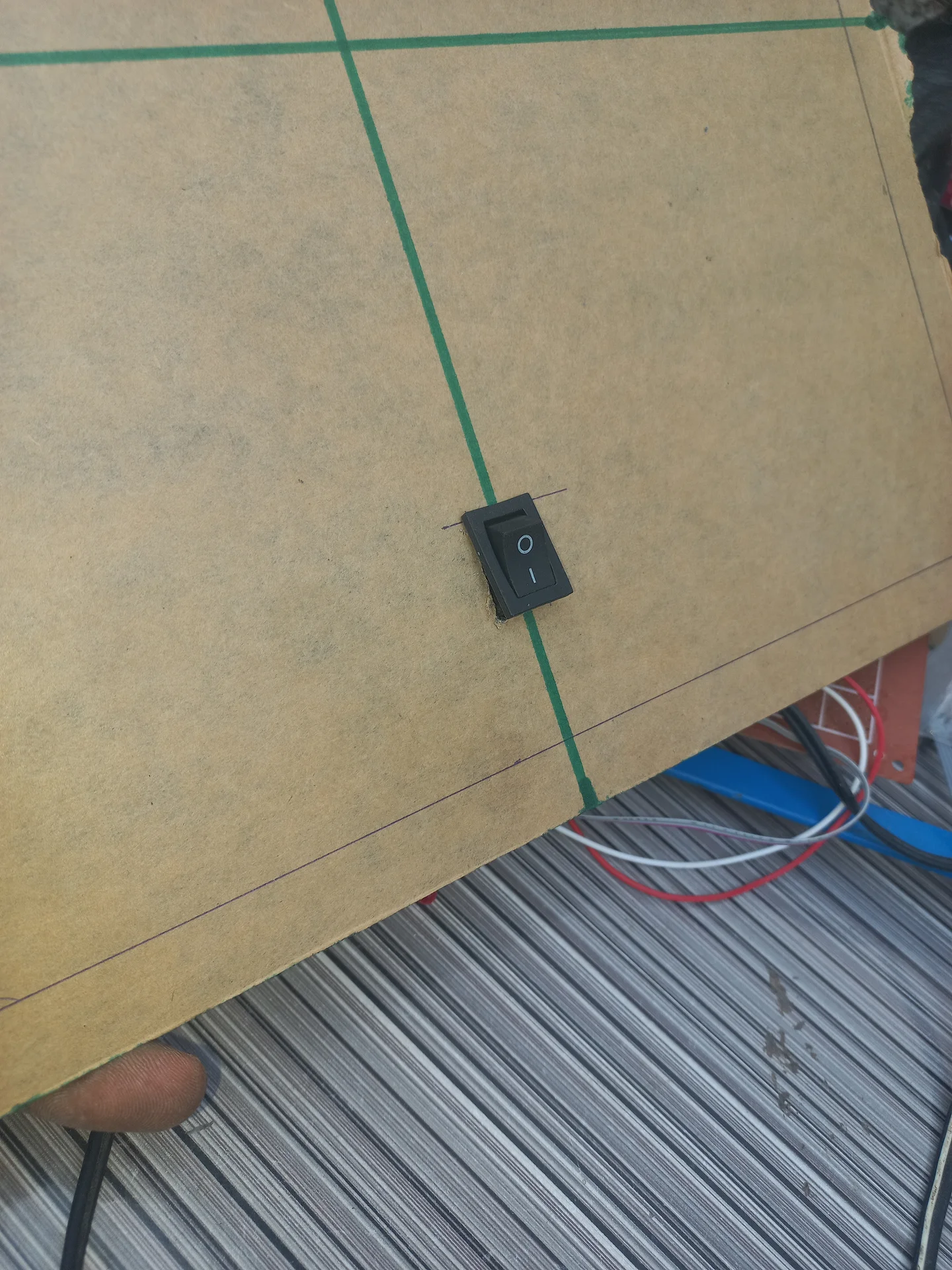
Rocker switch fitted into its rectangular cutout in the panel, photographed from the front
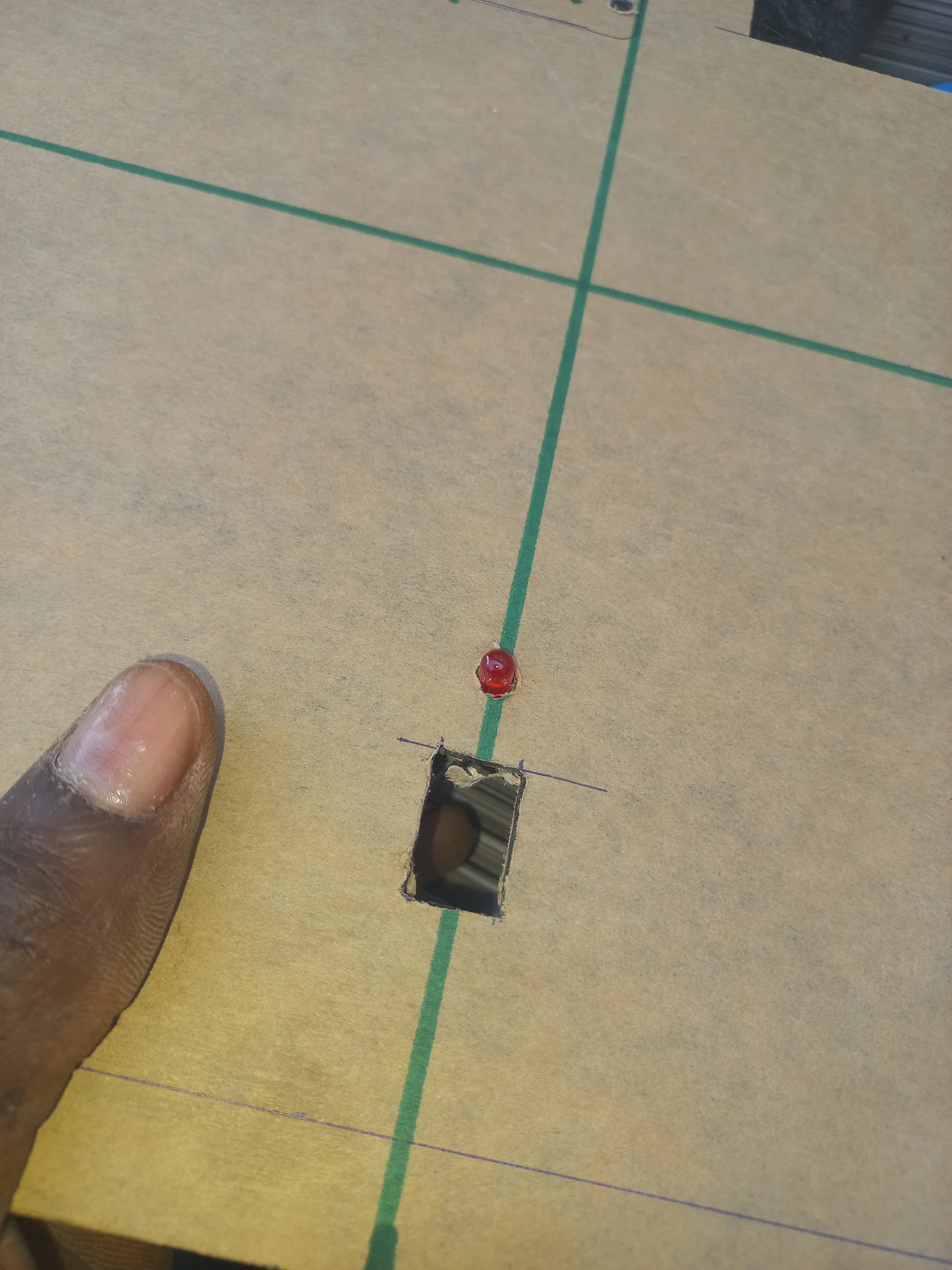
The panel board mid-process with a rectangular slot already cut and a button trial-fitted, showing the green marker layout lines
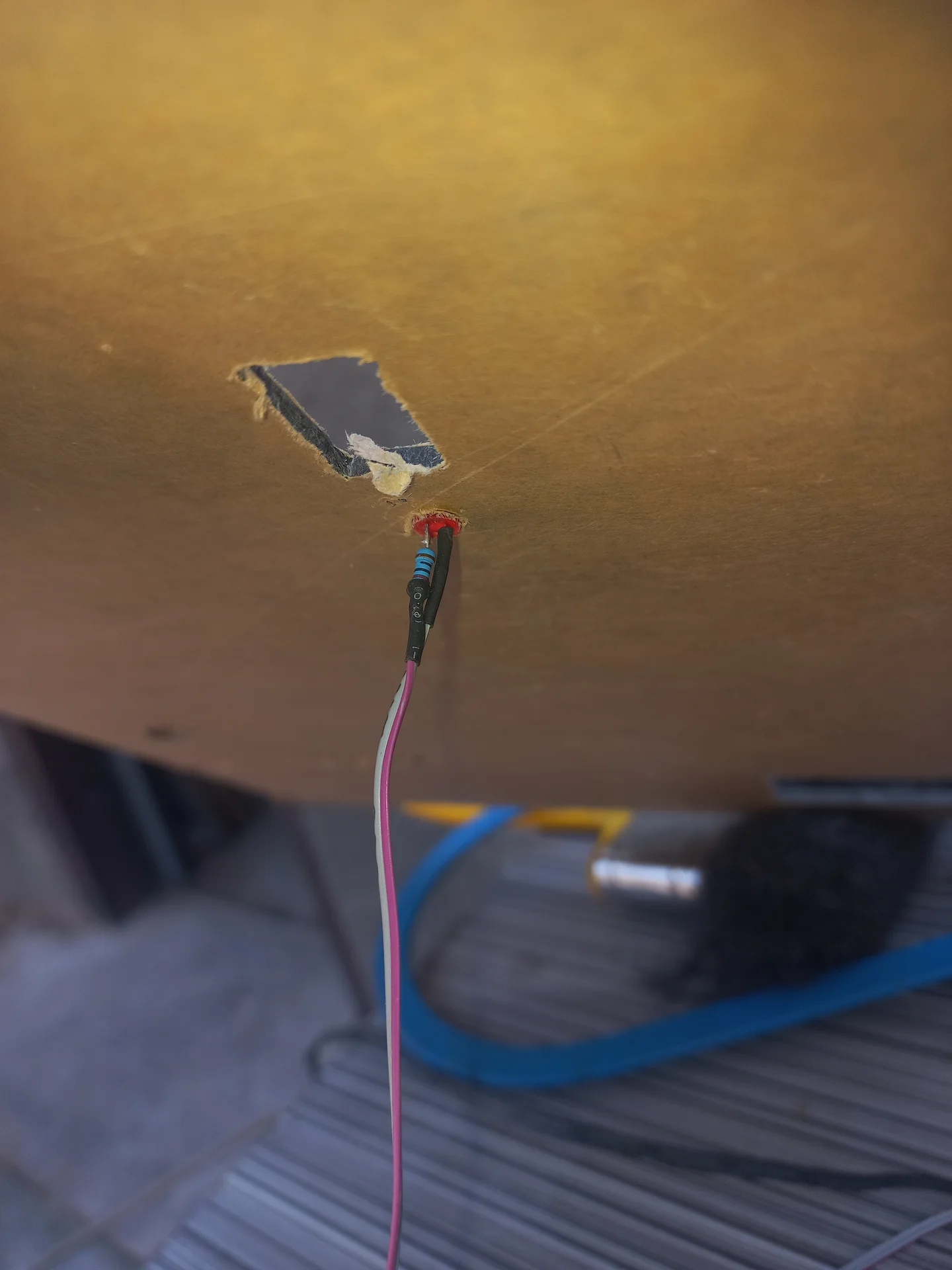
Back side of the panel showing an LED indicator pushed through its mounting hole with wires attached, alongside a rectangular cutout
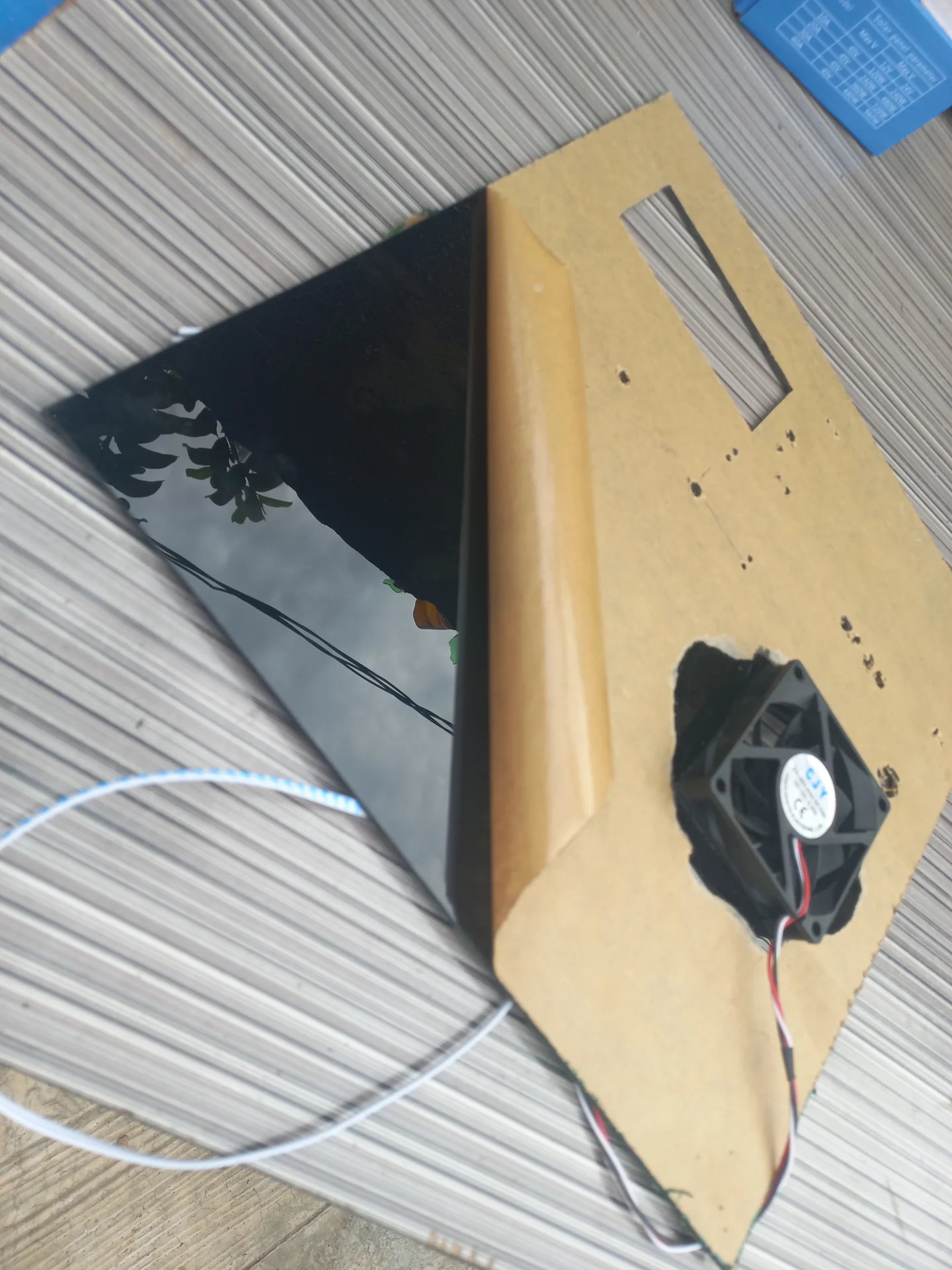
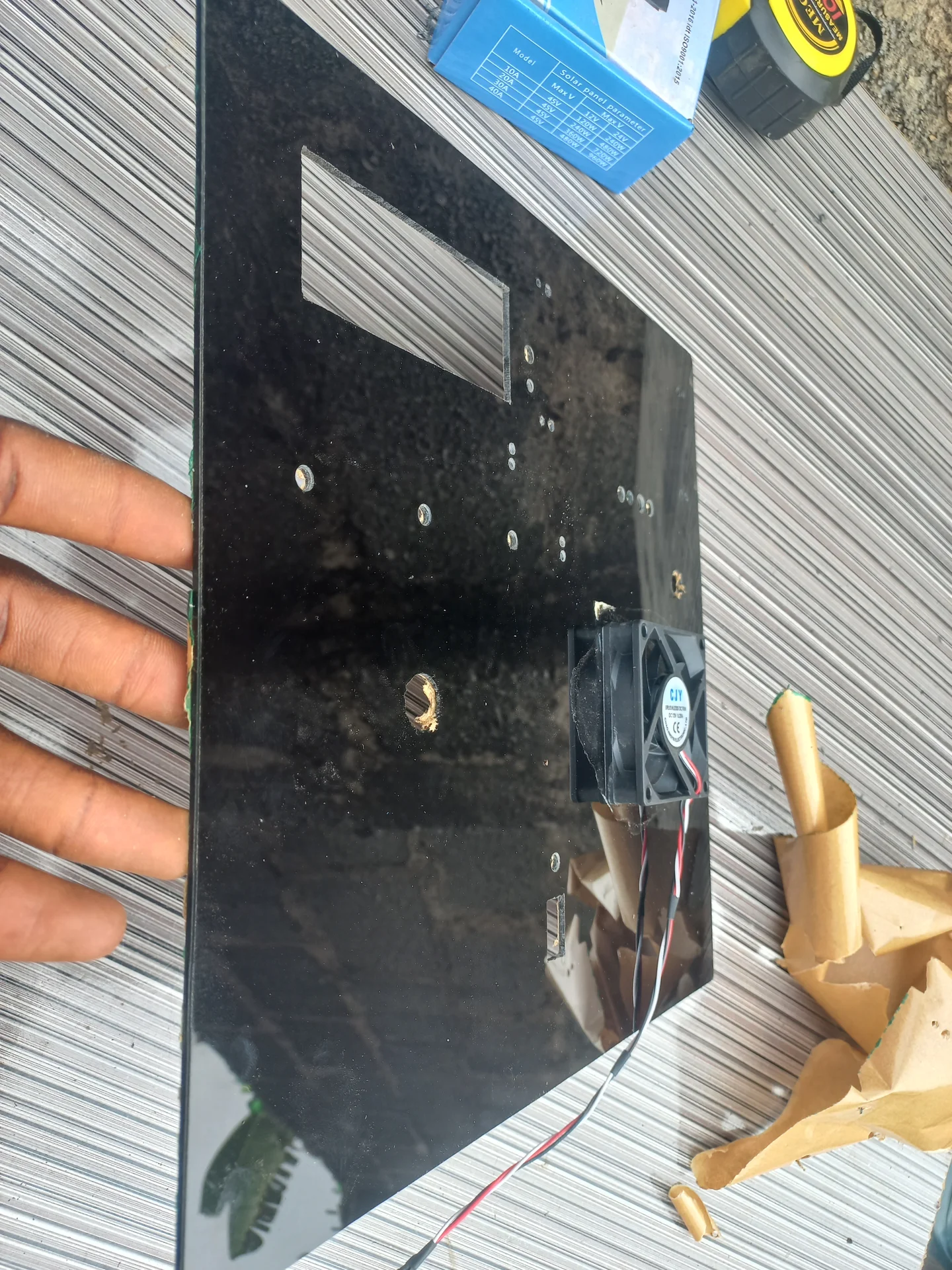
The black acrylic front panel and the hardboard backing with the cooling fan already mounted, laid side by side before being joined together
The black acrylic panel with the cooling fan mounted and standoffs fitted, showing the hole layout with some components already installed
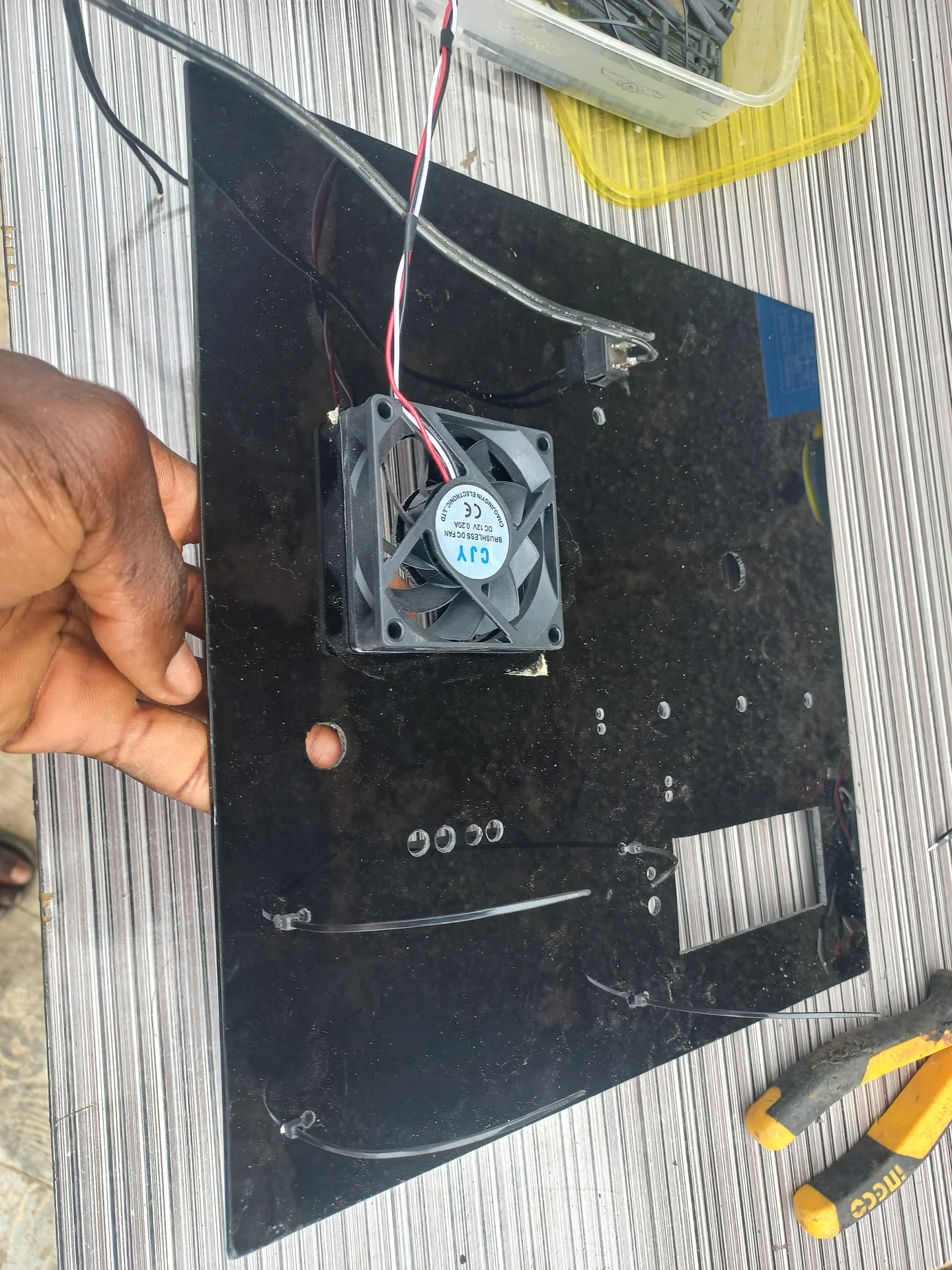
Back side of the completed panel showing the cooling fan mounted and the wiring running from each component
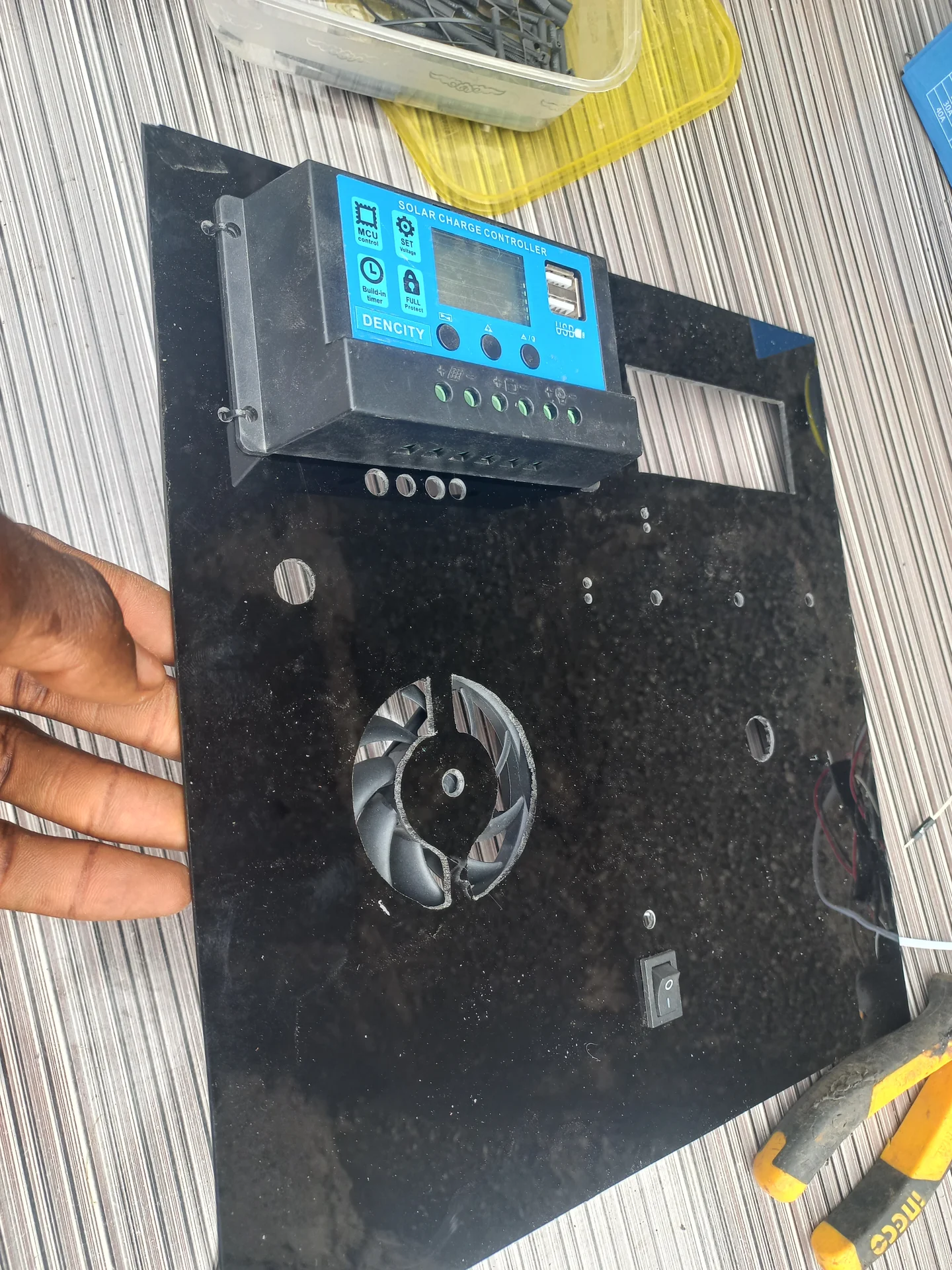
Front of the panel with the charge controller unit fitted into its position
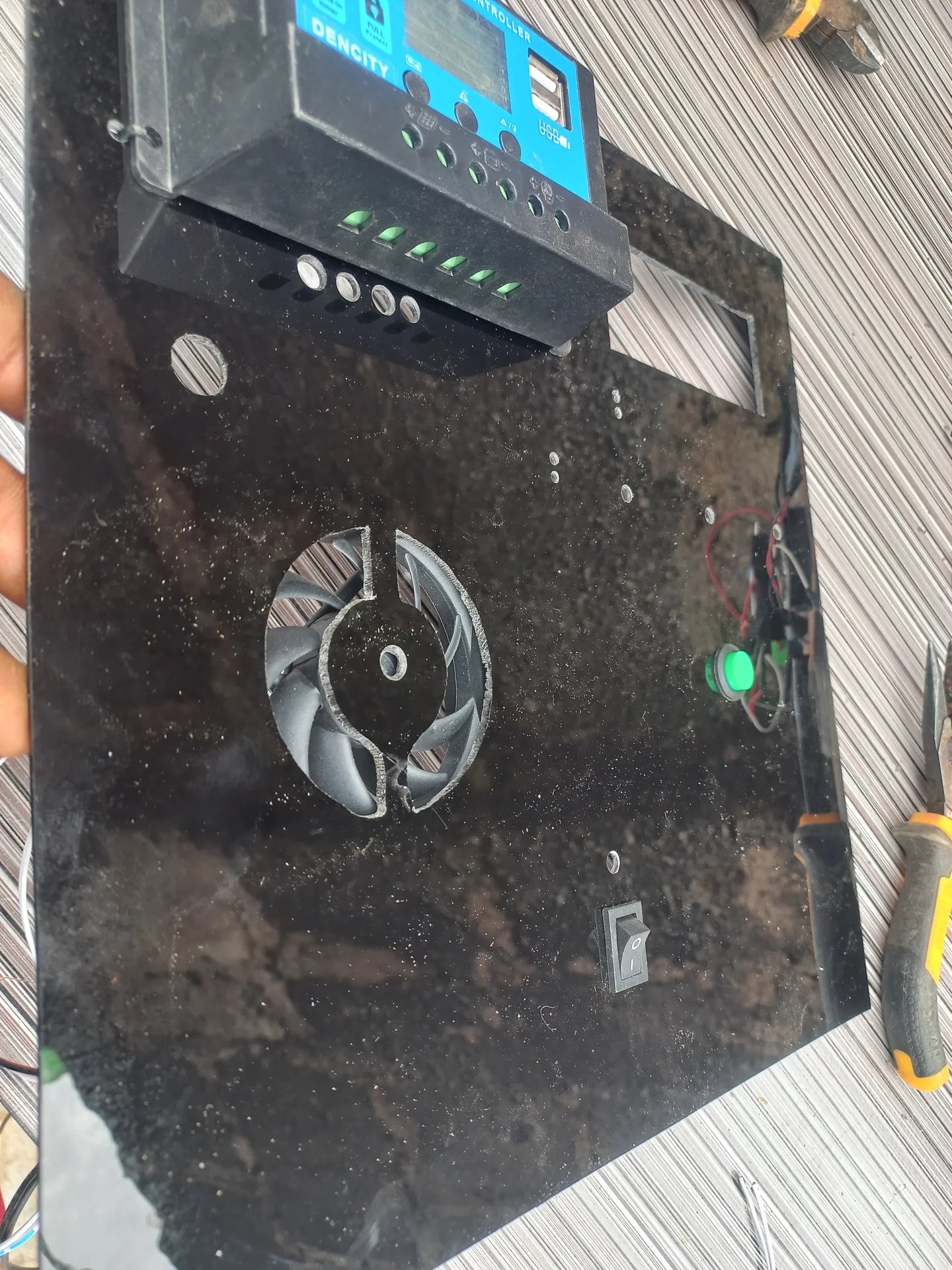
Panel from the front with one of the LED indicators powered on, confirming the indicator is working
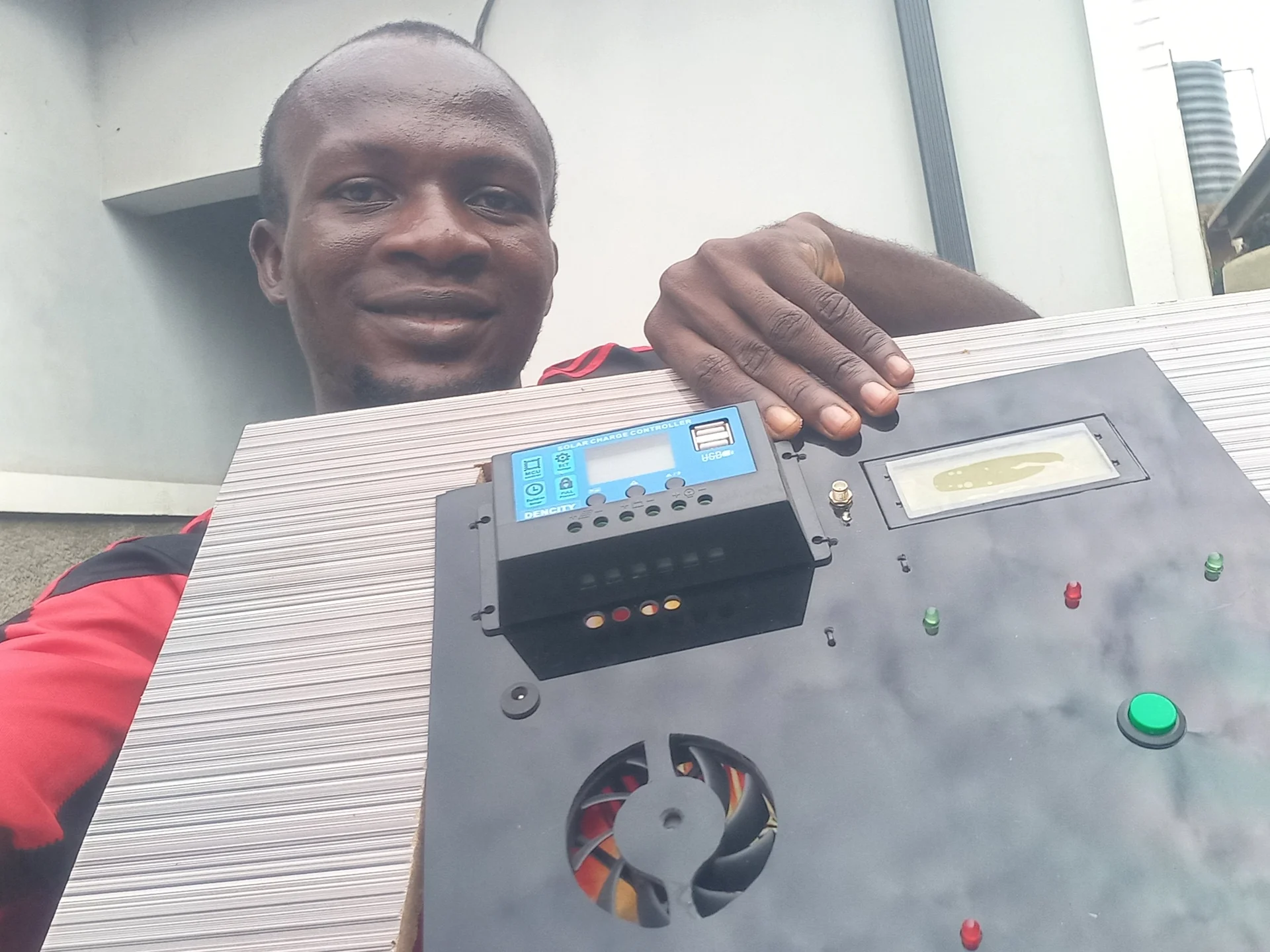
Front face of the panel showing the LCD display, charge controller screen and the reset button together
Builder holding the fully assembled control panel, showing the front face with all components mounted and labelled

Bin Assembly and Sensor Fitting

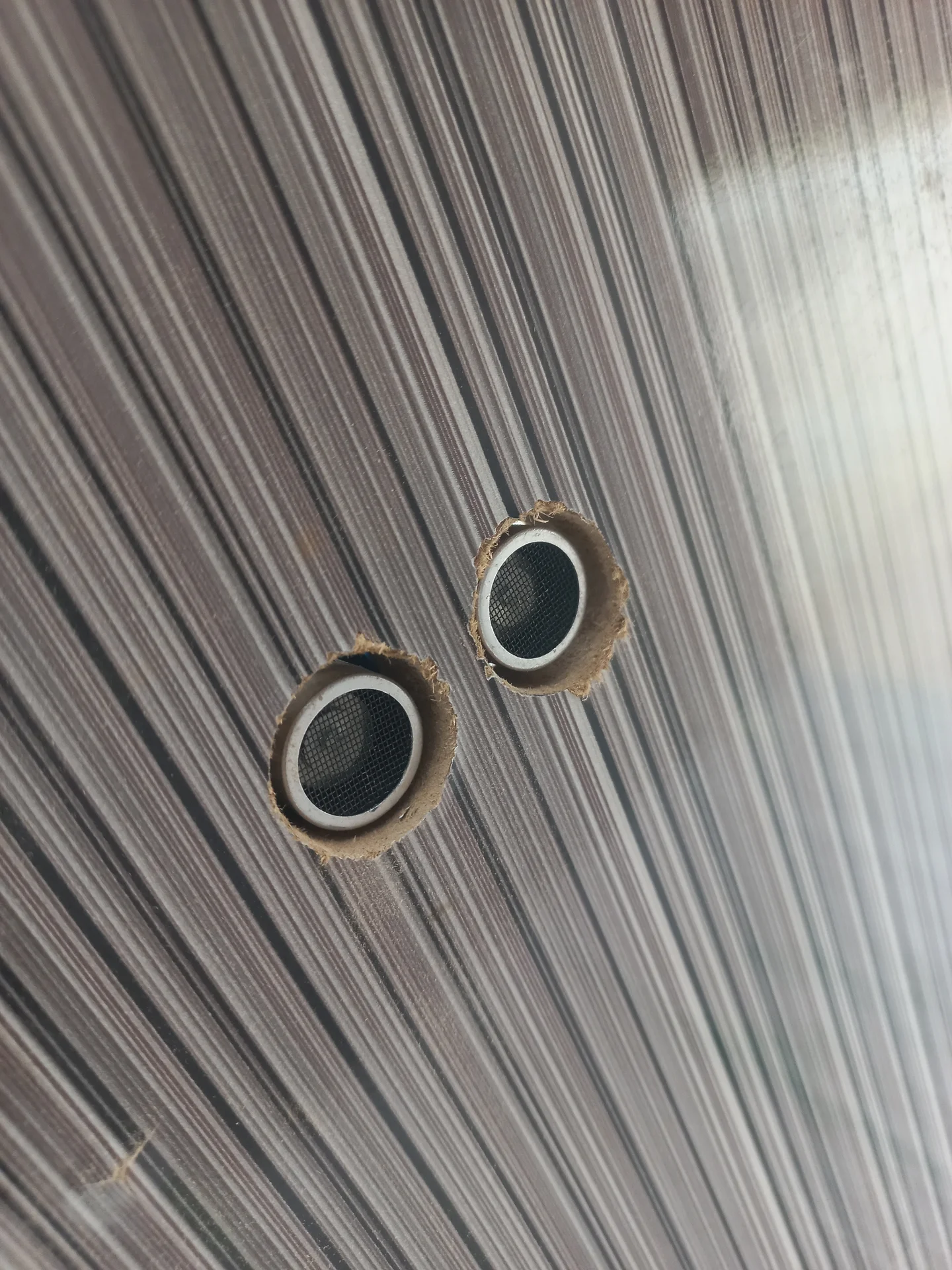
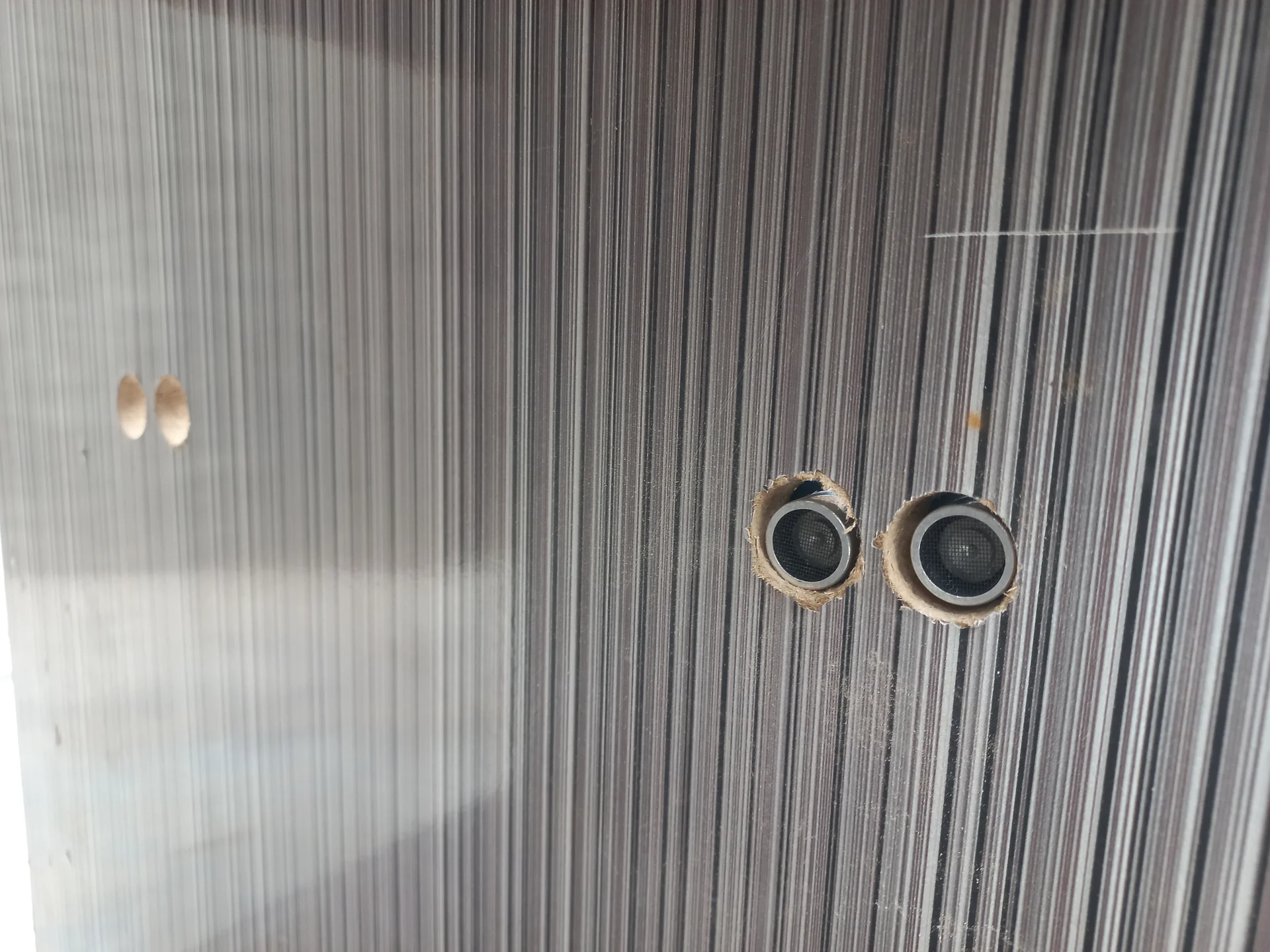
Two HC-SR04 ultrasonic sensor mounting holes in the bin wall, with the sensors inserted and viewed straight-on
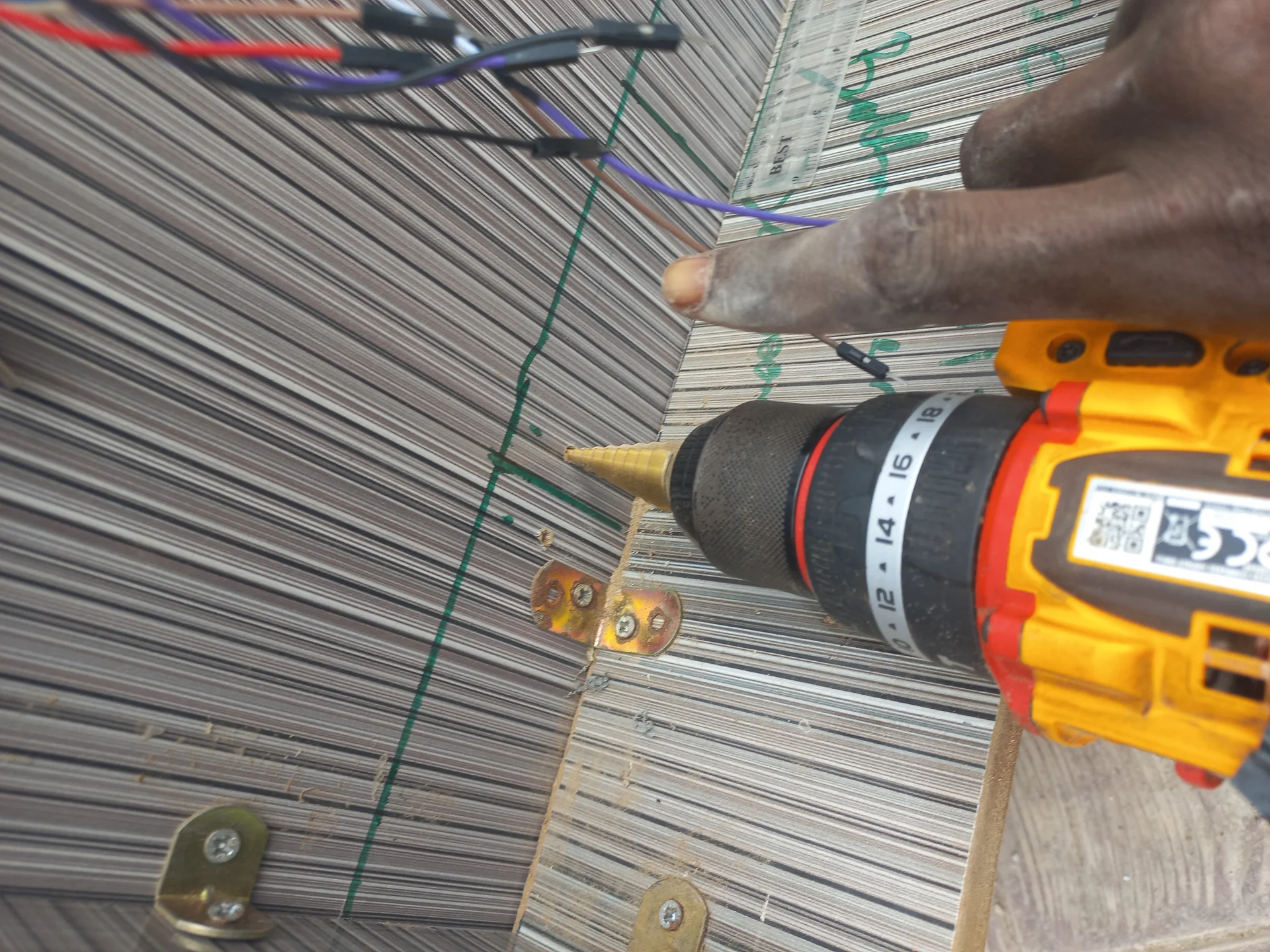
Drill driving screws into a hinge along the bin frame edge, with a second hinge already in place further along
Side view of the bin wall showing the sensor holes from the outside of the enclosure
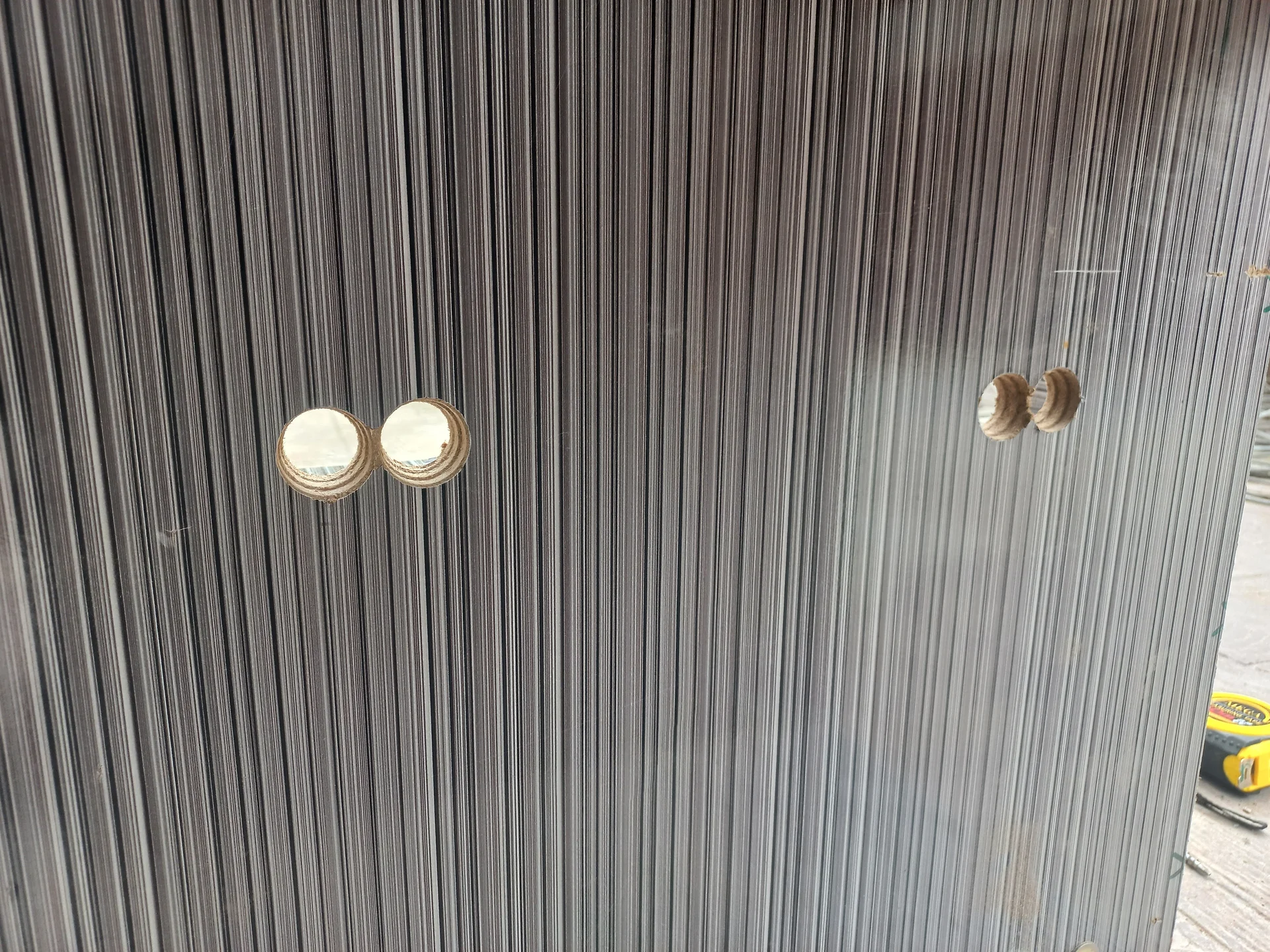
Multiple sensor holes drilled across the bin wall panels, showing the raw openings across two compartment faces
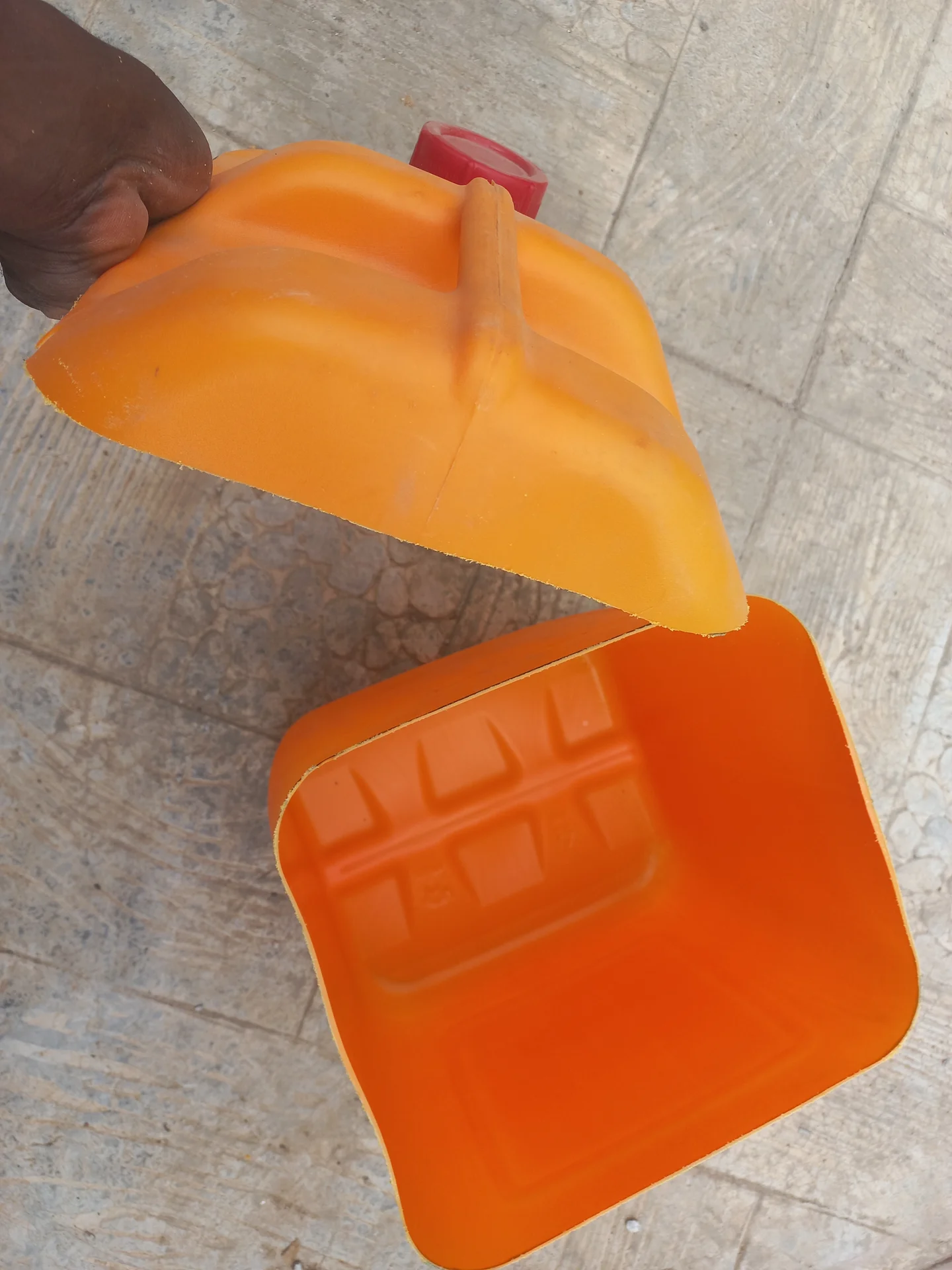
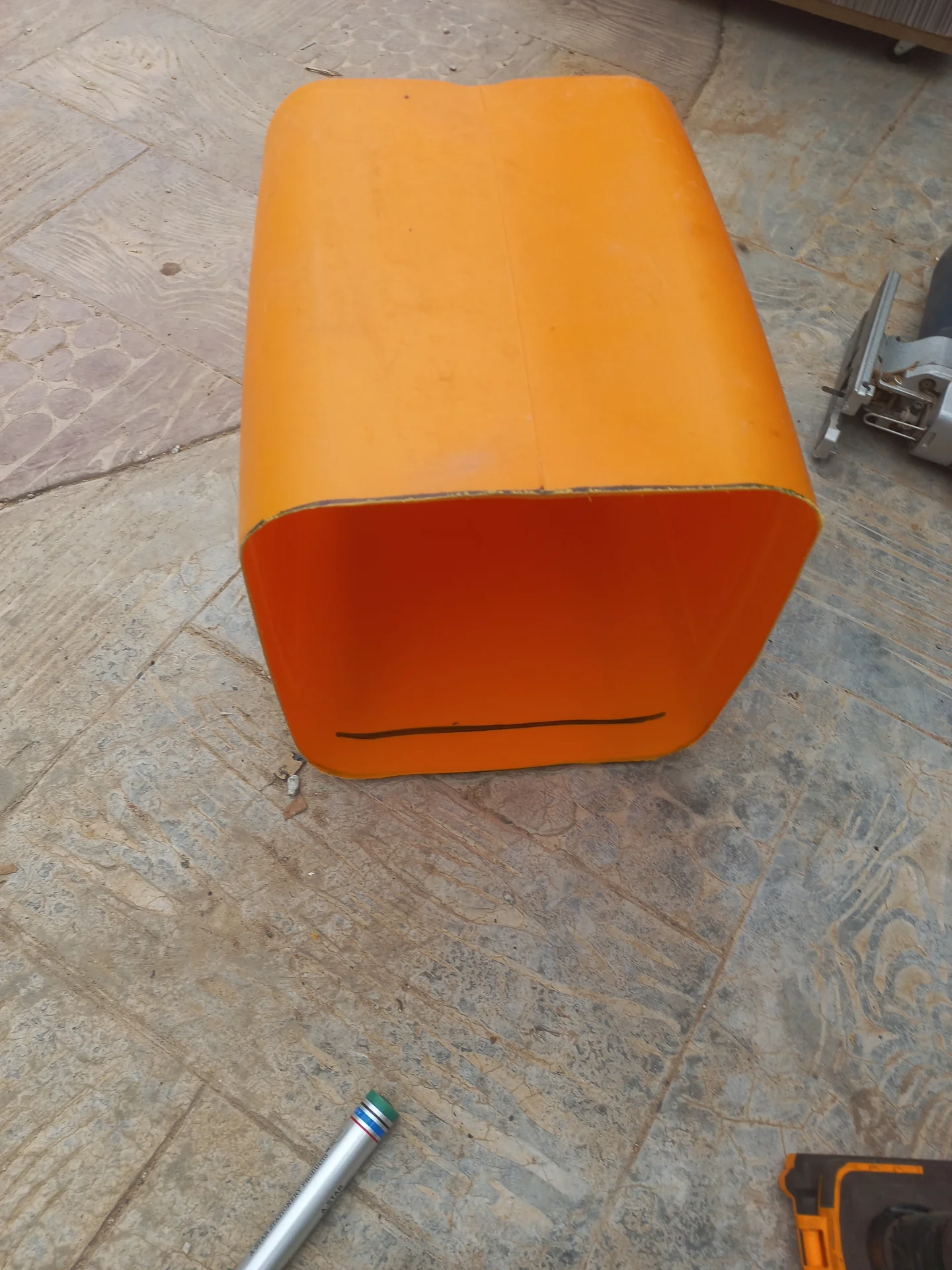
Orange jerry can cut near the base, with the top section held up and the shallow bottom tray section visible below, showing the open interior of both pieces
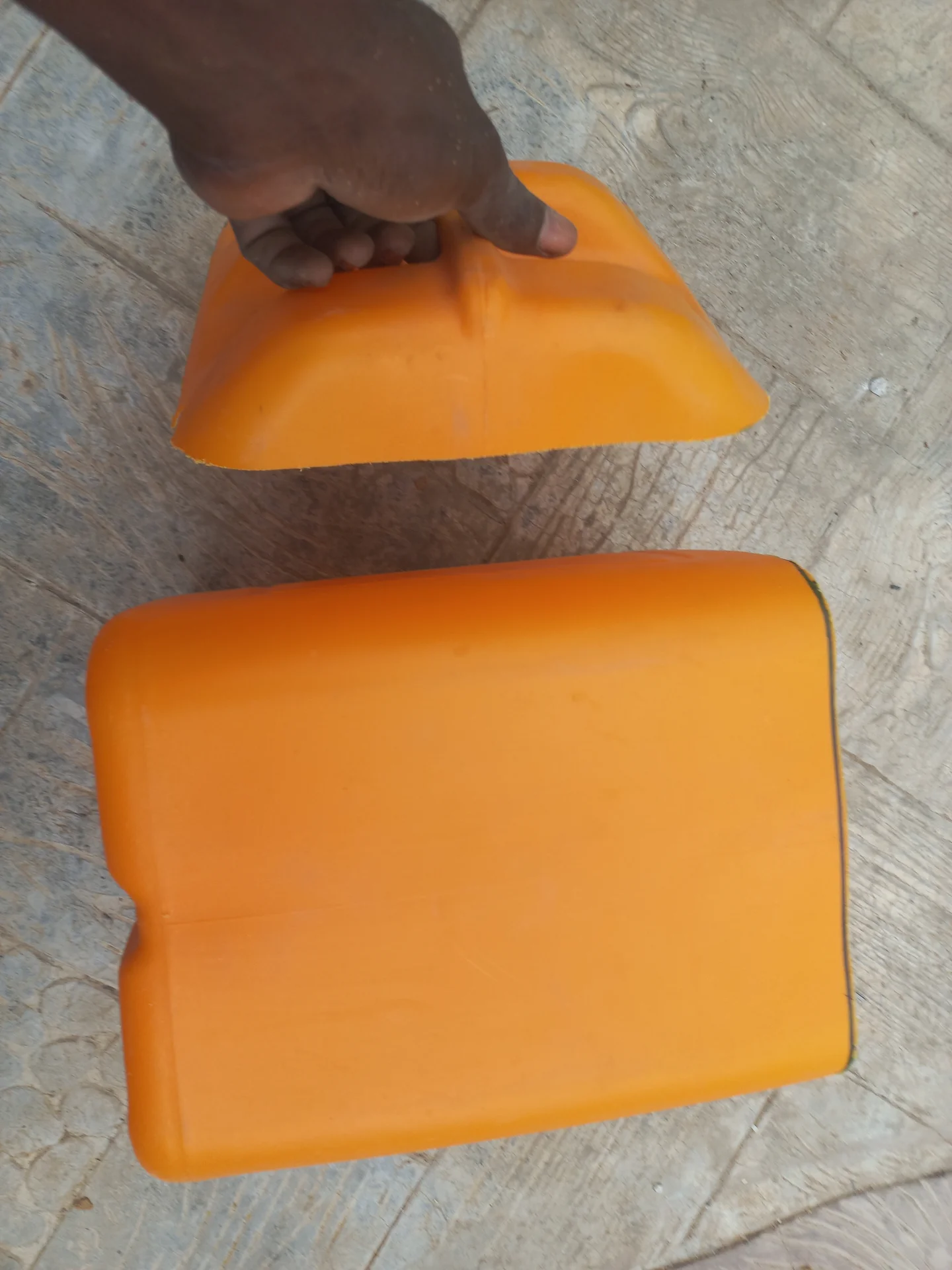
The cut jerry can pieces laid out, showing the sections that will be placed inside the compartments as liners
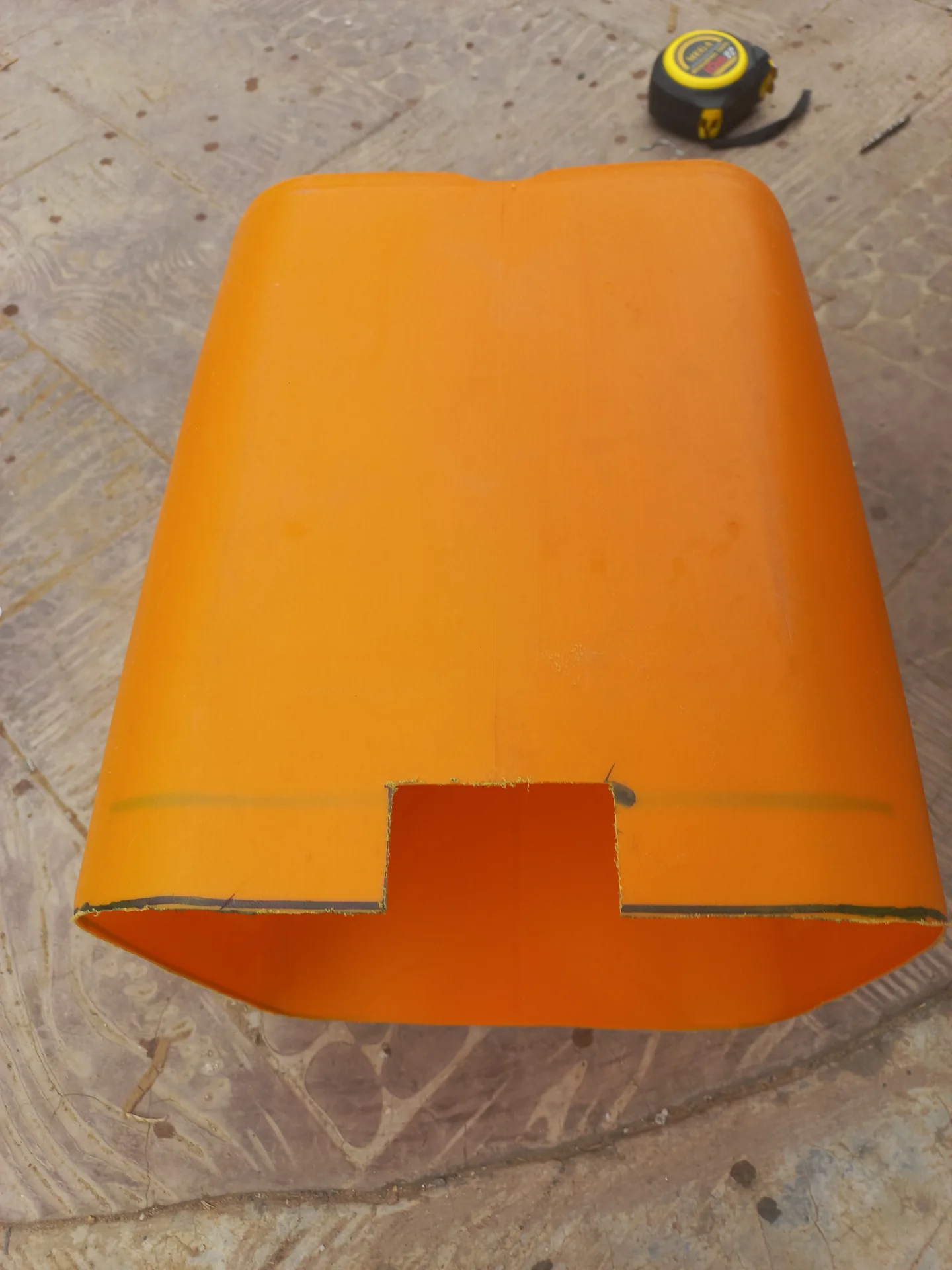
The top section of the cut jerry can viewed from the front, with a rectangular slot cut along the lower open edge for cable routing
A slot cut into the side of a jerry can piece to allow sensor cables to pass through
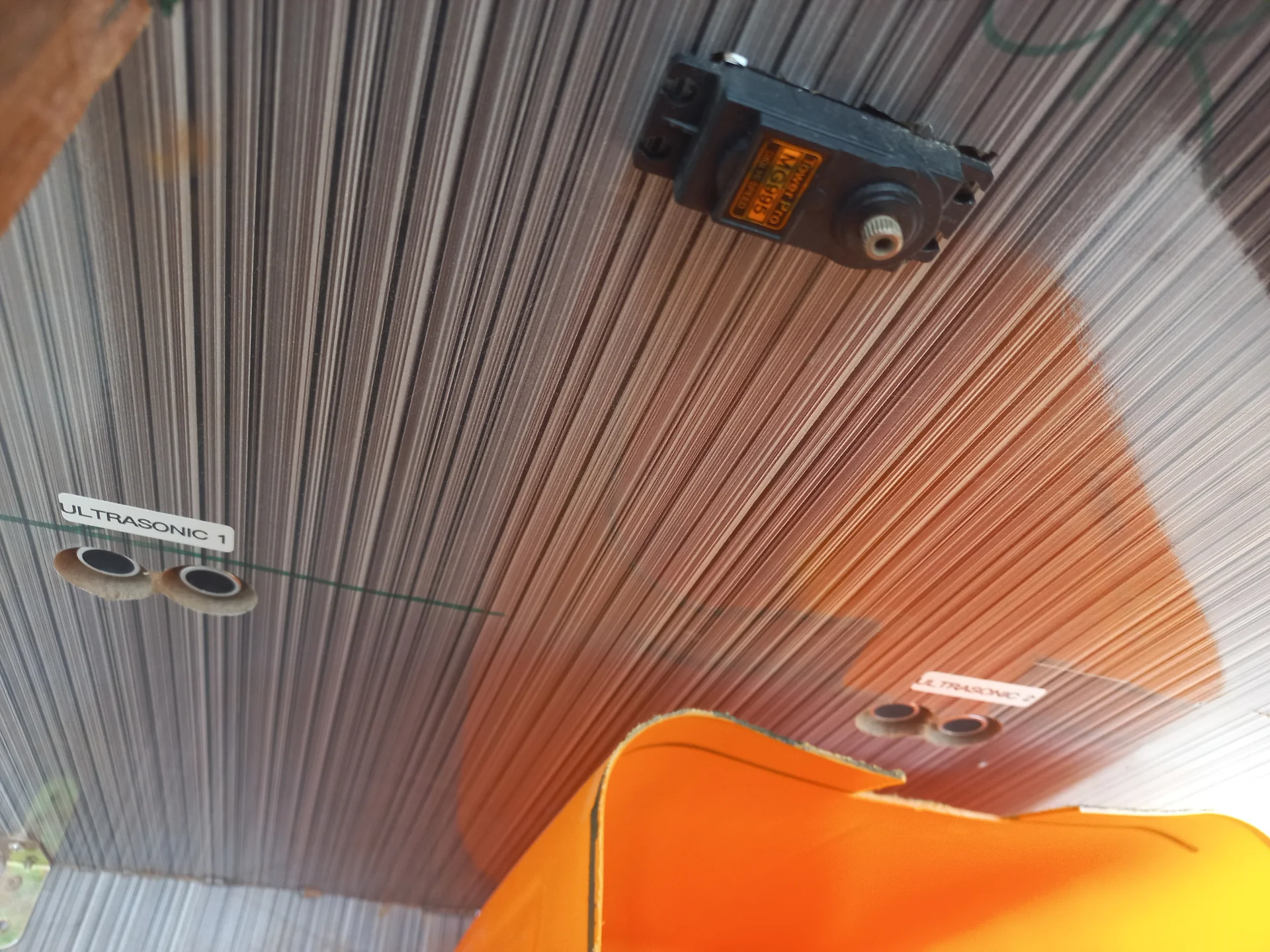
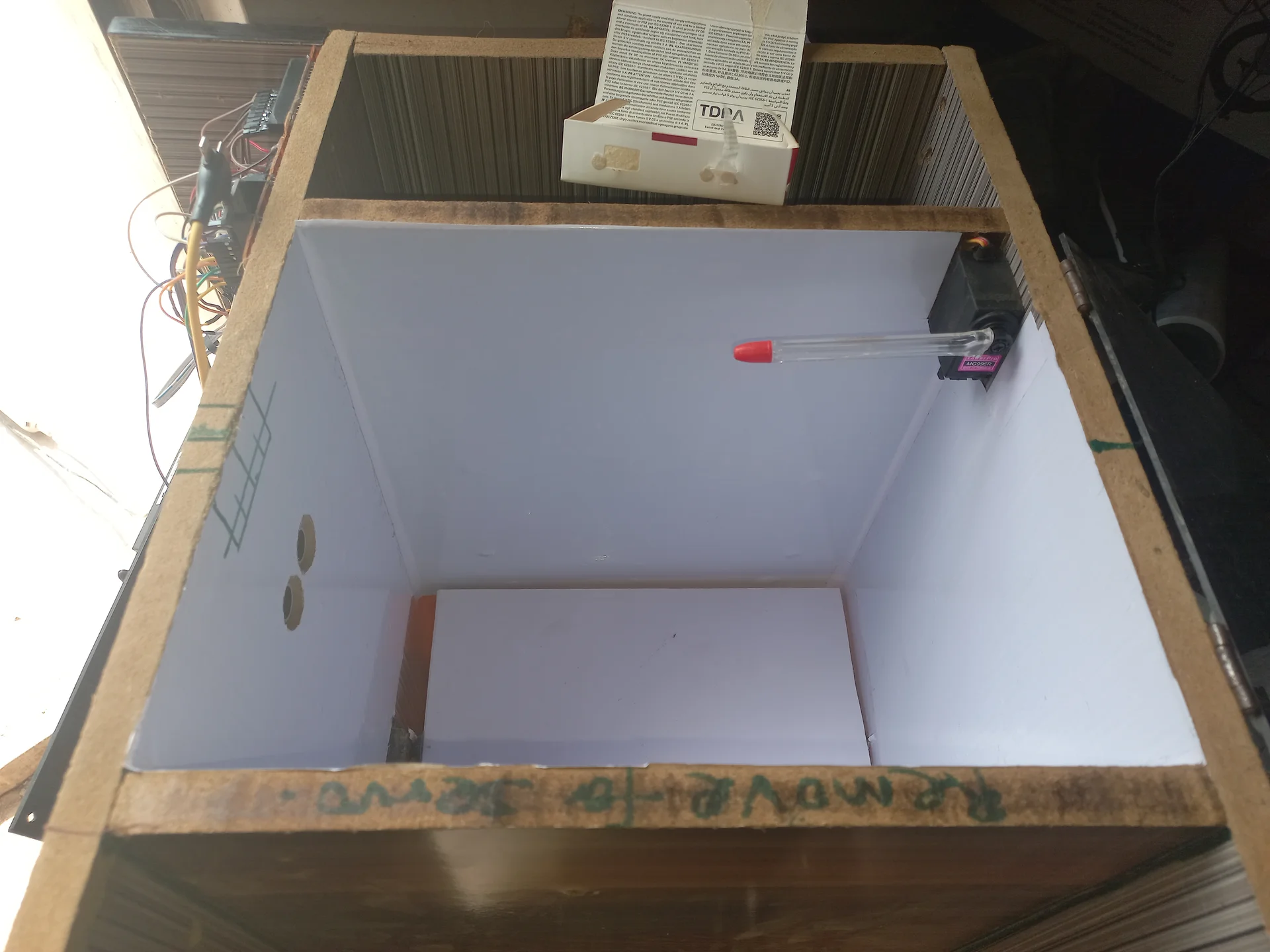
Inside the bin looking down, with the servo motor mounted at the top and two ultrasonic sensors visible on the walls
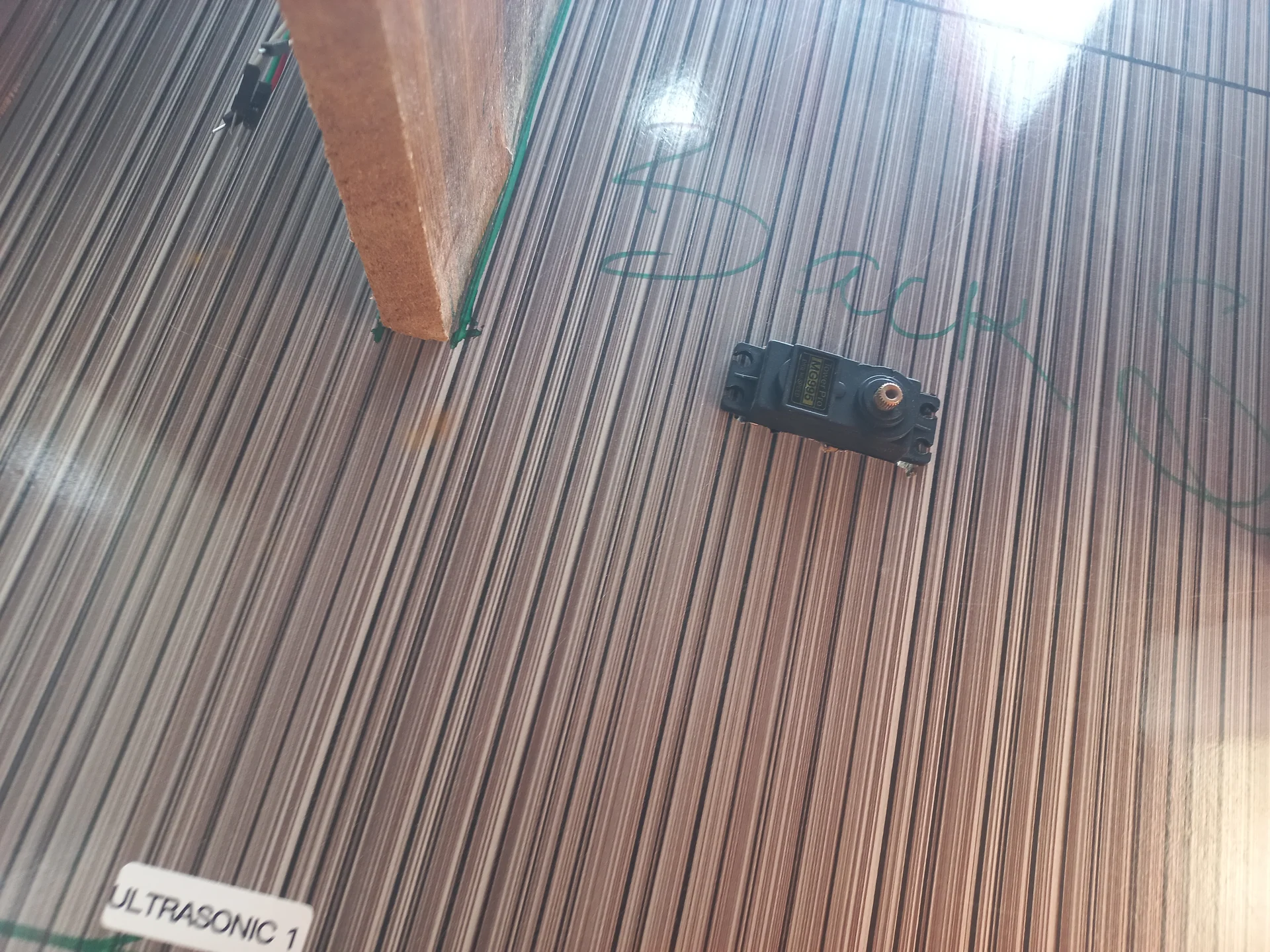
Top-down view into the bin interior showing the servo motor and an ultrasonic sensor mounted on the side wall, with the wooden divider panel visible
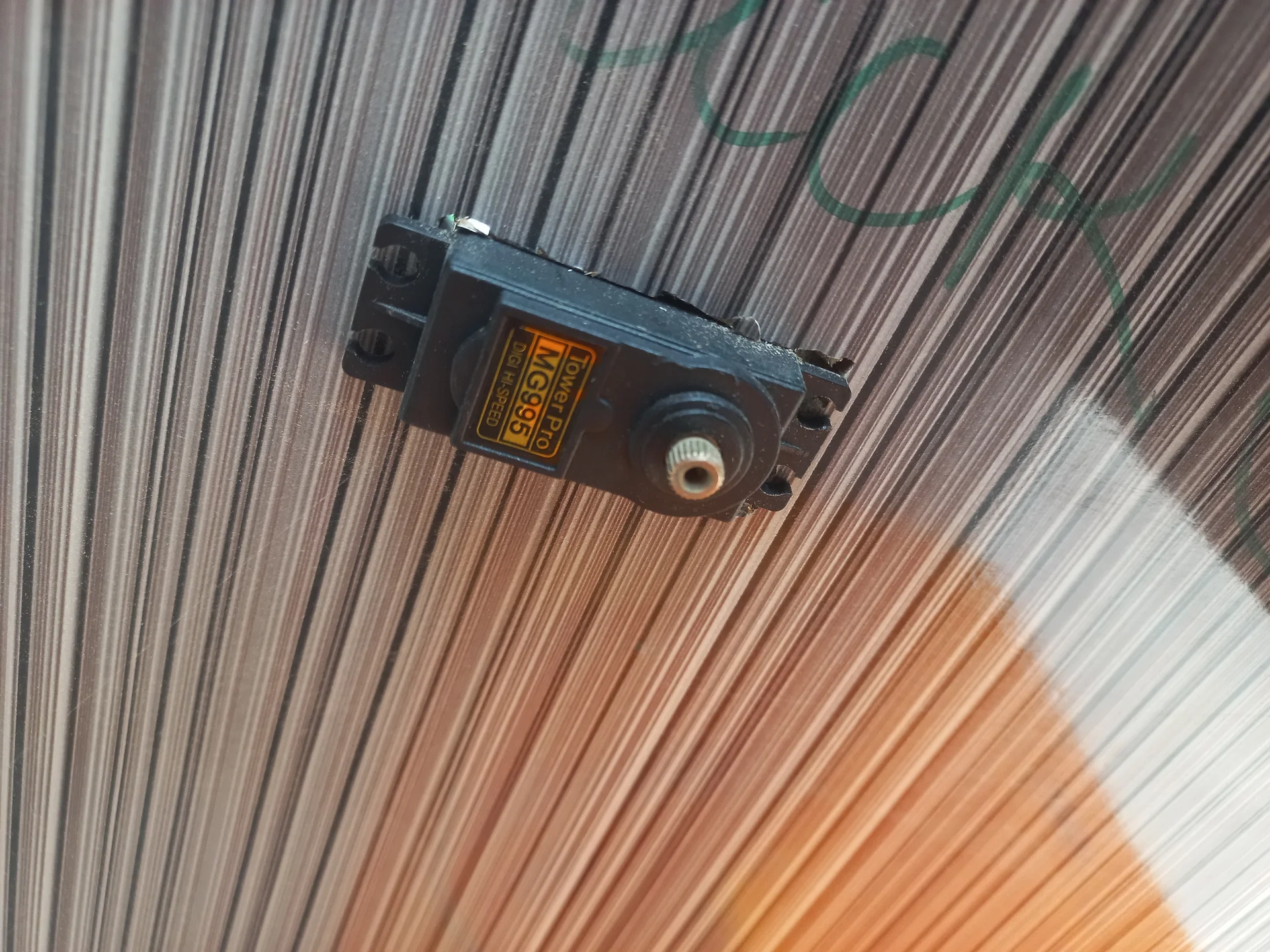
MG996 servo motor bolted to the ceiling of the sorting chamber, photographed from inside looking straight up at it
One of the bin compartments with the black-painted sorting flap visible inside
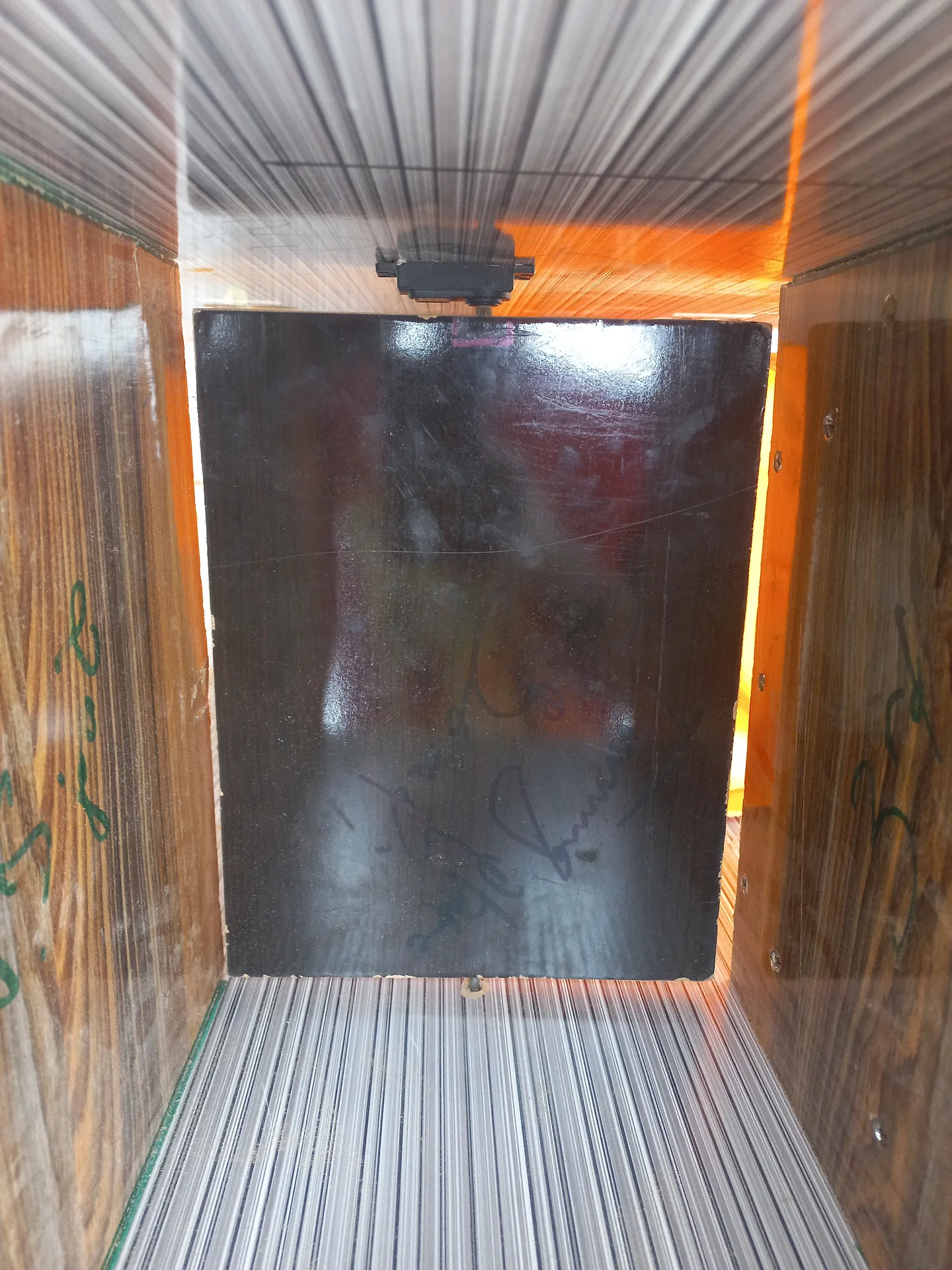
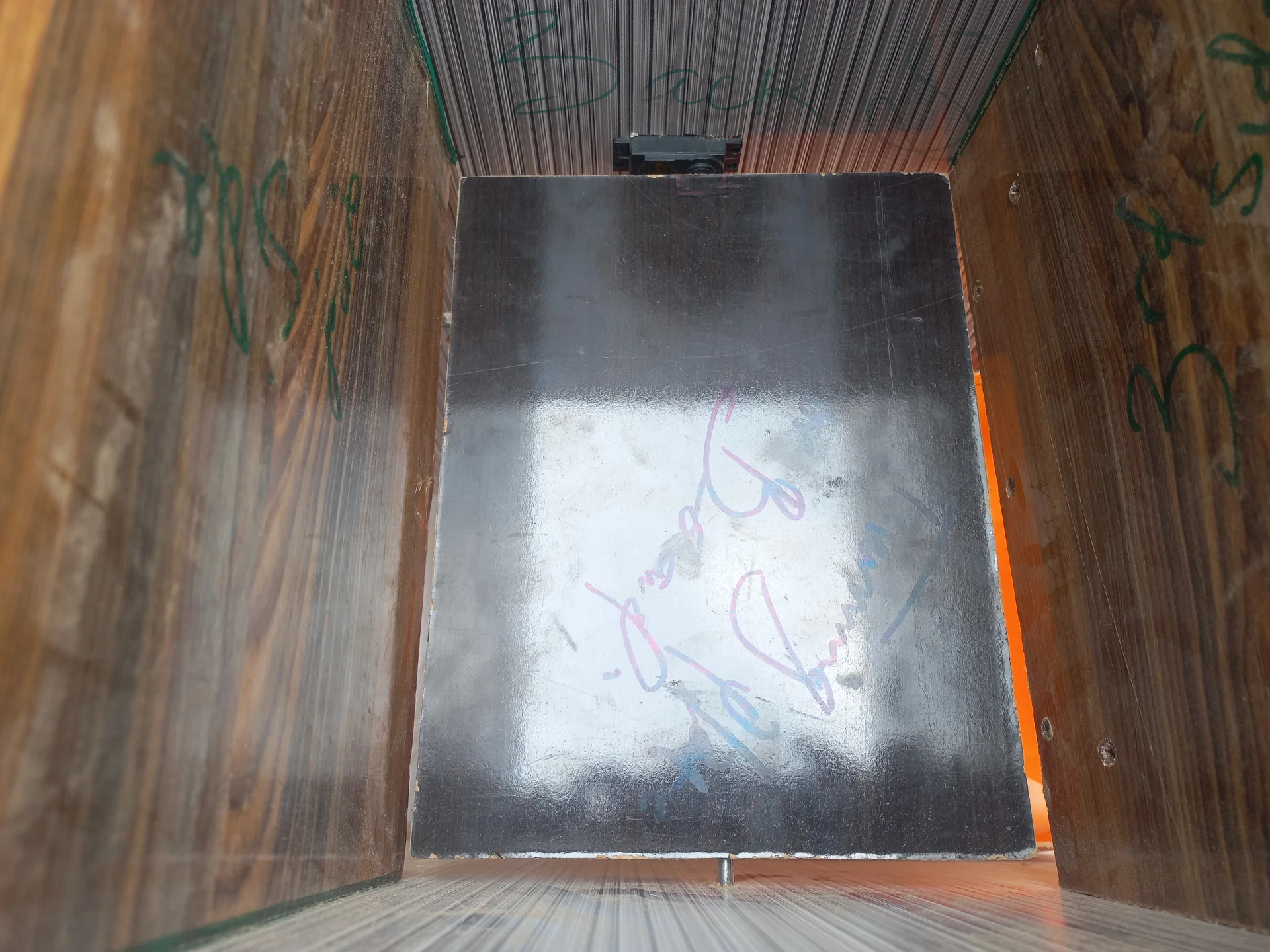
Straight-on view into the compartment showing the silver metallic sorting flap in its closed position, with the servo bracket visible at the top
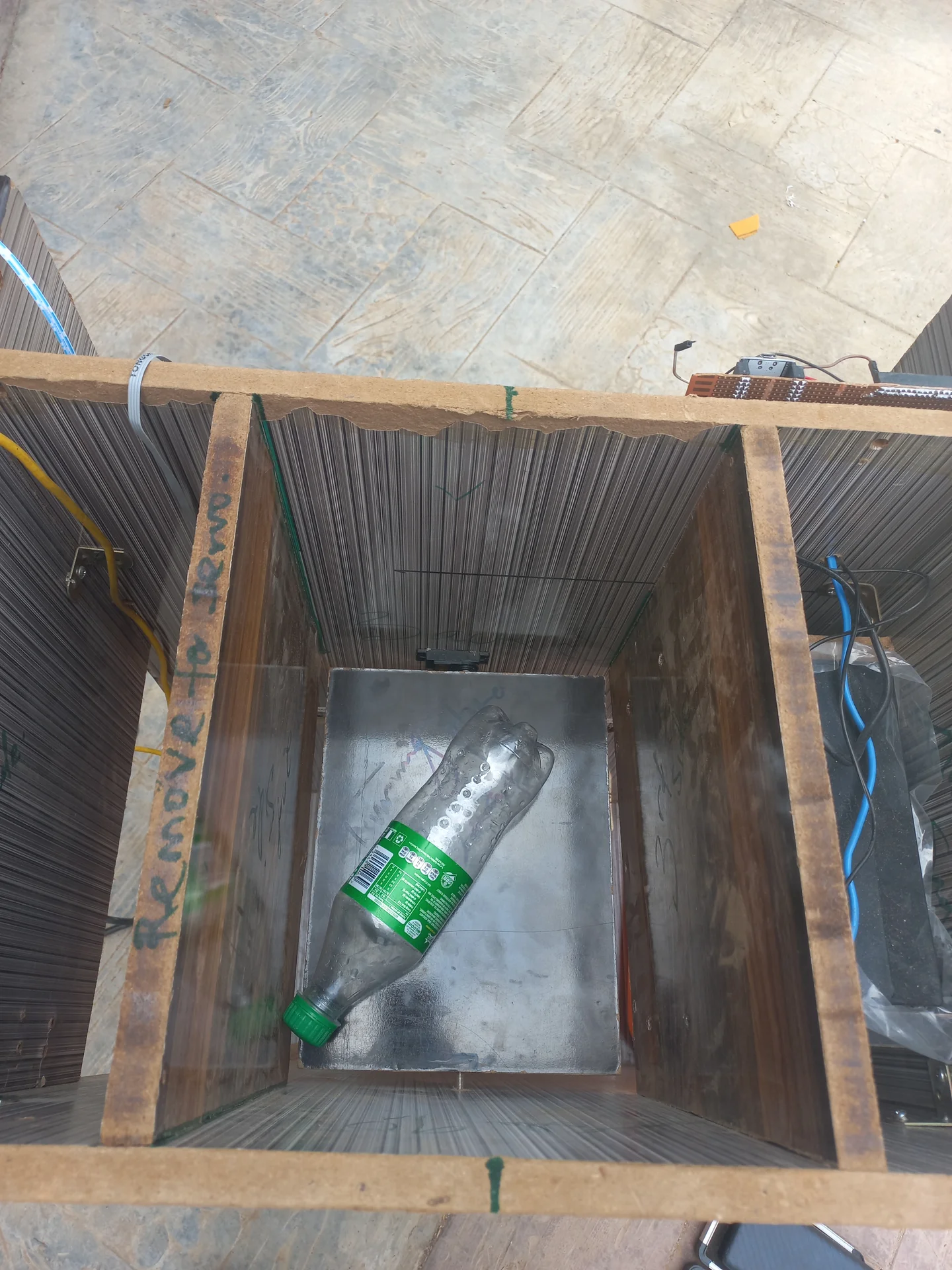
A plastic bottle placed on the sorting tray inside the bin as a test object, confirming the tray size is right
Builder crouching and reaching into the open top of the upright bin enclosure to fit internal components
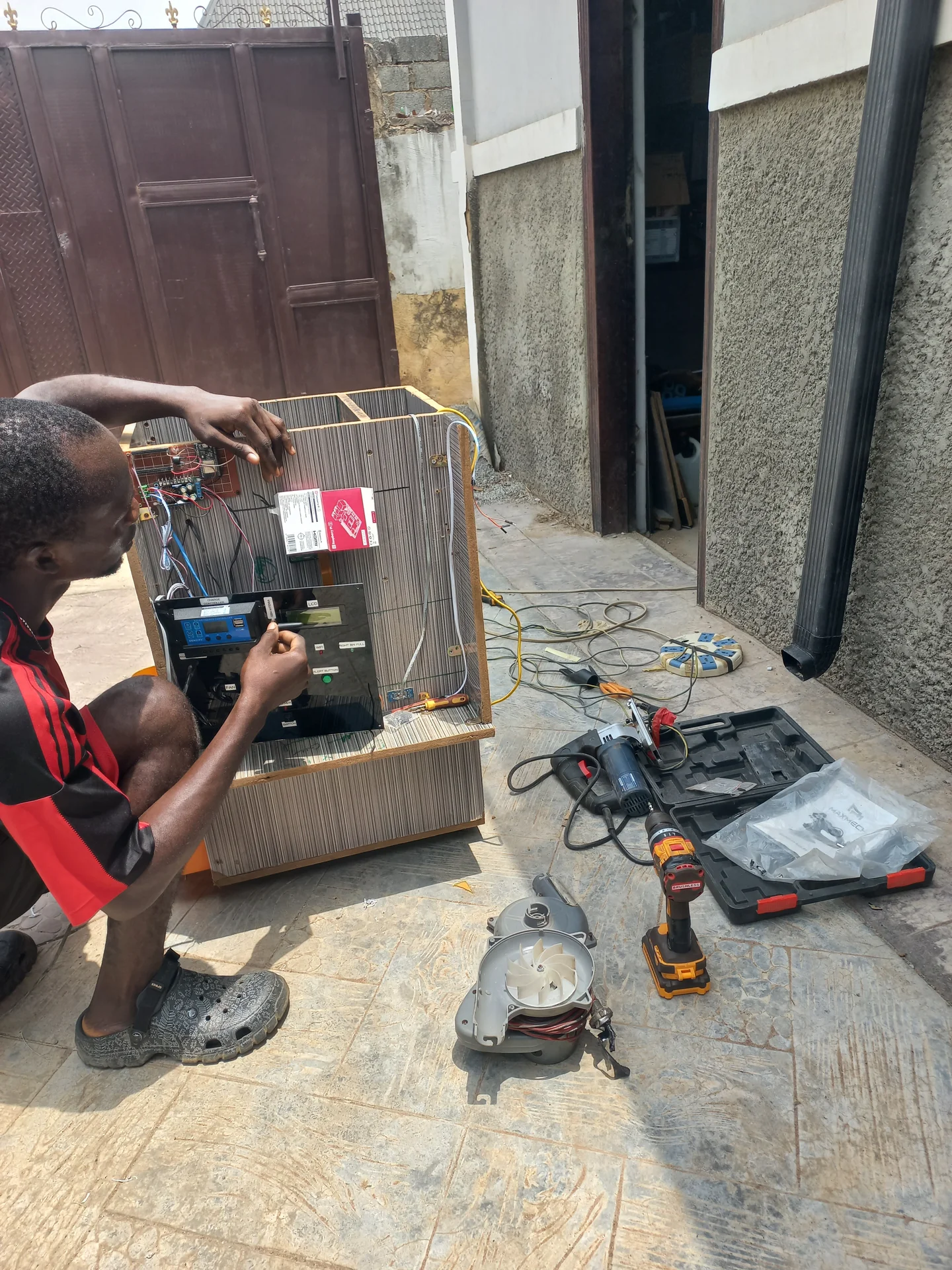
Builder leaning into the open electronics bay, running wires and making connections
Closer shot of the builder with face visible while concentrating on the wiring work
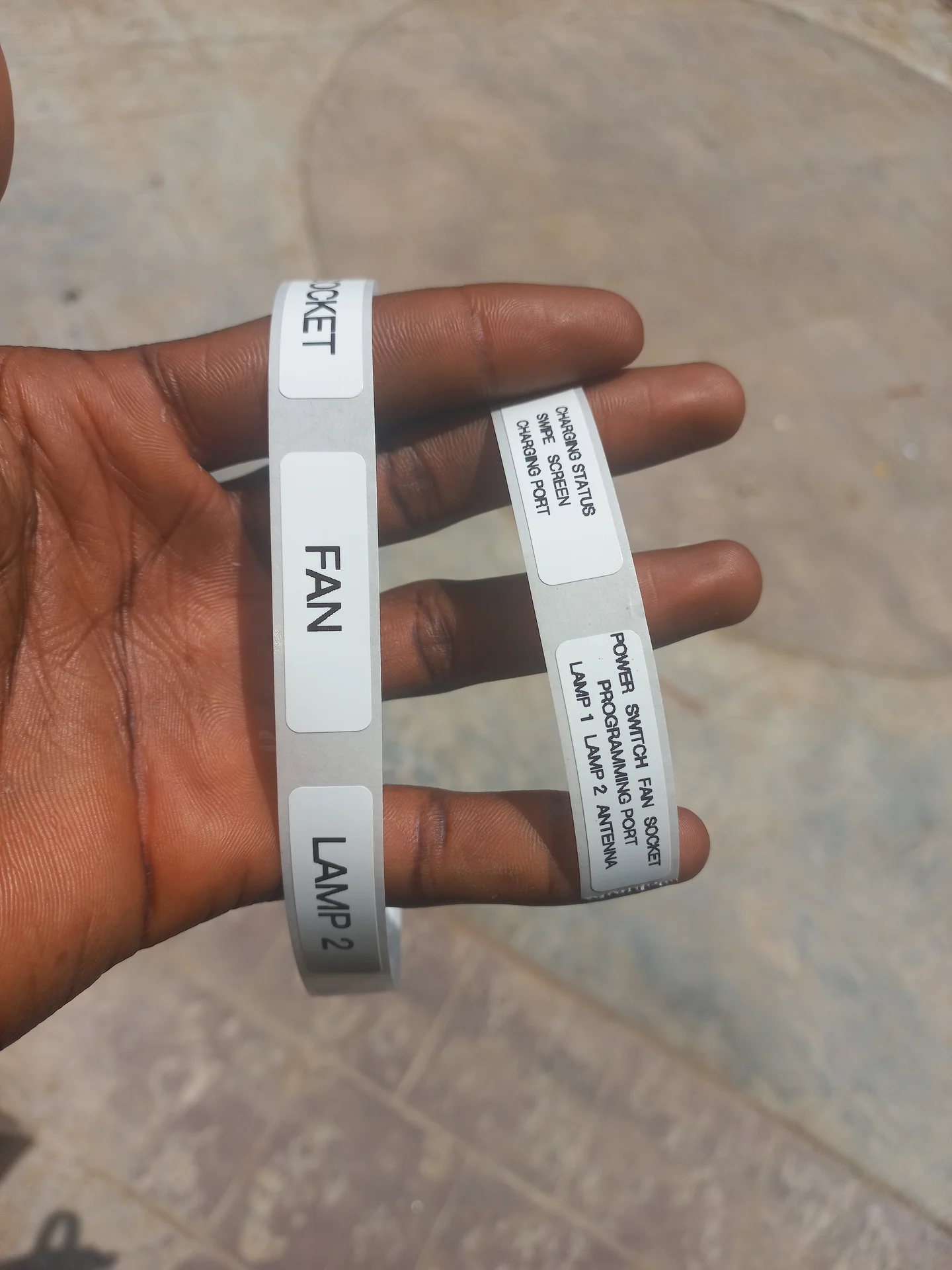
Printed label strips for the control panel, showing text including FAN, LAMP 1, LAMP 2, SOCKET, CHARGING STATUS, POWER SWITCH, PROGRAMMING PORT and ANTENNA

System Integration

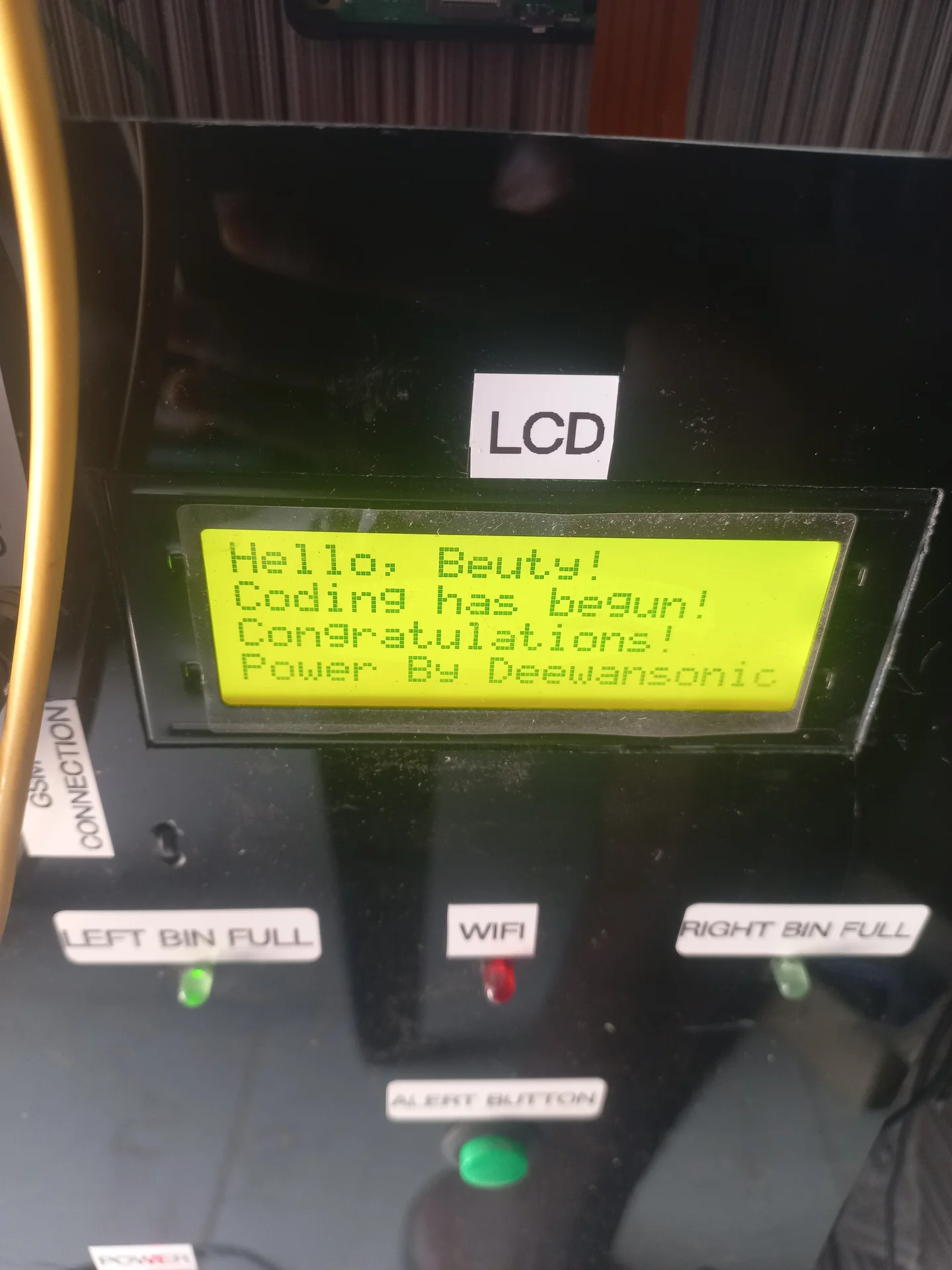
First boot of the LCD on the finished control panel. It shows the custom startup message: Hello, Beuty! Coding has begun! Congratulations! Power By Deewansonic
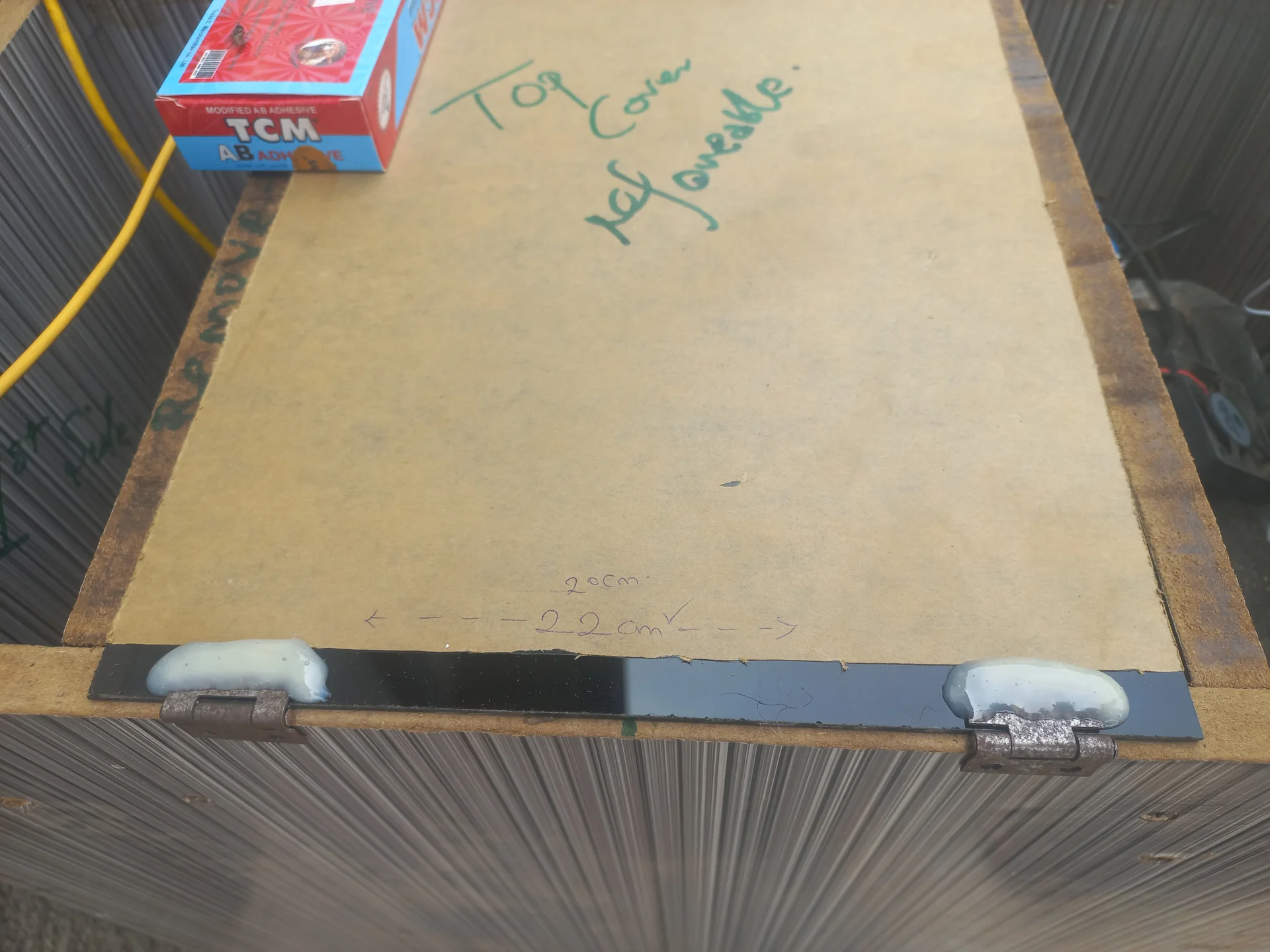
The bin top cover with the hinges now glued and set, photographed from above to show the hinge line
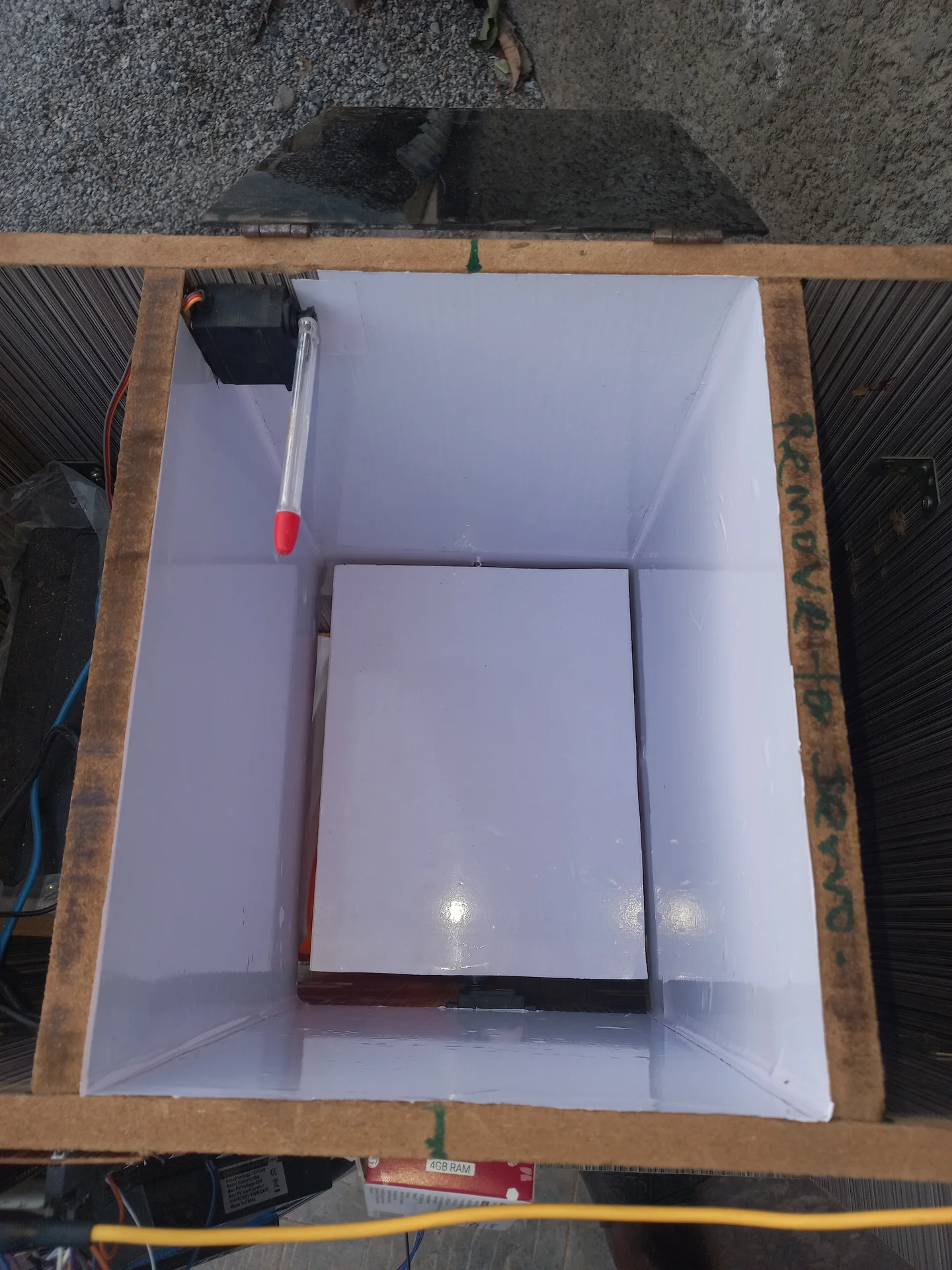
Interior of the bin with white reflective lining applied to all inner walls, improving the camera lighting
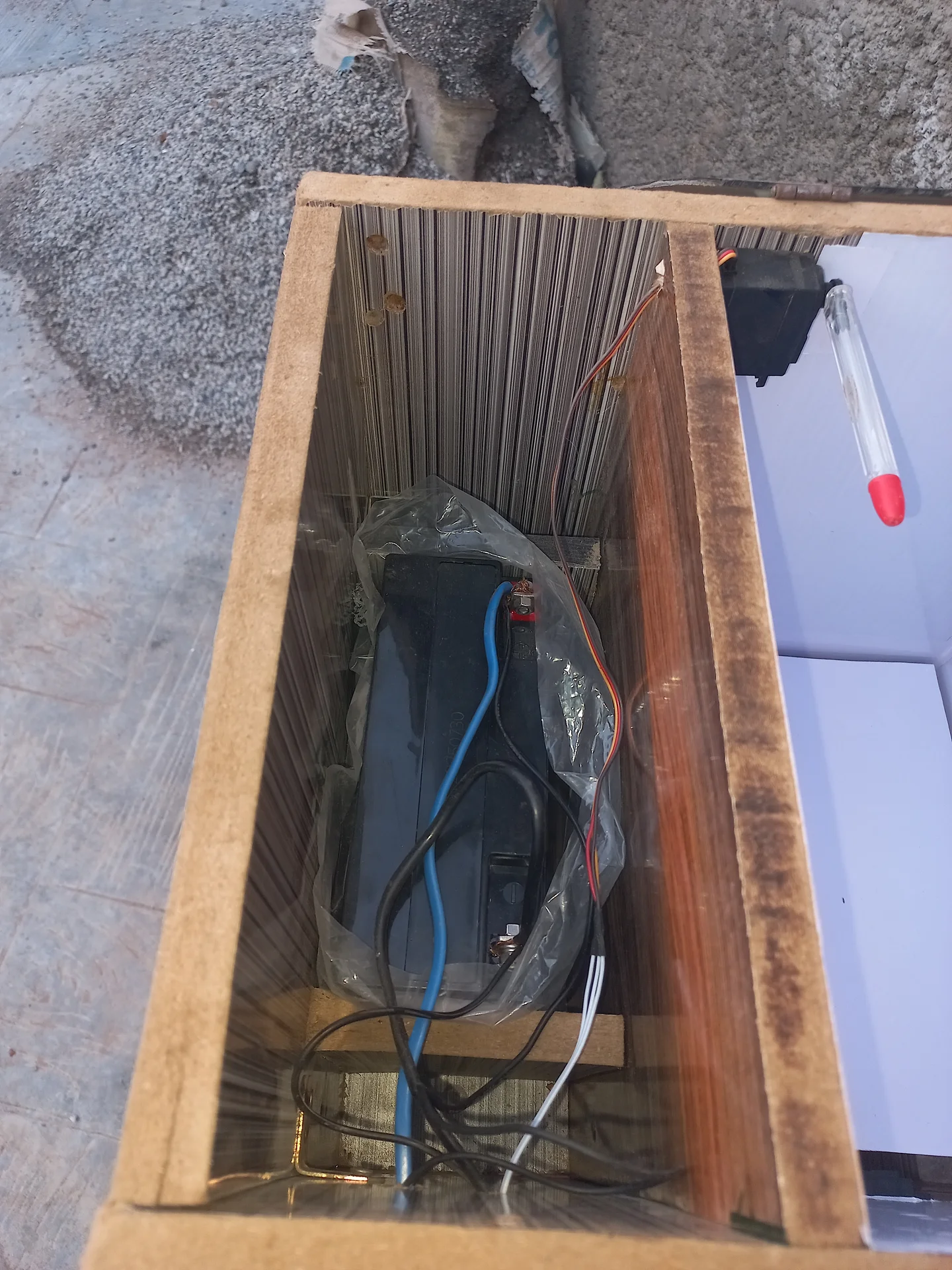
The battery inside the base compartment of the bin enclosure, with power cables connected
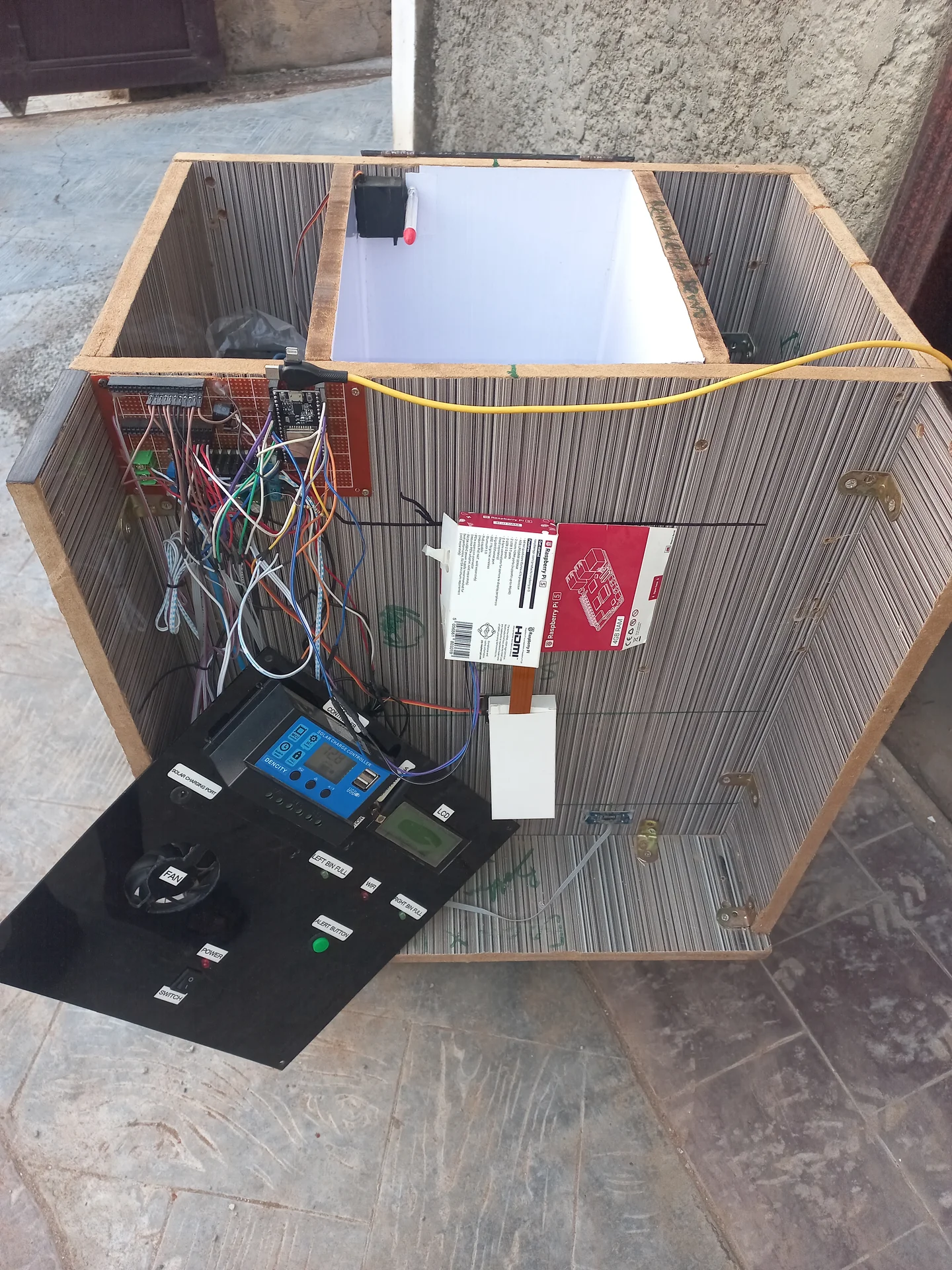
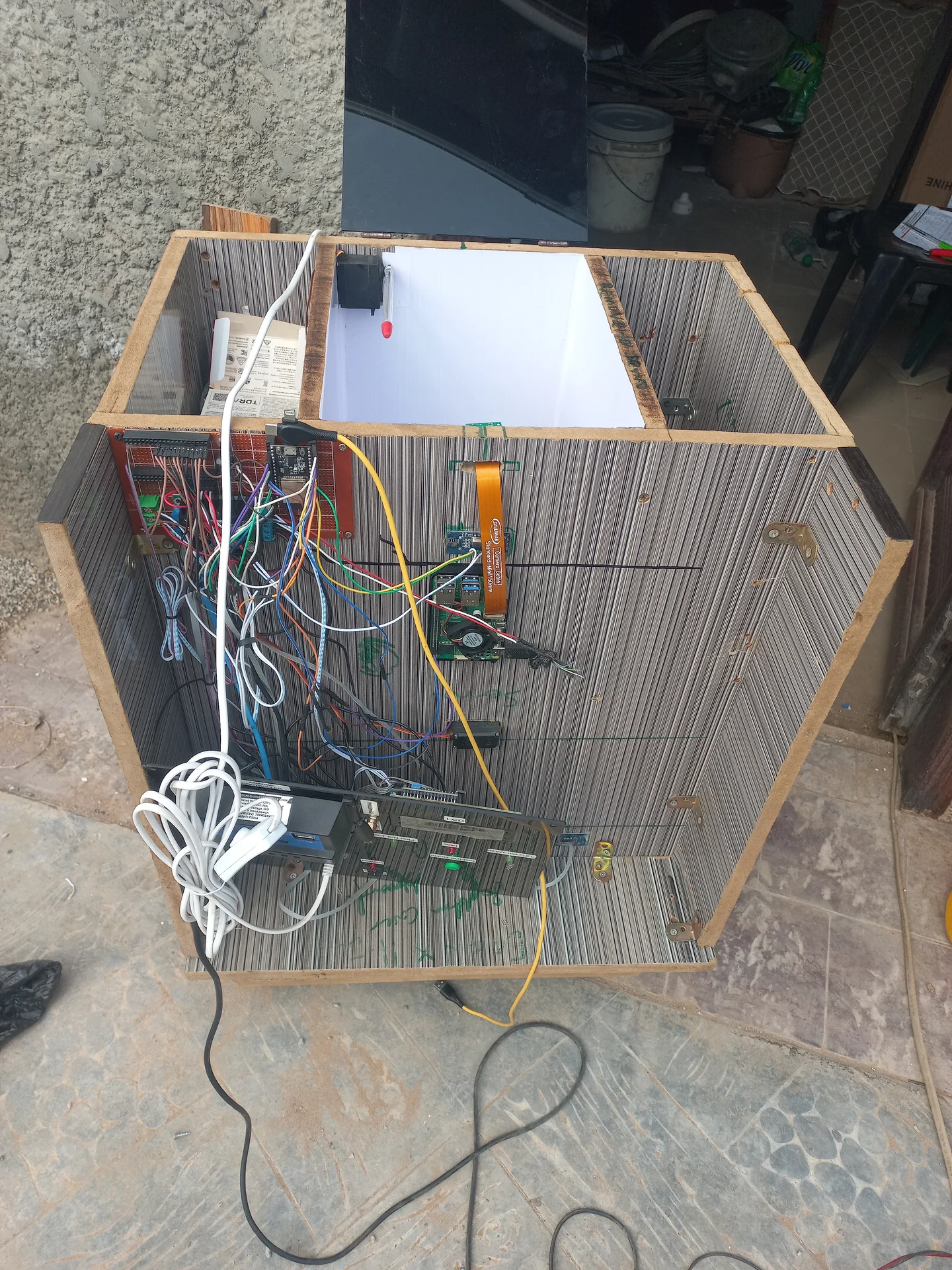
The full electronics bay with every component wired up: ESP32, Pi, SIM800L, relay, charge controller and power rail
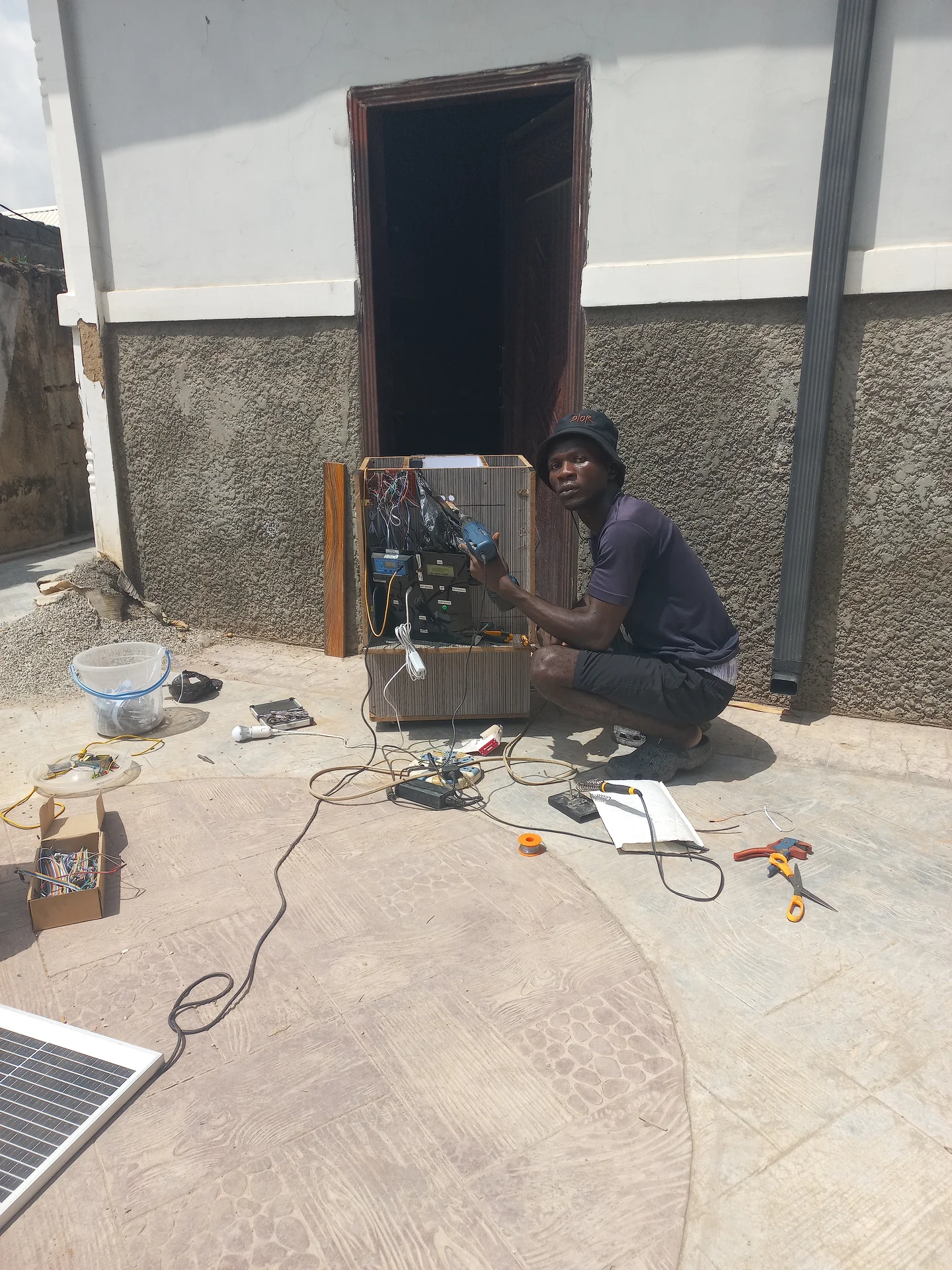
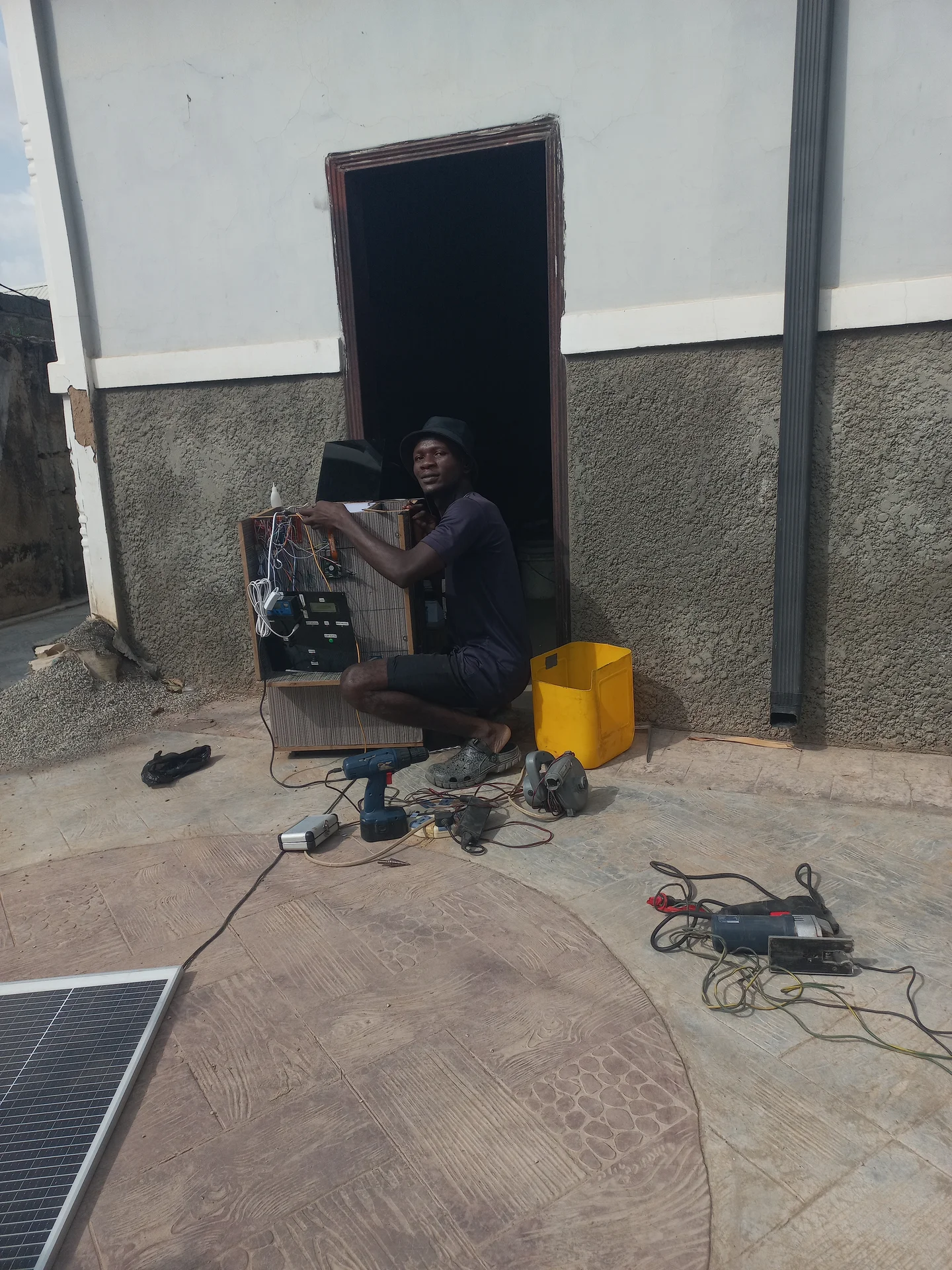
Builder crouching outdoors while working on the open electronics bay of the bin, with tools and the solar panel laid flat on the ground around him
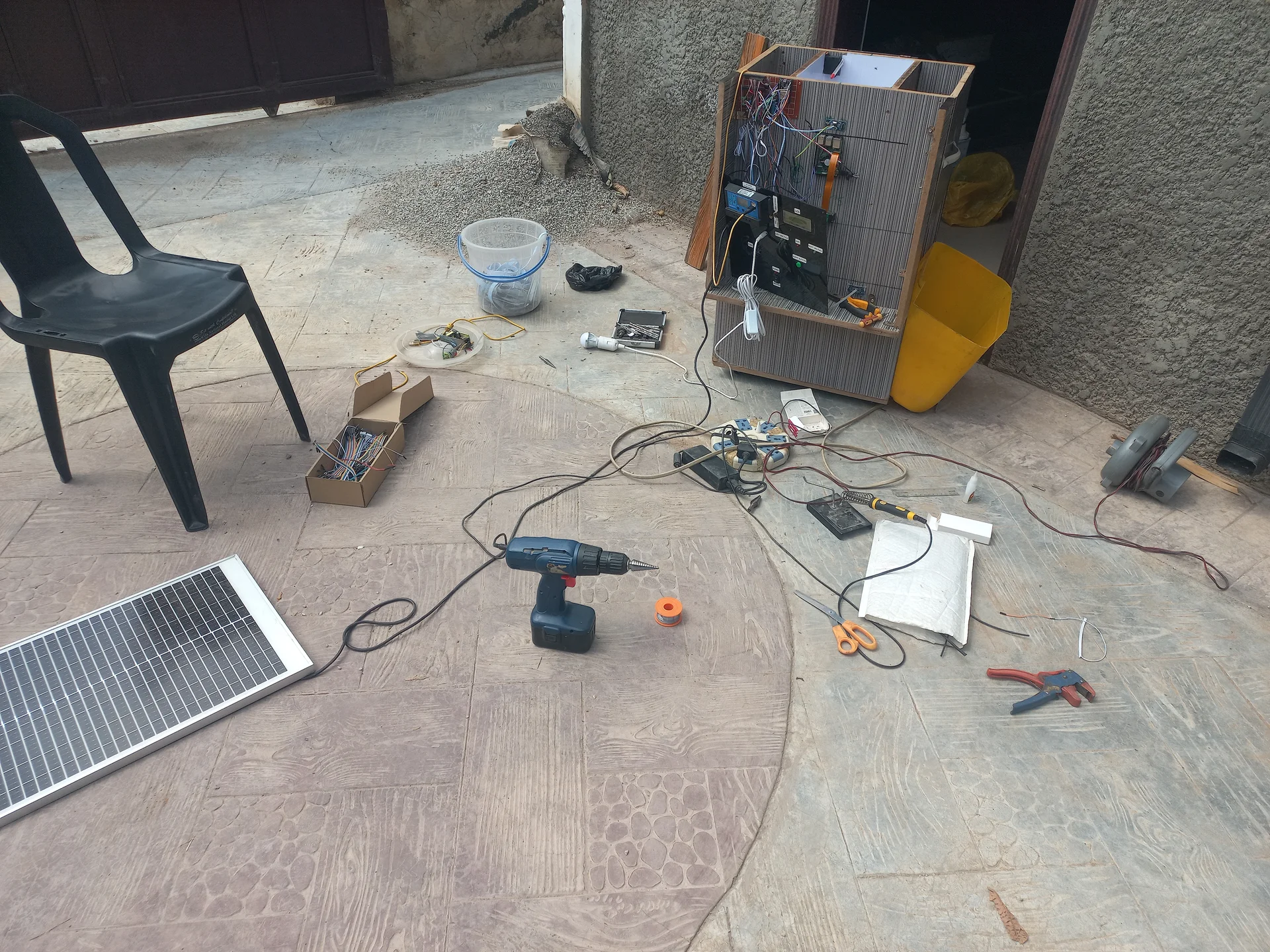
Wide outdoor shot showing the full workshop scene with the bin sitting on the ground, the electronics bay exposed, the solar panel and tools scattered around
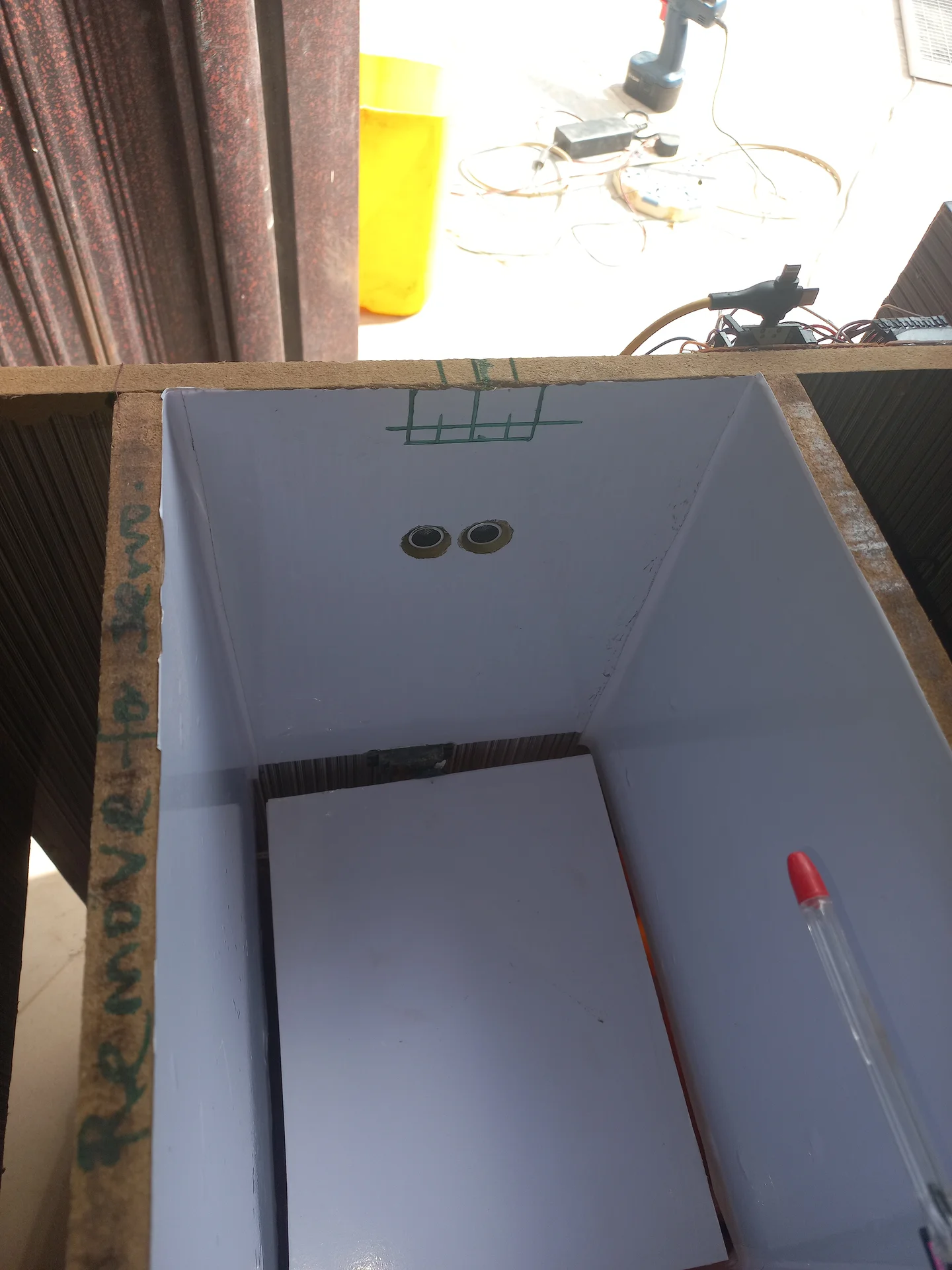
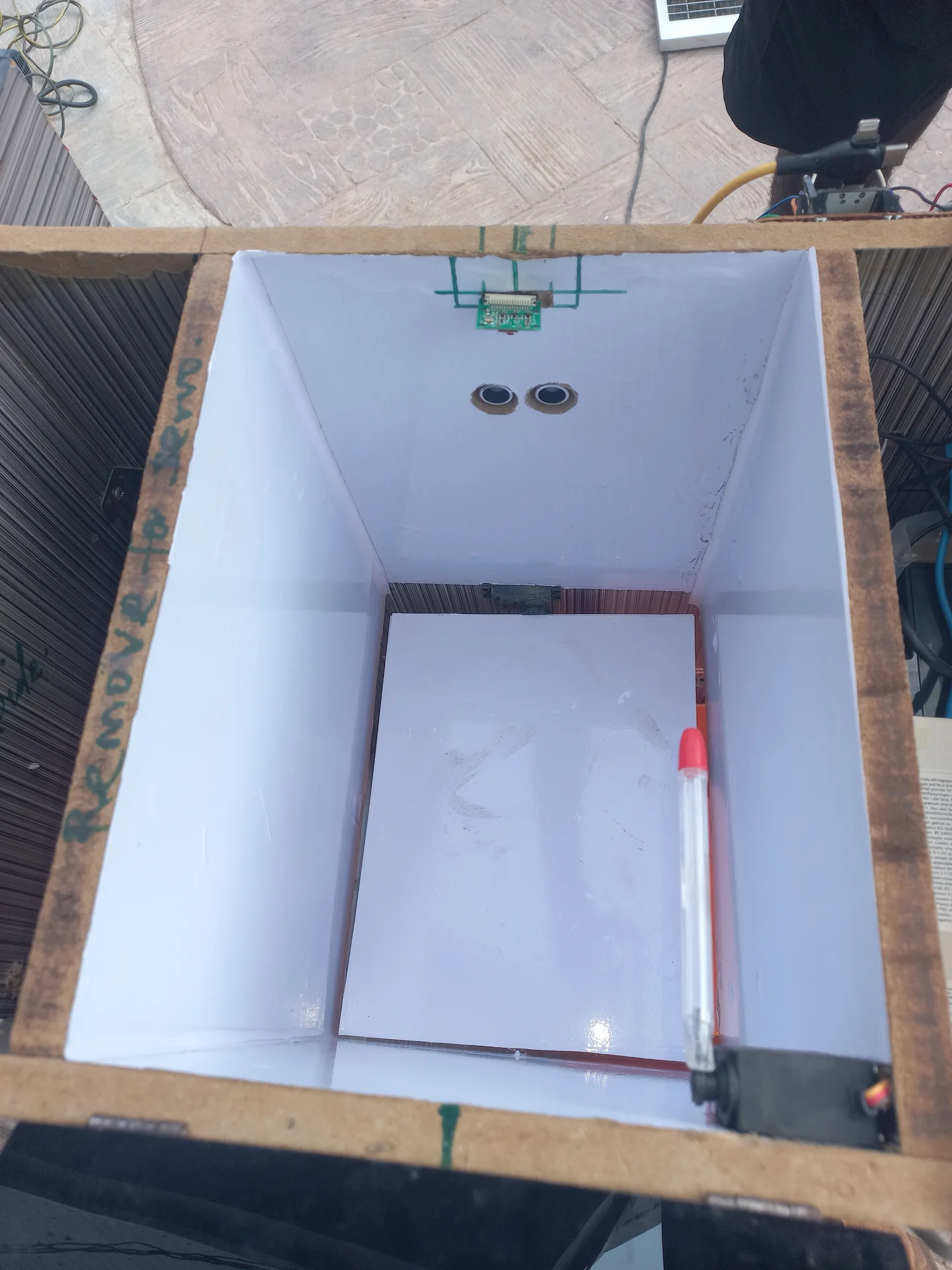
Angled top-down view into the bin showing two ultrasonic sensors on the interior front wall, with the white-lined sorting tray and a marker pen visible below
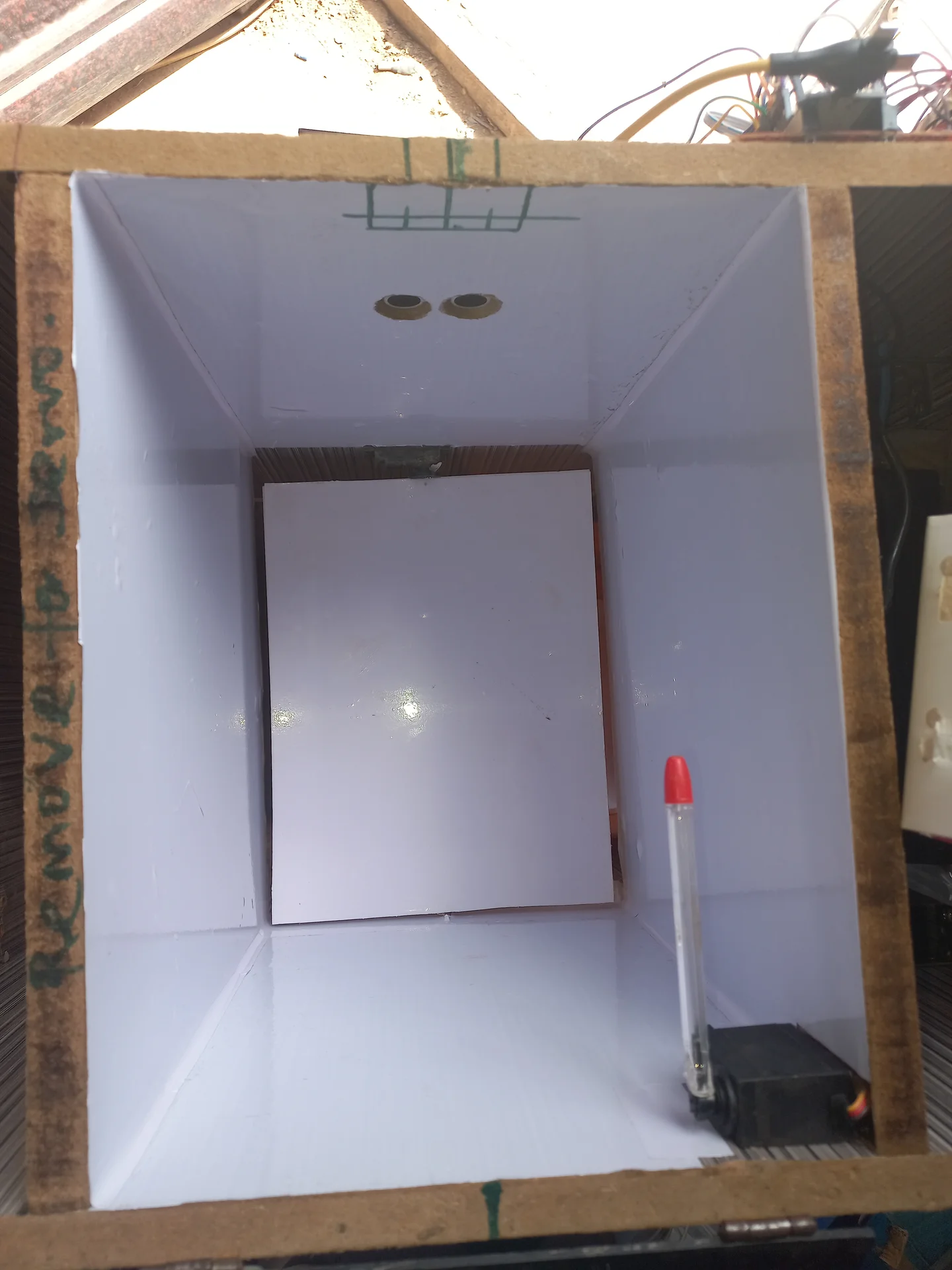
Front-on view into the bin interior showing the ultrasonic sensors on the back wall, the white sorting tray panel, and the servo motor at the bottom right
Top-down view into the bin interior showing the sorting tray panel flat in its resting position, with the servo motor on the right wall and ultrasonic sensors on the far wall
Electronics bay photographed from the open side, showing the full wiring harness before cable management
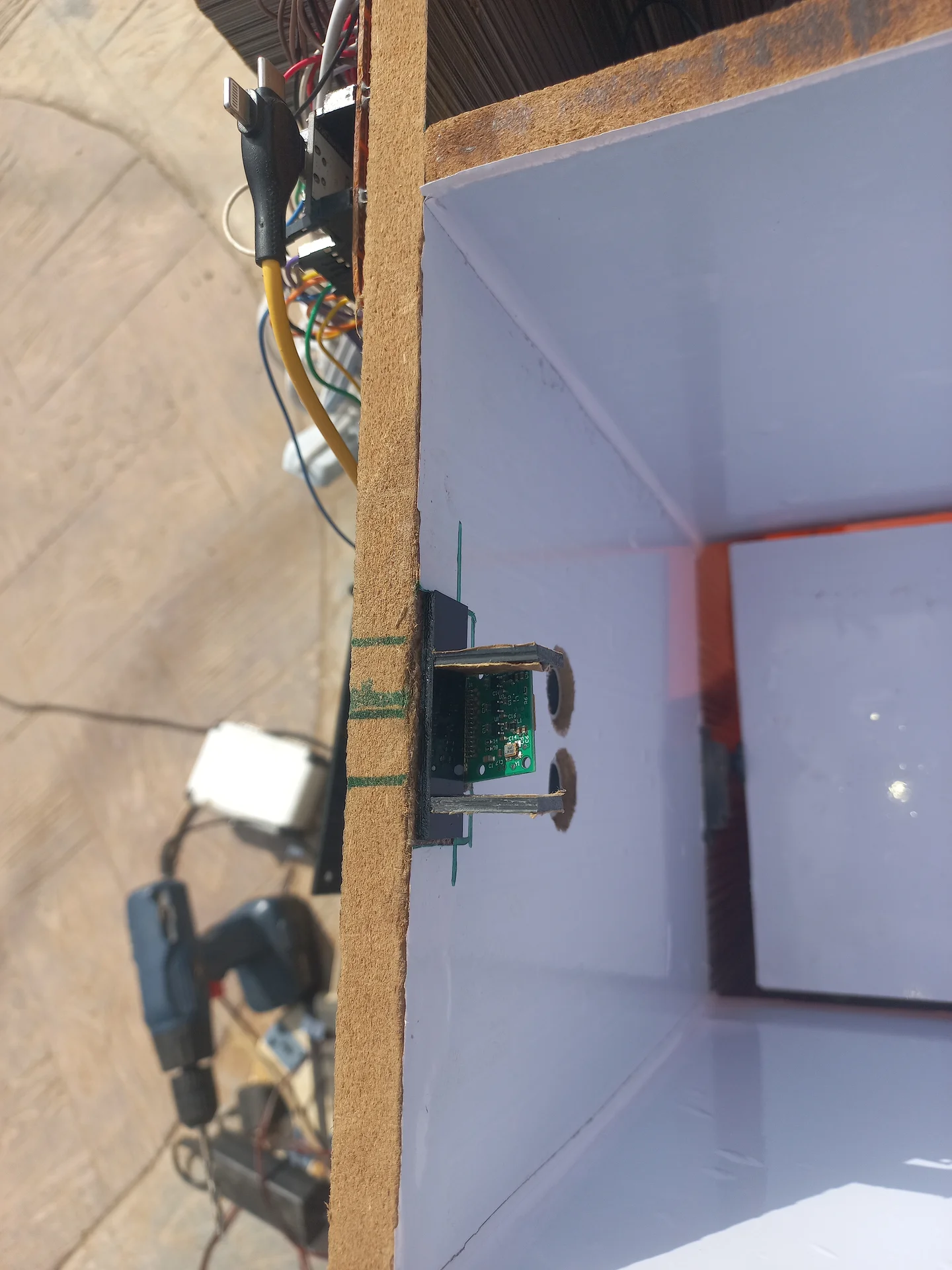
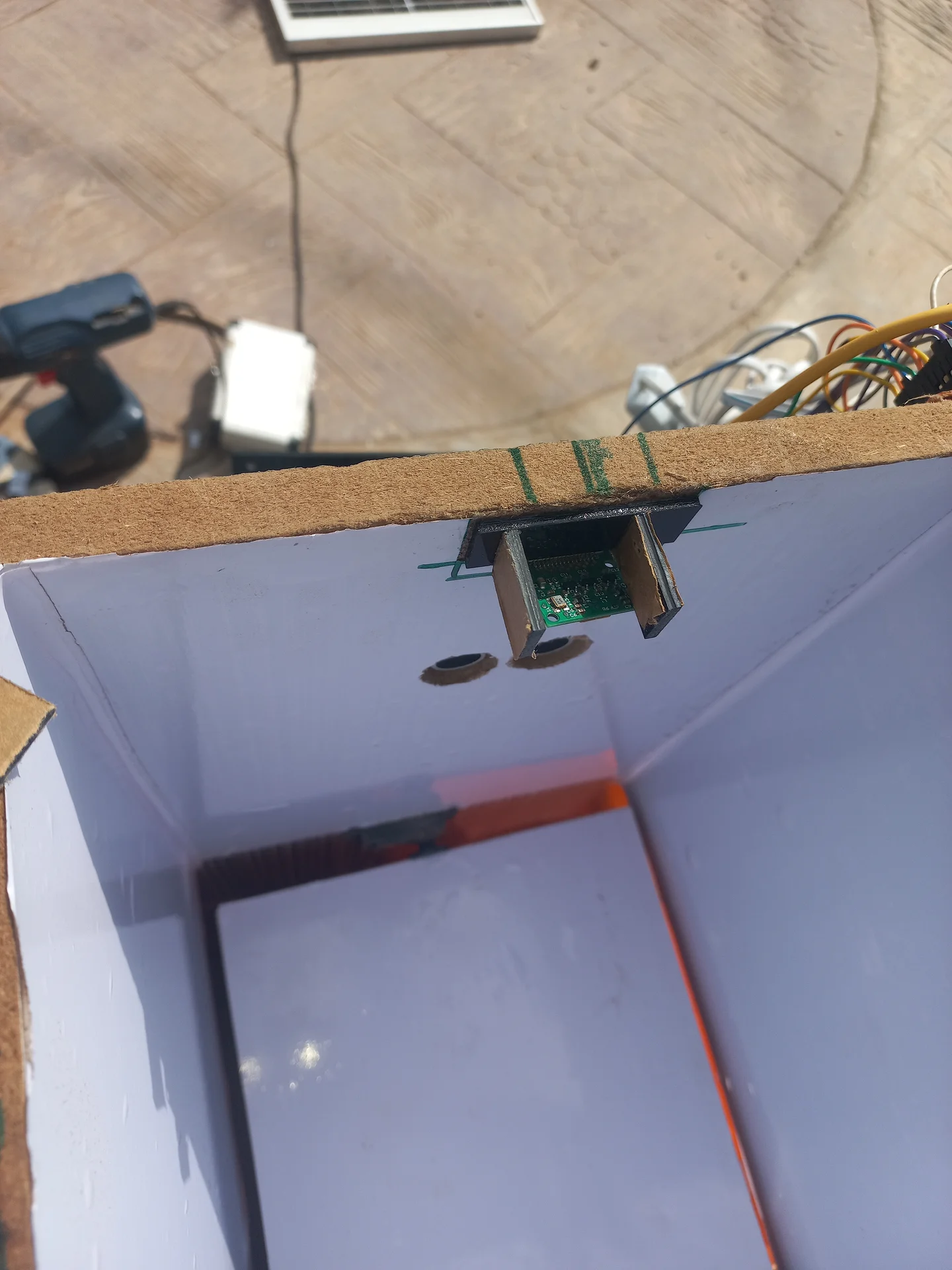
Top-down view of the sorting chamber with sensors on the walls and the camera lens visible at the top
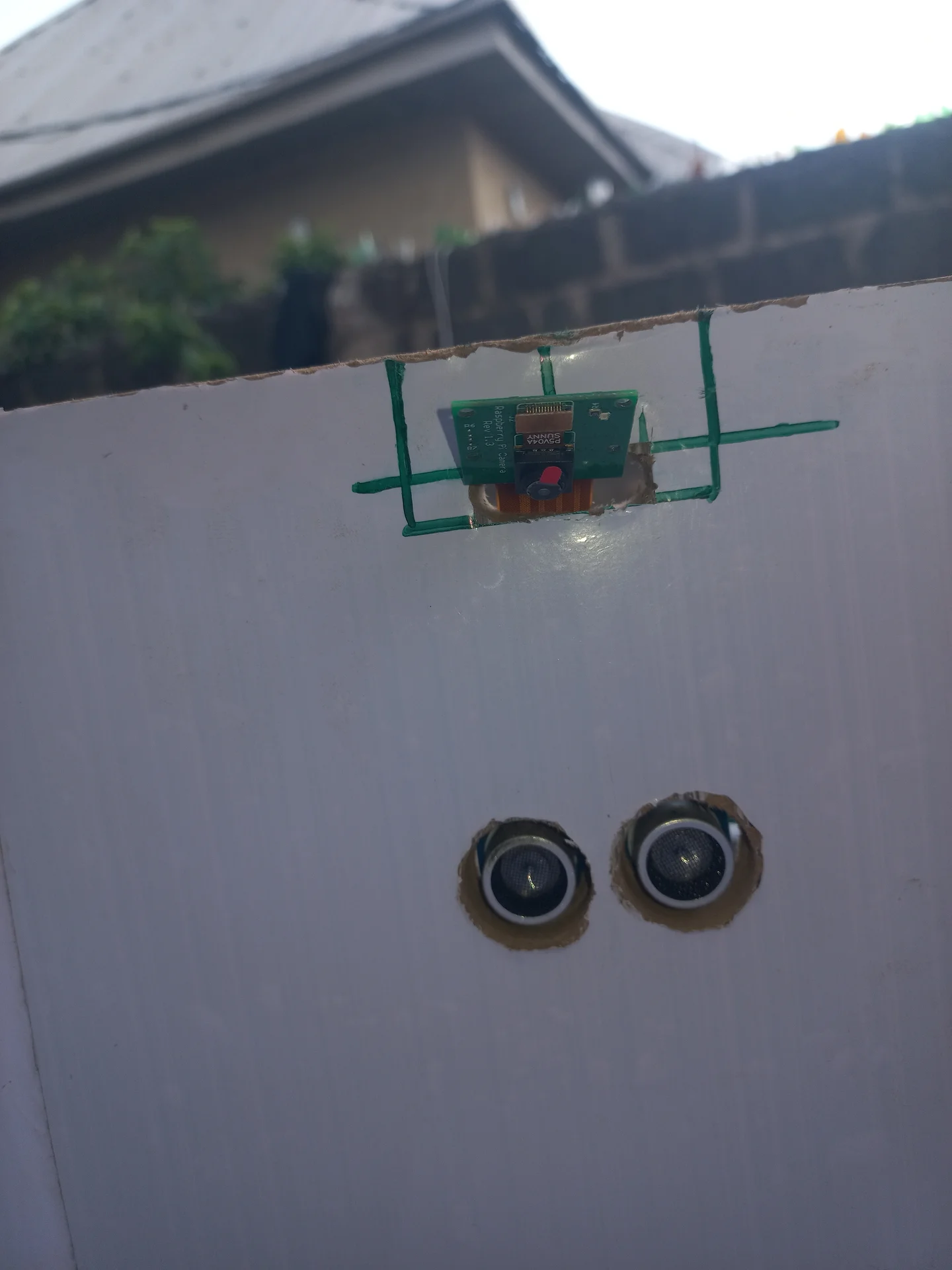
Exterior view of the bin wall showing the Pi Camera PCB mounted in its cutout at the top, with the two HC-SR04 ultrasonic sensor barrels mounted below it
View of the Pi Camera module mounted in its bracket at the top of the bin wall, angled downward to look into the sorting chamber
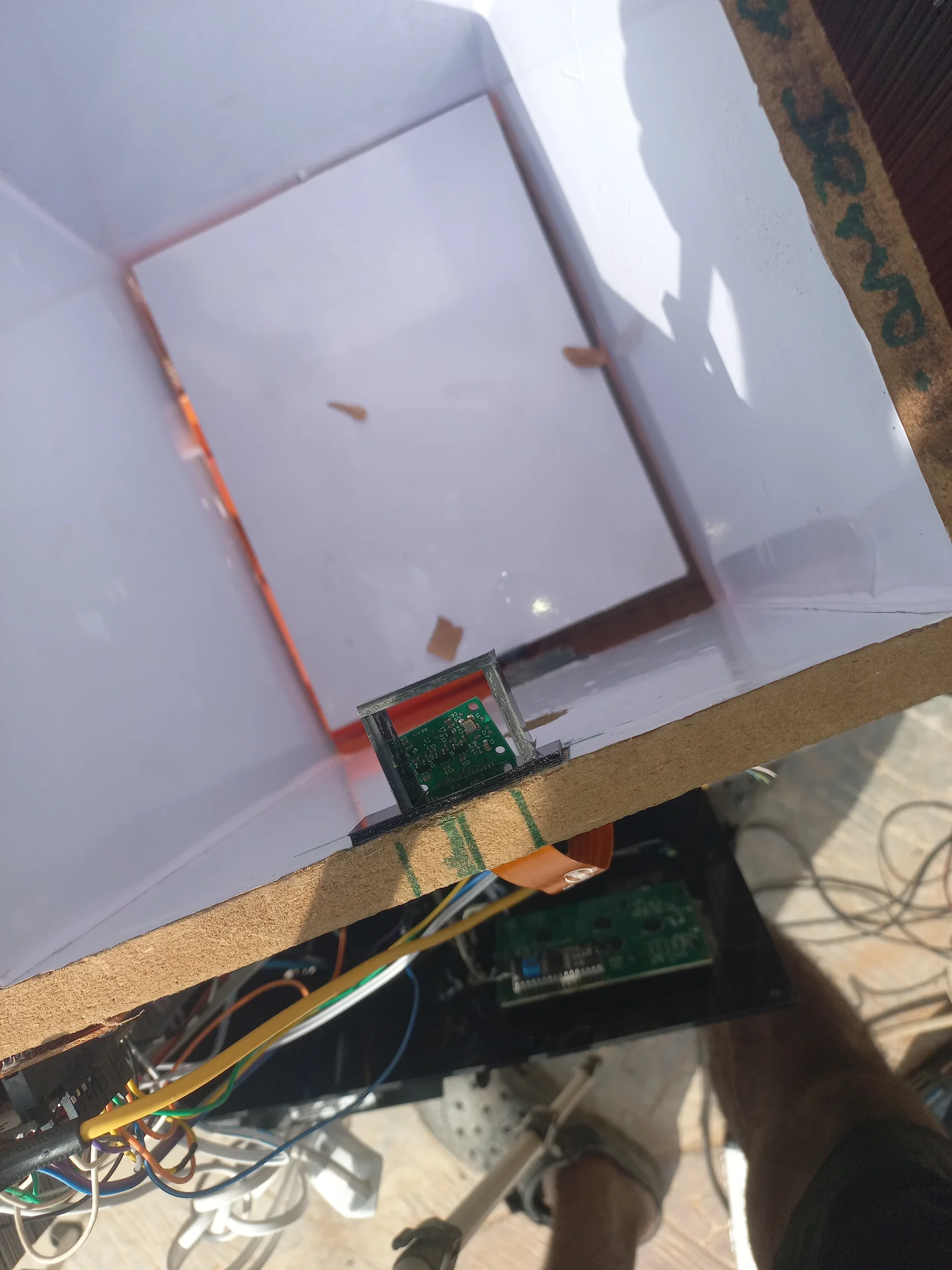
Top-down interior view of the Pi Camera bracket mounted at the top rim of the bin, showing the camera PCB angled into the sorting chamber
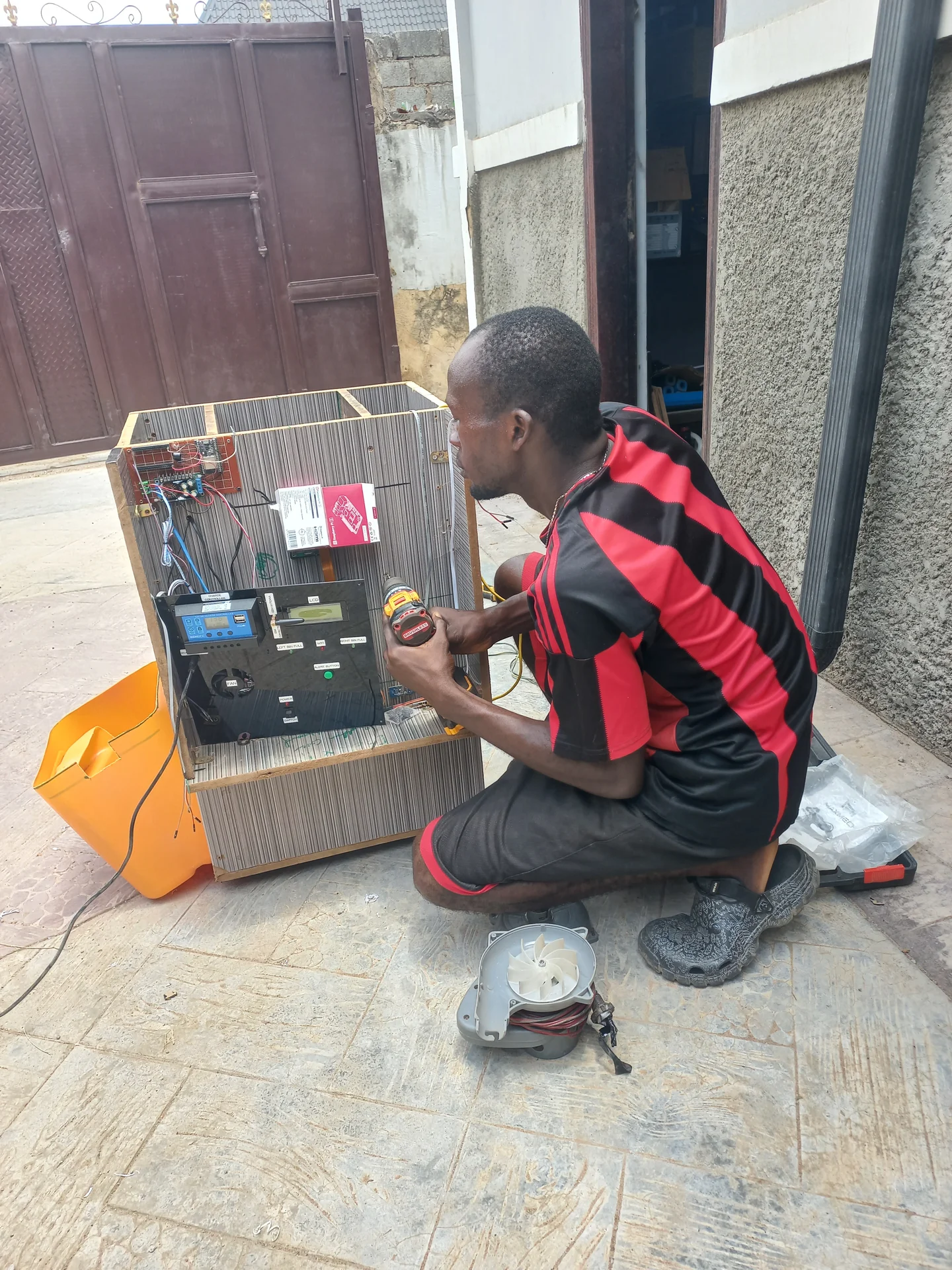
Builder crouching beside the bin outdoors, working on the open electronics bay, with the solar panel on the ground in the foreground
Interior view showing the orange CSI ribbon cable connecting the Pi Camera module at the top of the bin down to the Raspberry Pi board mounted below

Completed System and Live Testing

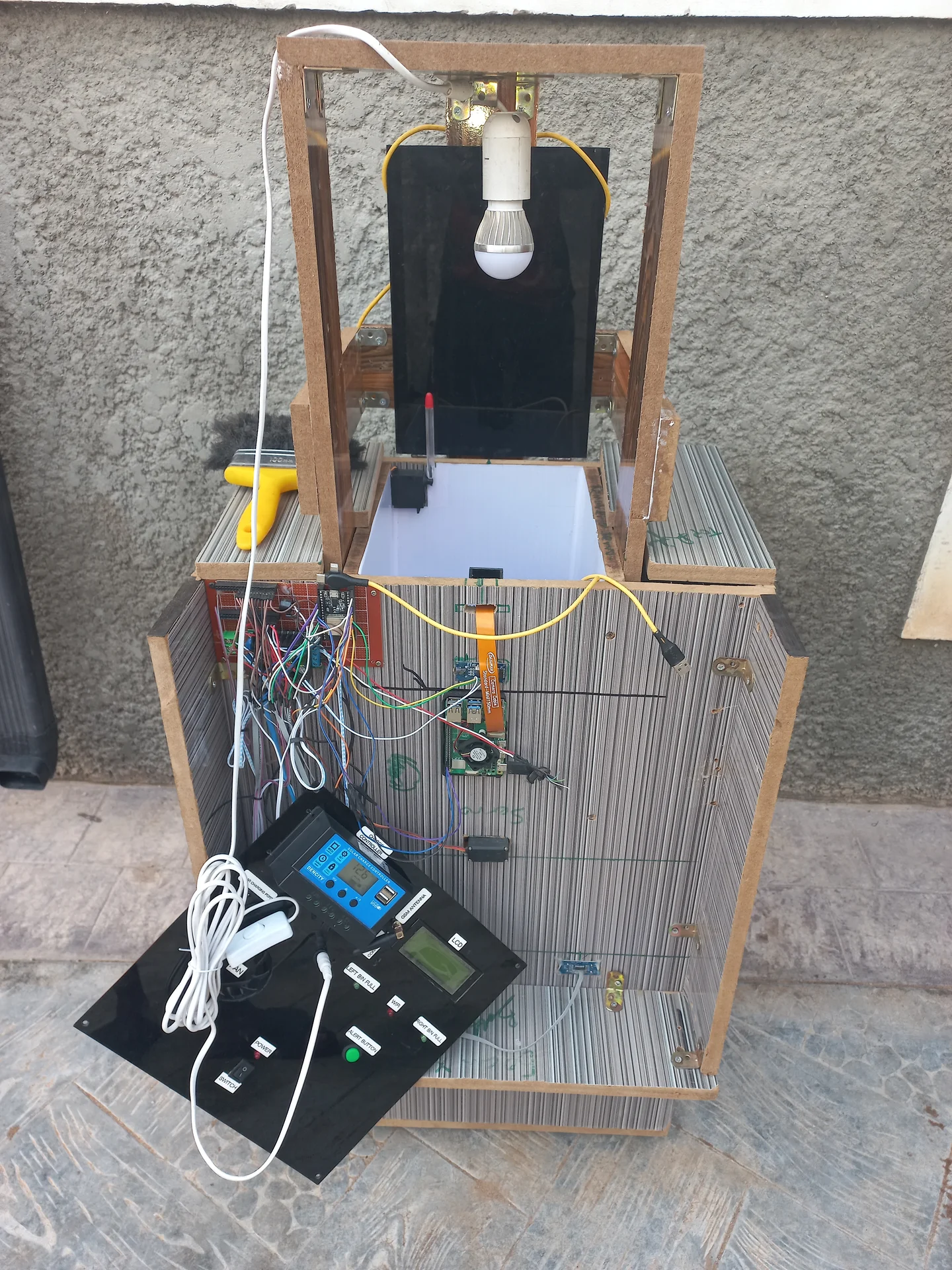
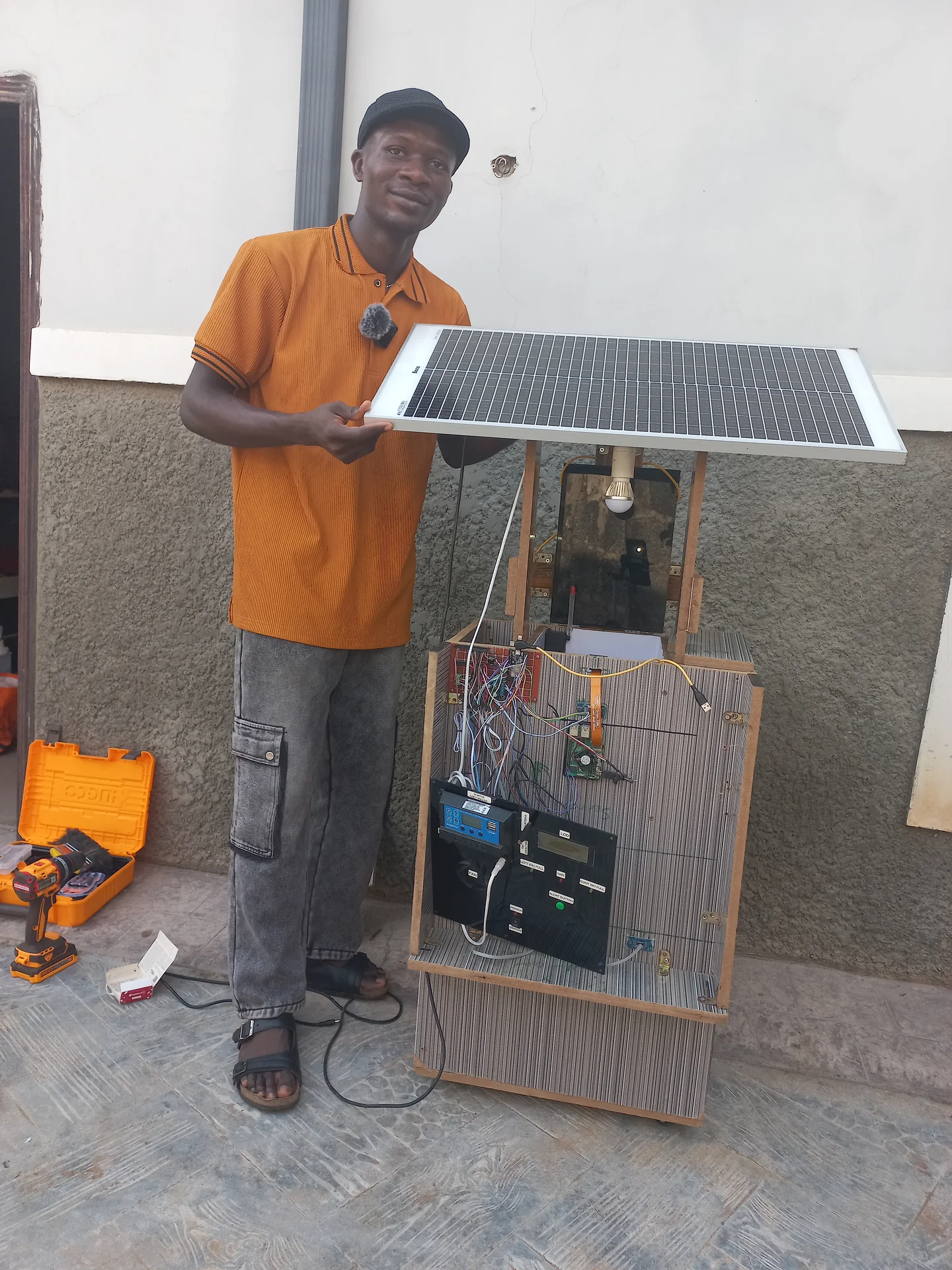
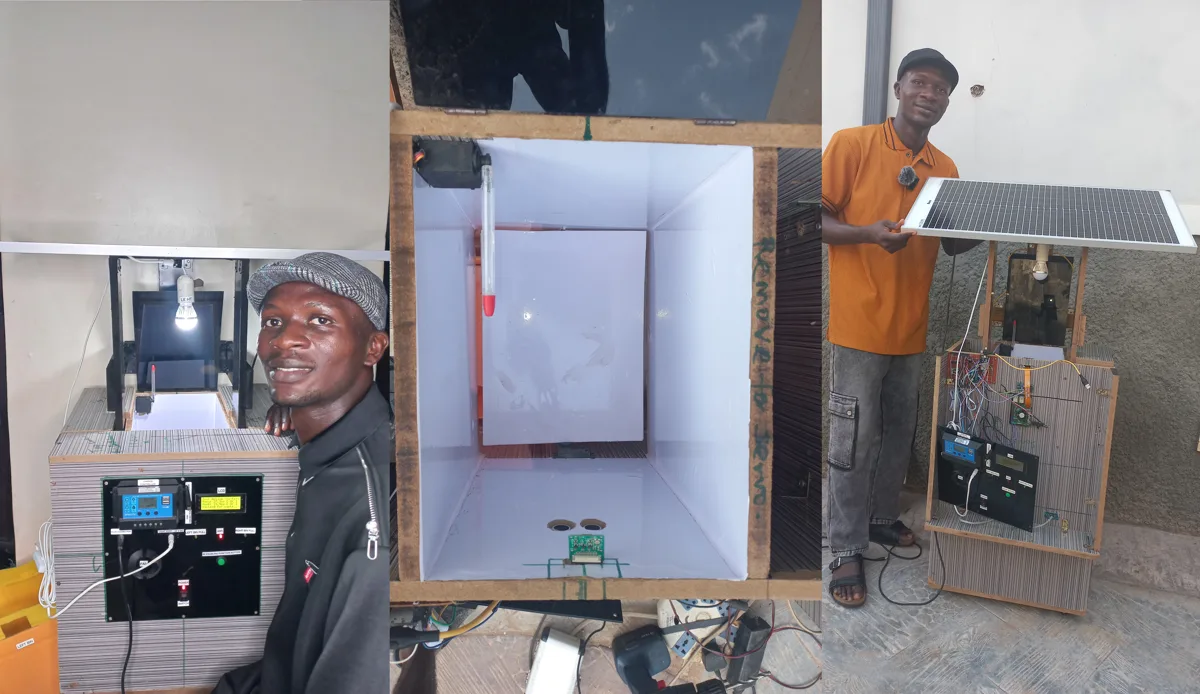
Front view of the assembled system outdoors showing the bin body, the open sorting chamber above with the interior light bulb on its frame, and the electronics panel face
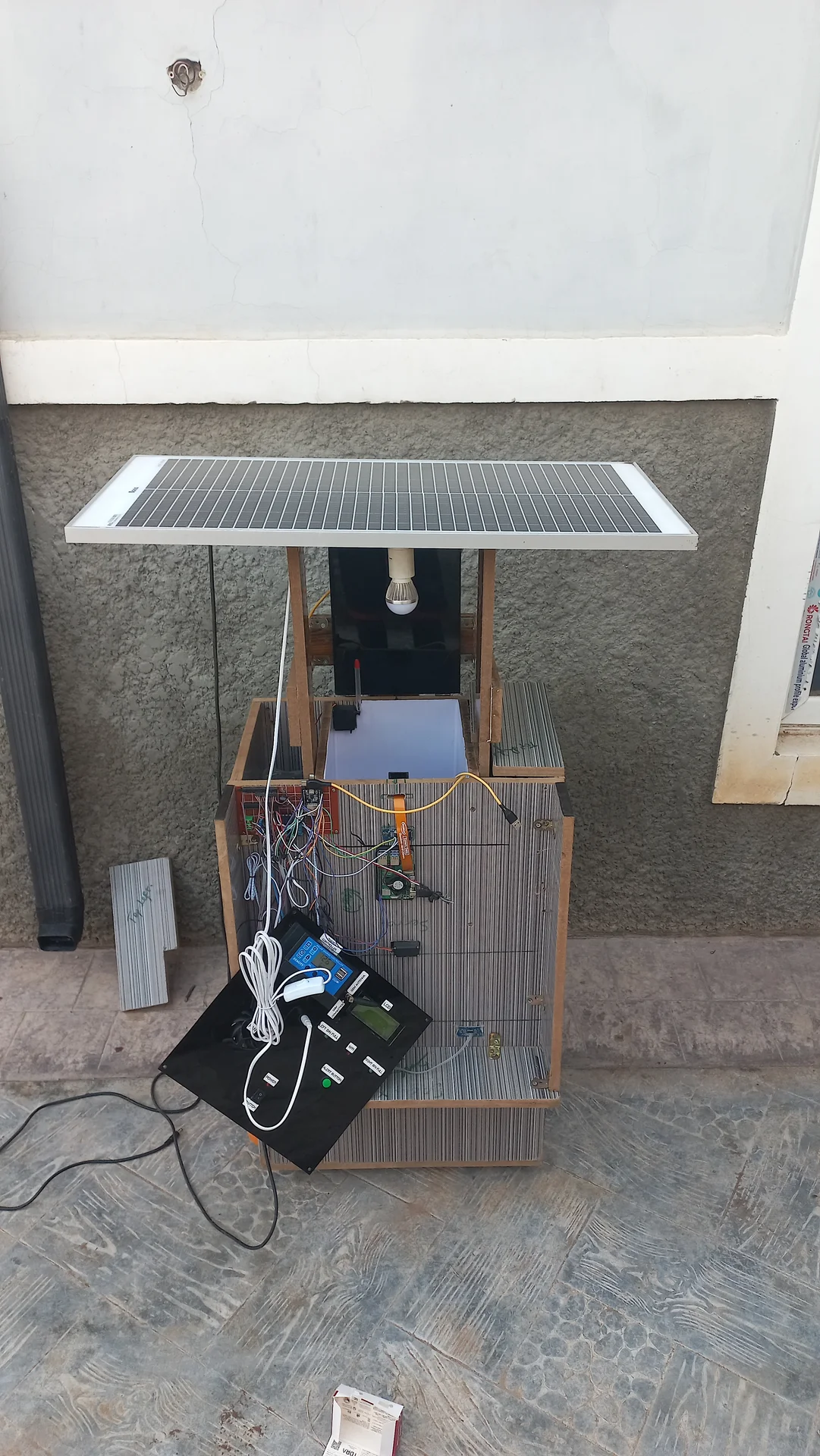
The integrated system with the solar panel mounted horizontally on the wooden overhead frame above the bin, showing the full physical assembly together
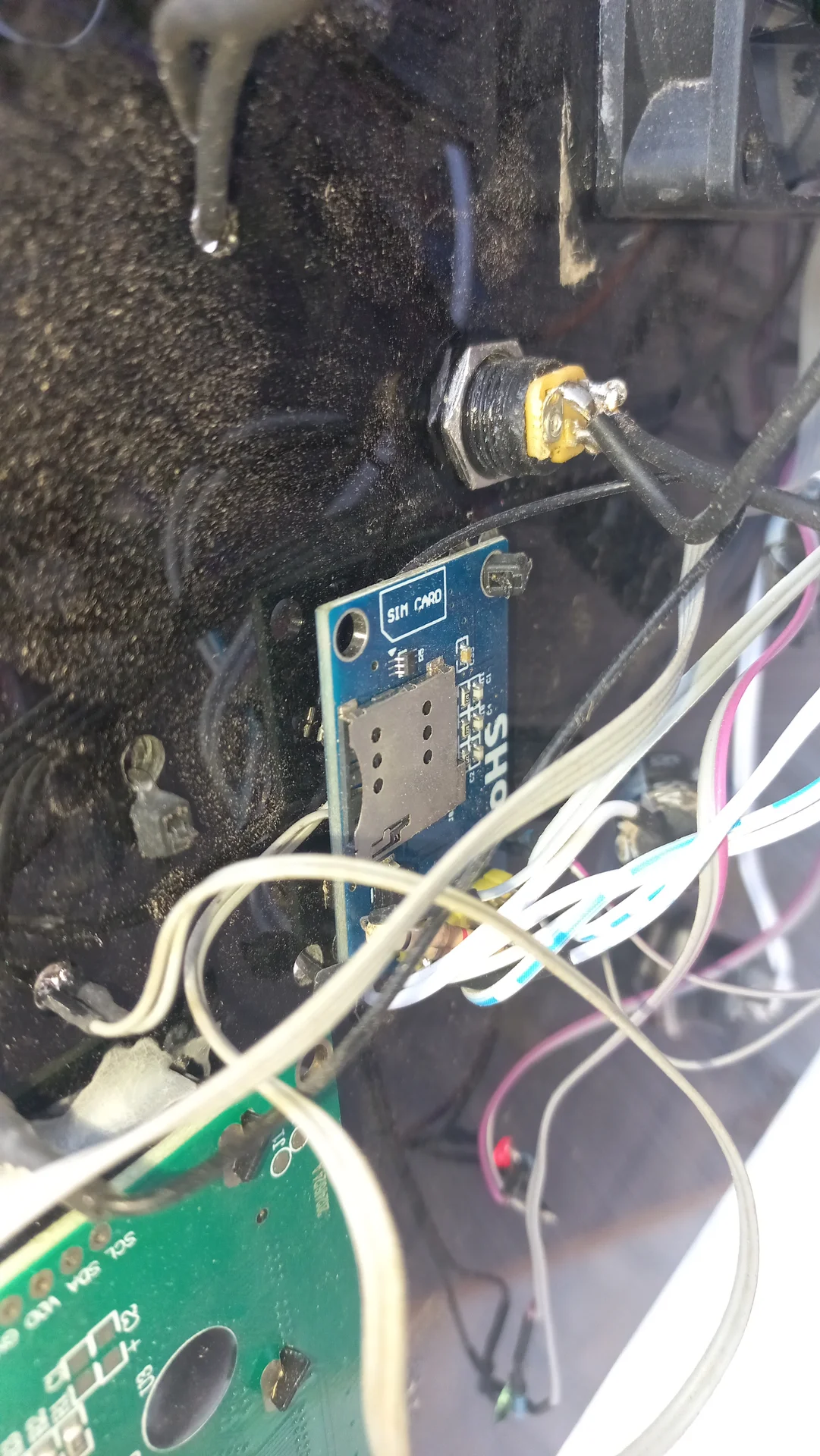
SIM800L module inside the electronics bay with the SIM card slot visible, confirming the GSM module is installed
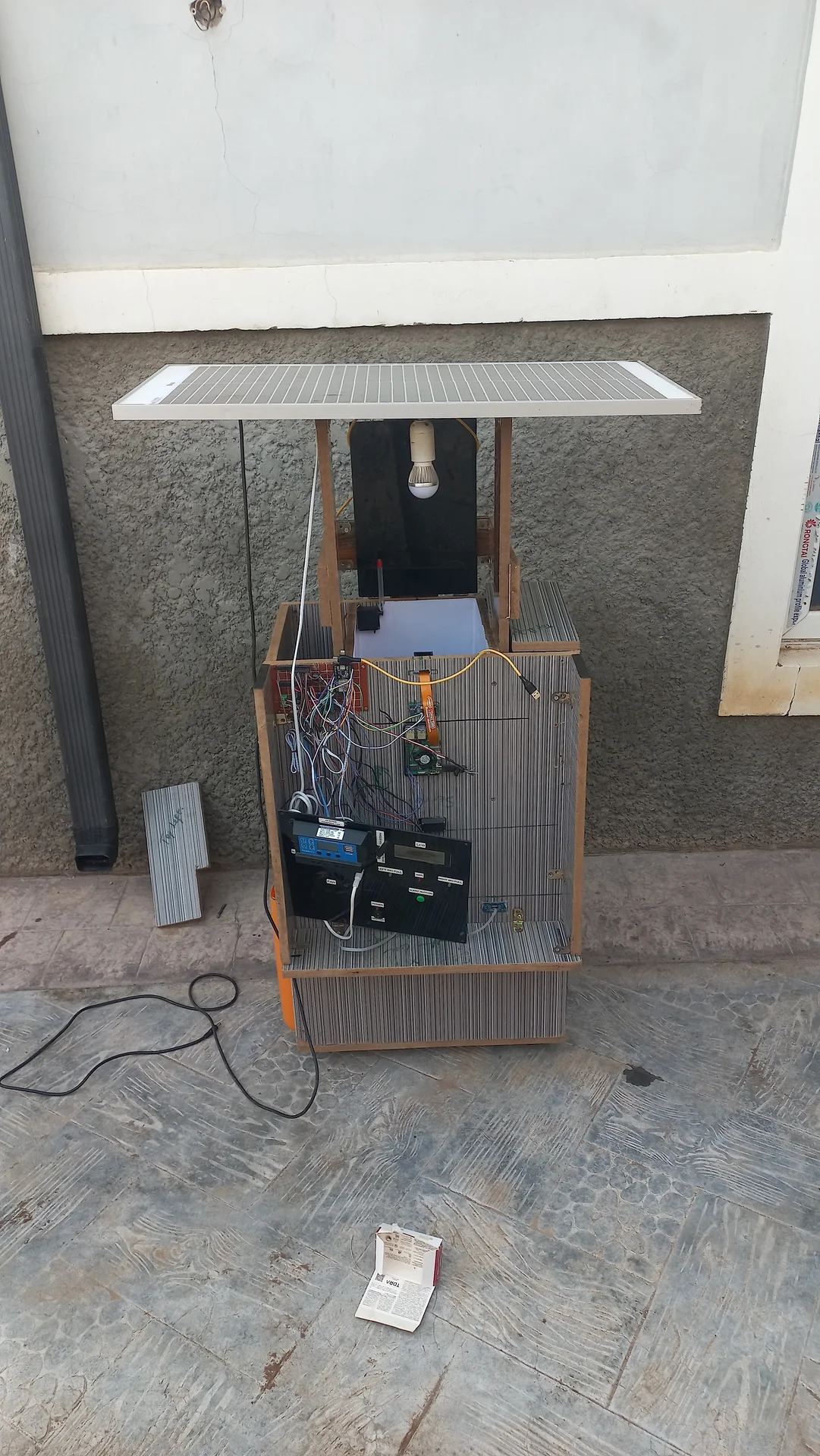
Full system view showing the bin, the overhead wooden frame, and the solar panel mounted flat on top, with the battery visible in the open electronics bay
Builder standing next to the assembled system, steadying the solar panel already mounted on the overhead frame, with the electronics panel face visible at front
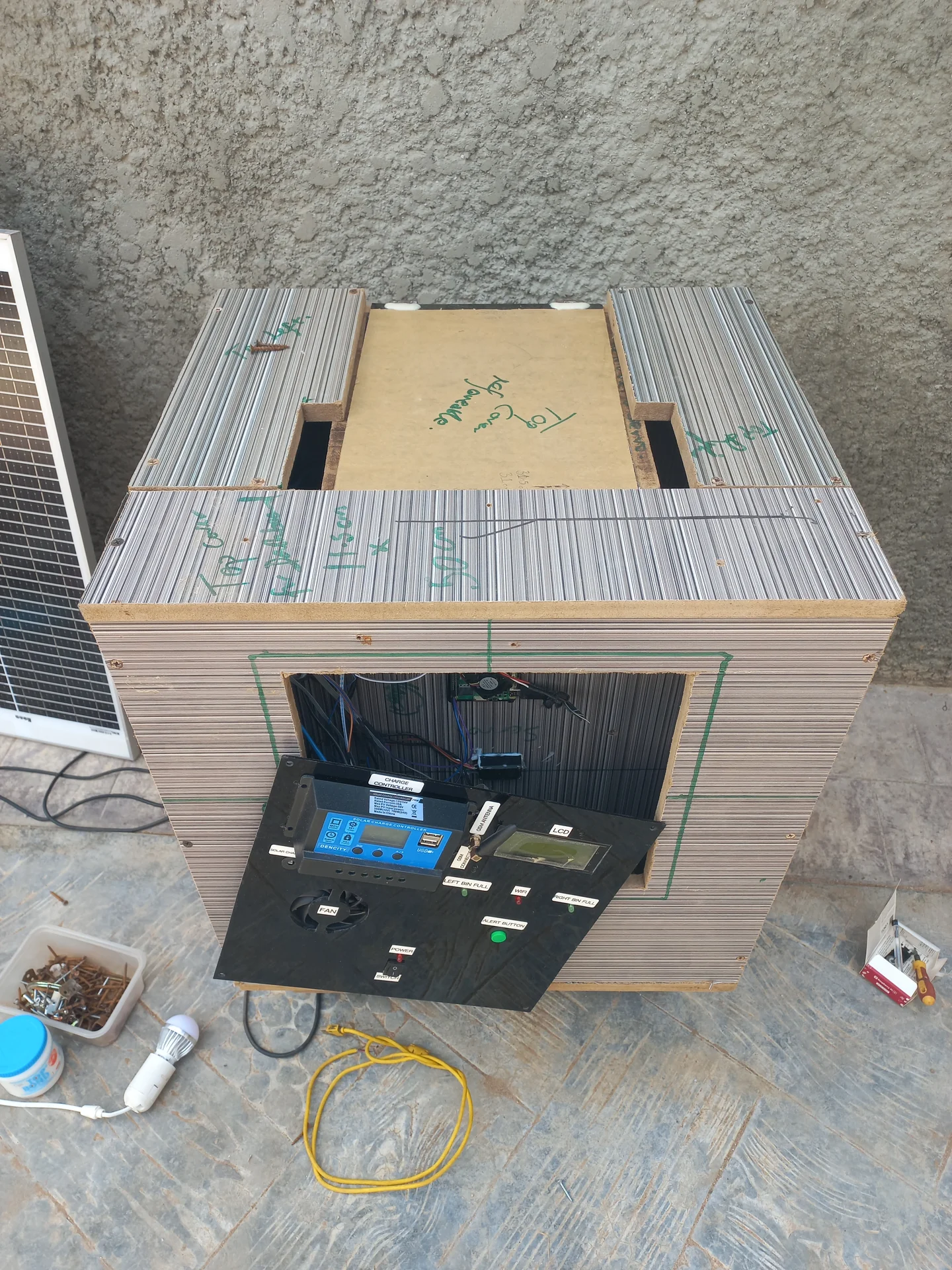
Front elevated view showing the top of the bin with marker annotations and the open electronics bay below, with the charge controller, LCD, fan and other components installed
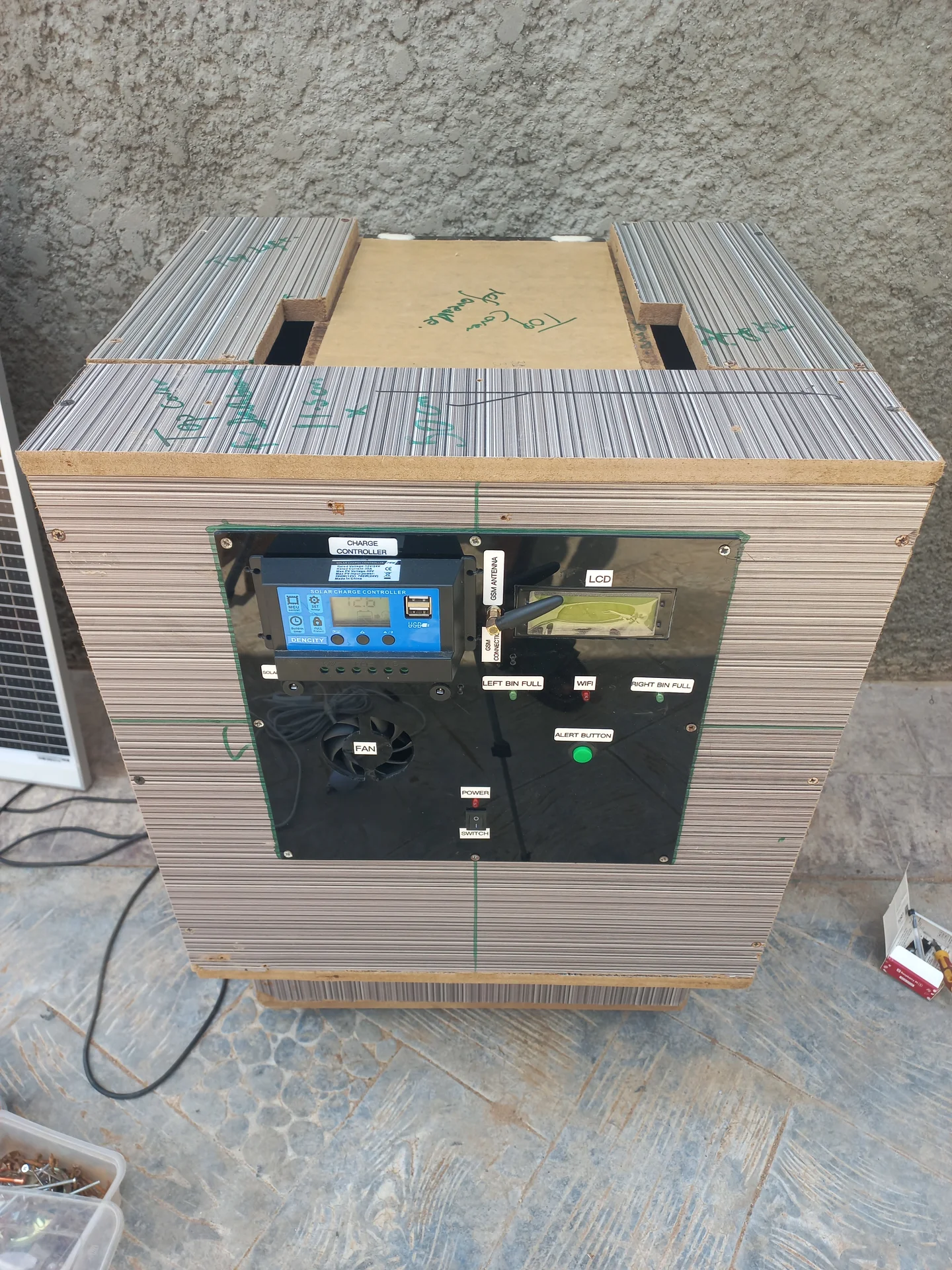
Front view of the enclosed bin showing the electronics panel with labels including CHARGE CONTROLLER, LCD, LEFT BIN FULL, WIFI, RIGHT BIN FULL, FAN and ALERT BUTTON
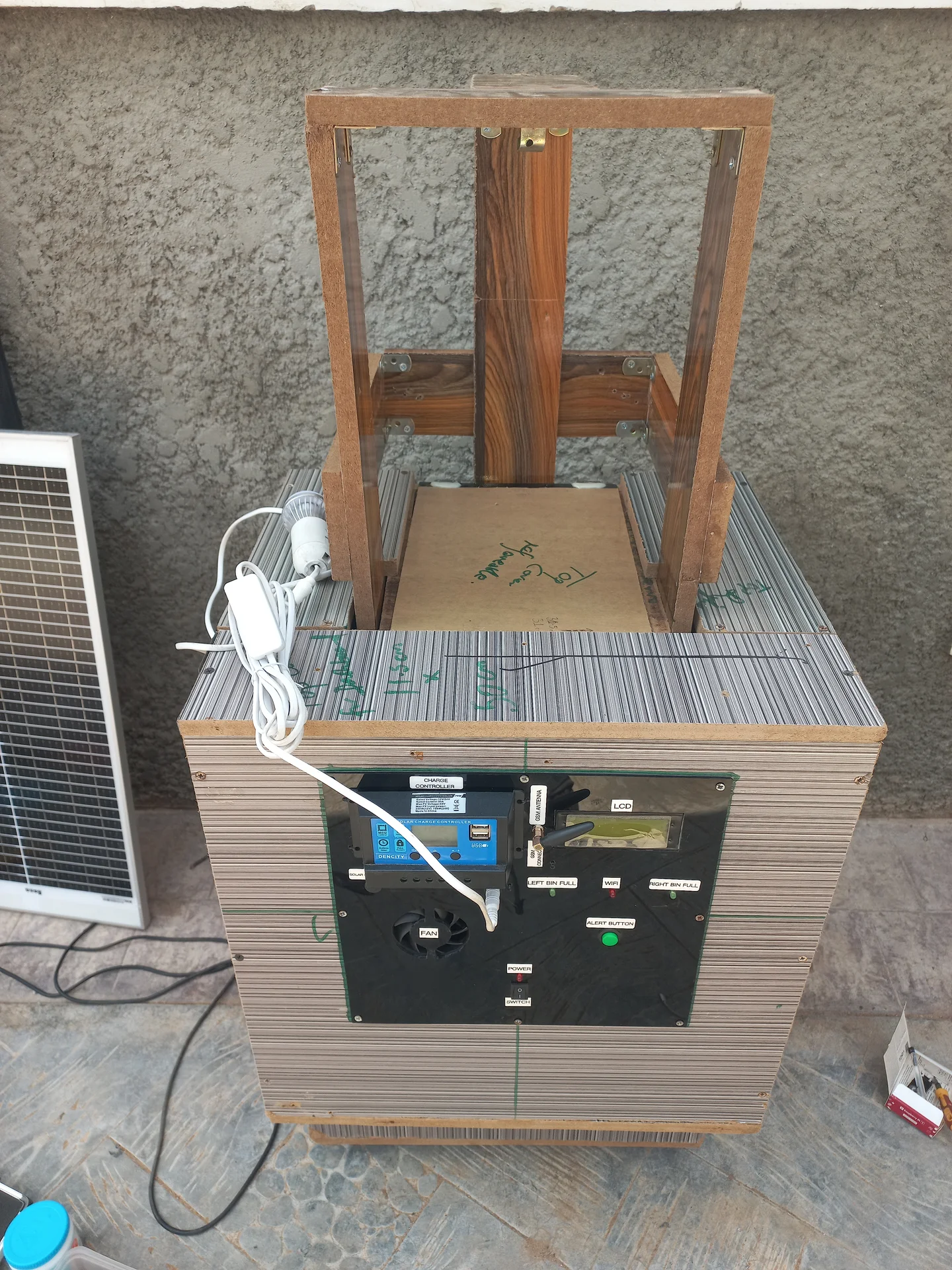
Side view of the bin on its wooden support frame, showing the overhead wooden frame structure above and the electronics panel at the front
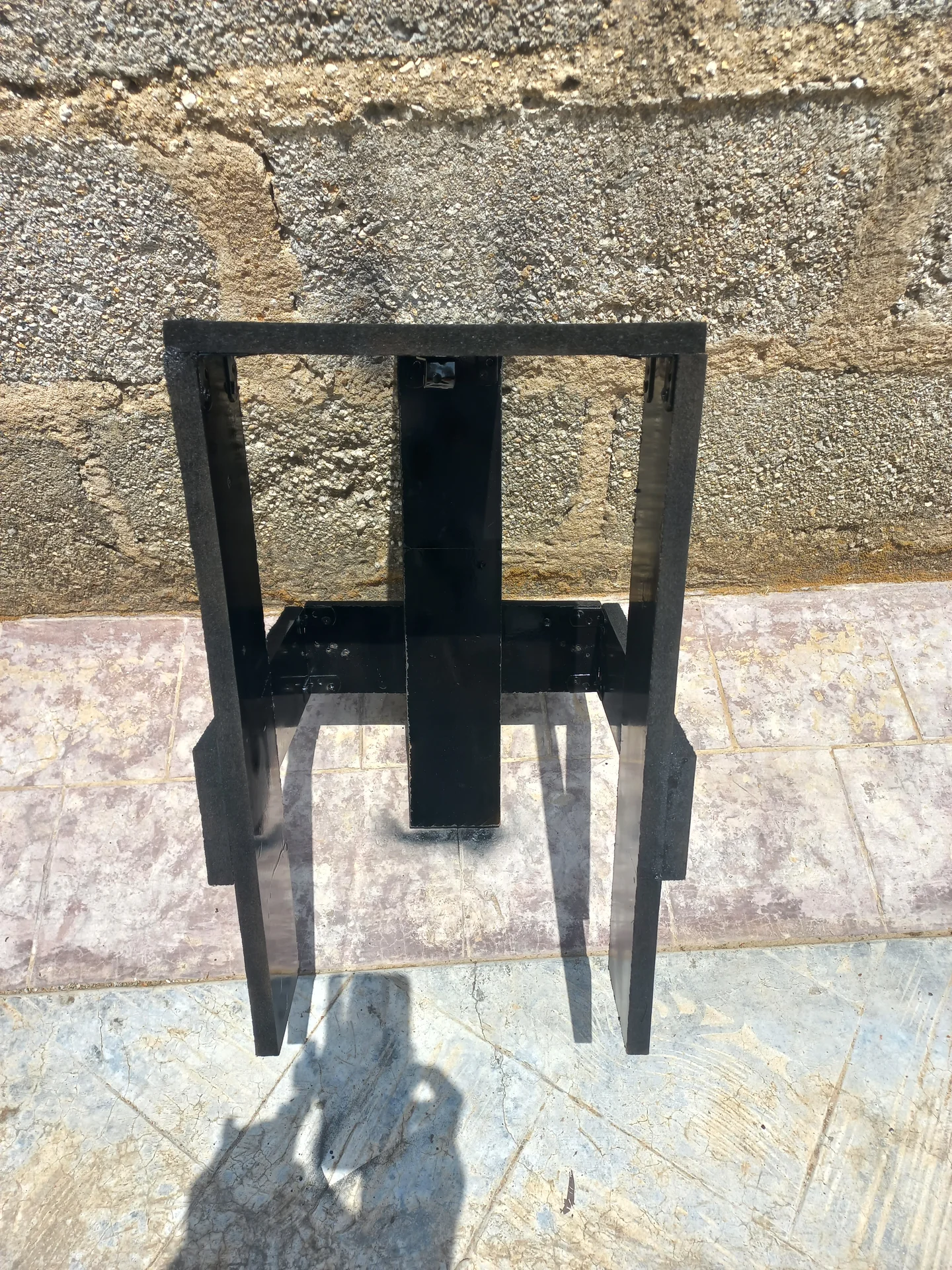
The black metal stand on its own, showing its rectangular frame construction with a central support column and base cross-brace
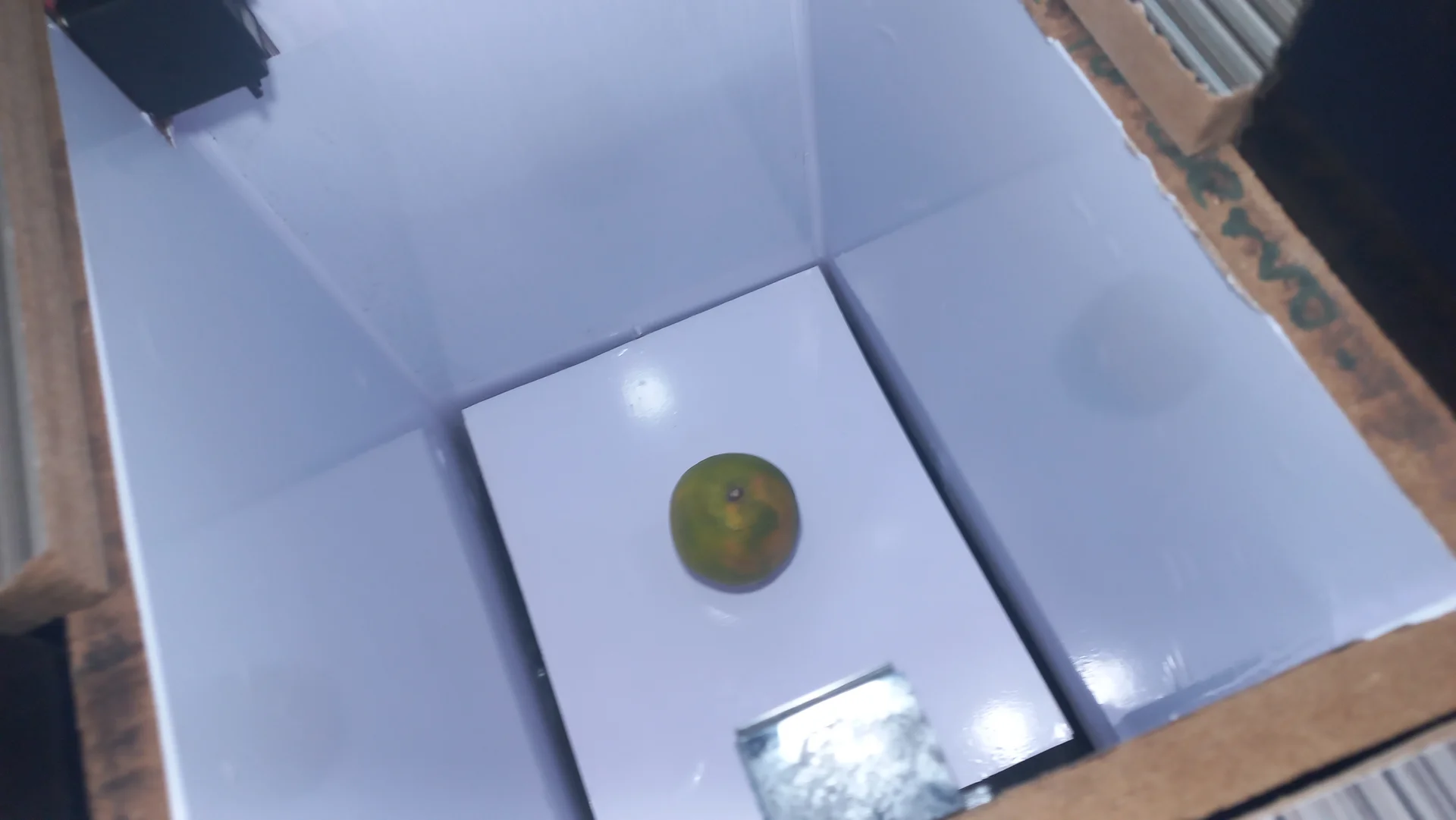
A green citrus fruit placed on the sorting tray inside the bin, used as the test organic waste item for classification
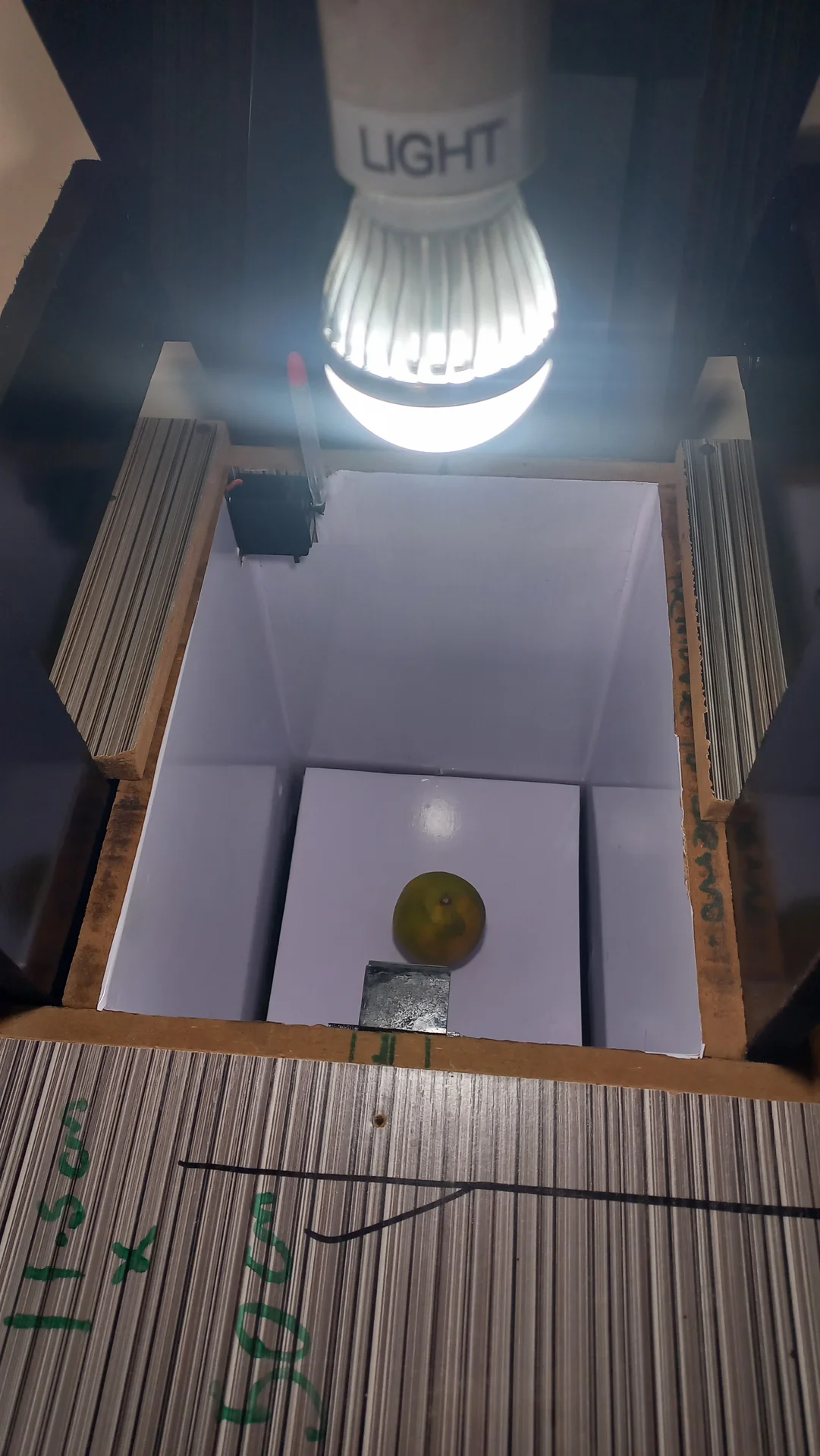
The interior lamp lit inside the sorting chamber during a demo run, with the green citrus fruit resting on the sorting tray
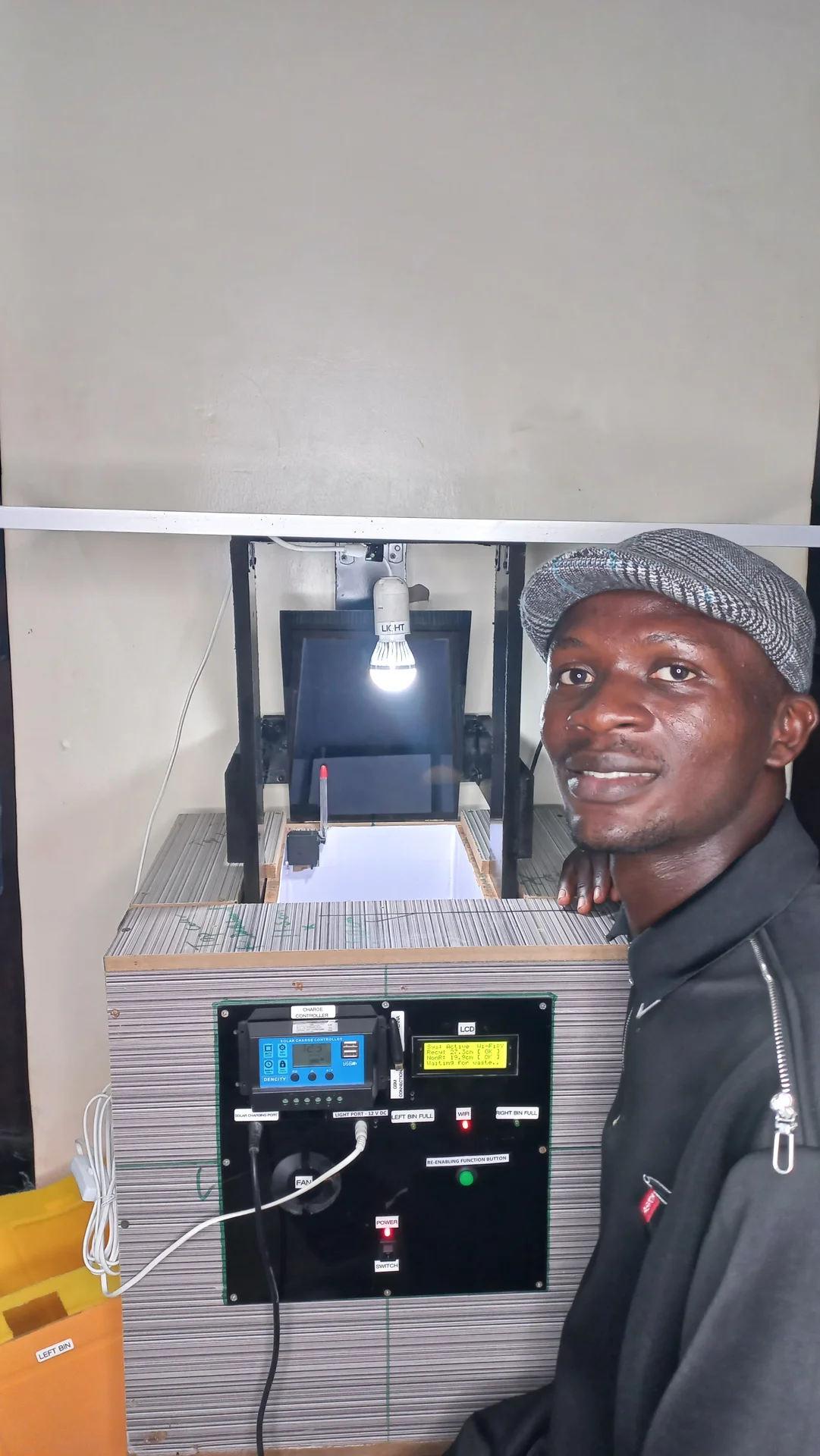
Builder standing beside the powered-on finished system, with the sorting chamber light visibly on and the electronics panel face showing

Video Demonstration

YouTube Demo, coming soon

A full walk-through of the sorting system in action will be uploaded to YouTube.


Project Links


Also see: Raspberry Pi 5 AI Companion Page
Covers the YOLO11n NCNN model, training pipeline on Google Colab, per-class accuracy metrics, NCNN optimisation, Python detection script, and systemd autostart configuration. View AI / SBC page →

Thank You for Visiting My Portfolio

I sincerely appreciate you taking the time to explore my portfolio and learn about my work and expertise. If you have any questions or wish to discuss potential collaborations, please feel free to reach out via the Contact section.

Best regards,
Damilare Lekan, Adekeye.